GTA V version?
1.0.2060.1
Up to date
yes
Legit or Pirate copy?
legit
Steam/CD/Social Club?
steam
Windows version?
windows 10 18363
Did you try to delete caches.xml and try again?
yes
System specifications
ryzen 5 2600
radeon rx 570
What did you do to get this issue?
i was driving fast
What server did you get this issue on?
PalseaRP
CitizenFX.log file
CitizenFX_log_2020-09-12T155451.log (5.4 KB) assert_fivem_steamchild.exe_20200912182028_1.dmp (340.4 KB) assert_fivem_steamchild.exe_20200912182028_1.dmp (340.4 KB) assert_fivem_steamchild.exe_20200912182028_1.dmp (340.4 KB) assert_fivem_steamchild.exe_20200912170047_1.dmp (292.8 KB)
.dmp files/report IDs
If an issue with starting:
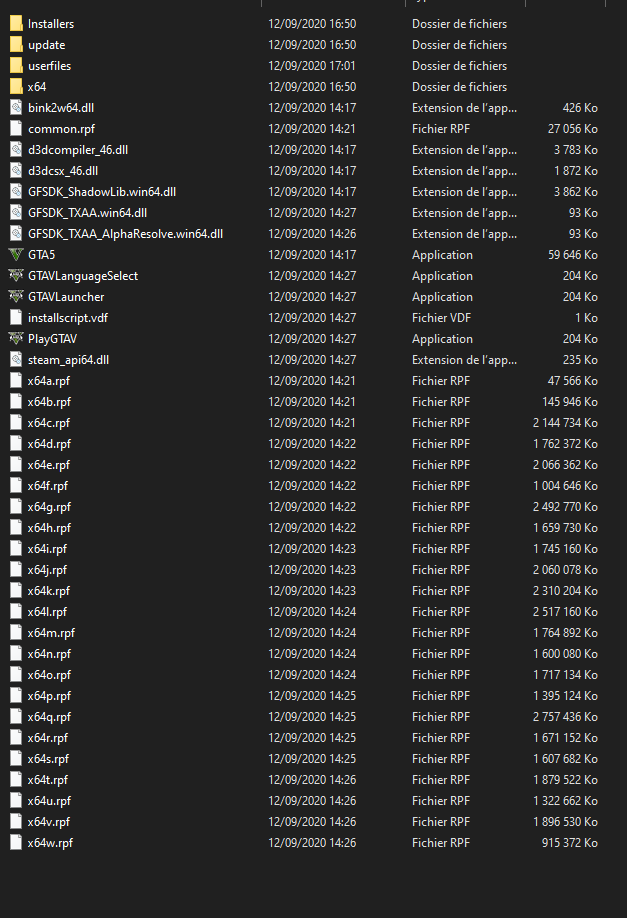
GTA V folder screenshot
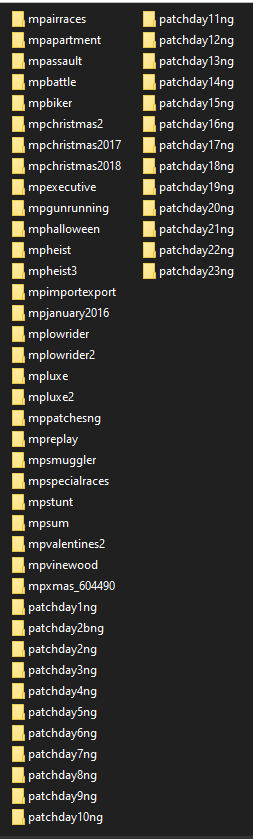
GTA V/update/x64/dlcpacks screenshot
Filepath to FiveM folder
C:\Users\33785\AppData\Local\FiveM
FiveM client folder screenshot

Which antivirus/firewall software are you using?
avira
Did you try to disable/uninstall your Anti-virus?
yes
Also add what you already tried so far.
direcX
reinstalled GTA V and FiveM
empty cache
