How to migrate to CouchDB from MySQL
As you know, we have now three choice for storing data immediately available now:
- First : use the old mysql library from essentialmode <= 2 (not recommanded because it breaks servers with bugs related to DataReader for example)
- Second : use a custom mysql library released by @Brouznouf : mysql-async ([Release] MySQL Async Library - 3.3.2, there is a guide about this one)
- Third : use CouchDB used by EssentialMode >= 3
If there’s more, sorry, please notice me ^^’
But in this tutorial, we’ll see how to migrate MySQL data to CouchDB for people who wants to test it or develop with it.
Before doing this, I highly recommand you to read this :
https://blog.couchbase.com/how-move-mysql-couchbase-server-20-part-1/
and
https://blog.couchbase.com/how-move-mysql-couchbase-server-20-part-2/
If you are a developper, you can have to think about a new structure about your data
Requirement :
- Having a working CouchDB 2 setup
- Having PhpMyAdmin or knowledge about the tool you are using
1/ Export a table (not all table, just one, example : police), with phpmyadmin or any tool you prefer, in JSON Format
-
Select your database
-
Select the table you want to export
-
Click on the Export tab
-
Select the JSON value in the drop-down list then click Go
-
Now you have all table’s data on a single file, please keep it


2/ Create a new database on couchdb related to data you are going to export
-
Go to Fauxton on Apache CouchDB : e.g. http://127.0.0.1:5984/_utils/
-
Click on Create Database
-
Enter the database name you want (related to data you are migrating) in the field then click Create


3/ We are going tu use curl so if you you have Windows, I recommand you to install GitBash. On Linux, you can just download packages
-
Linux
- Please install curl package (if you don’t know how, it depends the distribution of your linux, so refer to Google)
-
Windows
- Install GitBash : https://git-for-windows.github.io/
I recommand to not change default settings during installation if you don’t know what you are doing except about PATH environment (refer to picture)
- Install GitBash : https://git-for-windows.github.io/

4/ Open GitBash/terminal and go to the directory where your exported file is (in the example, my police.json is on the Desktop)
-
Linux
- Use cd to change directory (I think you know how to do
 )
)
- Use cd to change directory (I think you know how to do
-
Windows
- Go to the directory you put your file then Left-Click and select “Git Bash here”
Sorry for French texts by the way ^^
- Go to the directory you put your file then Left-Click and select “Git Bash here”

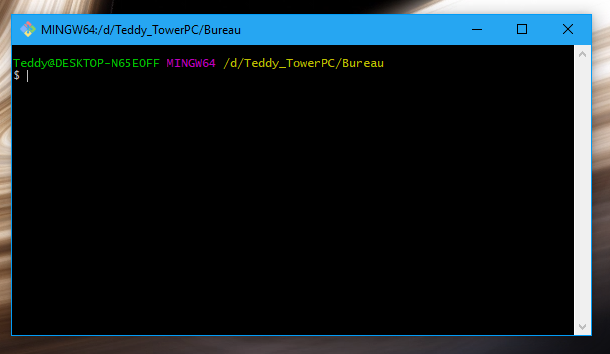
Now, you should have this kind of window
5/ Now you have to edit your exported file :
-
Remove all comments
-
Add ‘{“docs” : ALL_DATA }’


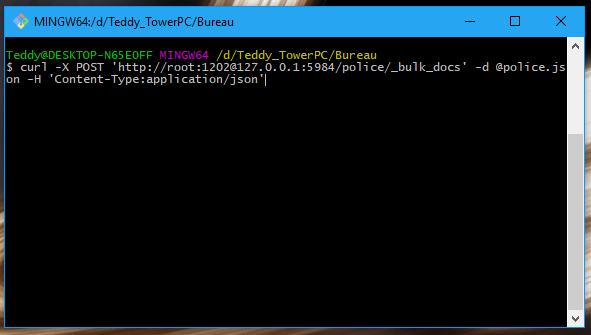
6/ Type in GitBash/terminal :
curl -X POST 'http://user:pass@host:port/dbname/_bulk_docs' -d @yourFile.json -H 'Content-Type:application/json'
-
In our case : curl -X POST ‘http://root:1202@127.0.0.1:5984/police/_bulk_docs’ -d @police.json -H ‘Content-Type:application/json’
-
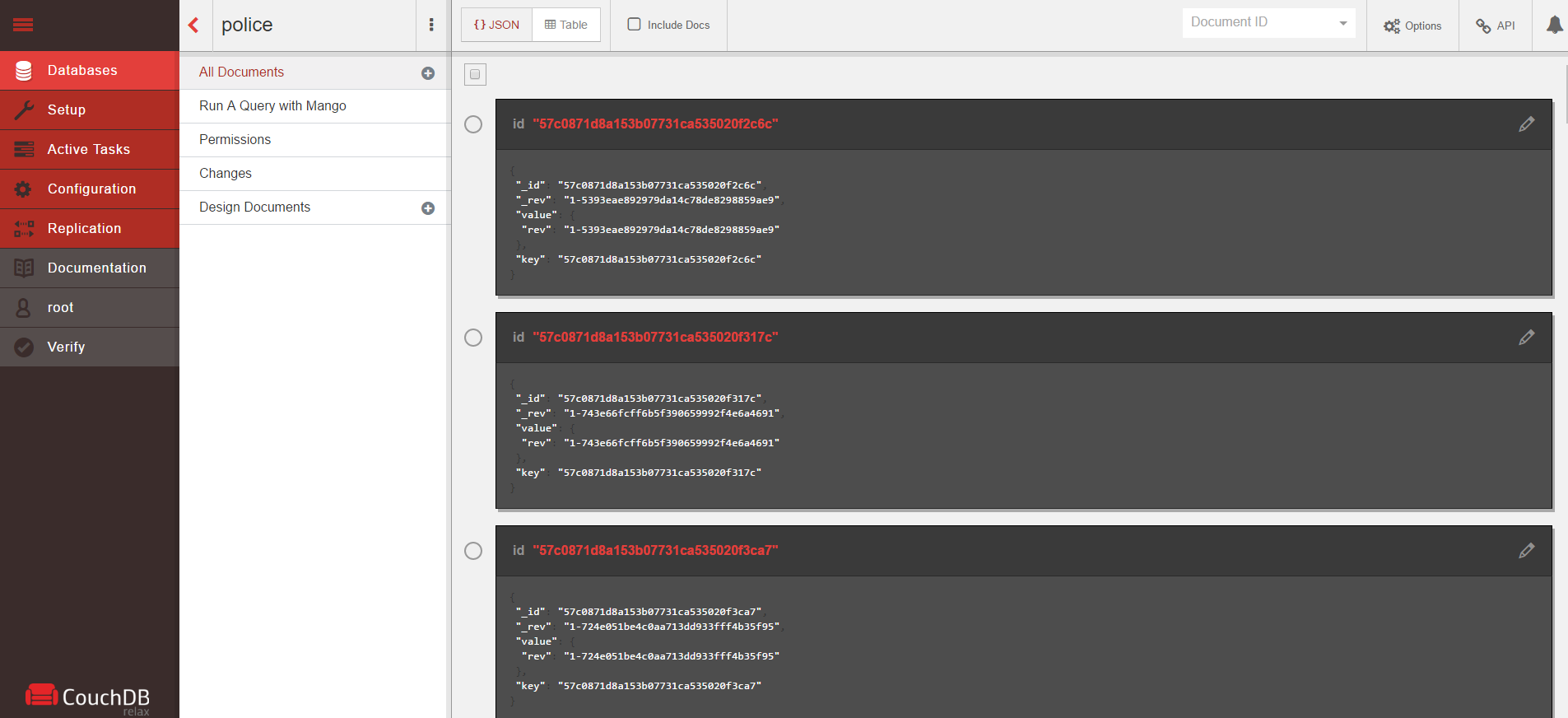
If you follow all isntructions, you should have something like that (if you have a lot of data)
-
You can also check on Fauxton, it should have some documents now (1 document per data)

7/ Finish
Now you can do this tutorial for each table you have in MySQL server
You can also check on Google how to interact with CouchDB from FiveM and check https://wiki.fivem.net/wiki/PerformHttpRequest
You can also use essentialmode >= 3 by @Kanersps and check his Wiki (https://kanersps.pw/wiki/index.php?title=Main_Page)
I hope this tutorial can help some of you.
If there is any mistakes, please notice me and I would correct them 

