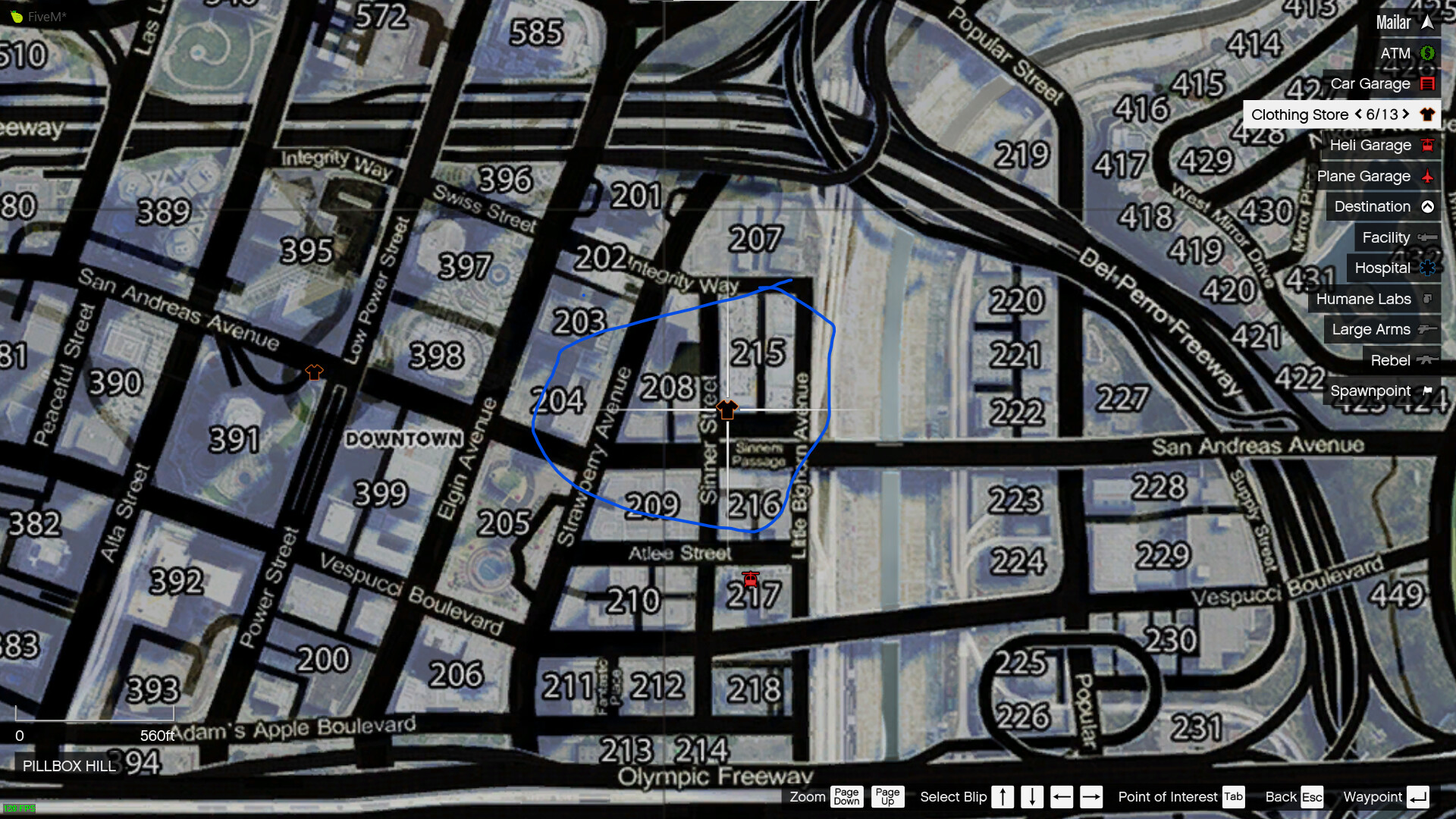
My code:
Citizen.CreateThread(function()

    for i,v in pairs(skinshops) do

        local x,y,z = v[2], v[3], v[4]

        local Blip = AddBlipForCoord(x, y, z)

        SetBlipSprite(Blip, 73)

        SetBlipDisplay(Blip, 4)

        SetBlipScale(Blip, 0.9)

        SetBlipColour(Blip, 44)

        SetBlipAsShortRange(Blip, true)

        AddTextEntry("MAPBLIP", 'Clothing Store')

        BeginTextCommandSetBlipName("MAPBLIP")

        EndTextCommandSetBlipName(Blip)

        SetBlipCategory(Blip, 1)

    end

end)
For example here:
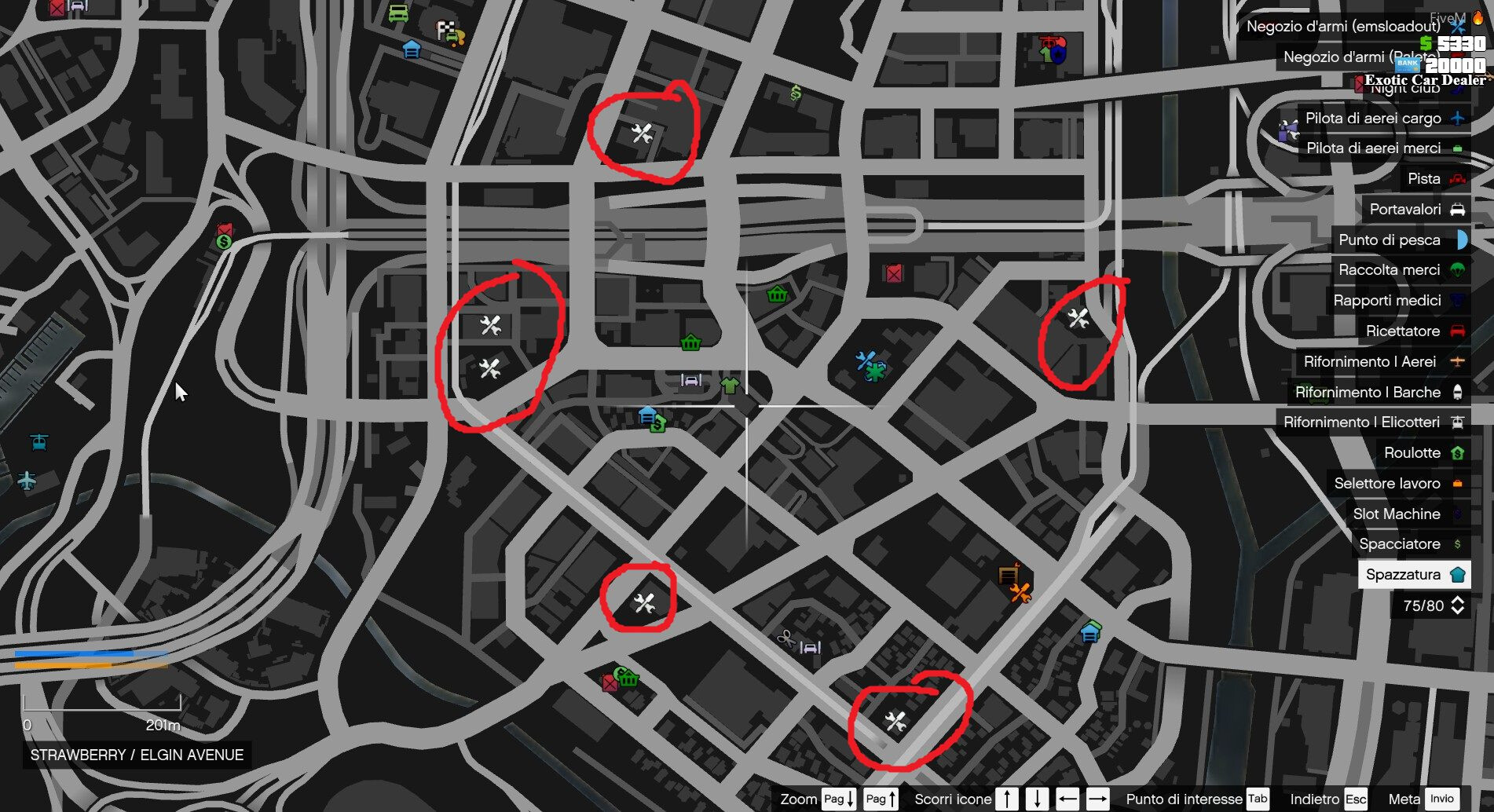
My photo: