Thanks for the info, @shaunalynn ! It’s great you managed to fix the problem!
I tried testing it on my end by adding the name you mentioned, but it didn’t work. I watched your Twitch stream and noticed the files you’re working with are different from mine - you’re using a binary file format, while mine is plain text/XML. That’s actually the key to fixing the spaghetti legs issue: switching to the binary format.
Example:
custom-horse-fixed-legs.zip (12.5 KB)
To get the file in binary format, use one of the methods:
Method 1
- Rename the file from .ymt to .ymt.pso.xml. For example:
metapeds.ymt➔metapeds.ymt.pso.xml
a_c_horse_americanpaint_overo.ymt➔a_c_horse_americanpaint_overo.ymt.pso.xml - Convert the renamed file to binary by dragging and dropping it into CodeX.
- Once converted, verify by checking the file size - it should be significantly smaller than the original due to compression. Retrieve the file from CodeX and replace it in your resource.
Method 2
- Find the required file (e.g.,
metapeds.ymtora_c_horse_americanpaint_overo.ymt) and export it in an uncompressed format: Right Mouse Click → Extract Uncompressed.
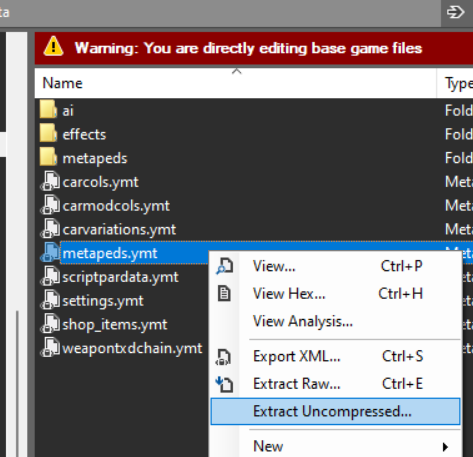
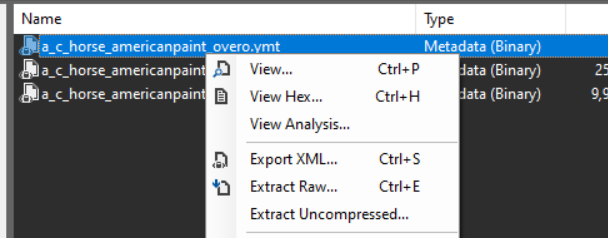
- Now, follow the initial tutorial in this thread, but perform all actions on the binary version of the files. Use CodeX for editing and saving.
.