do u have team speak i thinq its better to communicate
I’m doing a little research on your error to see if I can find a reason for it
ok, then but u preffer to come teamspeak say it
1 Like
Ok, really silly question here. Are you using the latest version of the fx server?
i dont know who can i see it
I would guess by looking at the creation date of your server’s start up file. I’m not sure with windows
1 Like
How long have you had your server up?
a few days not a long time
1 Like
look in your server directory for citizen-server-impl.dll
what is the modified date on it?
last modifie is on date 01/02/2018
ok, that’s the newest one. I’m assuming your saying 1 FEB, correct.
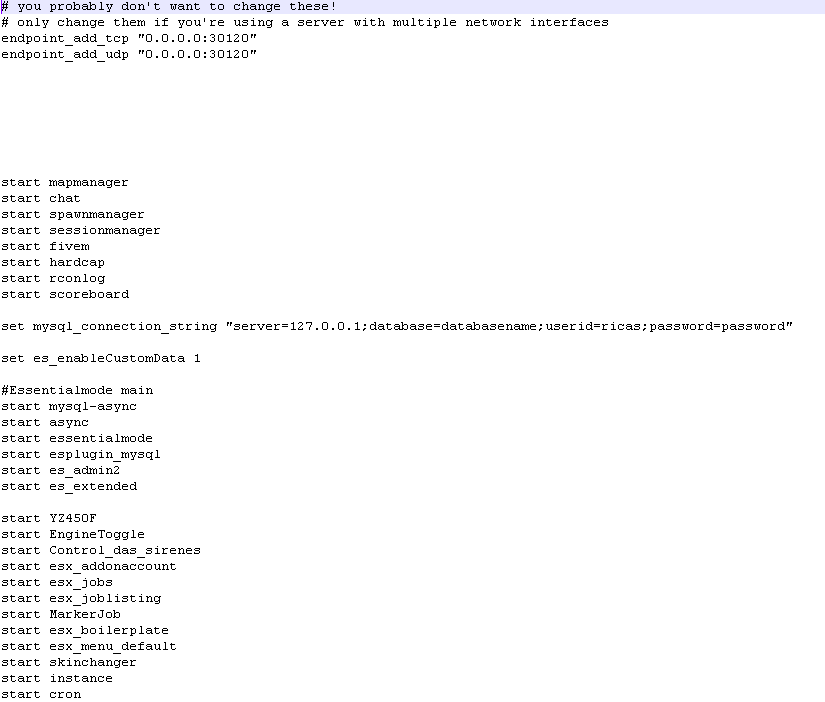
Paste your server.cfg contents here (remove any username, passwords, and IP addresses)
you probably don’t want to change these!
only change them if you’re using a server with multiple network interfaces
endpoint_add_tcp “0.0.0.0:30120”
endpoint_add_udp “0.0.0.0:30120”
start mapmanager
start chat
start spawnmanager
start sessionmanager
start fivem
start hardcap
start ■■■■■■■
start scoreboard
start YZ450F
start EngineToggle
start Control_das_sirenes
start esx_addonaccount
start esx_jobs
start esx_joblisting
start MarkerJob
start esx_boilerplate
start esx_menu_default
start skinchanger
start instance
start cron
start esx_skin
start esx_datastore
start esx_property
start esx_addoninventory
start esx_license
start esx_atm
start esx_voice
start esx_status
start esx_basicneeds
start esx_shops
start esx_clotheshop
start esx_optionalneeds
start esx_menu_list
start esx_phone
start esx_menu_dialog
start esx_billing
start esx_society
start esx_vehicleshop
start esx_garage
start esx_policejob
start esx_identity
start esx_drugs
start esx_holdup
start esx_AdvancedFuel
start esx_accessories
start InteractSound
start LockSystem
start esx_dmvschool
start baseevents
start esx_ambulancejob
start esx_barbershop
start esx_service
start esx_taxijob
start esx_animations
start esx_weashops
start esx_lscustom
start esx_mecanojob
start loadingscreen
start wk_vehdamage
start ATMs
start esx_moneywash
Set connection MYSQL-async
set mysql_connection_string “server=localhost;database=essentialmode;userid=root;”
Disable Couchdb from essentialmode
set es_enableCustomData 1
Mysql/Base
start mysql-async
#Fix Errors
restart sessionmanager
ESX/Base
start essentialmode
start esplugin_mysql
start es_admin2
start es_extended
sv_scriptHookAllowed 0
change this
rcon_password
sv_hostname “ModPack!”
nested configs!
#exec server_internal.cfg
loading a server icon (96x96 PNG file)
load_server_icon Logo.png
convars for use from script
set temp_convar “hey world!”
disable announcing? clear out the master by uncommenting this
sv_master1 “https://www.google.pt/”
want to only allow players authenticated with a third-party provider like Steam?
#sv_authMaxVariance 1
#sv_authMinTrust 5
add system admins
add_ace group.admin command allow # allow all commands
add_ace group.admin command.quit deny # but don’t allow quit
add_principal identifier.steam:110000112345678 group.admin # add the admin to the group
remove the # to hide player endpoints in external log output
#sv_endpointprivacy true
server slots limit (must be between 1 and 31)
sv_maxclients 5
license key for server (https://keymaster.fivem.net)
sv_licenseKey “”
ok, problem there.
You have the start up wrong. You have to put this stuff before any other esx or essentialmode item and it must be in this order
set mysql_connection_string “server=127.0.0.1;database=databasename;userid=user;password=password”
set es_enableCustomData 1essentialmode main
start mysql-async
start async
start essentialmode
start esplugin_mysql
start es_admin2
start es_extended
actually…
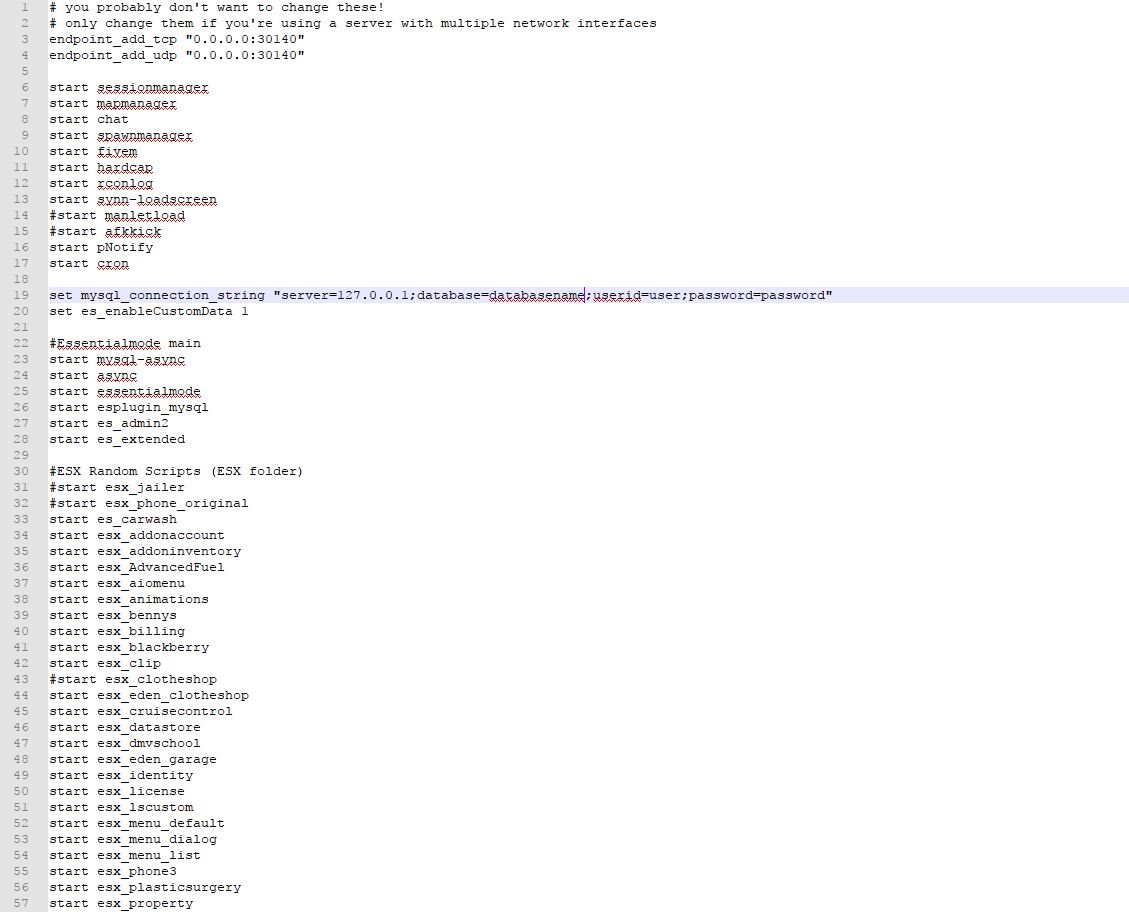
endpoint_add_tcp “0.0.0.0:30140”
endpoint_add_udp “0.0.0.0:30140”start sessionmanager
start mapmanager
start chat
start spawnmanager
start fivem
start hardcap
start rconlog
start synn-loadscreen
#start manletload
#start afkkick
start pNotify
start cronset mysql_connection_string “server=127.0.0.1;database=databasename;userid=user;password=password”
set es_enableCustomData 1essentialmode main
start mysql-async
start async
start essentialmode
start esplugin_mysql
start es_admin2
start es_extended
This forum isn’t wide enough for it to display correctly. Make sure your “set mysql_connection” line is one whole big one
And then everything else after those lines
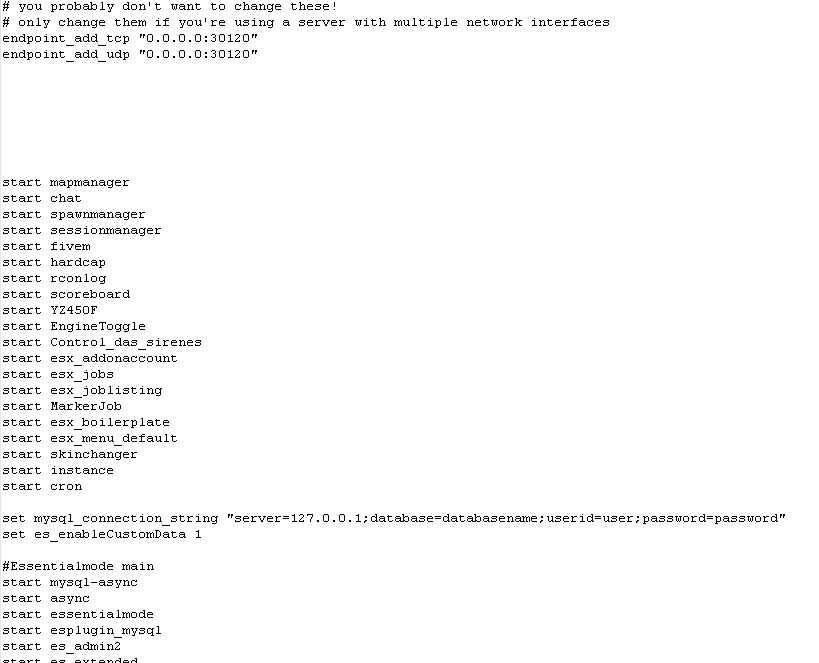
NO!!
your set lines and essentialmode main section MUST be above any other esx or essentialmode script. They MUST be started before anything else