So, my game wasn’t working properly so I re-installed five m and now every time I try load back up five m it just says cache update required and I don’t know what to do, can you please help and thank you
Hello, this is a friendly reminder because this is your first time creating a topic (or it has been a while since your last topic) in this category.
Please note that most of the support is provided by the Cfx.re community on a voluntary basis. We ask you to be patient; there is no guarantee we have a solution to your problem(s). To avoid unnecessary/duplicate topics, please browse the forums before creating a topic.
To improve your chances of your issue(s) being solved, please provide as much information as possible about the issue(s) you are having. Also —whenever possible— please use the template given to you when creating a topic.
Thanks for keeping these forums tidy!
If you are getting this message 
just click [Yes], if you are getting an error then you would need to verify your game files
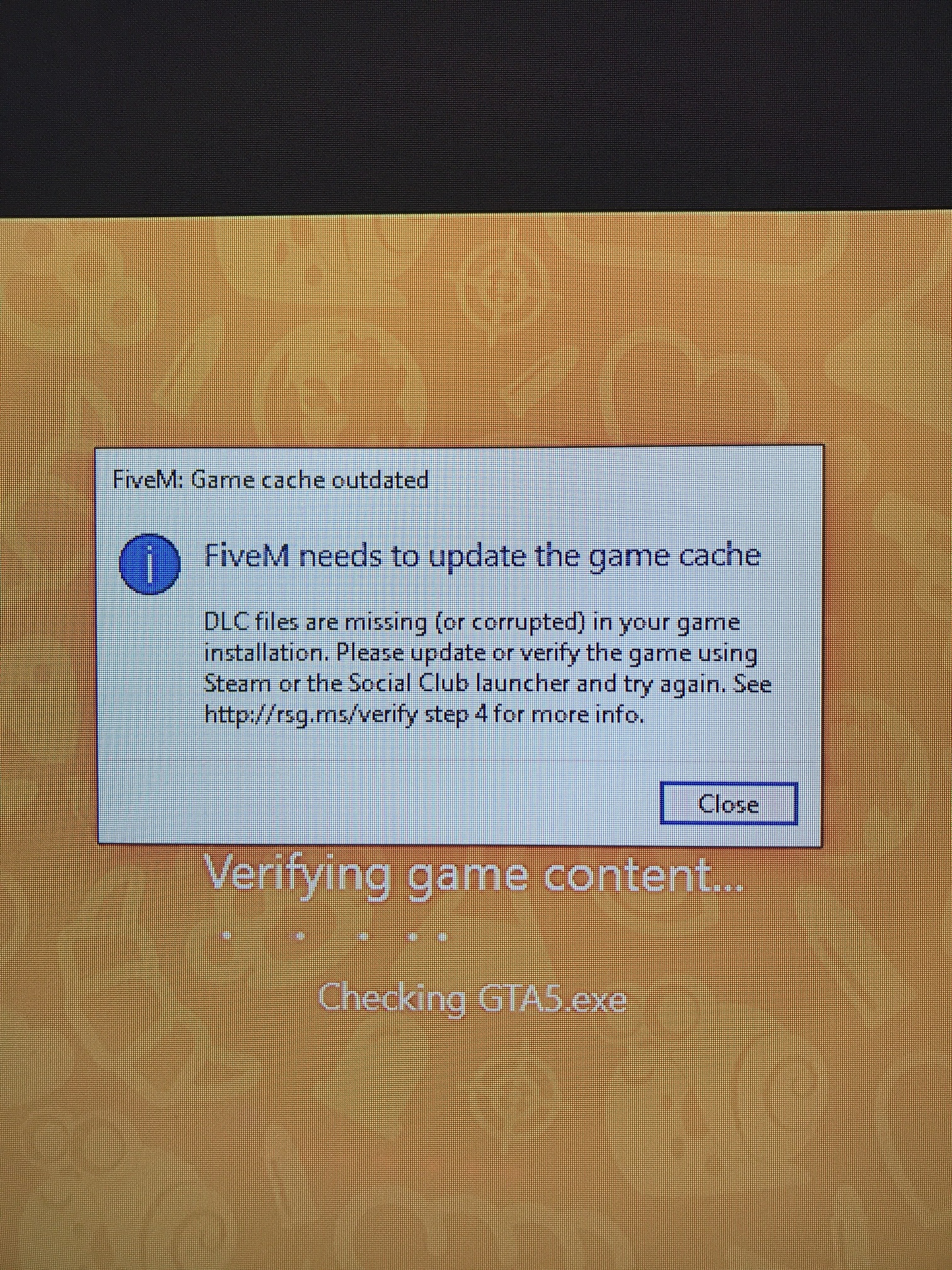
HI there TheIndra, hope you can help me…
The screenshot you posted above is the issue I am getting.
With that said I click yes and it says updating game cache.
It runs for a few seconds and then just stops. I have waited an hour and it doesn’t continue or finish. I have uninstalled and reinstalled 5M twice now in attempt to fix this. I am at a loss as I am new to 5M.
I do have STEAM and a fresh copy of GTA, I also utilize the GTA Launcher. It is also a brand new PC. So I am at a loss. Can you provide any insight?


Having the same issue here. Windows 7, Windows 10, Steam version, RSC version. It’s all the same. Gets stuck at some random point.
1 Like
This topic was automatically closed 30 days after the last reply. New replies are no longer allowed.