@Osher
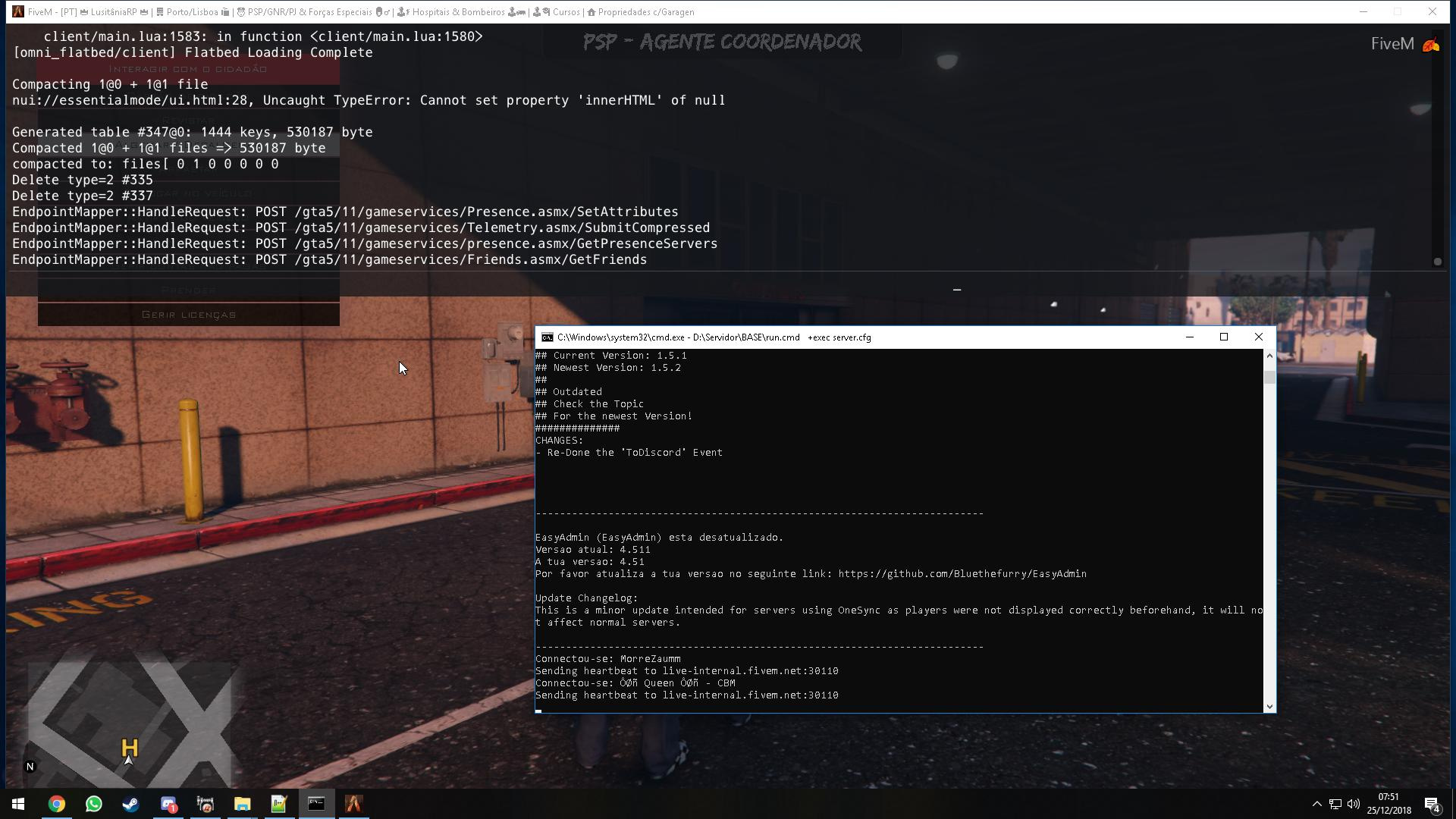
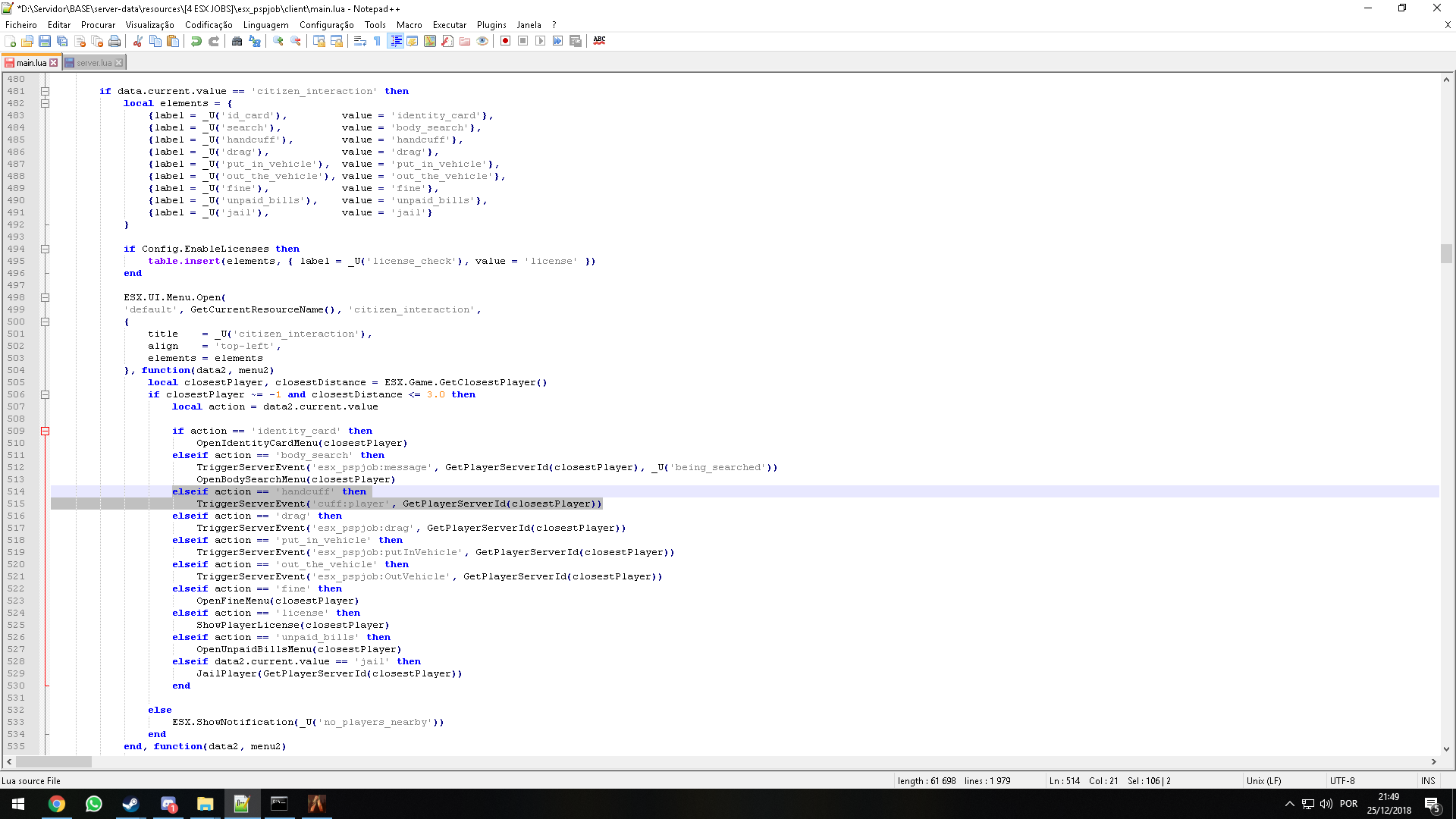
i have esx_policejob and realistic_cuff on my resourses, im trying call the realistic_cuff on policejob on menu F6 to cuff player
@Afonso_Pereira
Dont work :s i try and the script policejob dont work
@edit
look this code, i need handcuffs on hands and put on my script policejob:
RegisterNetEvent('anim:cuff')
AddEventHandler('anim:cuff', function()
    -- (re)set the ped variable, for some reason the one set previously doesn't always work.
    ped = PlayerPedId()

    -- Load the animation dictionary.
    RequestAnimDict(dict)

    -- If it's not loaded (yet), wait until it's done loading.
    while not HasAnimDictLoaded(dict) do
        Citizen.Wait(0)
    end

    -- If the player is cuffed, then we want to uncuff them.
    if cuffed then
        -- Remove the "cuffed" task/animation.
        ClearPedTasks(ped)

        -- Re-enable the weapons wheel/starting of vehicles.
        SetEnableHandcuffs(ped, false)

        -- Not sure if this is needed, but I'm adding it anyway in case the option
        -- above didn't change the ped's cuff state for some reason.
        UncuffPed(ped)

        -- If the ped is the MP female ped, remove the handcuffs from the player
        -- model and set it back to whatever the previous value was.
        if GetEntityModel(ped) == femaleHash then -- mp female
            SetPedComponentVariation(ped, 7, prevFemaleVariation, 0, 0)

        -- If it's not the MP female model, check for the MP male model instead.
        -- If that's the case, do the same thing but instead of resetting it to the
        -- female's previous style, set it to the male's previous style.
        elseif GetEntityModel(ped) == maleHash then -- mp male
            SetPedComponentVariation(ped, 7, prevMaleVariation, 0, 0)
        end


    -- If the player wasn't cuffed before, we want to cuff them now.
    else
        -- If it's the female MP model, set the previous skin variation to the
        -- currently used values (this value will be used later when uncuffing)
        -- Next, enable the handcuff models.
        if GetEntityModel(ped) == femaleHash then -- mp female
            prevFemaleVariation = GetPedDrawableVariation(ped, 7)
            SetPedComponentVariation(ped, 7, 25, 0, 0)

        -- If it's the male MP model, do the same thing as above, but for the Male ped instead.
        elseif GetEntityModel(ped) == maleHash then -- mp male
            prevMaleVariation = GetPedDrawableVariation(ped, 7)
            SetPedComponentVariation(ped, 7, 41, 0, 0)
        end

        -- Enable handcuffs using the native. This makes it so you can't start a
        -- vehicle if the engine is off and you're handcuffed. You can also not pull out any
        -- weapons when on foot. In a vehicle this is broken however so more attack/weapon
        -- prevention checks are done in a loop further down in the script.
        SetEnableHandcuffs(ped, true)

        -- Enable the handcuffed animation using the ped, dict, anim and flags variables (defined above).
        TaskPlayAnim(ped, dict, anim, 8.0, -8, -1, flags, 0, 0, 0, 0)

    end

    -- Change the cuffed state to be the inverse of the previous state.
    cuffed = not cuffed

    -- Set changed to true, this is used for something that is only ran once but still needs to be in a slow loop.
    changed = true
end)
My script policejob:
RegisterNetEvent('esx_pspjob:handcuff')
AddEventHandler('esx_pspjob:handcuff', function()
	IsHandcuffed    = not IsHandcuffed
	local playerPed = PlayerPedId()

	Citizen.CreateThread(function()
		if IsHandcuffed then

			RequestAnimDict('mp_arresting')
			while not HasAnimDictLoaded('mp_arresting') do
				Citizen.Wait(0)
			end

			TaskPlayAnim(playerPed, 'mp_arresting', 'idle', 8.0, -8, -1, 49, 0, 0, 0, 0)

			SetEnableHandcuffs(playerPed, true)
			DisablePlayerFiring(playerPed, true)
			SetCurrentPedWeapon(playerPed, GetHashKey('WEAPON_UNARMED'), true) -- unarm player
			SetPedCanPlayGestureAnims(playerPed, false)
			FreezeEntityPosition(playerPed, true)
			DisplayRadar(false)

			if Config.EnableHandcuffTimer then

				if HandcuffTimer.Active then
					ESX.ClearTimeout(HandcuffTimer.Task)
				end

				StartHandcuffTimer()
			end

		else

			if Config.EnableHandcuffTimer and HandcuffTimer.Active then
				ESX.ClearTimeout(HandcuffTimer.Task)
			end

			ClearPedSecondaryTask(playerPed)
			SetEnableHandcuffs(playerPed, false)
			DisablePlayerFiring(playerPed, false)
			SetPedCanPlayGestureAnims(playerPed, true)
			FreezeEntityPosition(playerPed, false)
			DisplayRadar(true)
		end
	end)

end)