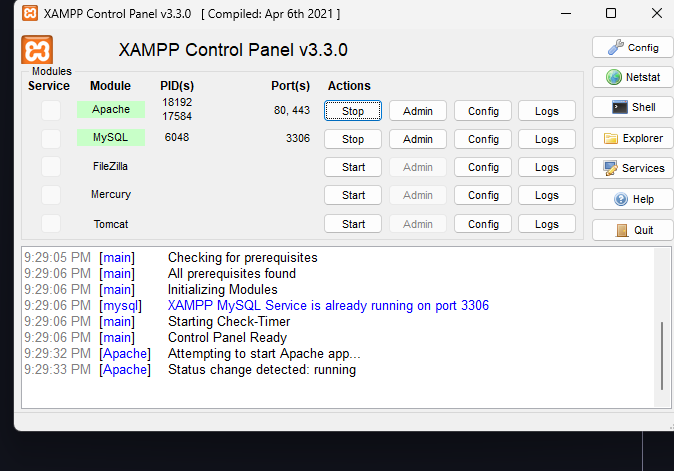
i tried to enter the server but it says : [qbcore] - unable to find the bans table in the database. please ensure you have imported the sql file correctly.
I tried everything that i saw here and on youtube but nothing seems to help.
Hi mscrf, since _Hasib mentioned it might be a connection issue, there are a few common things that usually cause this specific error in QBCore:
Check your MySQL Password: In your server.cfg, your connection string is: mysql://root:root@localhost/QB8Core_9B93D5... This means your password is set to root. However, if you are using a default XAMPP installation, the default password for the root user is usually empty (blank). Try changing your connection string to this (notice the colon : with nothing after it): set mysql_connection_string "mysql://root:@localhost/QB8Core_9B93D5?charset=utf8mb4"(If you manually set your MySQL password to ‘root’ in XAMPP/PhpMyAdmin, then keep it as is. If you didn’t set a password, use the empty one above.)
Verify Database Name: Open HeidiSQL and look at the left sidebar. Make sure the database is named exactlyQB8Core_9B93D5. If the database is named something else (like just qbcore or fivem), update the name in your server.cfg connection string to match it.
Table Location: Inside HeidiSQL, click on the QB8Core_9B93D5 database to expand it. Do you see the bans table inside that specific database? Sometimes the table is accidentally imported into the test or mysql system database instead of the server’s main database.
Try checking these three points and restart your server. This should fix the “unable to find the bans table” error.