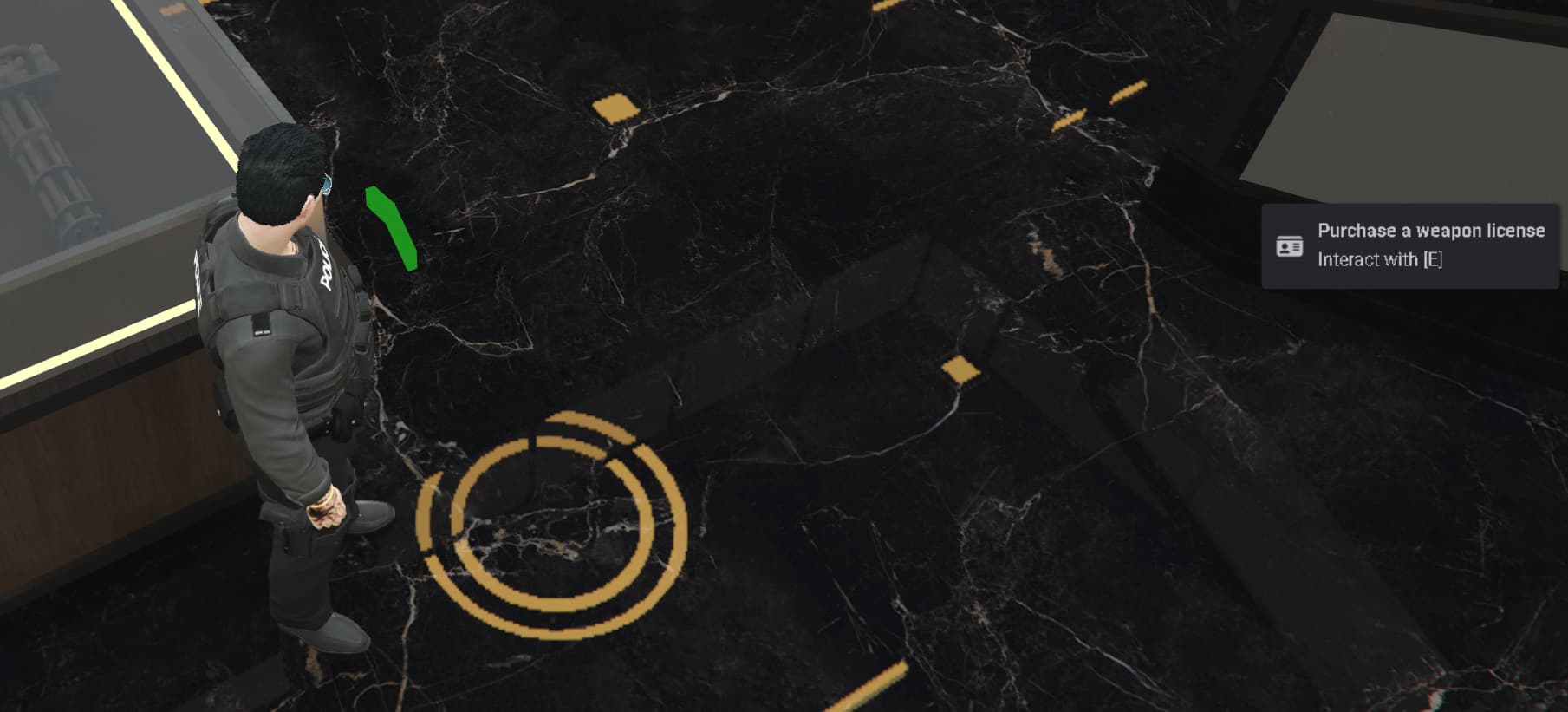
Hello, I want to remove the green arrow that appears in the Legion ammo store that says “purchase a weapon license.” I’ve already searched all the scripts but I can’t find it. Can someone help me please?
1 Like
Do a VSCode text lookup for the exact string, then track it down from there
1 Like
nothing pop up ! 
 Welcome to the community, Arthur_Wesker!
The green arrow saying “Purchase a weapon license” most likely comes from the qb-target or qb-shops / qb-ammunation resource — specifically from a target zone entry in a config file (like client/targets.lua or client/main.lua).
 Here’s how to find and remove it:
- Search your resources for
"weaponlicense"or"license"(using your editor’s search function orgrep). - If you’re using
qb-target, the marker is probably created with:
AddBoxZone
AddCircleZone
AddTargetModel
Remove the entry related to the weapon license purchase, or modify its canInteract function so it returns false.
If you’re using an MLO or modified version of the Legion Ammu-Nation, the arrow might also come from a script like polyzone or interaction_points.
From your server structure, I noticed you have an interaction_points folder — that resource is known for creating such markers or interaction areas.
 Tip: Search for these keywords across your resources:
“weapon”
“license”
“ammunation”
“zone”
“target”
That should help you locate the exact file quickly.
If you’d like, I can help pinpoint the exact file and line number of that marker — just share the contents of your qb-shops, qb-target, or interaction_points folders.
GreetZ
NebelRebell
Nebelbank.net
1 Like
hello! thx for your time! im using Qbox I don’t know which folder you need, ox_target? I don’t know what the other folders you mentioned could be… I searched for things like weapons, license, and target, but I didn’t find anything related to that… What else can I do? 
Hey Arthur,
Good question — thanks for clarifying that you’re using Qbox! That changes things a bit.
In Qbox, the green arrow and the “Purchase Weapon License” text don’t come from qb-target or qb-shops anymore. Qbox replaces most of those with ox_target and ox_inventory systems.
Here’s how you can find and remove it step by step:
-
Check this folder first:
resources/[qbx]/qbx_weapons/client/shops.lua
or sometimes
resources/[qbx]/qbx_weapons/client/main.luaLook for a section where a shop or marker is created, often with something like:
lib.zones.box({
coords = vec3(…),
size = vec3(…),
debug = false,
onEnter = function()
lib.showTextUI(‘Purchase Weapon License’)
end,
})Delete or comment out that section.
-
If you can’t find that, search the Qbox files for these terms:
- Purchase Weapon License
- lib.showTextUI
- license
- weaponlicense
- ammunation
In VS Code or Notepad++, use “Find in Files” (Ctrl+Shift+F) across the whole resources folder.
-
If it still doesn’t show up, it could come from ox_target interaction zones.
In that case, check:
resources/[ox]/ox_target/init.lua
or
resources/[ox]/ox_target/modules/*.lua
and look for something like AddBoxZone or addBoxZone.
Once you find the block creating that interaction, just comment it out (use – before the lines).
If you want, share the structure of your [qbx]/qbx_weapons or [ox]/ox_target folders here — I’ll pinpoint the exact file and line number for you.
GreetZ,
NebelRebell
Nebelbank.net
1 Like
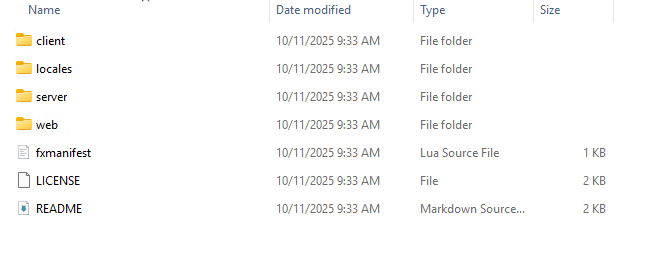
Hey, trying to fix this issue myself and surprisingly can’t find a fix considering I’m pretty sure this spans across all of qbox/ox core. I just keep getting robot responses leading me to file directories that don’t exist.
Simply use antigravity to find it for you.
Its in ox_inventory right ?