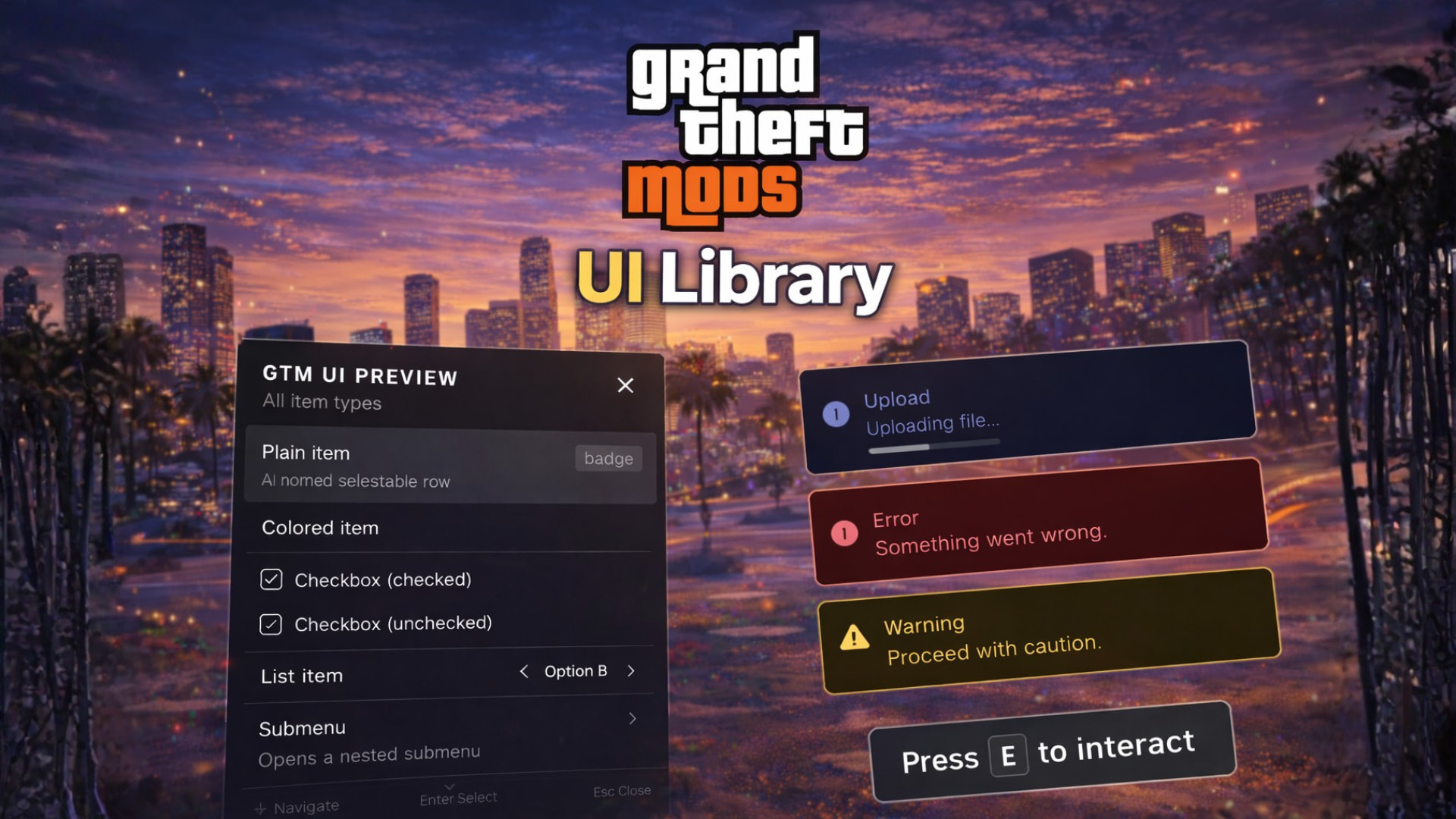
GTM UI — Unified UI Library for FiveM
GTM UI is a free, shared resource that gives every script on your server a consistent notification, help-text, and menu system — no NUI setup, no extra dependencies, just exports.
Three themes, one API
- NUI — Sleek React overlay with animated toasts and keyboard-navigable menus
- Native — Drawn entirely with FiveM natives and scaleform, no HTML/CSS required
- Custom — Forward all UI calls to your own resource exports
Switch themes server-wide from config.json. Your scripts never need to change.
What you get
Notifications
Pop up info, success, warning, or error toasts. Supports titles, optional progress bars, custom duration, and manual dismiss.
exports['gtm-ui']:showNotification({
  title   = "Payment received",
  message = "You earned $500.",
  type    = "success",
})
Help text
Show a persistent bottom-screen hint. Optionally auto-hides after a timeout.

exports['gtm-ui']:showHelpText({
  message  = "Press ~INPUT_CONTEXT~ to open the menu",
  duration = 4000,
})
Instruction Card
Show a persistent detailed hint. Optionally auto-hides after a timeout.
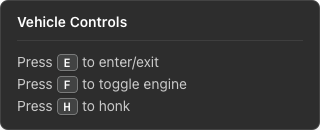
exports['gtm-ui']:showInstructionCard({
  message  = "Press {hotkey:E} to enter/exit\nPress {hotkey:F} to toggle engine\nPress {hotkey:H} to honk",
  title = "Vehicle Controls",
  position = "top-left",
  duration = 4000,
})
**
Menus**
Fully navigable menus with plain items, checkboxes, list selectors, separators, and nested submenus. Player interactions are delivered as local FiveM events.
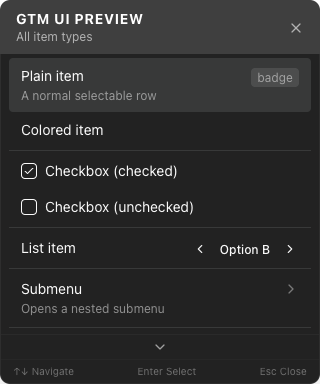
exports['gtm-ui']:openMenu({
  id    = "myresource:shop",
  title = "Item Shop",
  items = {
    { id = "burger", label = "Burger", badge = "$5" },
    { id = "water",  label = "Water",  badge = "$2" },
    {
      id        = "size",
      label     = "Size",
      type      = "list",
      listValues = {
        { label = "Small",  value = "s" },
        { label = "Large",  value = "l" },
      },
    },
  },
})

AddEventHandler('gtm-ui:menuItemSelected', function(menuId, itemId, value)
  if menuId == "myresource:shop" then
    -- handle selection
  end
end)
Additional features
\nline breaks work in all text fields- Optional sound effect on notifications and help-text (
config.json) - Works with any framework — ESX, QBCore, standalone, anything
Installation
- Drop
gtm-uiinto your resources folder - Add
ensure gtm-uito yourserver.cfgbefore any resource that uses it - Done — call the exports from any resource
Free to use. No framework required. No strings attached.
Make sure to also join our Discord:
And check out our other releases:
| Code is accessible | No (only styles) |
| Subscription-based | No |
| Lines (approximately) | 5000 |
| Requirements | None |
| Support | Yes |

