- How to fix Graphics not loading ?
**GTA V version: 1.0.3179.0
**Up to date: 01/05/24
**Legit or Pirate copy: LEGIT
**Purchased where - Steam/Rockstar Launcher/Epic: Rockstar Launcher
**Windows version: Windows 10 22H2
**Did you try to delete content_index.xml and try again? no,i’ve preinstalled my PC.
**System specifications: R5 5600X 16GB RAM RTX3060
**CitizenFX crash zip file (‘Save information’ on a crash):its not crashing
**logs/CitizenFX_log files:
CitizenFX_log_2024-05-01T104244.log (1006.0 KB)
CitizenFX_log_2024-05-01T080244.log (873.0 KB)
CitizenFX_log_2024-05-01T080910.log (7.2 MB)
CitizenFX_log_2024-05-01T092411.log (990.6 KB)
CitizenFX_log_2024-05-01T104233.log (73.2 KB)
CitizenFX_log_2024-05-01T111836.log (935.8 KB)
CitizenFX_log_2024-05-01T112646.log (74.8 KB)
CitizenFX_log_2024-05-01T112703.log (981.4 KB)
CitizenFX_log_2024-05-01T113550.log (8.6 KB)
CitizenFX_log_2024-05-01T111555.log (74.7 KB)
.dmp files/report IDs: cant find any.
If you can’t start the game at all
**GTA V folder screenshot:
GTA V/update/x64/dlcpacks screenshot:
Filepath to FiveM folder:
FiveM client folder screenshot:
Which antivirus/firewall software are you using?
Did you try to disable/uninstall your Anti-virus?
Important parts
**What is the issue you’re having? textures not appearing in time, MLOs disappear/or take time to load .
**What are you trying to do? Im trying to enter MLO buildings,but they aren’t loading
**What have you tried already to fix the issue? deleted cache,deleted and re-installed GTA V and FIVEM,reseted my PC,played with the settings a bit,updated my drivers and windows.
**Error screenshot (if any):
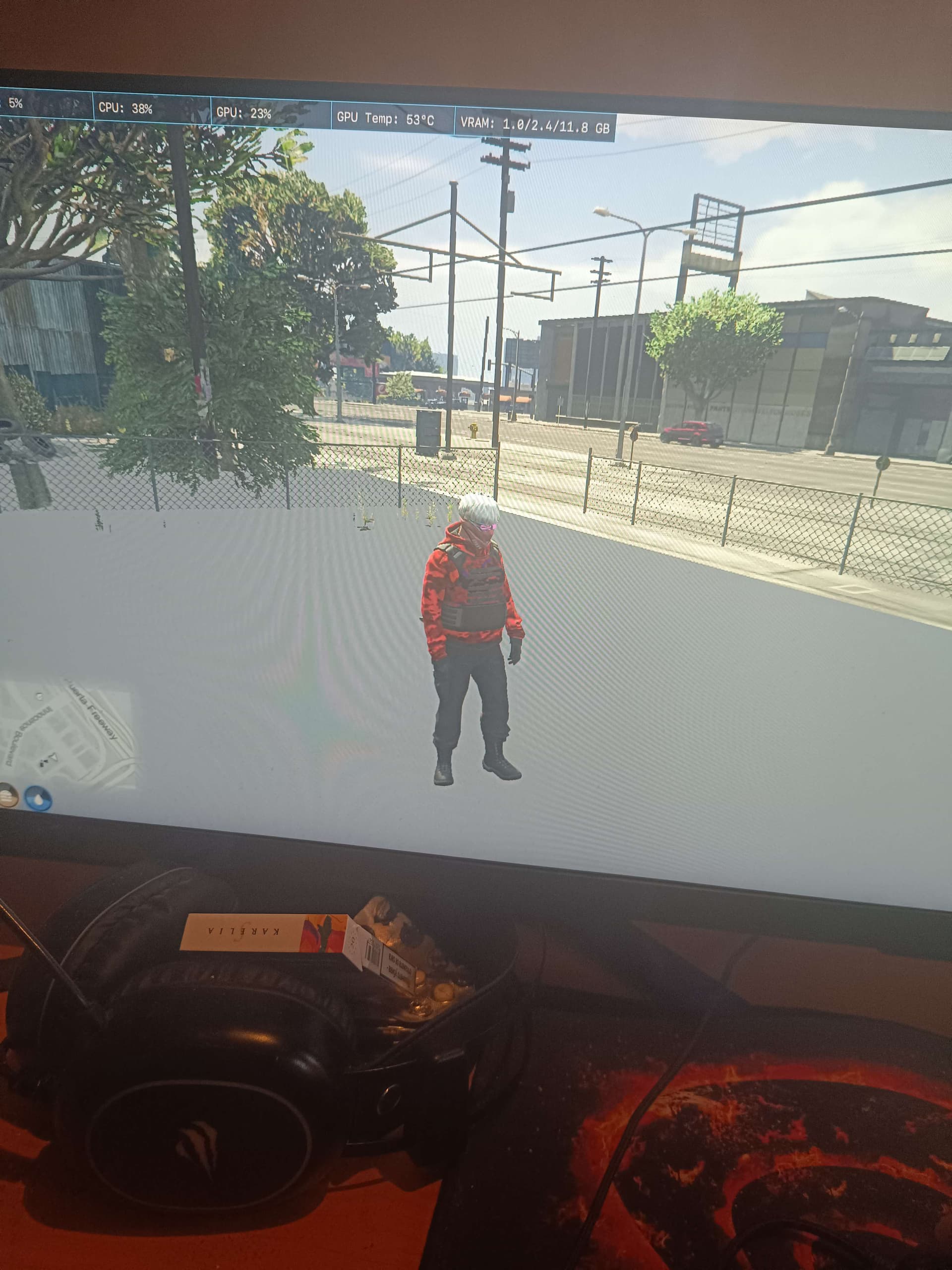
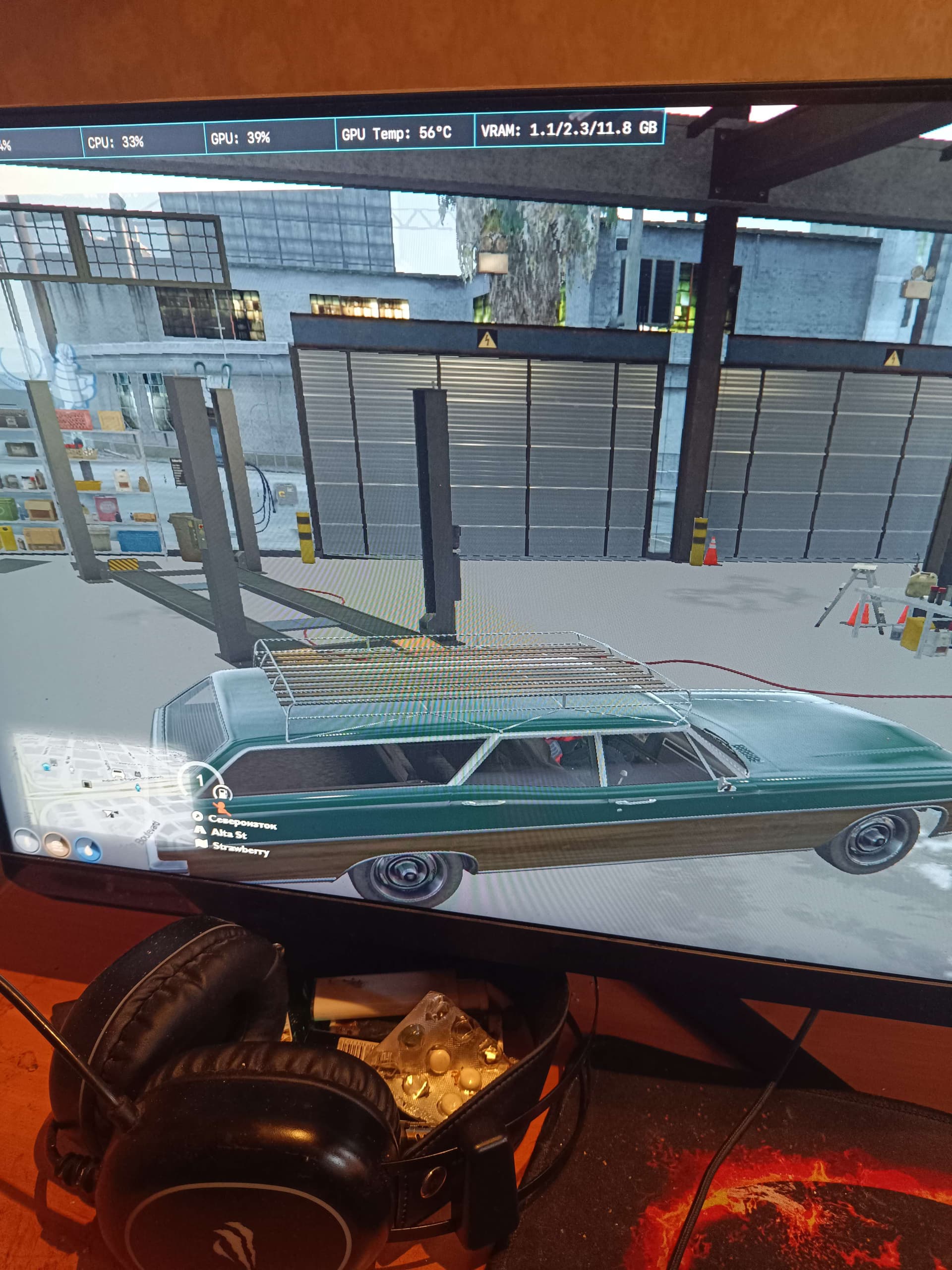
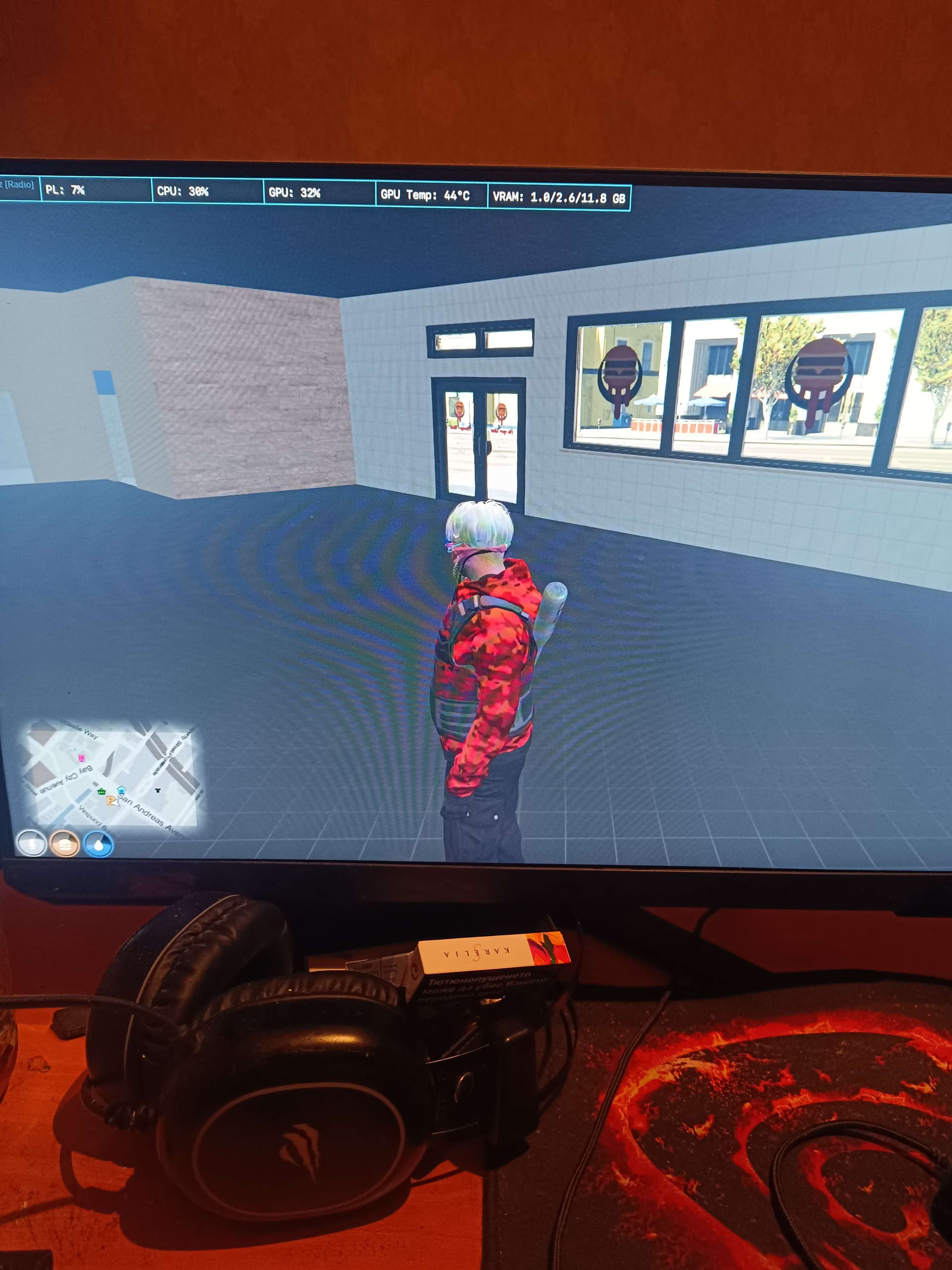
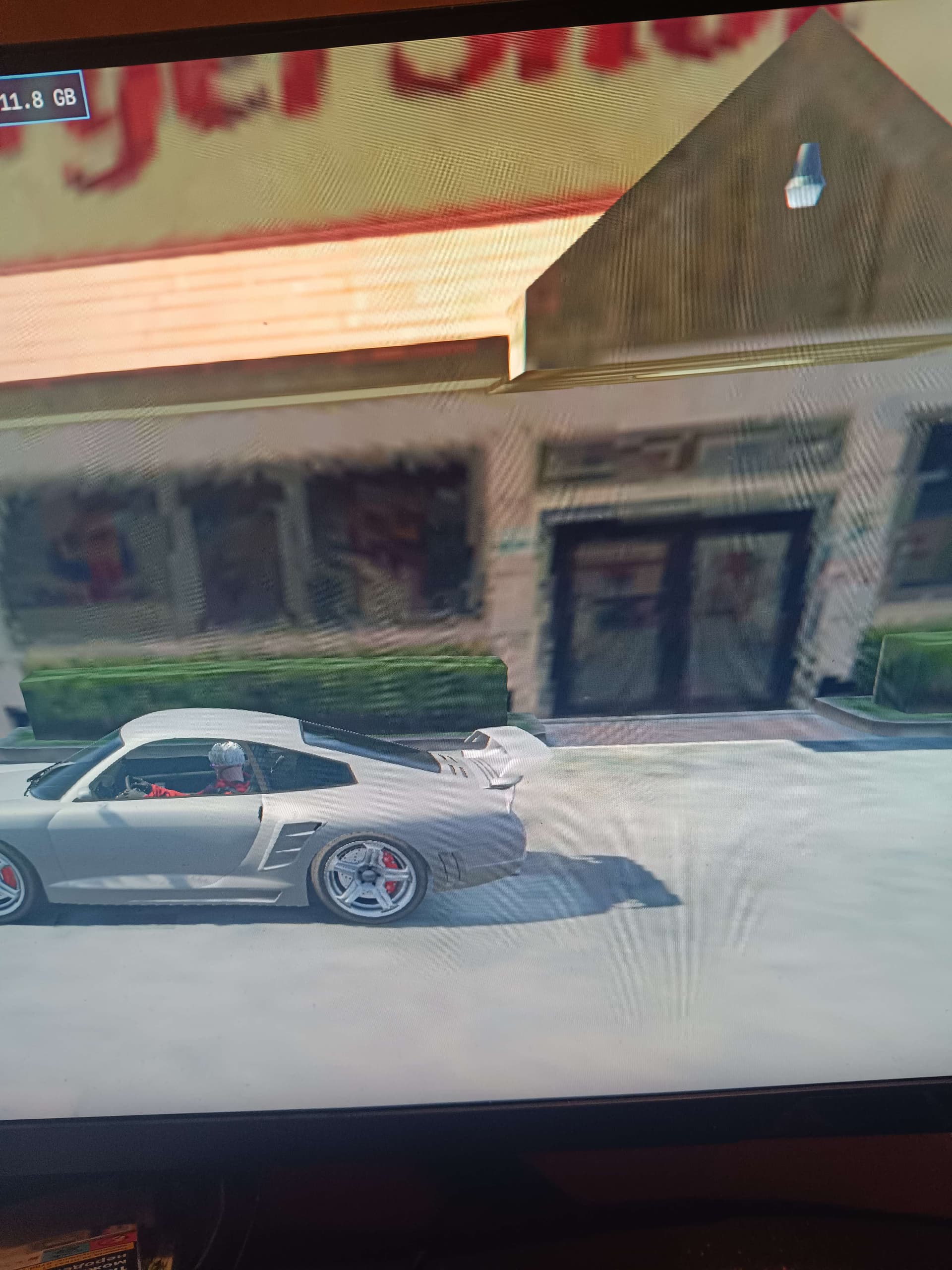
**What did you do to get this issue? it happened after deleting the cache.
**What server did you get this issue on? Be specific and name some, ‘all of them’ by itself isn’t useful! THE DEMOCRATIC CITY,FAME OR SHAME.
