GTA V version?
Latest
Up to date?
Yes
Legit or Pirate copy?
Legit
Steam/CD/Social Club?
Steam
Windows version?
Window 10
Did you try to delete caches.xml and try again?
Yes i tried and still same issues
Error screenshot (if any)
No error come out ingame or the server cmd the game just goes to “Not Responding”
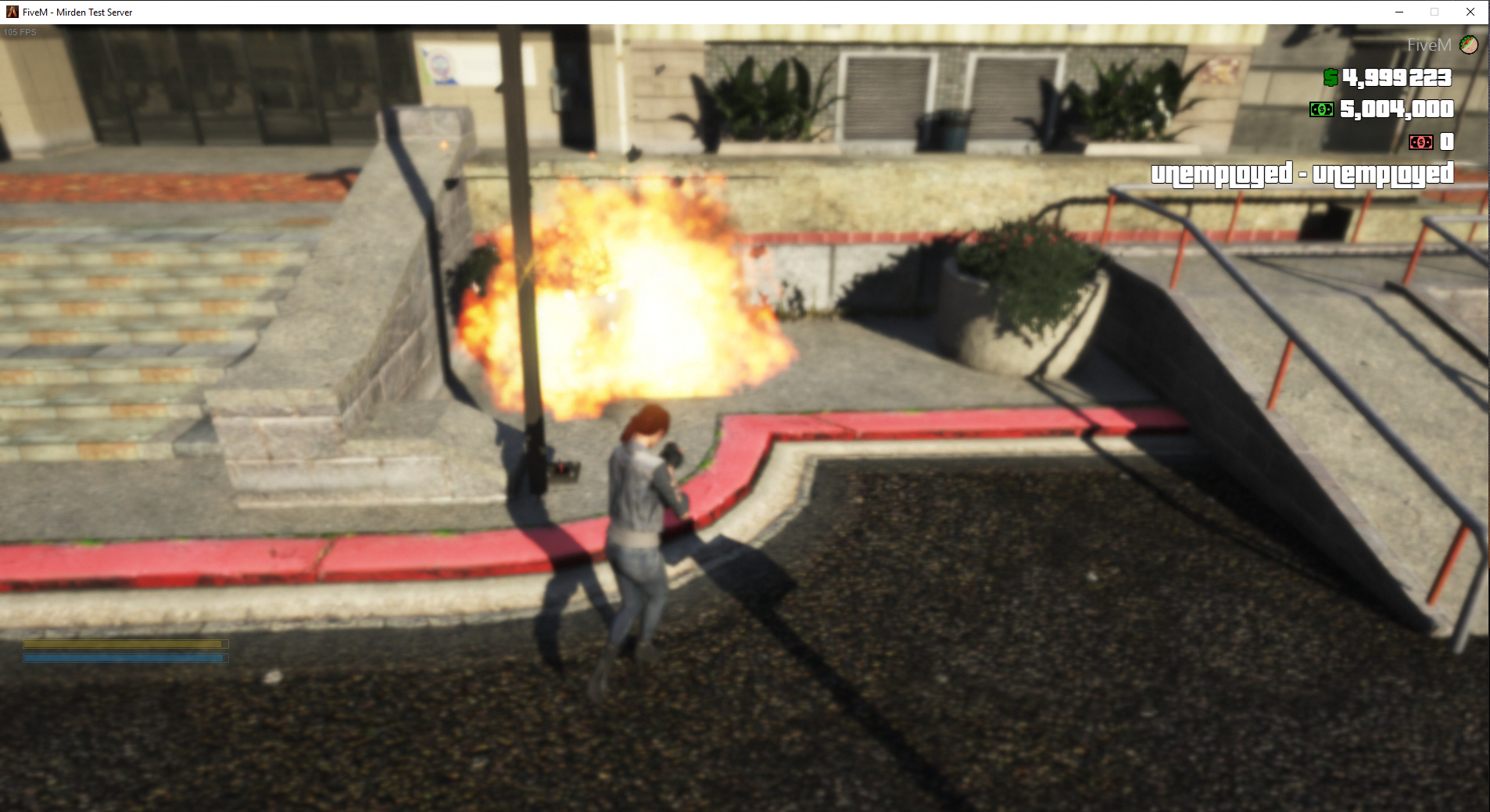
2nd picture is when i tried to suicide with noclip then let my character died from height
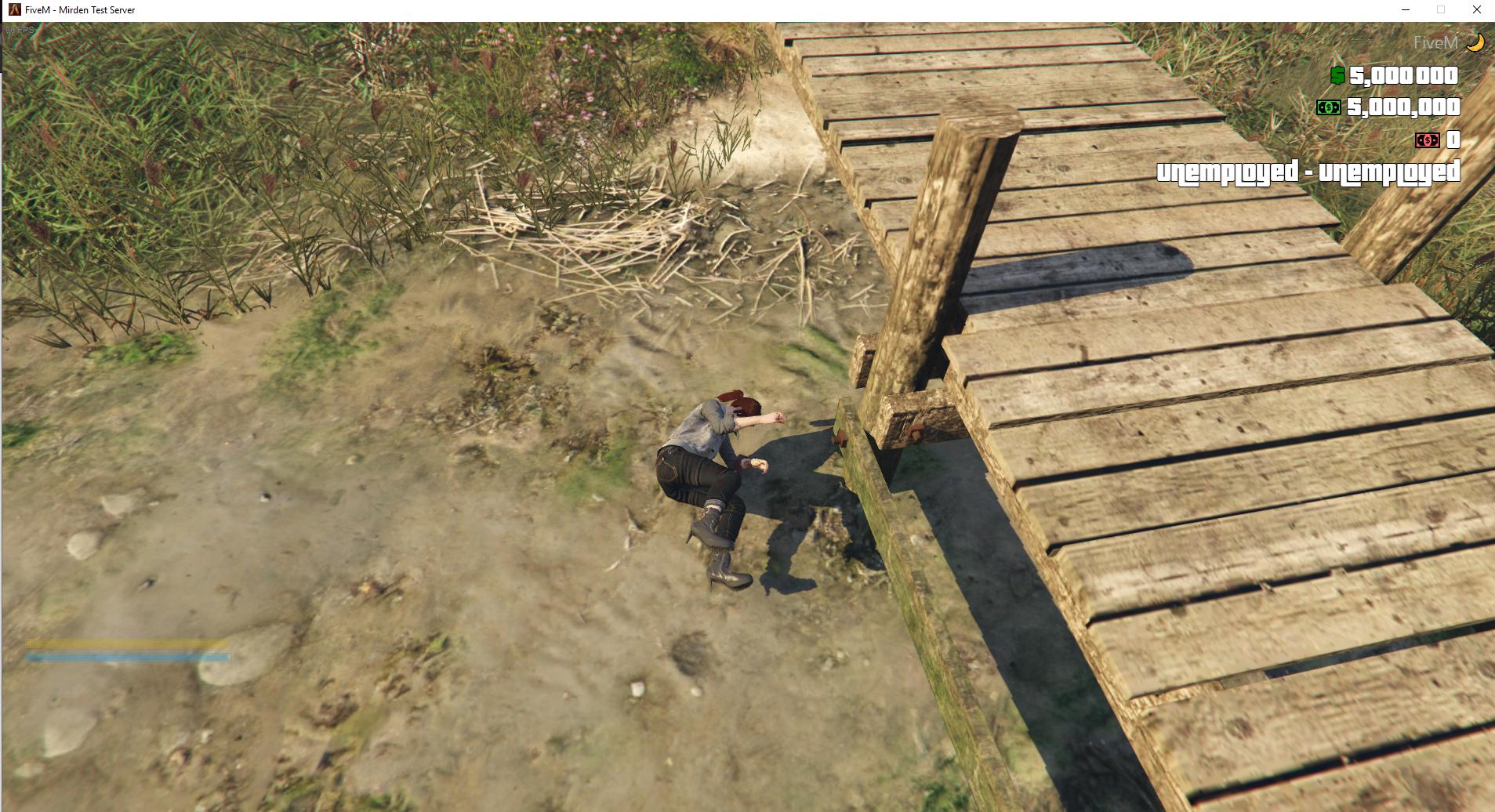
System specifications
Window 10
Intel i5-6600k
Nvidia GTX-1060
What did you do to get this issue?
When i died by guns,explosive,car crash,fall from high (pretty much everything that would kill my character)
What server did you get this issue on?
Local/Private server
CitizenFX.log file
CitizenFX.log (118.8 KB)
.dmp files/report IDs
none that i can find. It just straight not responding and the server cmd also not giving any error out. It was fine like 2hrs ago from now and suddenly it happened again.
If an issue with starting:
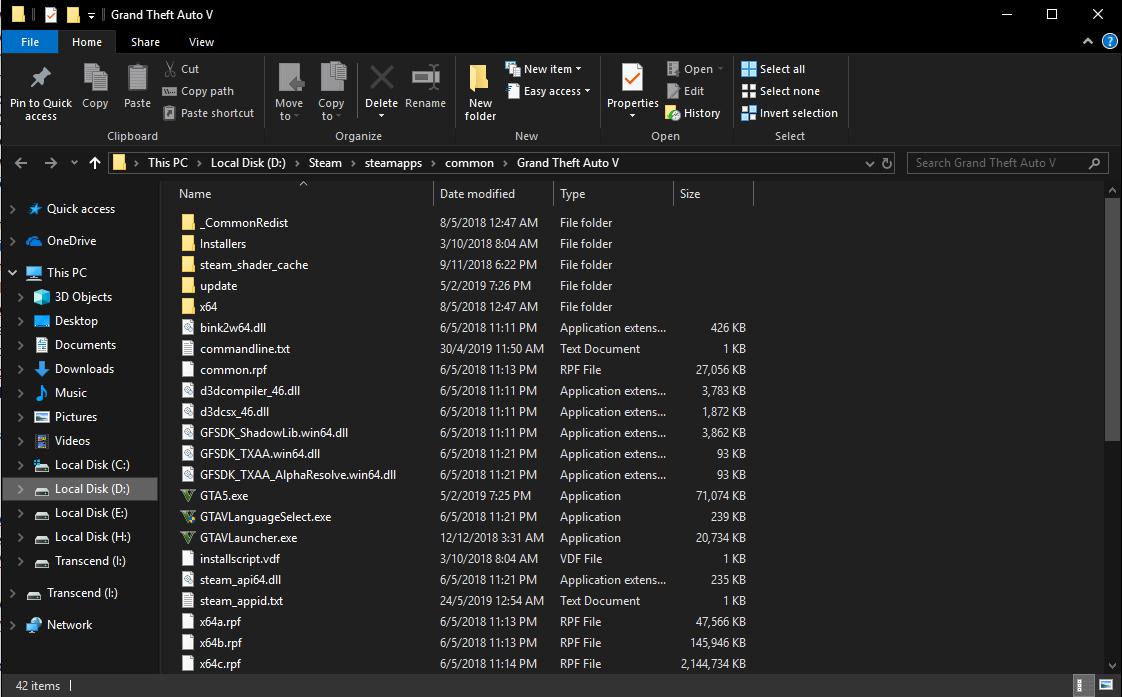
GTA V folder screenshot
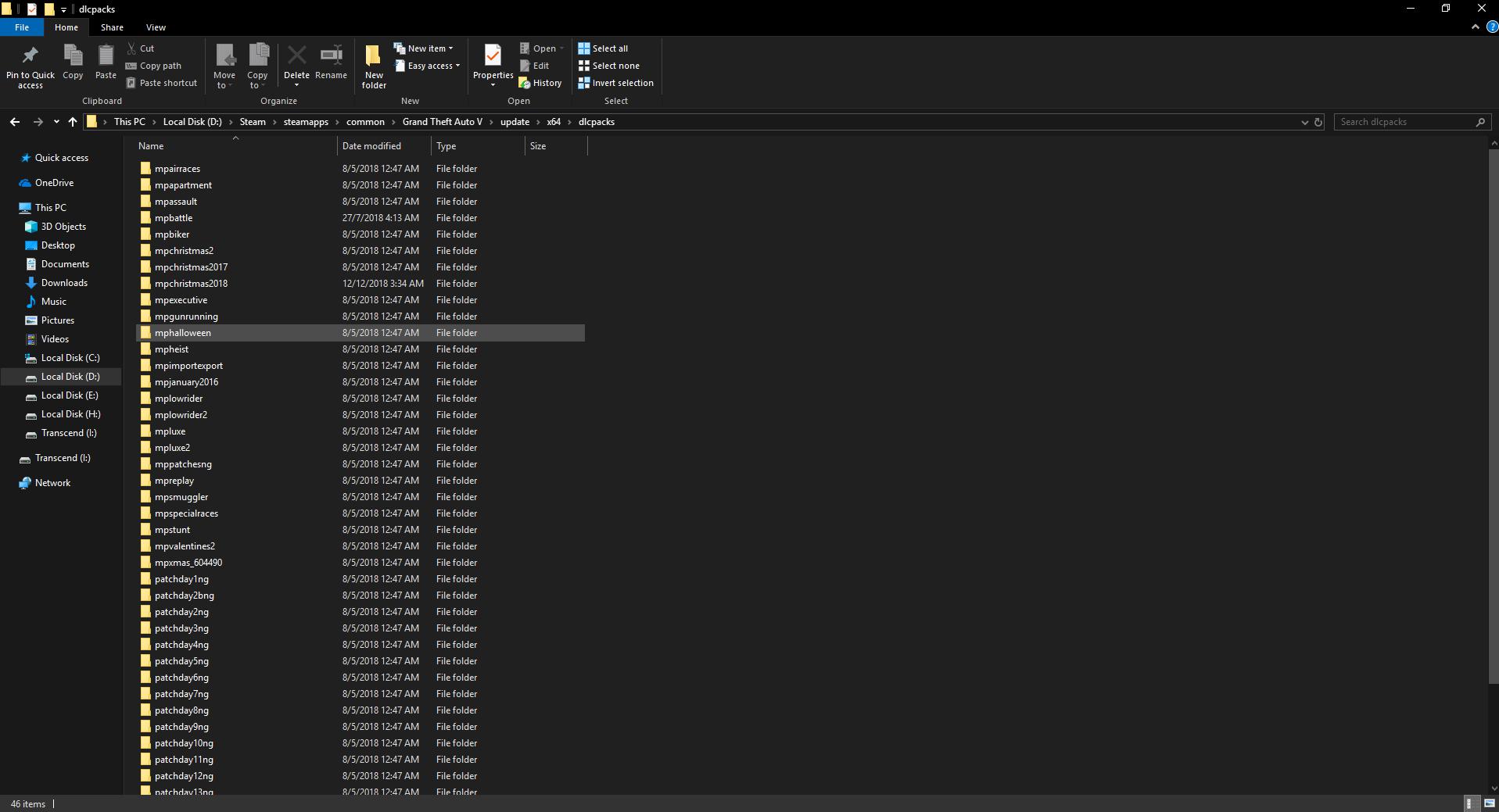
GTA V/update/x64/dlcpacks screenshot
Filepath to FiveM folder
C:\Users\zerok\AppData\Local\FiveM
FiveM client folder screenshot
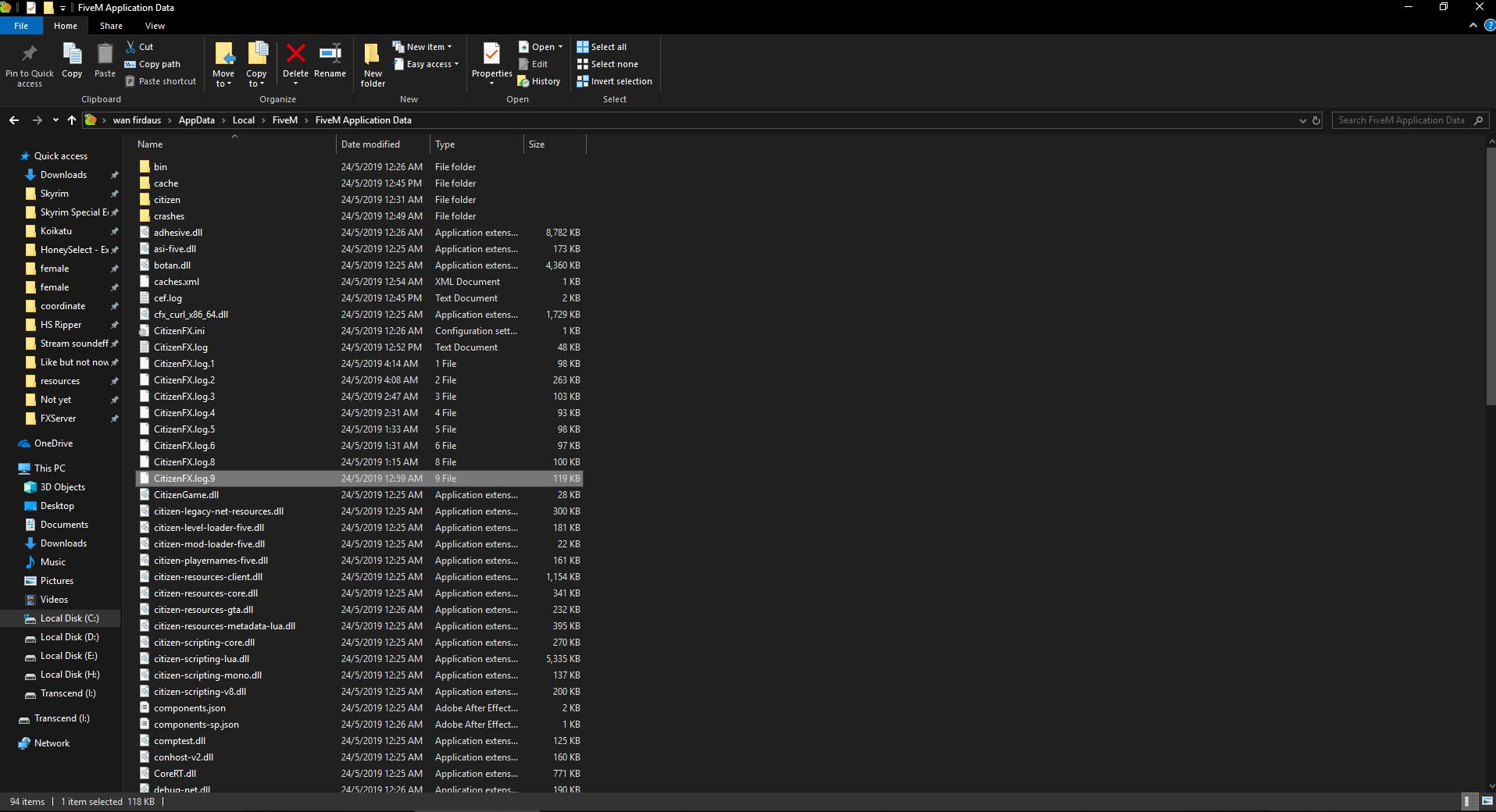
Did you try to disable/uninstall your Anti-virus?
Already disabled
Also add what you already tried so far.
I’m the owner of the local server and I tried to remove anything “new” resources that i added just added recently and it seems like it still have same issues. When it happened the 1st time i tried to back paddle everything already till only have core file only but it still not fixing the issue. I had to remake my server file(this is the current one) and now it still happening again.
I tried killing my friend and she also crashed with fivem “not responding”. Not really sure what the issues here.
My resource list
START Core FiveM resources
start mapmanager
start chat
start spawnmanager
start sessionmanager
start hardcap
start rconlog
start baseevents
start fivem
END Core FiveM Resources
start bob74_ipl
START sESX ADD
start mysql-async
start essentialmode
set mysql_debug false
start esplugin_mysql
start es_admin2
start async
start es_extended
start esx_menu_default
start esx_menu_list
start esx_menu_dialog
start sesx_assets
END sESX ADD
START RP Main files
start vBasic
start esx_identity
start es_ui
start cron
start esx_datastore
start esx_addonaccount
END RP Main files
START PLAYER
start esx_skin
start skinchanger
start esx_status
start esx_basicneeds
start enablePvP
END PLAYER
START Garage
start esx_Eden_Garage
END Garage
START Jobs
start esx_society
start esx_billing
start esx_animations
END Jobs
START Shops
start esx_barbershop
start esx_clotheshop
start esx_vehicleshop
start esx_shops
start esx_tattoosShops
start esx_weaponshop
