*FİVEM GAME FİLES MİSSİNG
To receive support, please fill out the following template, and remove this top text.
Environment questions
GTA V version: normal
Up to date: yes
**Legit or Pirate copy:**legit
**Purchased where - Steam/Rockstar Launcher/Epic:**steam
**Windows version:**windows 10
**Did you try to delete content_index.xml and try again?**yes
**System specifications:**windows 10 gtx 1050 i7-8750h 16gb ram
CitizenFX crash zip file (‘Save information’ on a crash):
crash-data.json (2.1 KB)
logs/CitizenFX_log files:
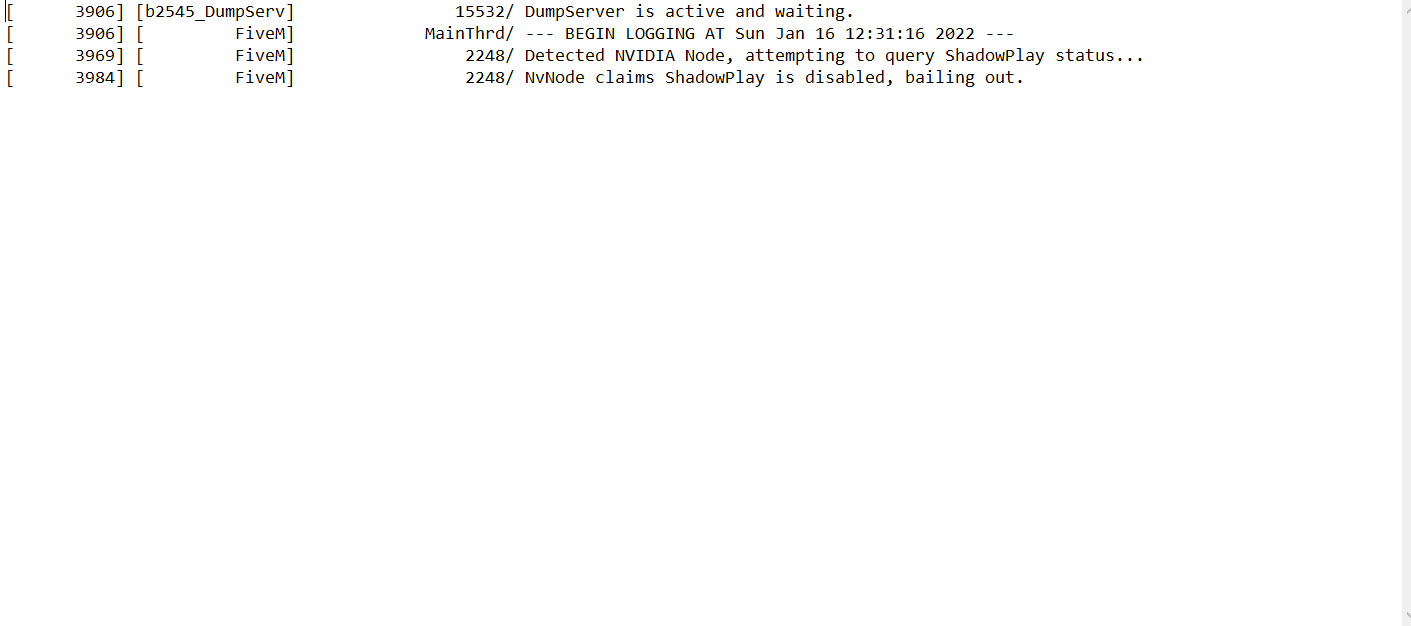
.dmp files/report IDs:
If you can’t start the game at all
GTA V folder screenshot:
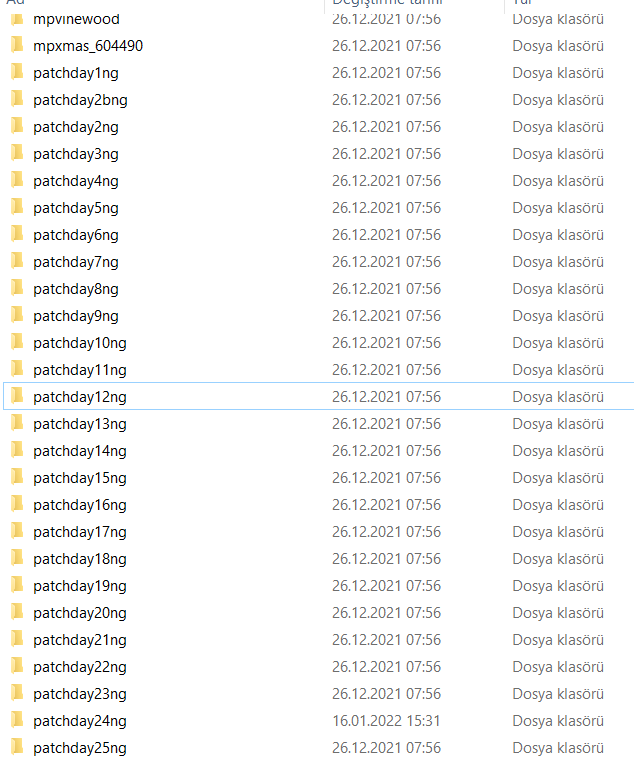
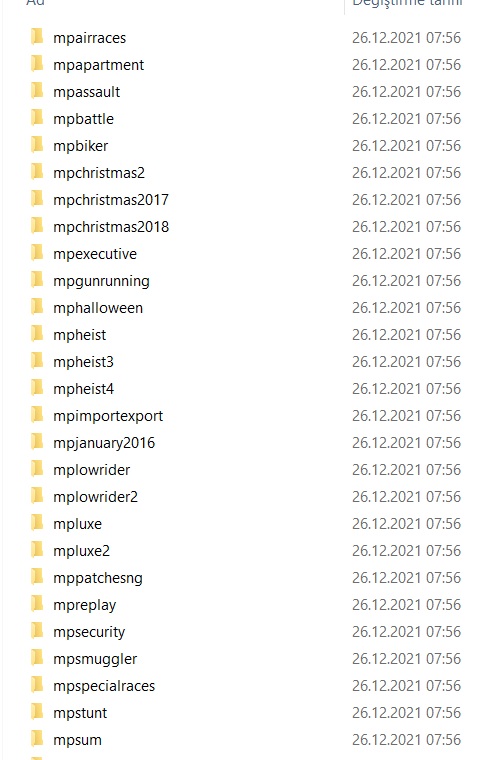
GTA V/update/x64/dlcpacks screenshot:
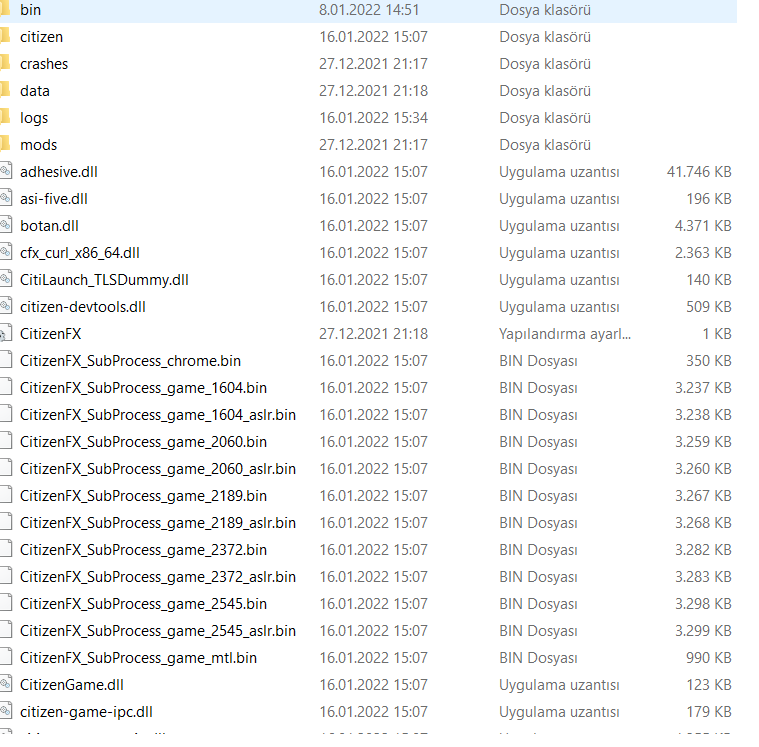
Filepath to FiveM folder:

FiveM client folder screenshot:

**Which antivirus/firewall software are you using?**avast
**Did you try to disable/uninstall your Anti-virus?**i did
Important parts
**What is the issue you’re having?**game files missing
**What are you trying to do?**enter fivem
What have you tried already to fix the issue? i verified the game re-installed the game
Error screenshot (if any):
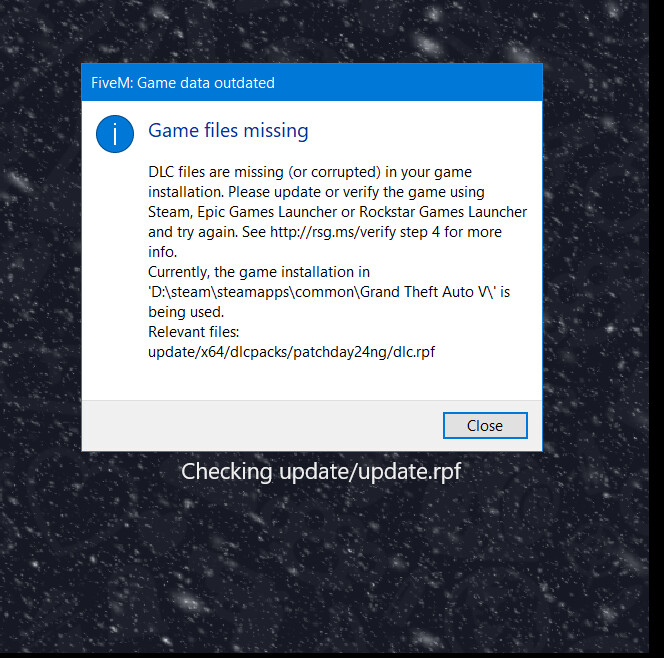
**What did you do to get this issue?**i reseted my pc then i got this problem when i download the gta on steam
What server did you get this issue on? Be specific and name some, ‘all of them’ by itself isn’t useful!
i cant enter fivem
