FiveM Crash Issue - Related to Aircraft Carrier Near Military Base
Description of the Issue
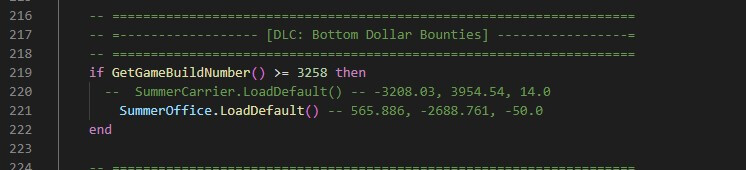
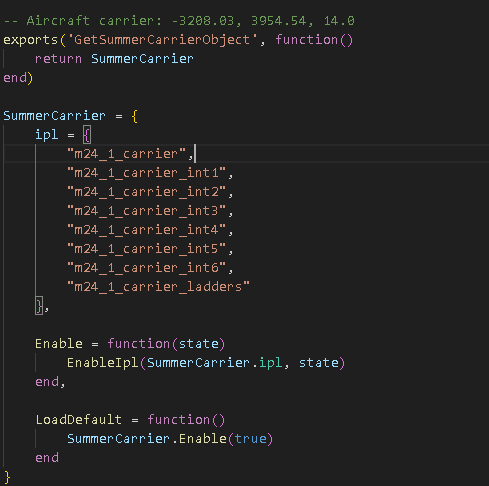
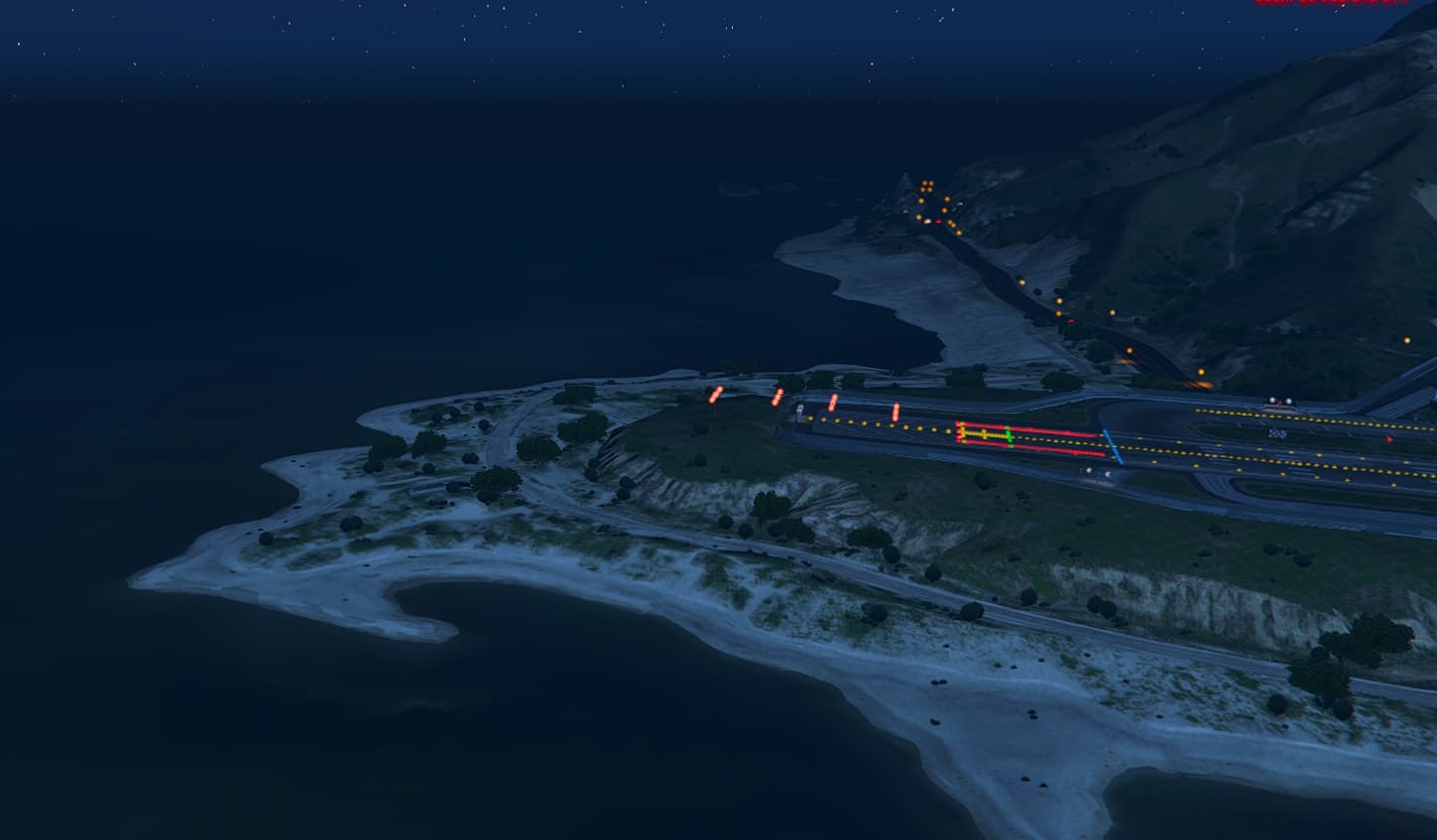
I have been experiencing a consistent FiveM crash when spawning near or interacting with the aircraft carrier located near the military base. The issue is reproducible upon joining the server and seems to be linked to the specific location.
Crash Details
- Gamebuild Used: Initially 3407, then downgraded to 3258
- Crash Hash: The same issue persisted, but the crash hash changed
- Steps Taken to Fix:
- Changed gamebuild from 3407 to 3258 → The crash remained but with a different crash signature.
- Deleted both server-side and client-side cache → No change, still crashing.
- Solution: The crash was avoided by manually changing my coordinates in the SQL database before joining the server. After adjusting the spawn location, I was able to load into the game without any issues.
Possible Cause
The crash seems to be directly related to spawning near or interacting with the aircraft carrier near the military base. It is likely an issue with a specific asset or collision data in that area.
Request for Assistance
I am reporting this issue to see if anyone has encountered a similar problem and whether there are any known fixes other than manually changing spawn coordinates. If this is a known FiveM or GTA V asset issue, is there a way to resolve it without needing to edit player data manually?
Any help or insights would be appreciated!
For extra help I will provide crash zip files (Some are for different game builds):
CfxCrashDump_2025_03_15_19_02_57.zip (1.8 MB)
CfxCrashDump_2025_03_15_19_22_22.zip (1.7 MB)
CfxCrashDump_2025_03_15_18_51_48.zip (1.9 MB)
CfxCrashDump_2025_03_15_18_56_31.zip (1.8 MB)