FxLoadingScreen - Level Up Your Server’s First Impression 
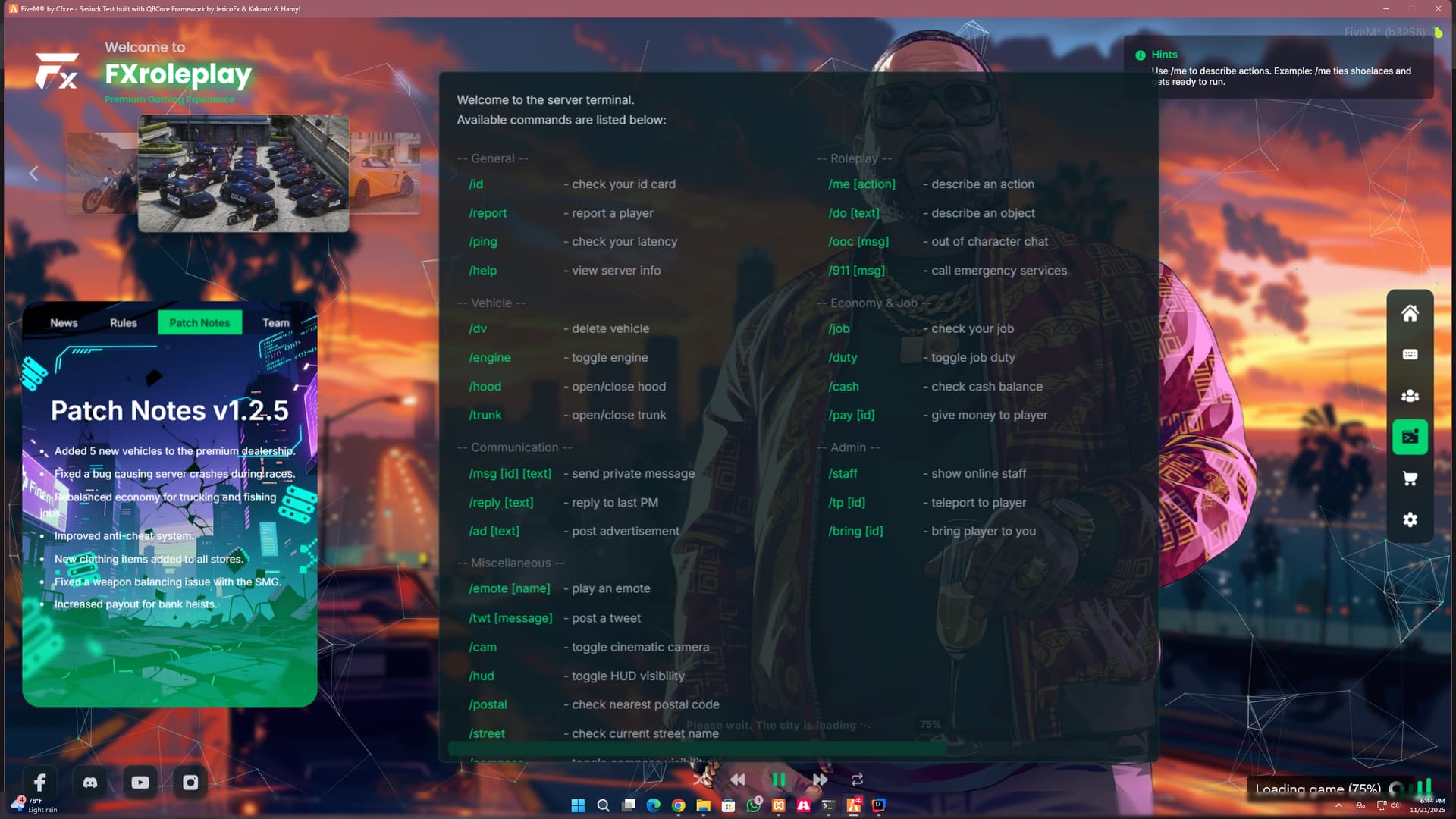
FxLoadingScreen is a premium, highly customizable, and modern loading screen designed to give your players the best first impression. With a sleek UI, 3D image gallery, music player, and interactive team showcase, it sets the perfect tone for your server before the player even spawns.
Whether you run a serious RP server or a fun freeroam community, FxLoadingScreen adapts to your style via a simple configuration file.
 Screenshots

 Video Preview
 Purchase
 Key Features
 Advanced Music Player: Includes volume controls, shuffle, repeat, and a visualizer-style UI. Players can mute or change volume directly from the loading screen.
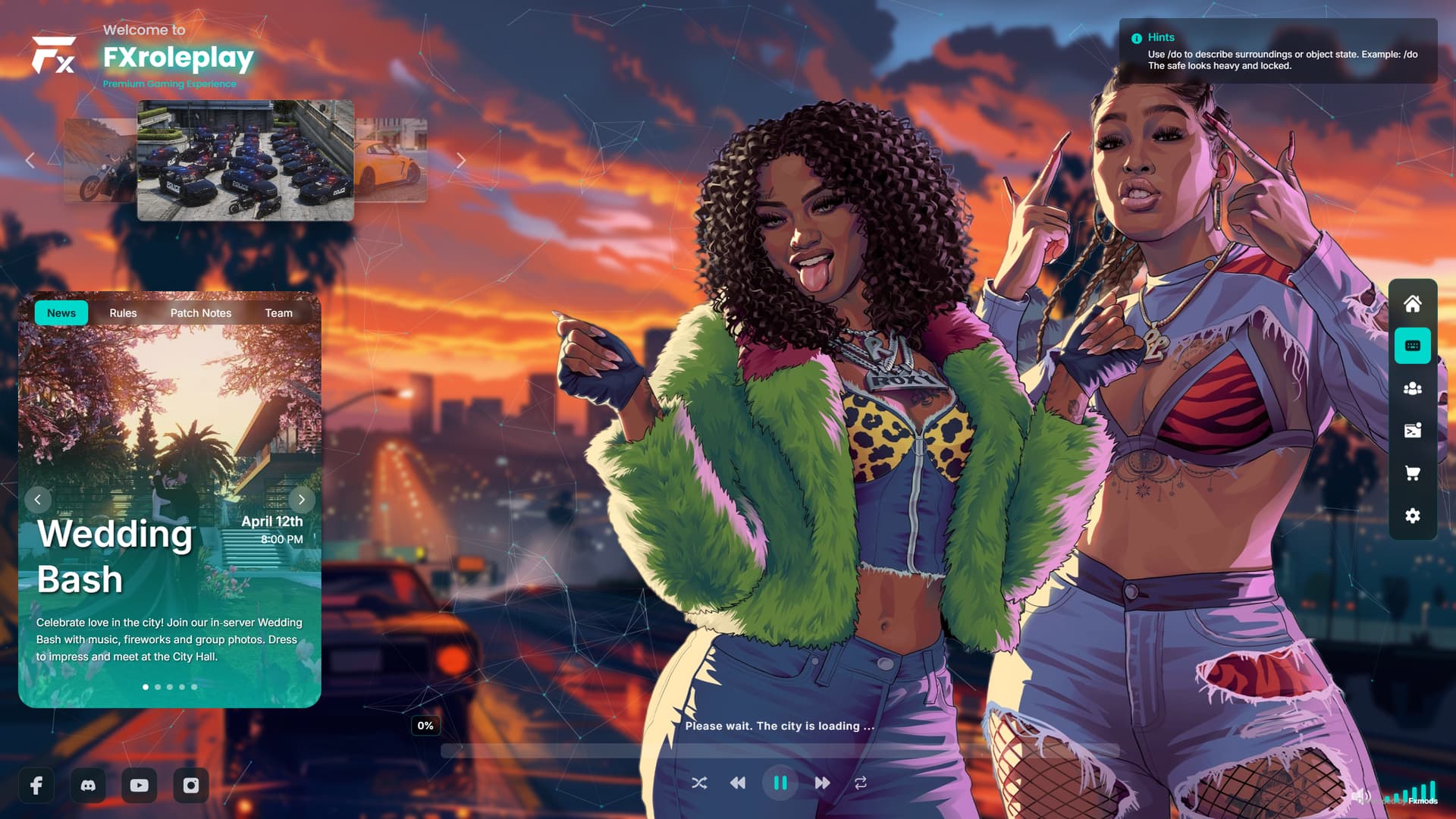
 3D Image Gallery: A stunning 3D carousel effect to showcase your server’s vehicles, events, or scenery.
 Team Showcase: Introduce your staff members with a dedicated panel including their roles and social media links.
 News & Events: Keep your community updated with a rotating news feed (patch notes, events, rules).
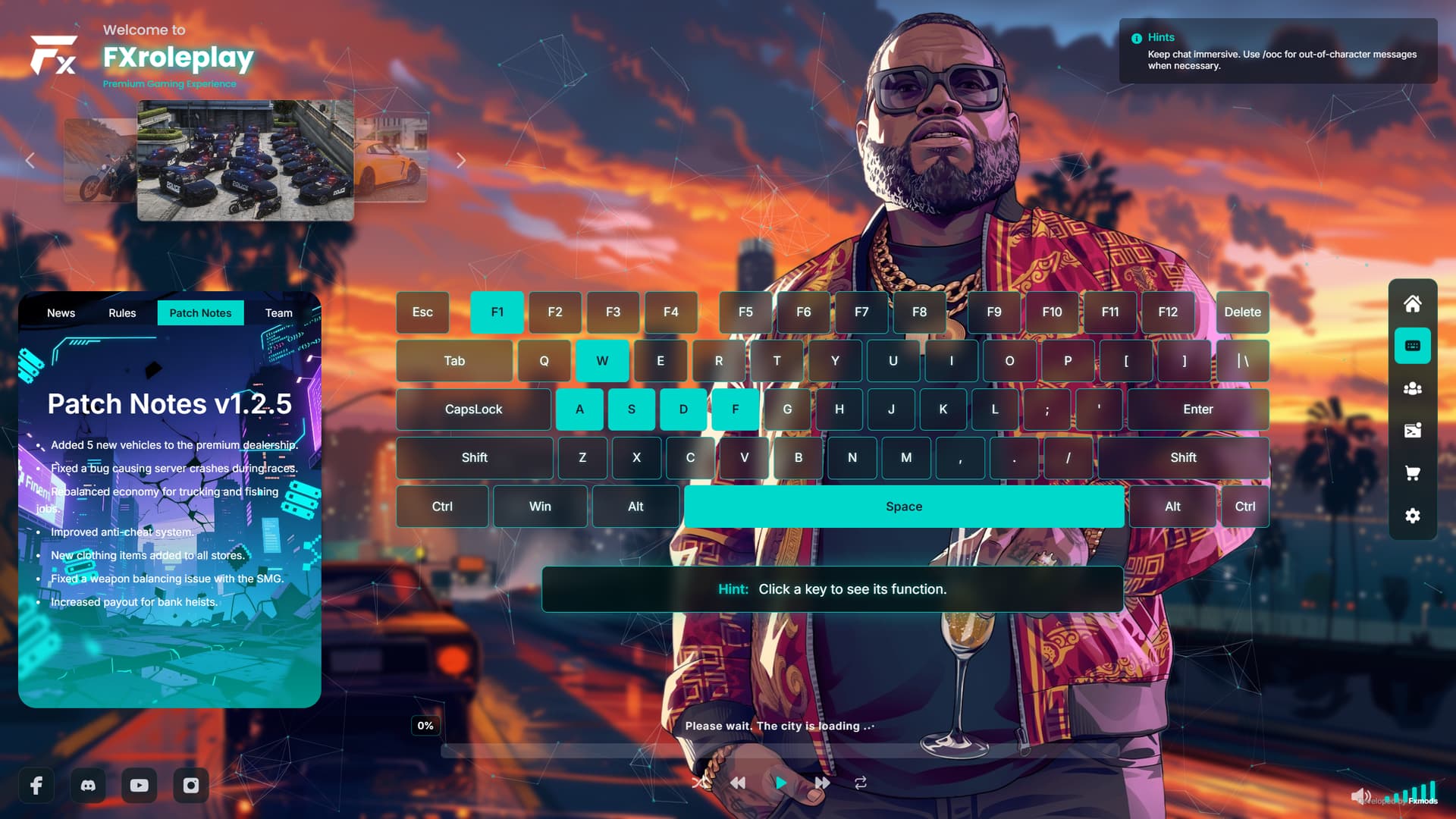
 Keybinds Display: A visual keyboard layout to help new players learn server controls instantly.
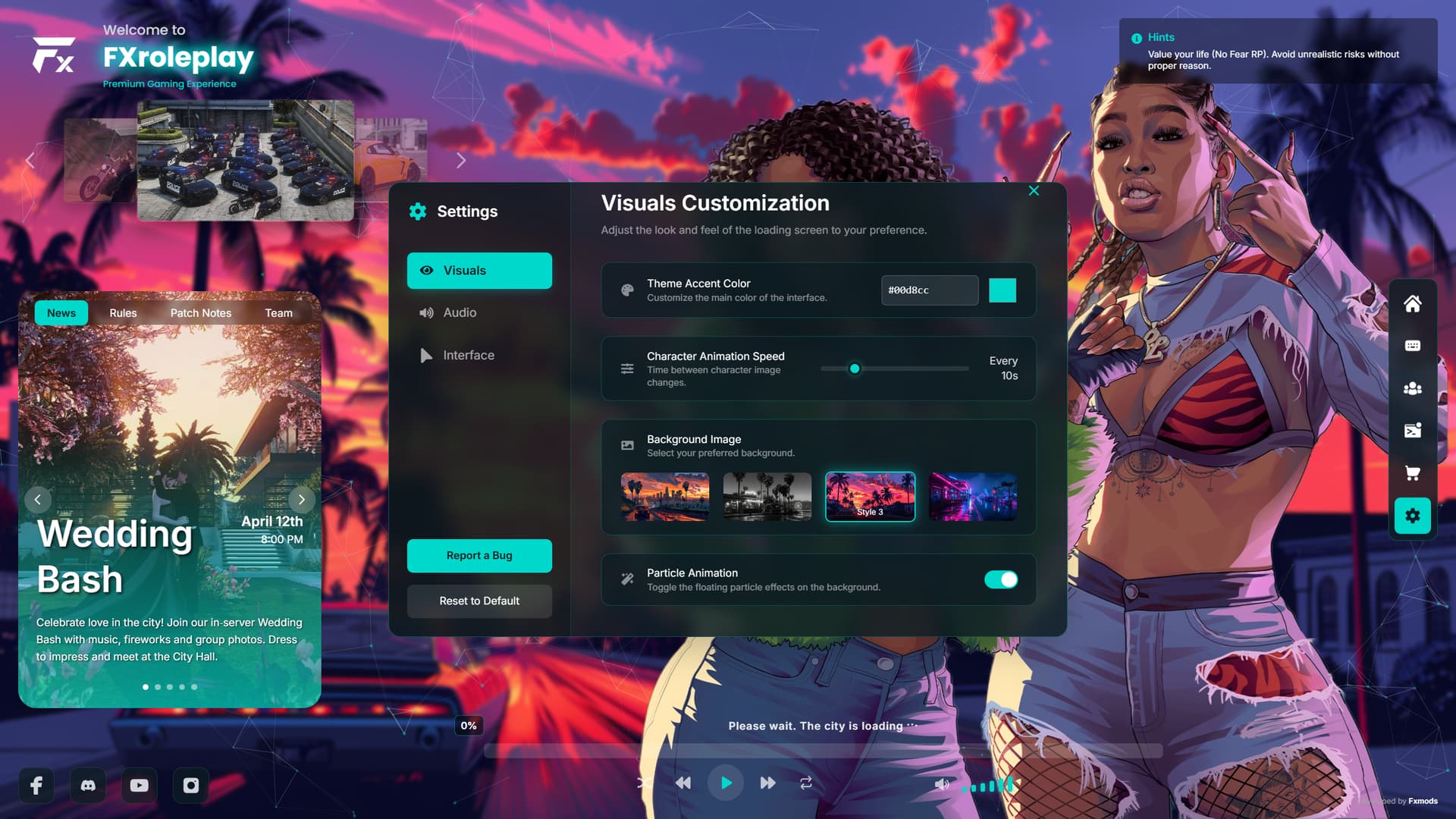
 Highly Customizable: Change colors, images, music, and text easily via the
 config.jsfile. No coding knowledge required! User Settings: Players can customize their viewing experience (animation speed, volume, etc.) which saves locally.
 Configuration
Everything is handled inside config.js. It’s clean and commented.
// Example Configuration Snippet

const teamPanelCards = {
        {
            name: 'Sasindu Pravishka',
            role: 'Lead Developer',
            image: 'image/team_members/member1.jpg',
            category: 'Development Team',
            description: 'Aenean tortor est, vulputate quis leo in, vehicula rhoncus lacus. Praesent aliquam in tellus eu gravida.',


const socialLinks = {
    facebook: "https://facebook.com",
    discord: "https://discord.gg/HNdUqy6W",
    youtube: "https://youtube.com/your-channel",
    instagram: "https://instagram.com/your-profile"
};
const serverInfo = {
    browserTabTitle: "FXroleplay",
    welcomeMessage: "Welcome to",
    serverName: "FXroleplay",
    serverTagline: "Premium Gaming Experience"
};

const musicPlaylist = [
    "music/Track1.mp3",
    "music/Track2.mp3",
    "music/Track3.mp3"
];`
Other Scripts-QuickFx Advance Notify System[QuickFX - Advanced Notification System [ESX/QBCore/Standalone]]
| Field | Value |
|---|---|
| Code is accessible | No (Escrowed / Config,mp3,image,Logo Editable) |
| Subscription-based | No |
| Lines (approximately) | ~1800 |
| Requirements | Standalone, |
| Support | Yes |
 BIG UPDATE v2.0 Custom Background & More!