GTA V version? Newest Up to date? Yes Legit or Pirate copy? Legit Steam/CD/Social Club? Steam Windows version? Windows 7 Proffesional Did you try to delete caches.xml and try again? Yes Error screenshot (if any) N/A System specifications
Intel Core 2 Duo E685 @ 3Ghz
4Gb DDR3
AMD Radeon RX 460 What did you do to get this issue?
Nothing What server did you get this issue on?
Department of Public Justice Roleplay (Unlisted) CitizenFX.log fileCitizenFX.log (242.2 KB)
.dmp files/report IDs
Can’t find any.
Also add what you already tried so far.
Reinstalling FiveM
Deleting “caches.xml” and caches folder
well im not sure how it was concidering the game uses more then 4gb so how it wasnt crashing often is interesting, it dont even meet the system requirements.
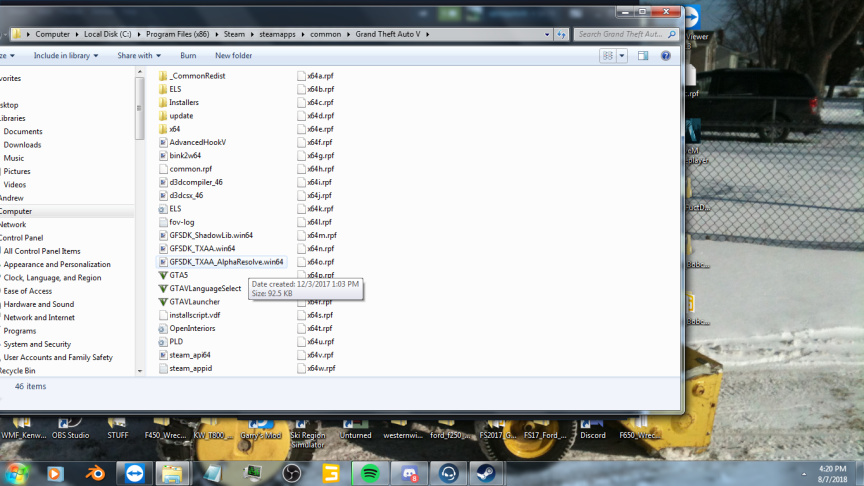
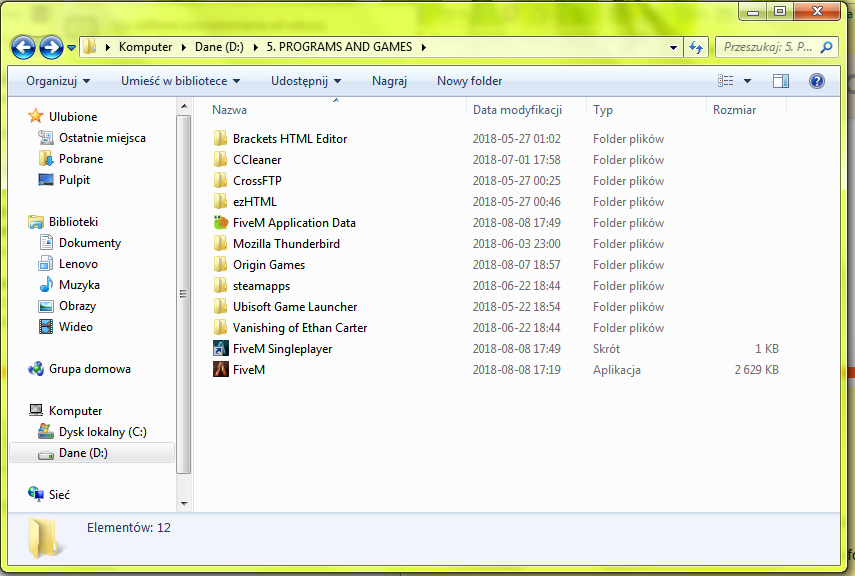
anyway perhaps post screenshots of your GTA5 and FiveM directories.
I have this problem too. I mean “Frozen Loading Screen”
GTA V version? Newest
Up to date? Yes
Legit or Pirate copy? Legit
Steam/CD/Social Club? CD
Windows version? Windows 7 Home Premium 64 bit
Did you try to delete caches.xml and try again? yes
Error screenshot (if any)
System specifications
Intel Core i5-5200U CPU 2x 2,20 GHz
8 GB RAM
AMD Radeon R5 M330
What did you do to get this issue? nothing
What server did you get this issue on? none, I just don’t have list of servers at all
CitizenFX.log file hmm I have only CitizenFX.log.1 file CitizenFX.log.1 (32.3 KB) or it is maybe about this file CitizenFX.ini (67 Bytes)
.dmp files/report IDs can’ find any, maybe I don’t know where to look
If an issue with starting: yes
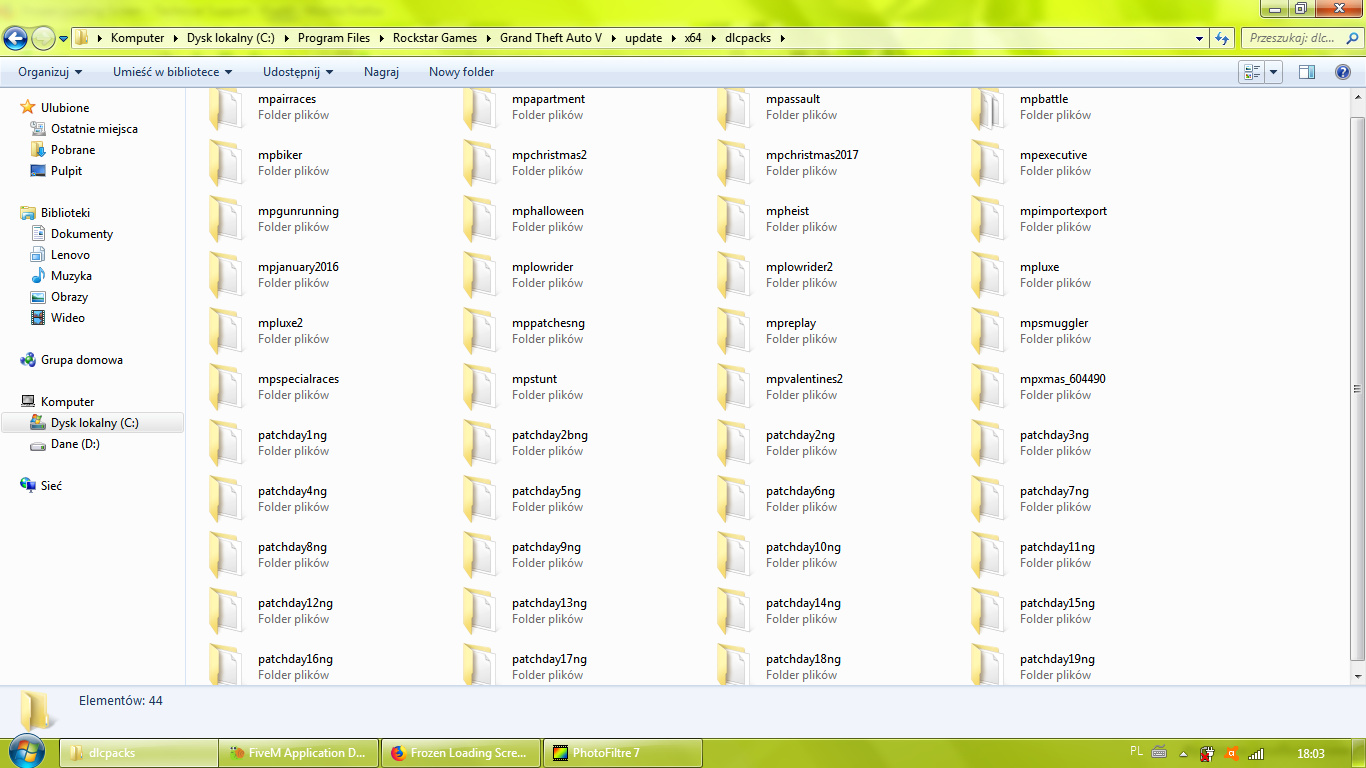
GTA V folder screenshot
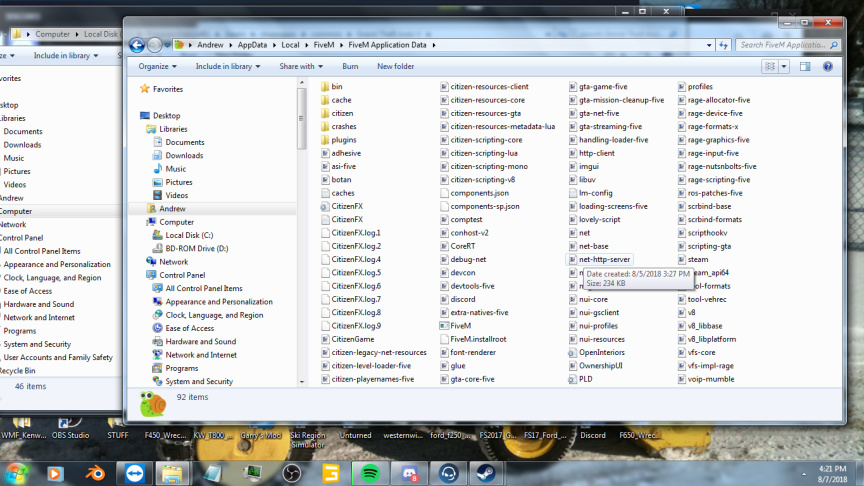
Filepath to FiveM folder
FiveM client folder screenshot
Did you try to disable/uninstall your Anti-virus? I made folder with FiveM disabled from Anti-virus
Also add what you already tried so far.
I reinstalled FiveM like 10 times so far
I deleted caches.xml
I updated Windows 7, cause it turned out updates were disabled, but now system should be up to date already
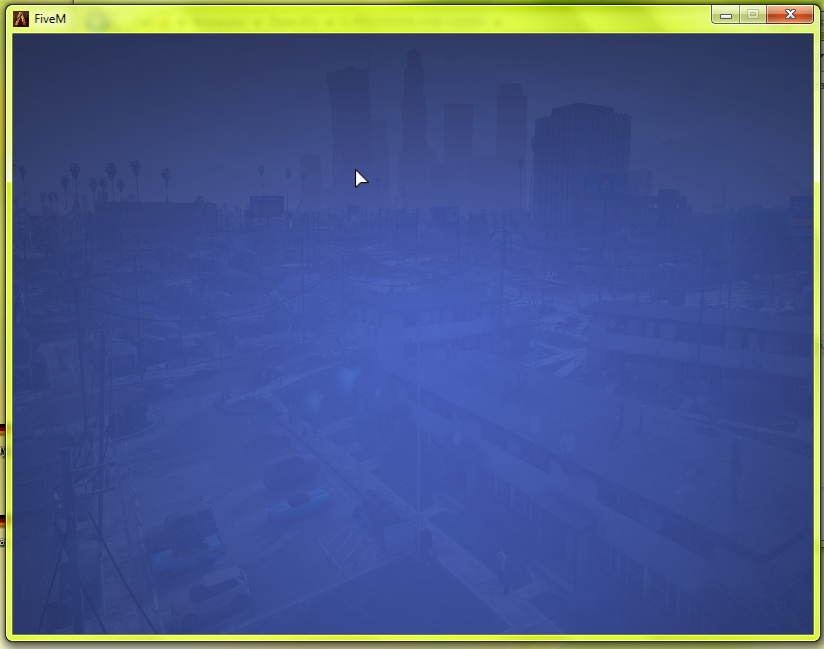
I open FiveM and I have only the coloured background (screenshot above) where list of servers schould load but nothing happens.
Can an element confirm this? because last time we told people this we were corrected and according to the main page it is still in the support list so im unsure where you got this information from.
Anyway its due to your AMD Graphics… its a known problem that has to do with the AMD drivers for mobile GPU’s.
and your issue is actually different from the OP’s, so next time make your own topic please.
Nice misinformation, windows 7 support has not stopped at all, that being said, FiveM does occasionally run into issues when using the window 7 operating system. Make sure you have fully updates your machine.
Let me first note that I am creating this thread on behalf of a member in the DoPJRP Community.
With that out of the way this is the actual issue.
[    400845] ResourceCacheDevice::EnsureFetched downloading Grand Senora Desert1_&_Harmony.ymap (hash c415758256fefc9e374ea9406200cea1c5d861d7) from https://*SERVERIP*:32018/files/trafficsigns/Grand Senora Desert1_&_Harmony.ymap
[    401609] ResourceCacheDevice reporting failure: Empty reply from server - CURL error code 52 (Server returned nothing (no headers, no data))
The problem is nobody on the Tech Support Team in the Community can figure out the problem and he is the only person with this issue, So we have come here to hopefully find a solution.
Try putting “FiveM”, “FiveM Singleplayer” and “FiveM Application Data” in a folder like your supposed to and move it somewhere else beside the “5. PROGRAMS AND GAMES” folder.
Your issue is completely different then this… your issue is your AMD Graphics “mobile gpu” and the AMD Drivers… there is no fix as of yet because AMD ignores the problem.