UI Manager - Utility Tool
# Overview
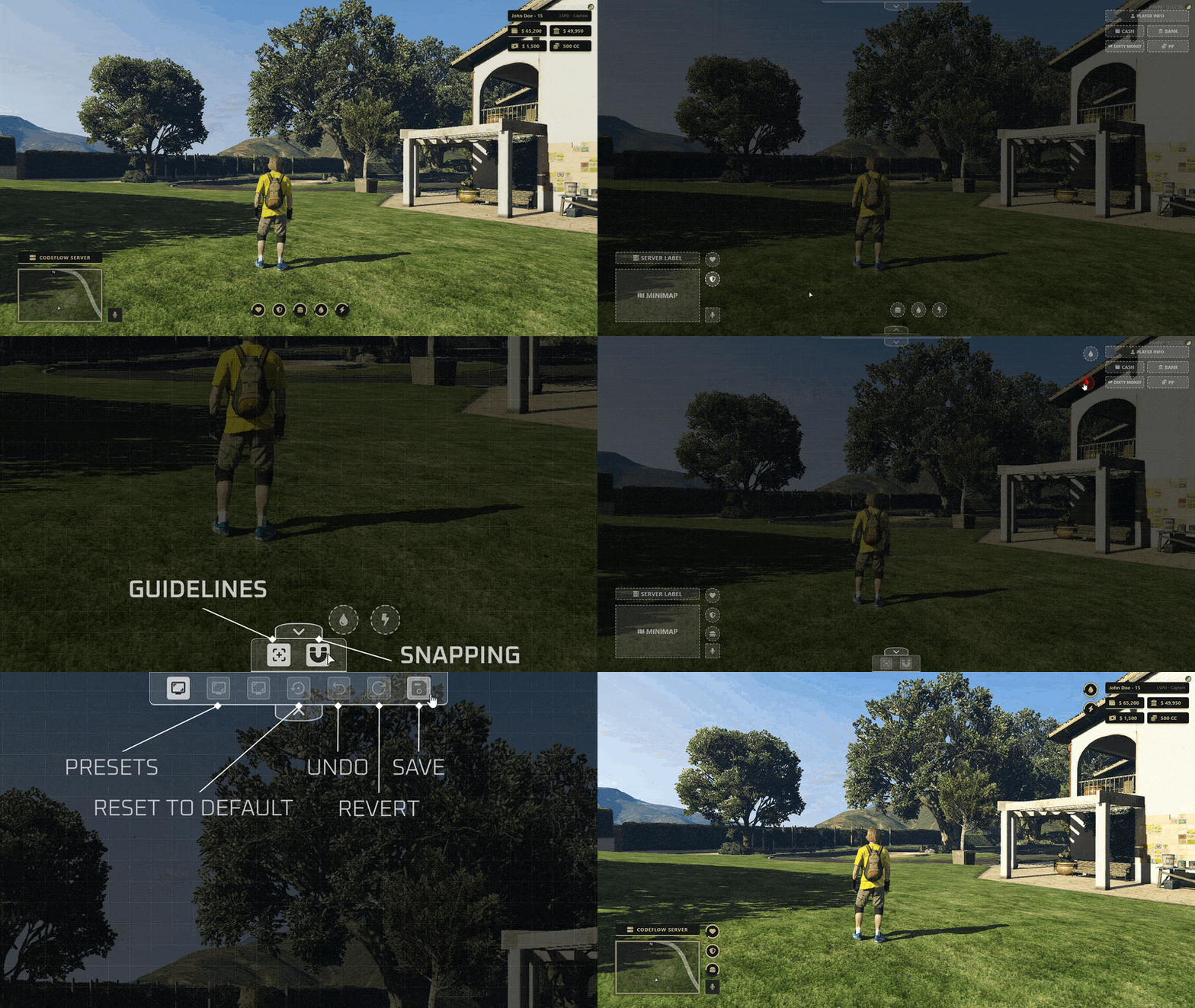
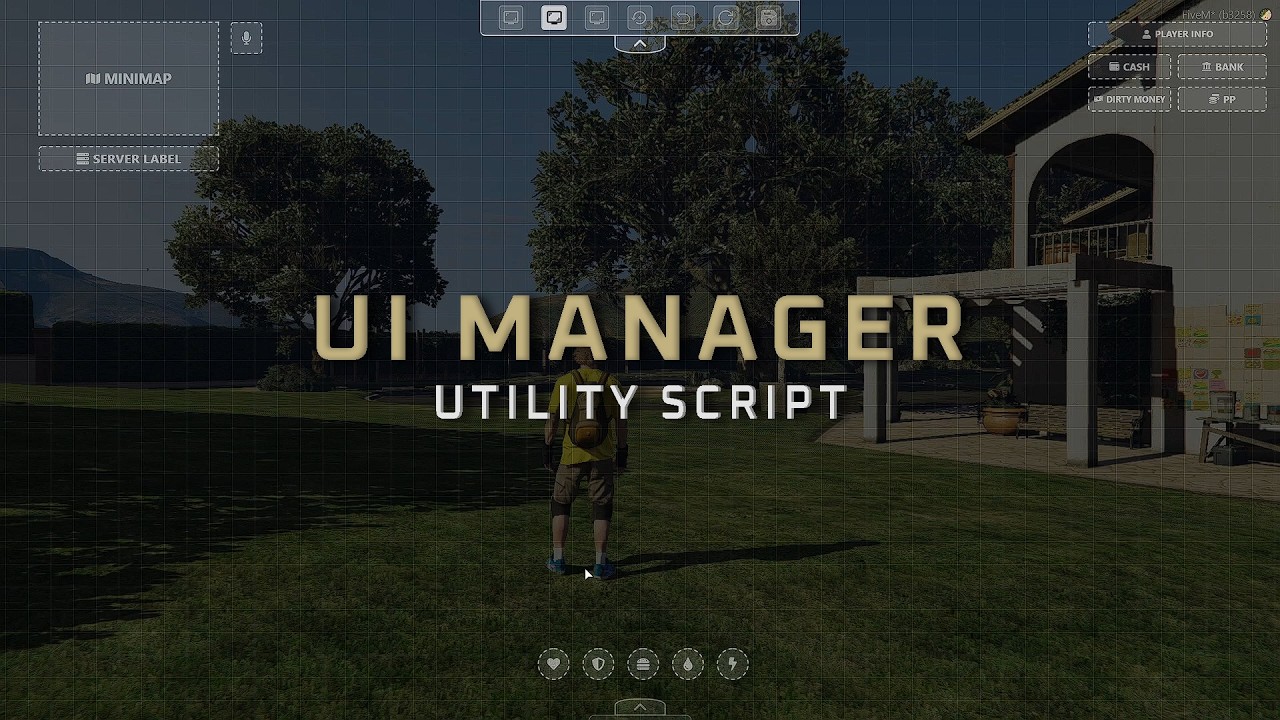
UI Manager is a standalone utility script designed to give players full control over their on-screen layout while providing developers with a unified API to make their interfaces customizable. Instead of hardcoding HUD positions or creating redundant dragging logic for every new script, UI Manager centrally handles the positioning, alignment, and saving of UI elements.
As servers add more interactive systems, the screen can quickly become cluttered. This tool allows players to organize their workspace according to their screen resolution and preference. For developers, it eliminates the need to build custom settings menus for UI positioning.
# Core Capabilities
- Drag & Drop Interface: Players can unlock the UI state and freely move registered HTML elements across the screen.
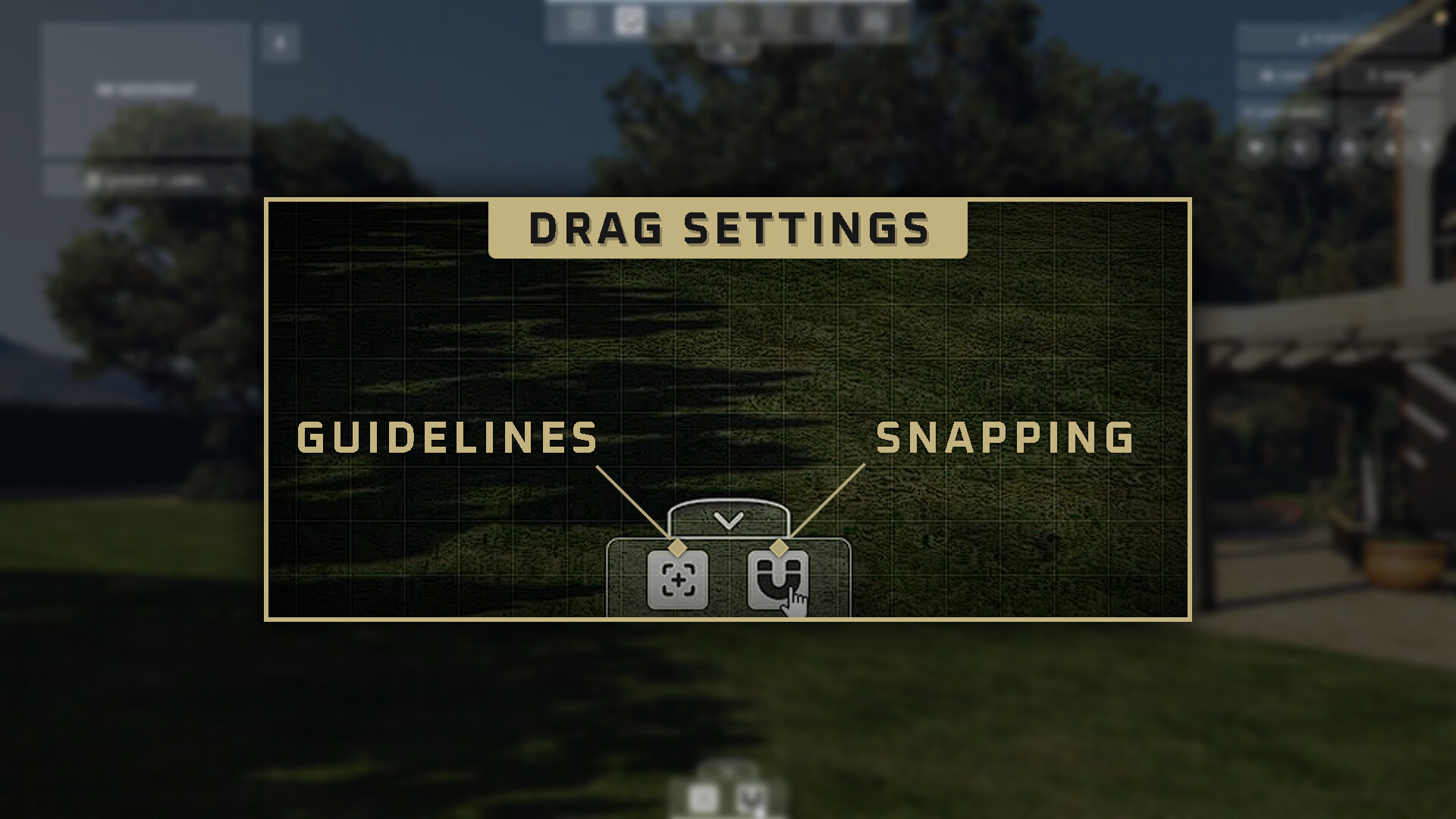
- Precision Alignment: Built-in grid guidelines and snapping mechanics ensure accurate, aligned positioning between different elements.
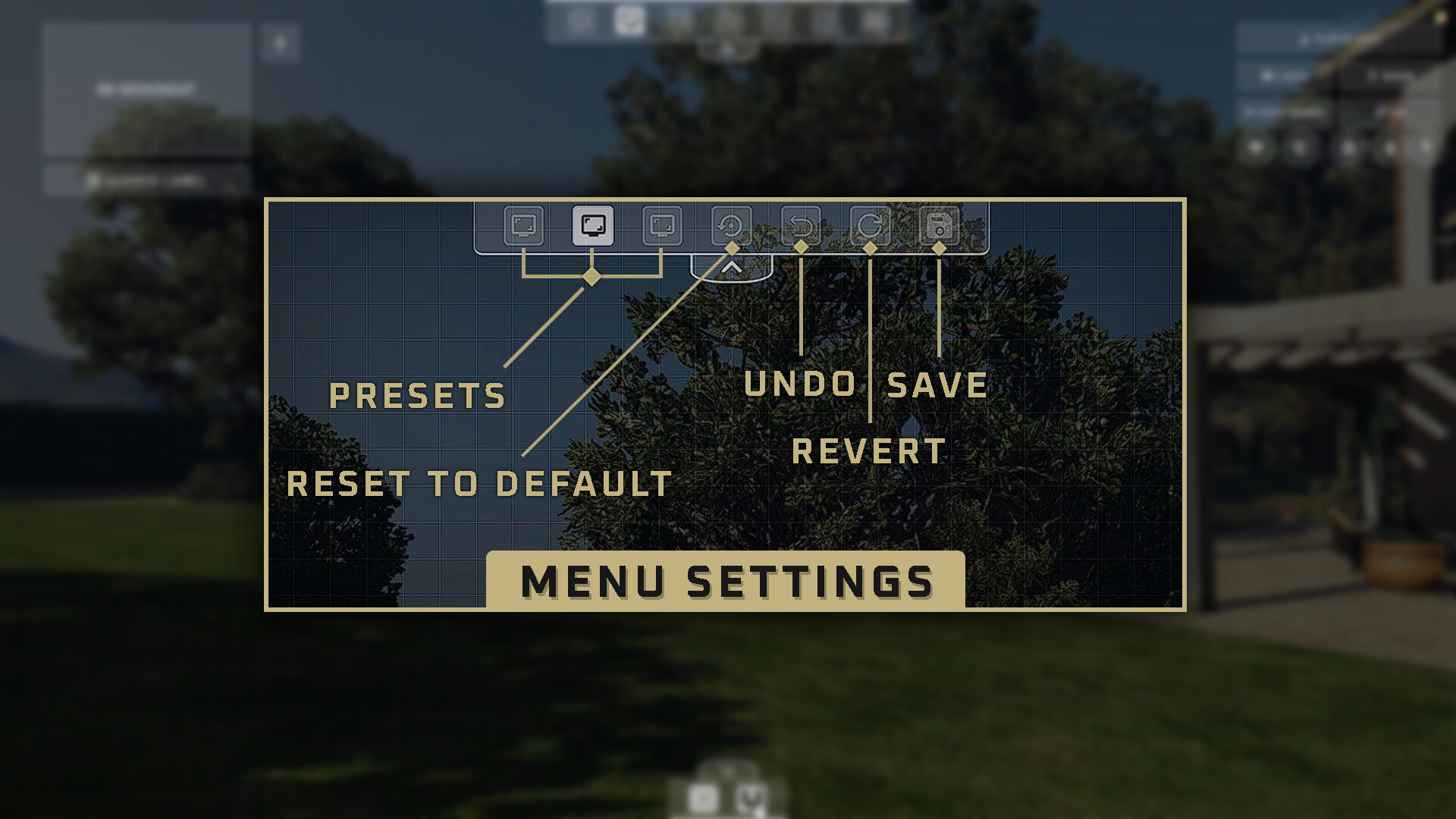
- Persistent Presets: Users can save, load, and discard custom layouts using client-side KVP storage.
- Native Minimap Integration: The standard GTA V radar is fully integrated and repositionable by default.
- Developer API: Third-party scripts can register their NUI components using a single client export, passing styling metadata and default coordinates.
# Developer Integration
Making a script compatible requires minimal setup. Developers send an export containing the component’s ID, dimensions, and default position to the UI Manager. When a player moves the element, the manager calculates the normalized coordinates and handles the hardware-accelerated CSS transformations on the frontend, ensuring smooth performance.
Example Registration (Client-side):
exports["ui_manager"]:RegisterComponent({
    id = "my_custom_component",   -- A unique ID for your HTML element
    posX = 0.85,                  -- Default X position (0.0 to 1.0)
    posY = 0.05,                  -- Default Y position (0.0 to 1.0)
    width = "6.5vw",              -- Width of the component
    height = "3.5vh",             -- Height of the component
    ui = {
        name = "My Custom Panel", -- Display name in the UI Manager
        icon = "FaInfoCircle",    -- Icon name that registered in Icon List
        fontSize = "24px",        -- Size of the text/icon
        borderRadius = "0.375rem" -- Border Radius of the component
    }
})
# Preview
Links & Resources
- Store Link:: Tebex Store
- Download & Source Code: Github - UI Manager
- Documentation: Gitbook
- Showcase Video: Youtube - UI Manager
- Support: Discord