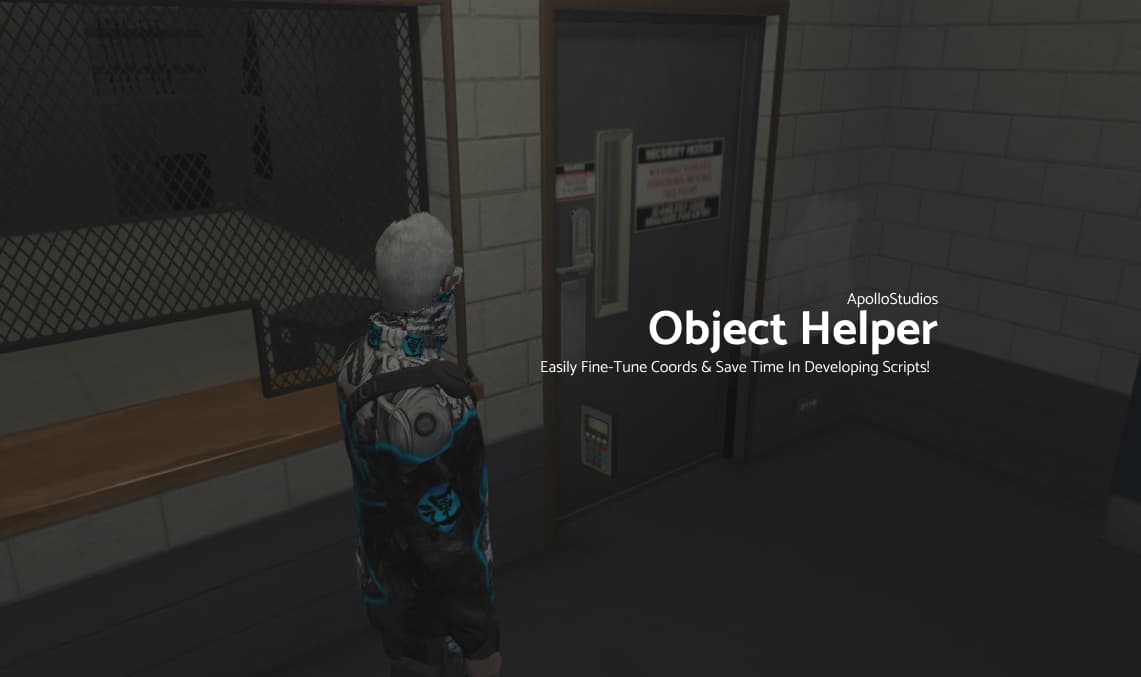
Hello All 
Small little free release today.
Ever had to place an object whilst building a script & its a pain to adjust the coords in the script & restart the entire thing? Well fret no more young software developers… ap-ObjectHelper allows you to place the prop, adjust it using custom set keys (inside the script) and press “e” to save them to your clipboard so you can paste it right on into your script.
As always, enjoy!
Top of the script preview:
-- [Nice & Simple Script To Place An Object & Fine-tune Its Coords]
-- [Use The Command '/objecthelper' to spawn the object. Move it around with the arrow keys.]

-- [Changers]
local object = 'prop_ld_keypad_01' -- Replace this with your prop.
local moveSpeed = 0.001 -- moveSpeed of the prop when moving it around.
local rotateSpeed = 0.5 -- rotateSpeed of the prop when rotating it around.

-- [Keys]
local upKey = 172 -- [ Up Arrow / Move Prop Forward]
local downKey = 173 -- [ Down Arrow / Move Prop Backwards]
local leftKey = 174 -- [ Left Arrow / Move Prop Left]
local rightKey = 175 -- [ Right Arrow / Move Prop Right]
local backKey = 29 -- [ B / Move Prop Backwards]
local forwardKey = 47 -- [ G / Move Prop Forwards]
local rotateKey = 73 -- [ X / Rotate Prop]
local deleteKey = 38 -- [ E / Copy Coords & Delete Prop]

function CopyToClipboard(coords)
    SendNUIMessage({
        string = string.format('vector3(%s, %s, %s)', coords.x, coords.y, coords.z)
    })
end
Preview:
Download Here:
ap-ObjectHelper.zip (2.2 KB)
| Code is accessible: Yes
| Lines (approximately): 100+
| Always. dcord is apollostudios.