second, you don’t always need to use github for releases as seen here. They can either come from github or be directly uploaded to the forums.
Free releases: Releases that are released for free must contain a download other than Tebex (such as a direct download or GitHub). You may include a Tebex link but it must not be the only download.
All of his uploads are in accordance with TOS, also there is no virus
Description:
LONE Leaderboard is a sleek, performance-friendly NUI-based system with a built-in scoreboard. It tracks real-time player stats and displays them in a modern, immersive UI — perfect for RP and competitive FiveM servers.
Compatible with QBCore, ESX, and Custom frameworks. Automatically detects the framework for plug-and-play support.
I wanted to share a simple but highly effective script I created called Lone Radio V2. If you’re looking for a straightforward way to let your players stream real live radio stations while cruising around in their cars, this is for you.
What is Lone Radio?
Lone Radio is a simple, lightweight car radio script built for QBCore. Instead of relying on standard GTA V audio tracks, it hooks into live internet radio streams, allowing players to listen to real-world music broadcasts dynamically in-game.
Features
Live Streaming: Play actual live internet radio stations straight to your car.
Easy Configuration: Adding new stations is as simple as dropping a streaming URL into the config file.
Lightweight: Designed to be simple without dragging down server performance.
Open Source: Completely free to use, edit, and contribute to.
Dependencies
olisound (Required for handling the audio streams)
Installation
Installation is quick and easy:
Download the latest release from the GitHub link below.
Extract the Lone_radio folder into your server’s resources directory.
Open shared/config.lua and add your desired live radio streaming links.
Add ensure Lone_radio to your server.cfg.
Restart your server and enjoy the tunes!
Download
GitHub Repository:lone17k/Lone_radio(Feel free to star the repo, report any issues, or open a pull request if you’d like to contribute!)
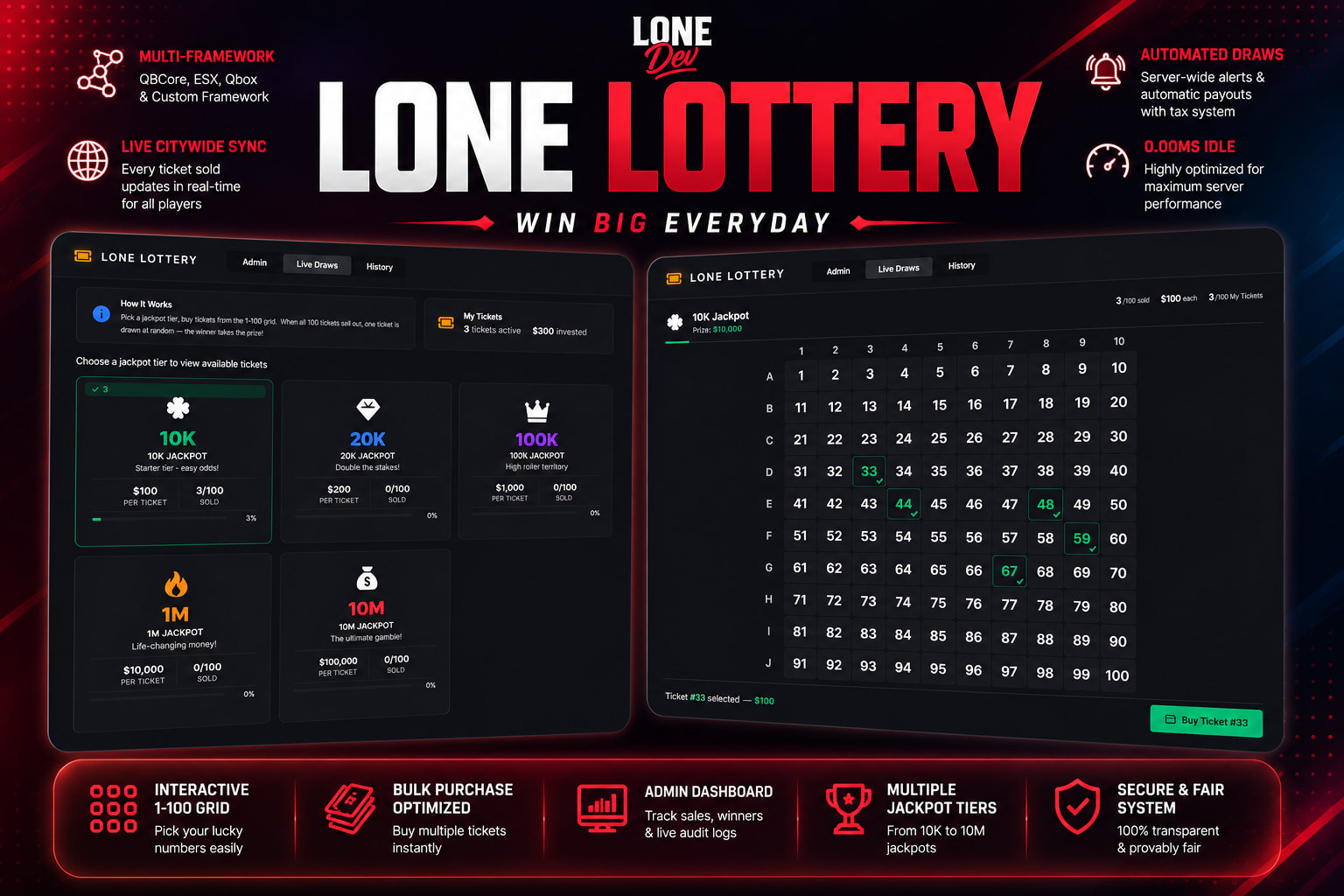
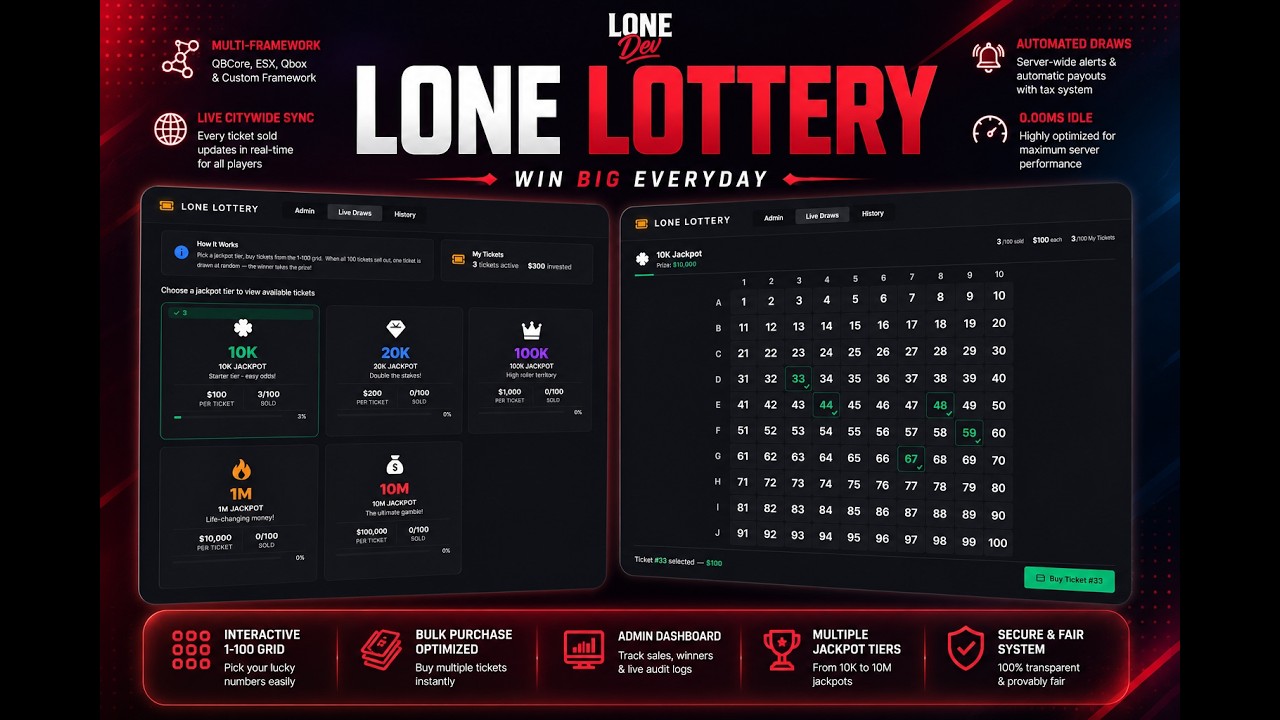
Unlike basic text-based lottery scripts, this resource features a fully interactive, custom NUI where players manually select their numbers, watch the prize pools climb in real-time, and compete city-wide for massive jackpots. From low-tier 10K starter raffles to massive 10 Million dollar gambles, this script injects excitement directly into your server’s economy.
Key Features
Multi-Framework Mastery: Out-of-the-box, plug-and-play support for QBCore, ESX, and Qbox, featuring an open bridge to easily adapt to any Custom Framework.
Interactive 1-100 Grid Selection: Players don’t just buy a ticket; they interact with a sleek UI grid to pick their lucky numbers, making the experience highly engaging.
Live City-Wide Synchronization: Every single ticket purchased at any convenience store across the entire map updates and syncs in real-time for all players.
Built-In Admin Dashboard: Monitor your server’s economy directly through the UI. Features a dedicated admin tab displaying total ticket sales, recent winners, and live audit logs.
Diverse Jackpot Tiers: Set up multiple active lotteries simultaneously—ranging from casual 10K pools to high-roller 10M grand prizes.
Bulk Purchasing Optimized: High-rollers can rapidly purchase dozens of tickets at once. The script handles high-volume bulk transactions smoothly and efficiently with zero performance drops.
Automated Draws & Tax Payouts: Server-wide notifications alert the entire city when a drawing happens, announcing the winning ticket and distributing the cash pool (with customizable tax deductions built-in!).
Highly Optimized: Runs perfectly at 0.00ms on idle, ensuring premium performance for high-population servers.
How It Works For Players
Head into any local 24/7 or supported convenience store.
Interact with the terminal at the counter to open the custom NUI.
Browse the active jackpot tiers and select numbers on the grid.
Purchase individual or bulk tickets and wait for the city-wide draw notification!


 LONE Leaderboard + Scoreboard – The Ultimate Player Stat Tracker for FiveM
 Preview:
  Resource Name: Lone Leaderboard + Scoreboard
 Description:
 What is Lone Radio?
 Features
 Dependencies
 Installation
 Download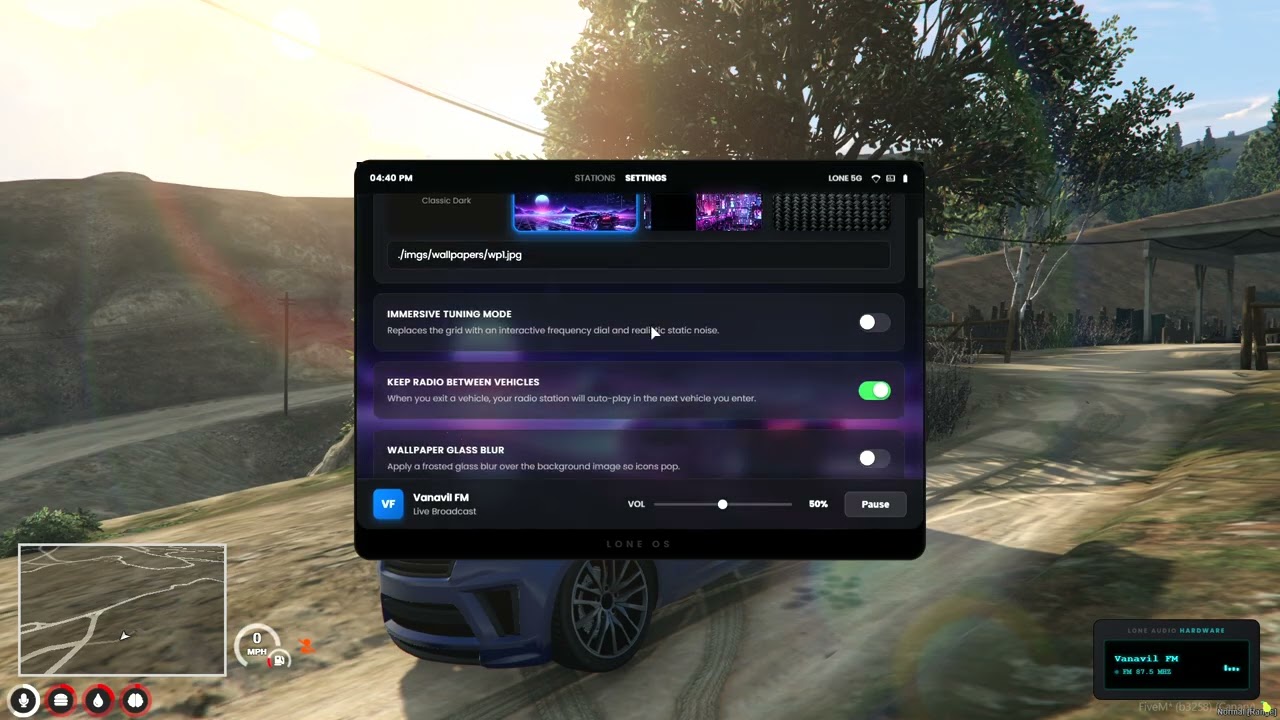
 Key Features
 Purchase & Support