Hey there! Today I’m releasing another script.
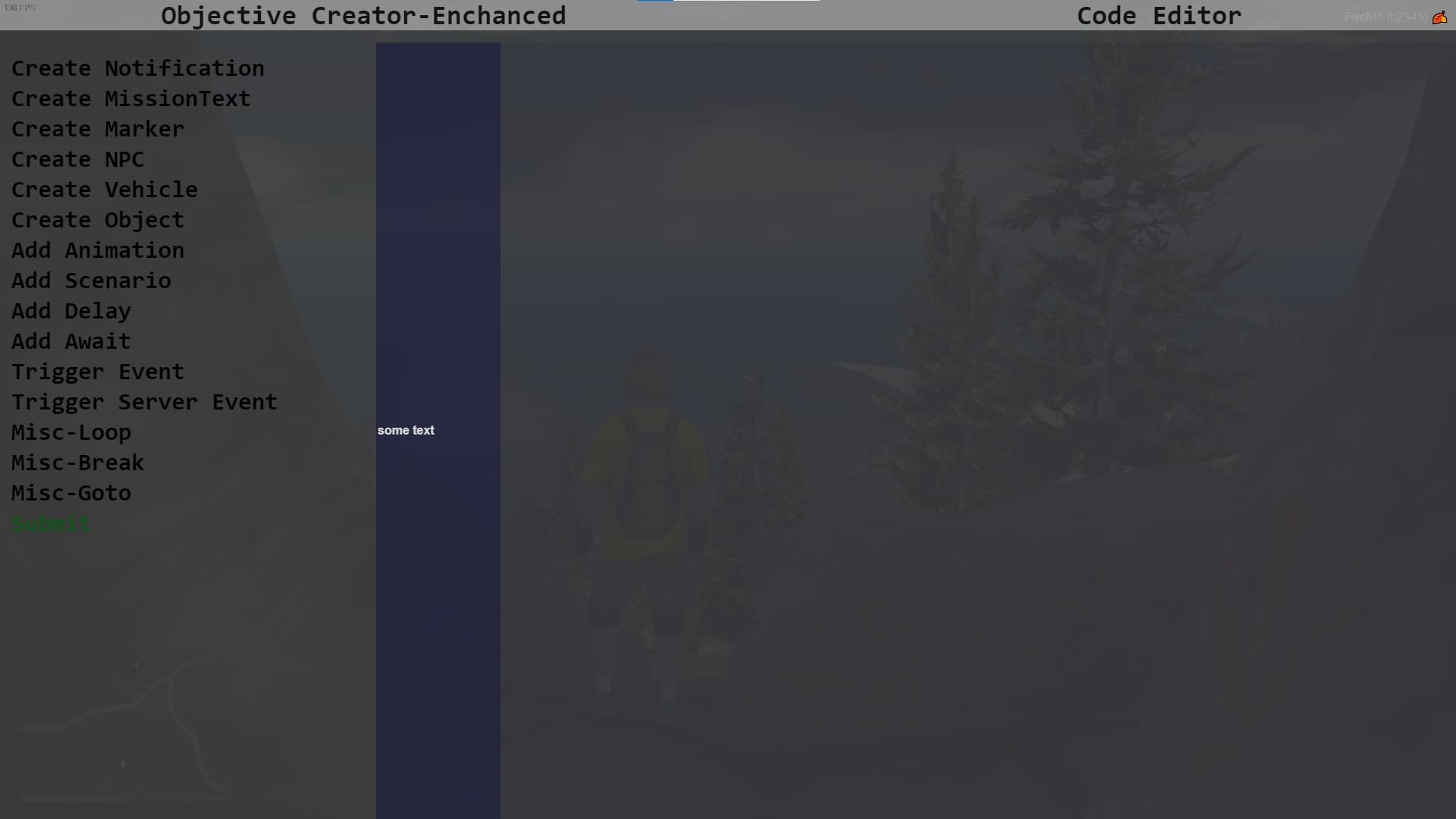
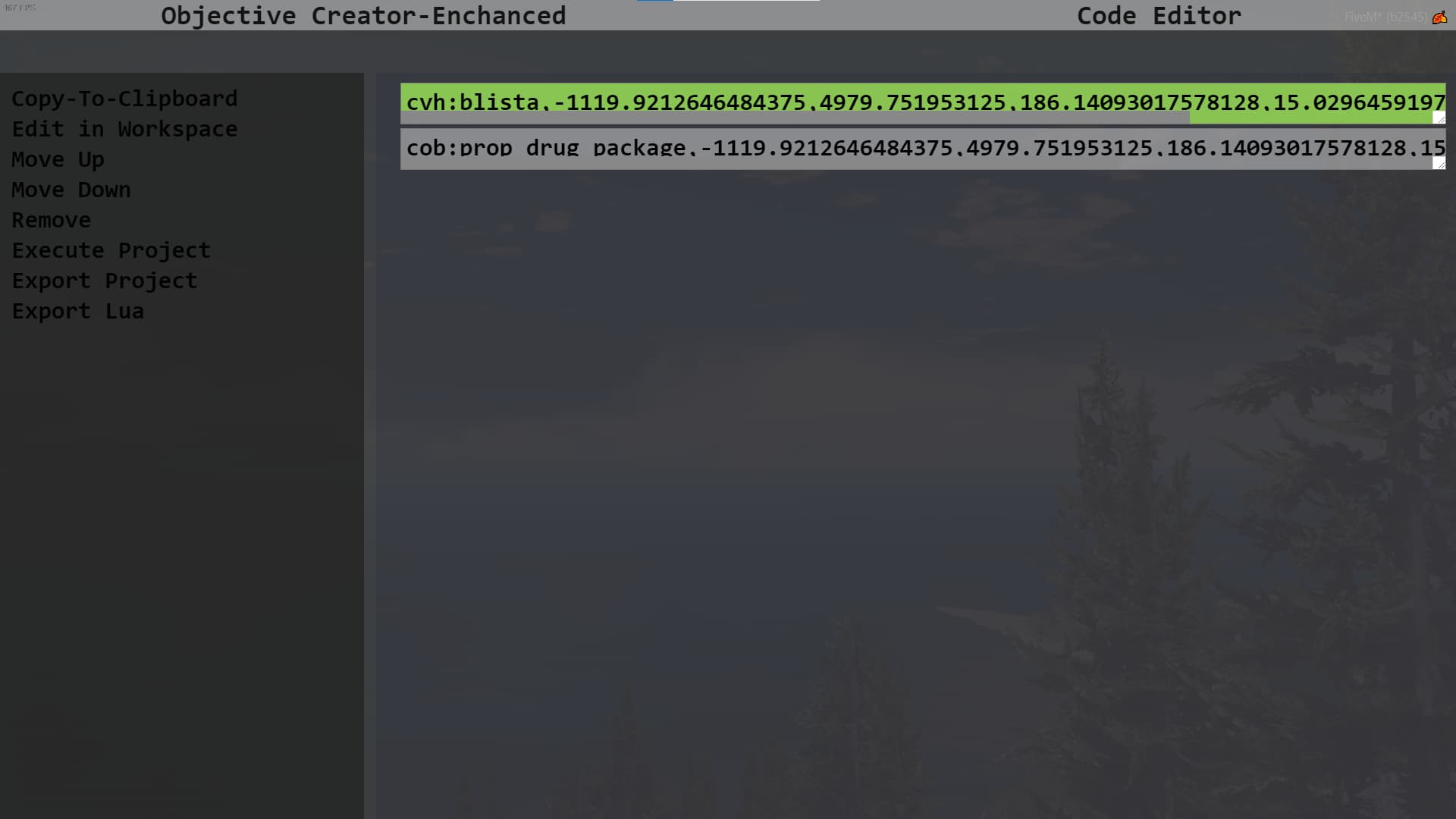
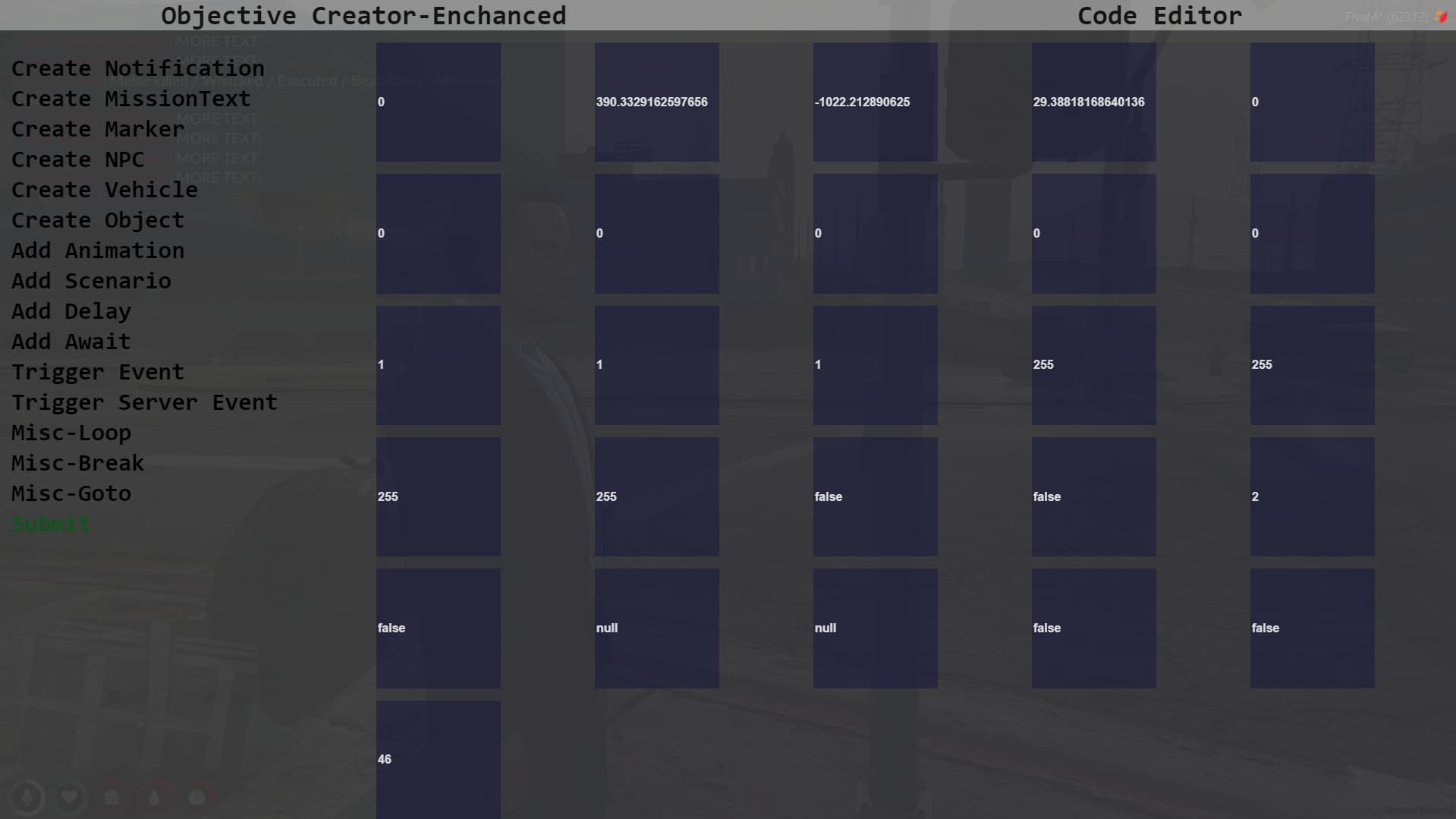
cust_objectiveCreator can be treated as rc_objectiveCreator version 2.0. Much better optimization, better NUI, easier way of adding new functions, better integration of my .oc type to lua.
Below there are 2 images and quick video.
No support for QB or ESX for now. Everything can be made using tce: and tse:. (TriggerEvent and TriggerServerEvent).
Update 1.0
-Fixed Issue with events where as “:” character was treated as new function.
-Fixed Issue with events not sending parameters through
-Fixed Issue with events not being able to be executed
Update 1.1
-Fixed Issue with events only passing integers as parameters
-Fixed Issue with Code Editor that resulted in errors and being unable to export project
-Updated layout of Code Editor
Update 1.2
-Fixed Issue with removing elements in workspace
-Fixed Issue with markers sometimes not working properly
-Added Loopable functions(create identifier, add break, add goto) - instructions on github
-Better Checks for entering markers
I’m planning to futher develop this thing. If anyone has any idea on what I could add I’d be very thankful.
You can also create these missions in your browser, but you won’t be able to Execute Project(obviously) and use self-updating xyz and heading. Just open index.html in your browser and you’re good to go!
cust_objectiveCreator
direct download (26.1 KB)
Hope you enjoy!
|
|
| Code is accessible |
Yes |
| Subscription-based |
No |
| Lines (approximately) |
1080 |
| Requirements |
none(for now) |
| Support |
Yes |
7 Likes
Enjoyed the addition so far.
Update 1.4
Minor Bug Fixes
- Fixed Issue with Code-Editor content not overflowing parent
- Fixed Issue with small errors due to appending and styling
- Fixed Issue with Code-Editor elements not highlithing properly
New Features
- Added ability to delete elements using del(delete)
- Added wait-given-time boolean to Create Mission Text as to not add too many Delays
- Added ability to import string into code-editor using event
Soon I’ll be creating one mission using this script.
A video on how to create a objective will be very helpful
Hey! Thanks for your suggestion, I’ll soon try to create mission with this and short video showcasing how to create 'em. Thanks tho!
that will be appreciated. It will solve a lot of problems.
1 Like
Thats great plugin! But add info to parametrs
It’s hard to understand which for what
Hey there! These parameters even if they look somewhat unreadable, they are simply values like in natives or functions in misc, marker is a exception. Also you have text in fields which says which is which when there is no input. That’s why there is completed text in them, so you don’t really have to manually insert data in all of 'em. Too bad FiveM doesn’t show title property. But I’ll work on improving readability!
1 Like
Thanks. I am wait for future releases.
1 Like
Hey,
Its quite easy,. You must download the script first, after that you can easily add some functionality to your mission. After which you can export your “mission” to .lua file or in string and execute it with functionality such as loops with event.
Not complicated if you get the basics.
In near future I’ll be rewriting most of my scripts for better optimisation and ease of use if you’re interested.
P.S. You can use this script in your browser by opening .html file