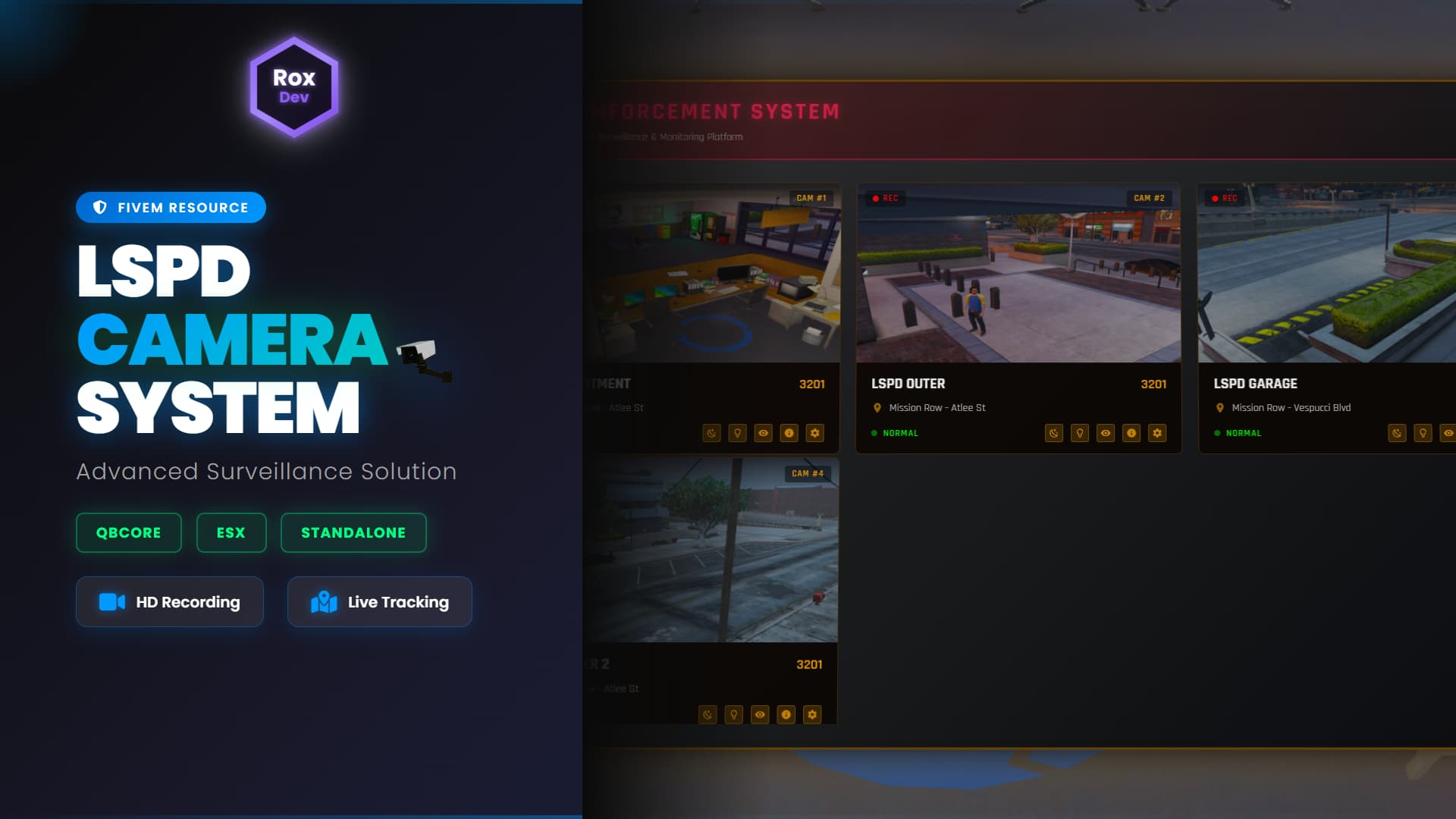
 Professional Surveillance System for Your Server
RoxCam Pro V1 is a complete, feature-rich CCTV surveillance system designed specifically for law enforcement roleplay and security operations. Monitor your city in real-time with advanced camera placement, live feeds, and powerful viewing features.
 KEY FEATURES
 Advanced Camera System
- Unlimited Camera Placement - Position cameras anywhere across your map
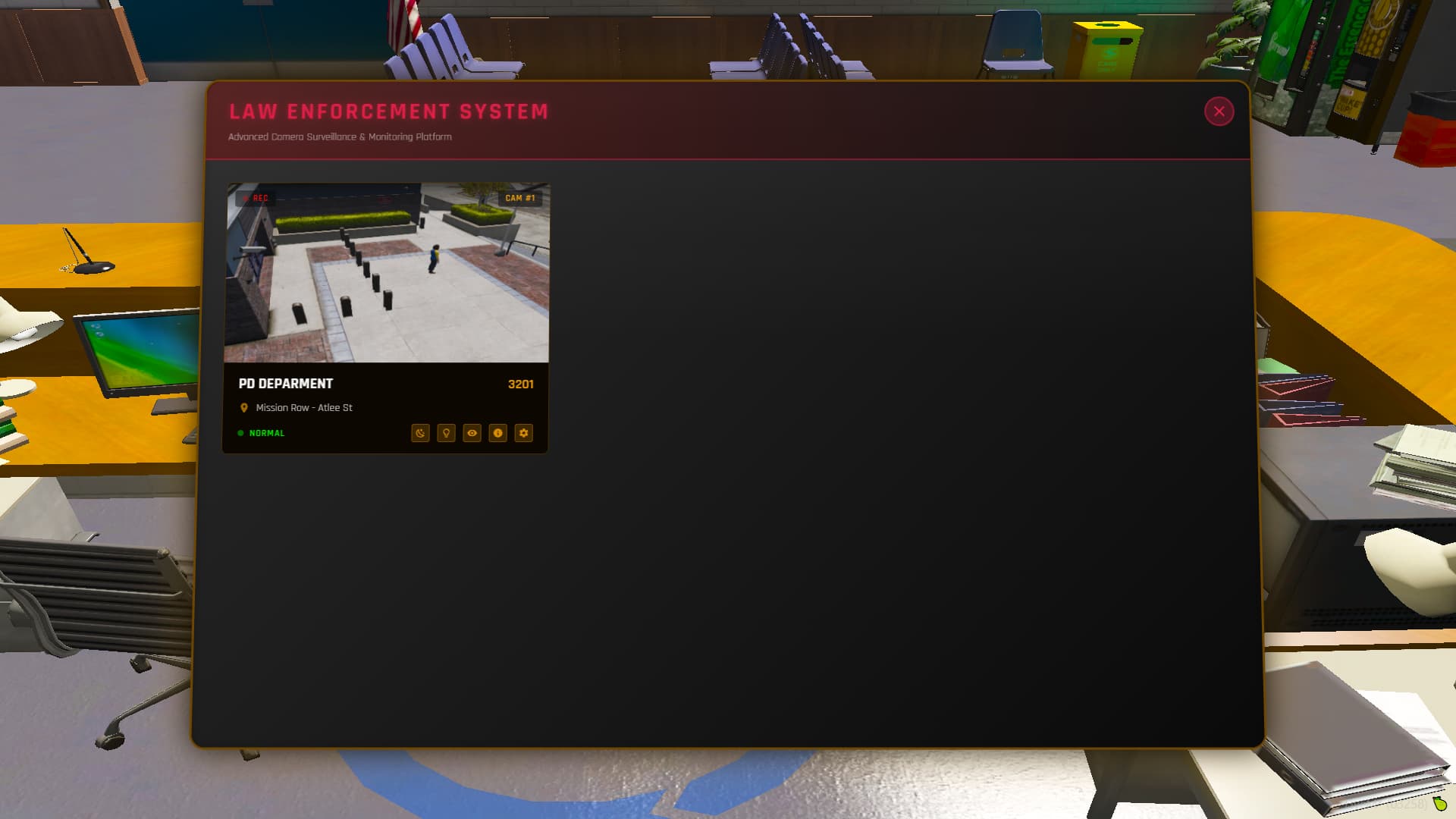
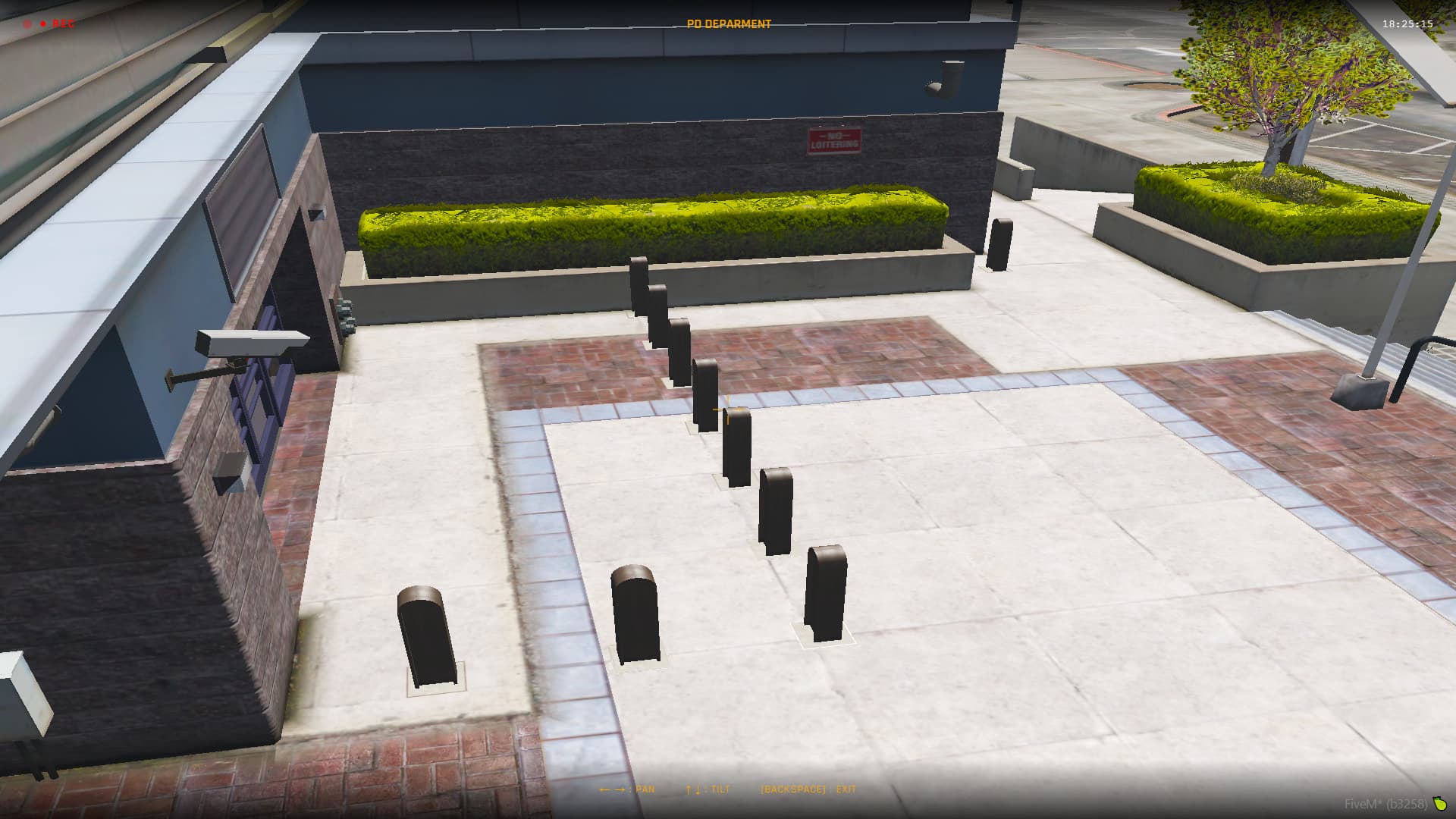
- Live Feed Monitoring - Real-time camera feeds from centralized monitoring stations
- Thermal Vision - Toggle thermal imaging for enhanced surveillance (exterior cameras)
- Night Vision - See clearly even in complete darkness (exterior cameras)
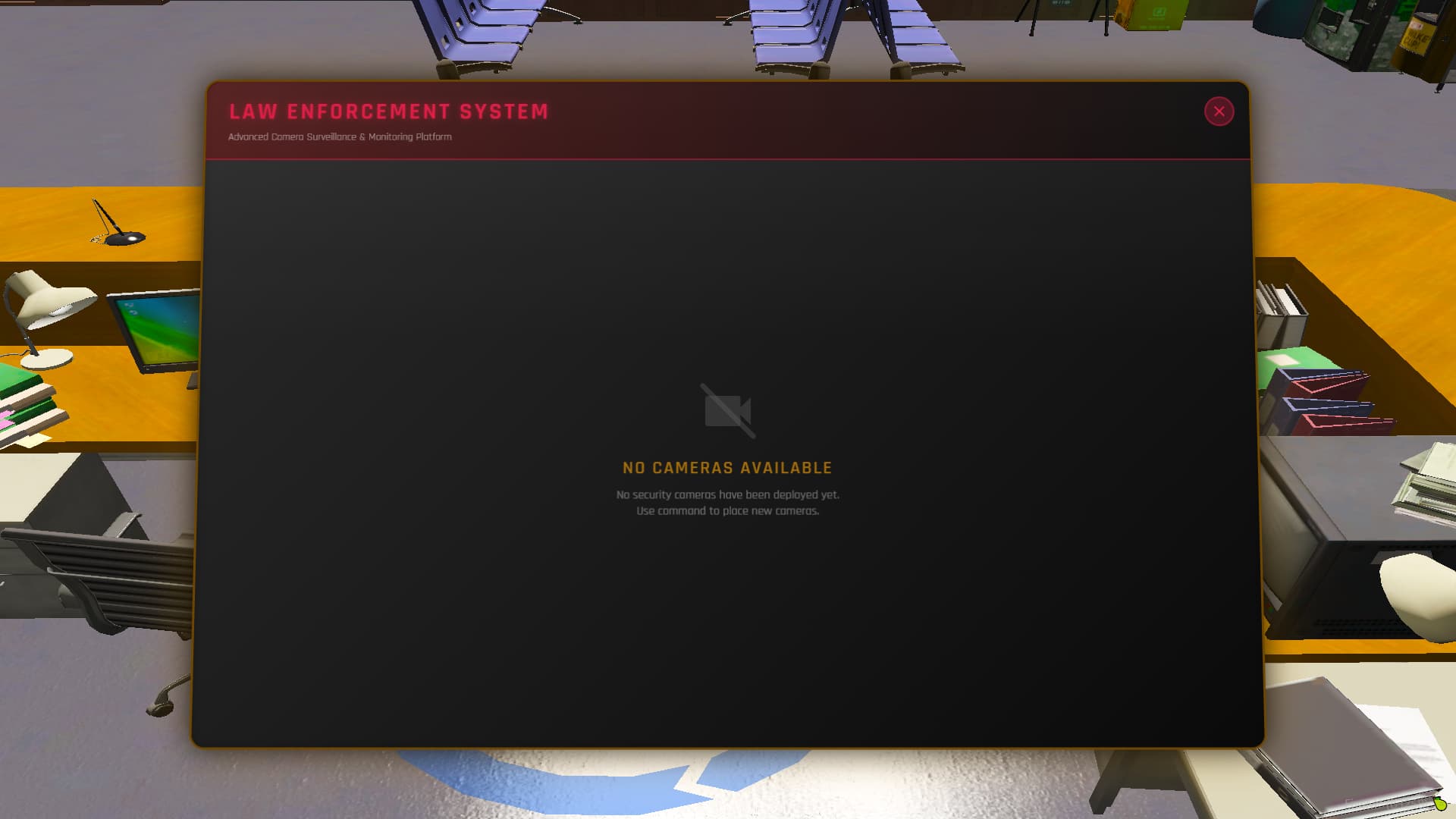
- Camera Management - Edit, delete, and organize all your cameras from one interface
 Intelligent Placement System
- Easy Movement Controls - Use WASD + Z/X to position cameras precisely
- Rotation Controls - Arrow keys for perfect camera angles
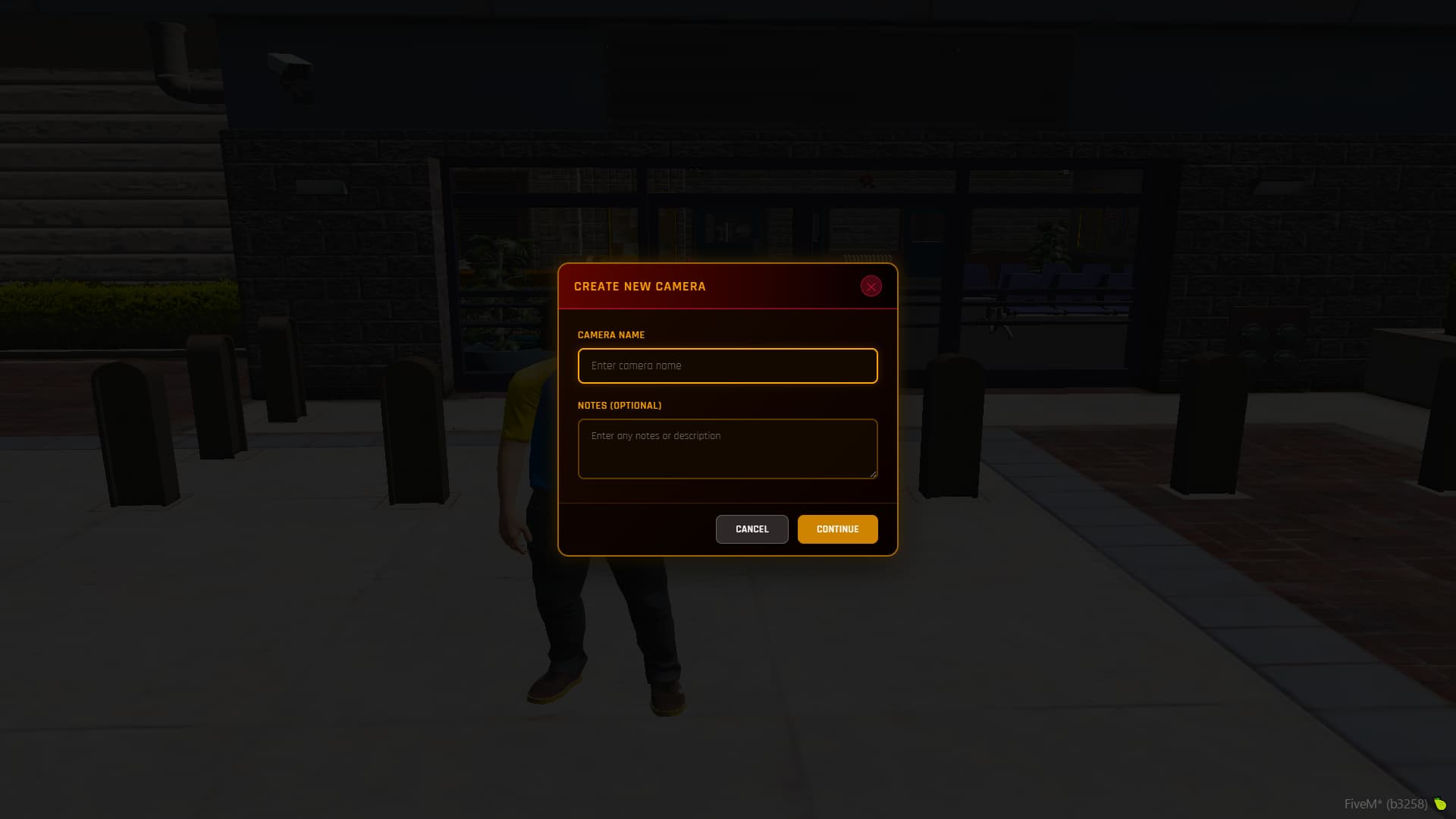
- Custom Camera Names - Label each camera for easy identification
- Notes System - Add important details to each camera
- Placement History - Track who placed cameras, when, and why
 Monitoring Station Features
- Centralized Control - Access all cameras from configured monitoring locations
- Live Screenshot Integration - Real-time image capture via Discord webhooks
- Detailed Camera Info - View placement date, time, operator, and notes
- Quick Access - Press “E” to enter monitoring mode instantly
- Professional UI - Clean, modern interface designed for law enforcement
 Full Customization
- Framework Support - Works with ESX or QBCore
- Configurable Commands - Set your own camera placement commands
- Custom Monitoring Stations - Define multiple monitoring locations
- Webhook Integration - Connect to your Discord for screenshot storage
- Permission System - Control who can place and access cameras
 HOW IT WORKS
Step 1: Setup
Configure the resource and execute your custom camera placement command (defined in Config.PlacementCommand)
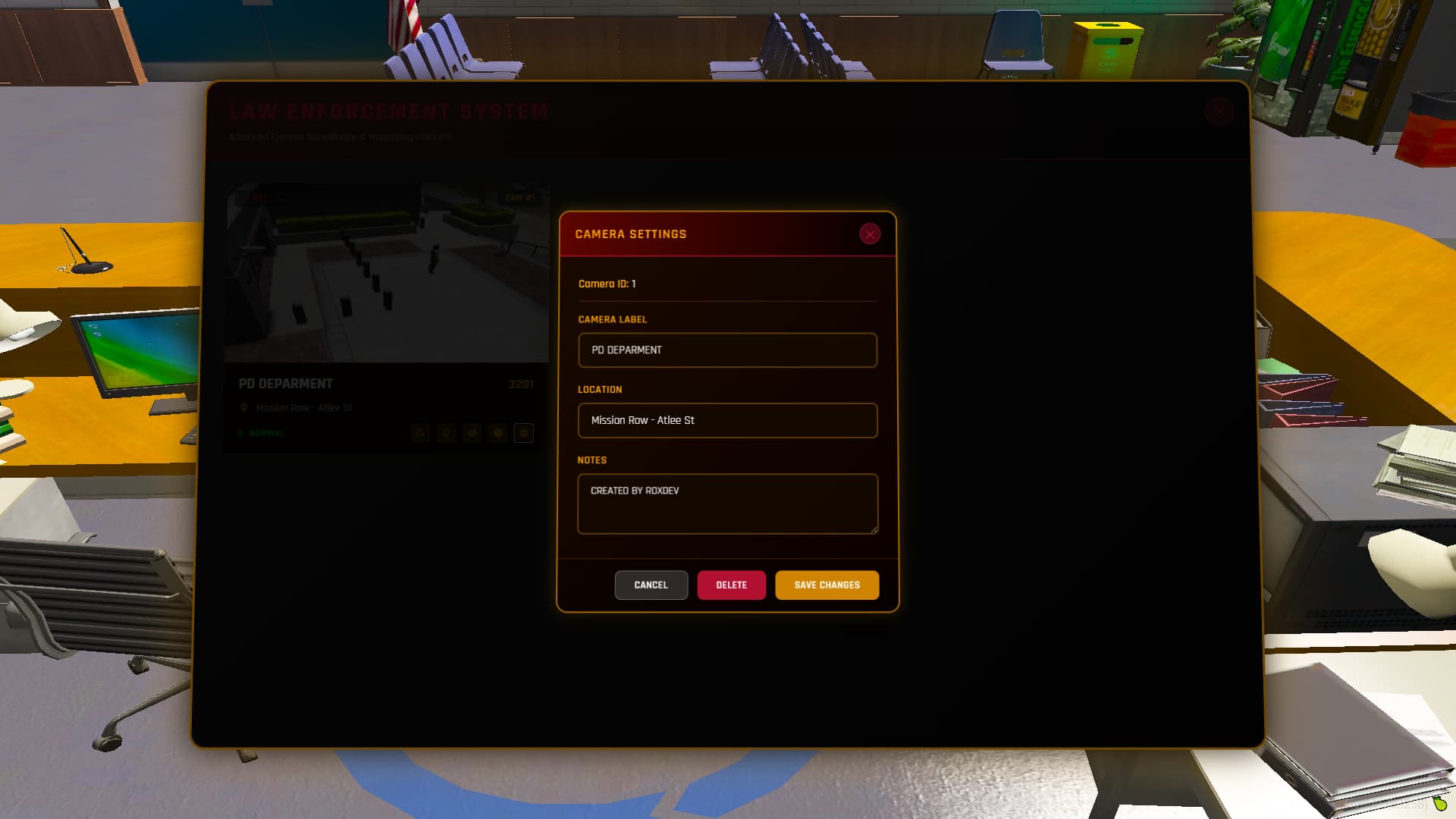
Step 2: Camera Information
Enter the camera name and add any relevant notes, then confirm
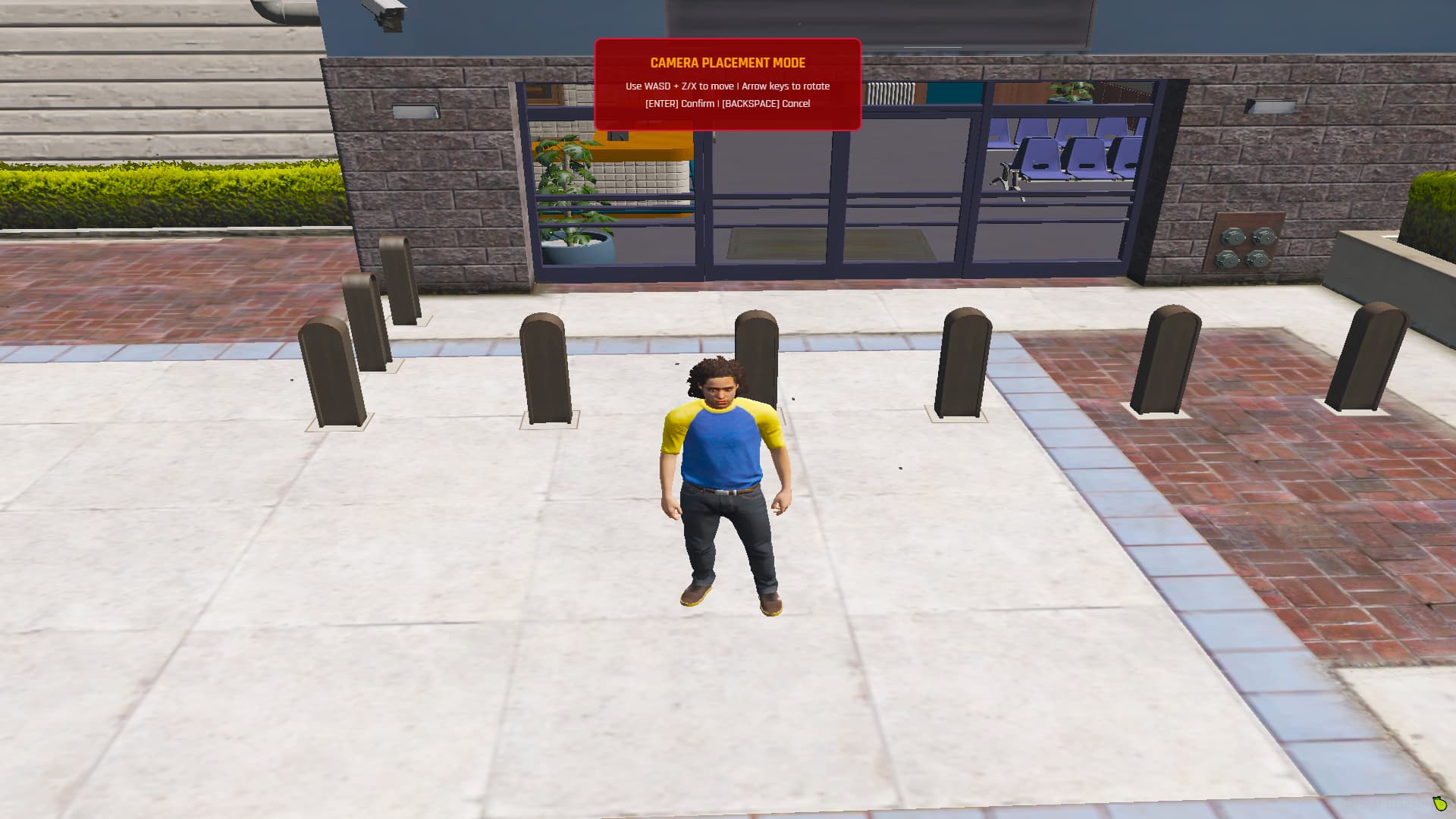
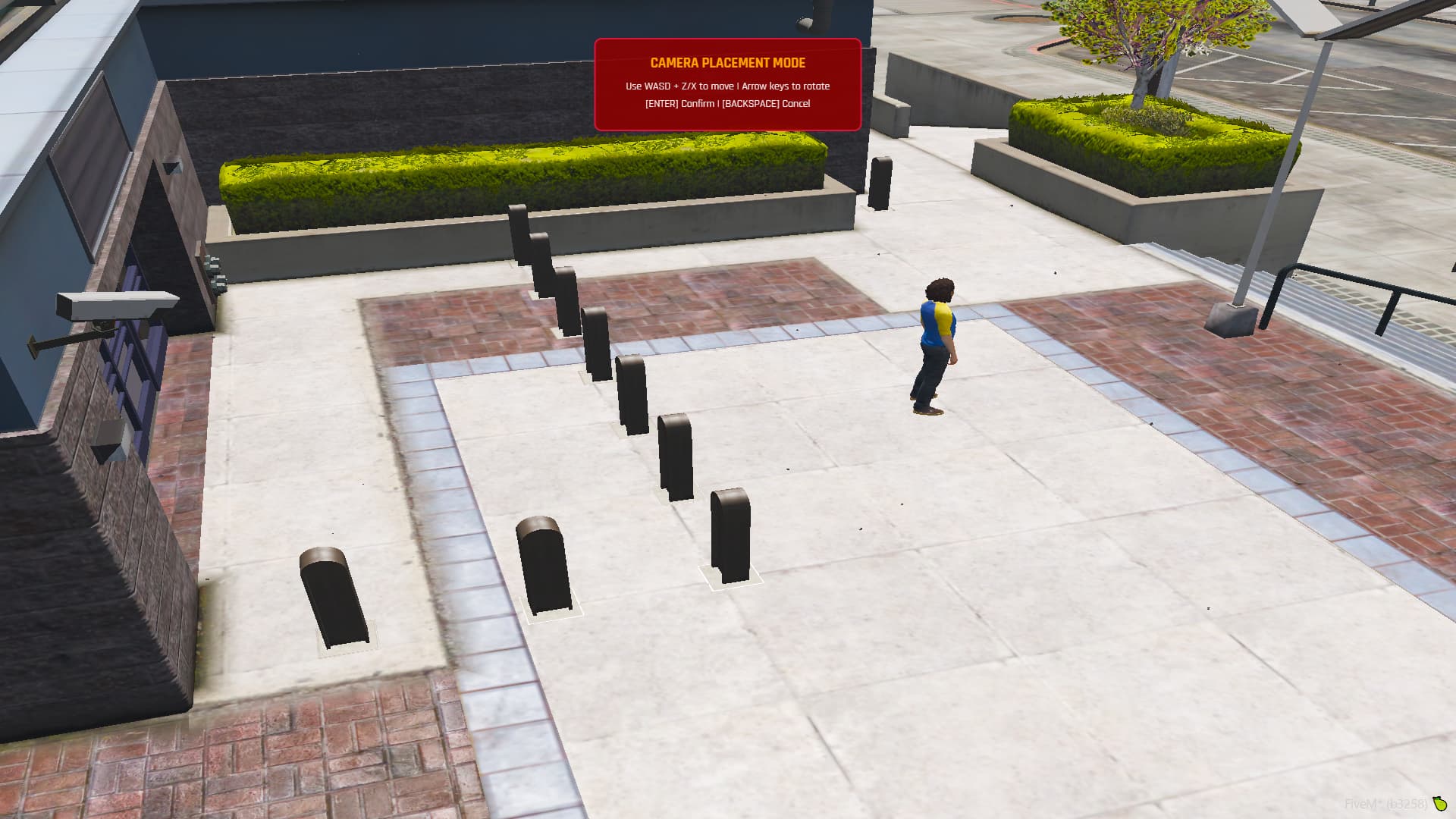
Step 3: Placement Mode
Position your camera using:
- WASD + Z/X - Move camera position
- Arrow Keys - Rotate camera angle
- [ENTER] - Confirm placement
- [BACKSPACE] - Cancel
Step 4: Monitoring
Go to any configured Monitoring Station, press “E” to access the system and view live feeds
Step 5: Management
From the monitoring station, you can:
- Watch live camera feeds
- Edit camera settings
- Toggle thermal & night vision
- Delete cameras
- View complete camera details
 WHAT YOU GET
 FULL SOURCE CODE - NO ESCROW, NO ENCRYPTION
Complete Package Includes:
 Full Lua, HTML, CSS, and JavaScript source files (100% editable)
 SQL database file with pre-configured table structure
 Installation guide (step-by-step PDF)
 Configuration documentation with detailed config.lua explanation
 Discord webhook setup guide for screenshot integration
 All UI assets (images, icons, graphics)
 README.txt with configuration notes and tips
 INSTANT DELIVERY
After purchase, RoxCam Pro is instantly added to your Cfx.re account. Simply:
- Log into the Cfx.re portal
- Go to “Your Assets”
- Find RoxCam Pro and click “Download”
- Install directly to your server
 QUICK INSTALLATION (Under 5 Minutes)
- Extract the ZIP file
- Drag folder into your resources directory
- Configure your framework in config.lua
- Start the resource
- Done!
 Don’t forget to read README.txt for configuration requirements!
PICTURES:
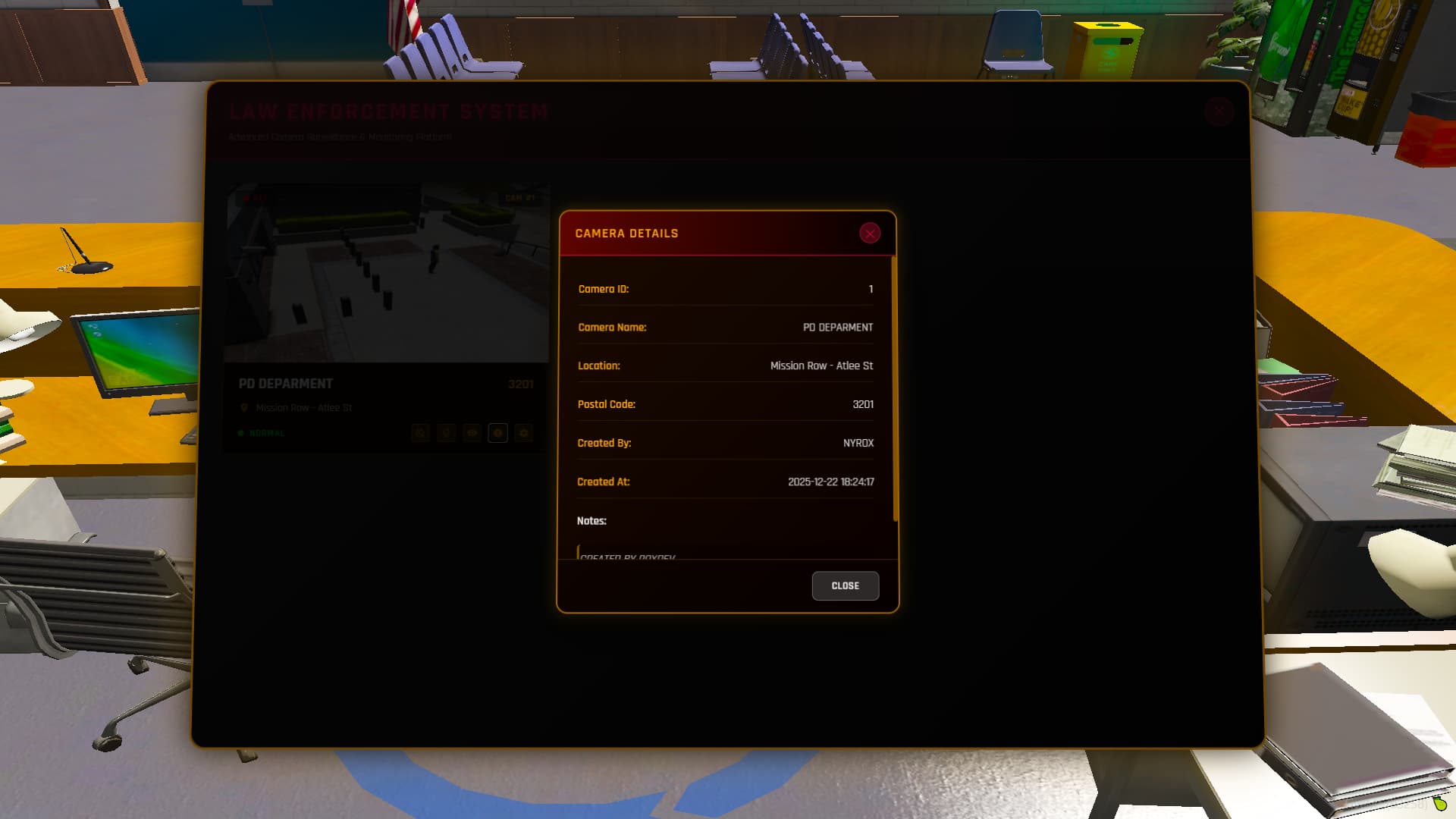
 PREVIEW:
REQUIREMENTS
This resource requires screenshot-basic to function properly.
 Download from GitHub: screenshot-basic
Make sure to install and start screenshot-basic before using RoxCam Pro.
 RESOURCE INFORMATION
Performance
- Optimized Performance - Minimal server impact
- Client-Side Focus - Efficient resource usage
- Framework Compatible - ESX & QBCore & Standalone supported
IMPORTANT NOTES:
- No Refunds: Digital products are non-refundable after download
- No Reselling: You may not resell, redistribute, or share this resource
- No Support: This is a source code sale - you’re responsible for installation and configuration
- Read Documentation: All necessary information is included in the package files
- Framework Compatibility: Works with QBCore/ESX but requires simple modifications for faction/job access. You can configure LSPD or other faction logic from qb-policejob or esx_policejob resources
PERFECT FOR
 Law Enforcement Roleplay Servers
 Security Operations Centers
 Serious RP Communities
 Server Admins Needing Surveillance
 Servers Requiring Enhanced Security
GET ROXCAM PRO V1 FOR FREE

Code Details
| Code is accessible | Yes (Full Source Code) |
| Subscription-based | No |
| Lines (approximately) | ~2,000 lines |
| Requirements | ESX/QBCore, screenshot-basic |
| Support | Yes |