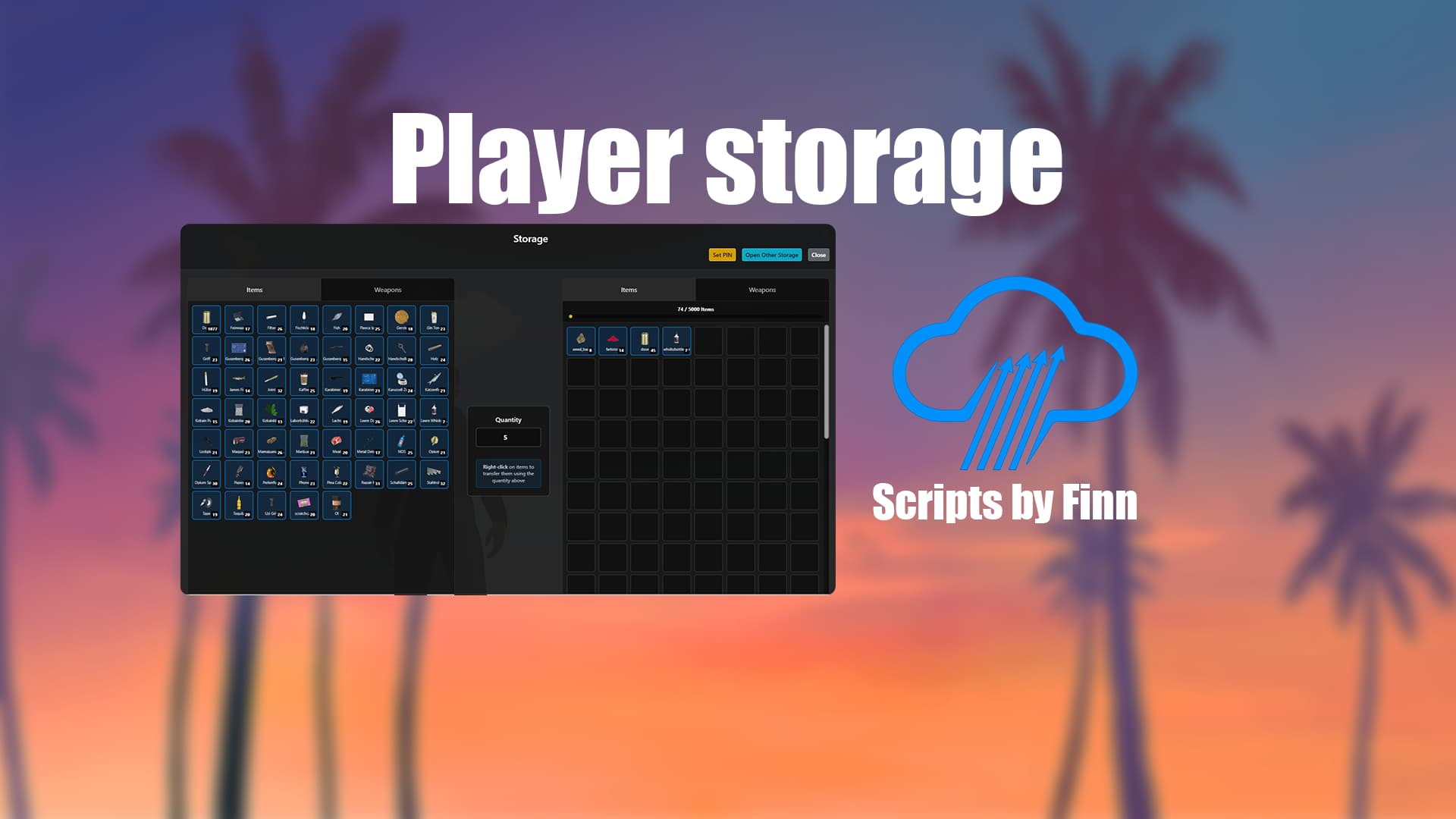
Player Storage - Premium Multi-Location Storage System ESX / QB-Core
Showcase: YOUTUBE
Free download: Tebex
Website: ScriptsByFinn
 Multi-Location Storage System
- 3 Pre-configured Locations: Downtown, Airport, and Sandy Shores
- Expandable System: Easily add more locations through config
- Custom Blips & Markers: Visual indicators on map and in-world
- Interactive NPCs: Dedicated storage facility attendants
 Advanced Security System
- 4-Digit PIN Protection: Secure your storage with personal PINs
- Owner Verification: Only storage owners can modify PINs
- Shared Access: Allow others to access your storage with PIN
- Anti-Theft Protection: Items are safe from unauthorized access
 Flexible Storage Tiers
- 4 Storage Levels: From Small to Premium capacity
- Custom Pricing: Configurable costs for each tier
- Weight & Slot Limits: Realistic inventory management
 Beautiful Custom UI
- Modern Dark Theme: Sleek and professional interface
- Responsive Design: Optimized for all screen sizes (1600x900)
- Real-time Capacity Display: Visual progress bars
- Tabbed Interface: Separate views for items and weapons
 Dual Inventory Support
- ESX Integration: Full compatibility with ESX inventory
- ox_inventory Support: Modern inventory system support
- Item Metadata: Preserves custom item properties
 Technical Specifications
 Security Features
- Blacklisted Items: Configurable list of restricted items
- Default PIN:
"0000"for new storage units - Weapon Restrictions: Prevent storing of dangerous weapons
- Money Handling: Separate controls for clean and dirty money
Visual Customization
- Blip Settings: Sprite, color, scale, and name
- Marker Configuration: Type, size, and color
- NPC Setup: Model and heading direction
- UI Theme: Customizable colors and layout
 Installation Guide
 Database Setup
Execute the provided install.sql file to create required tables:
player_storages- Storage ownership and configurationstorage_items- Stored items with metadatastorage_weapons- Stored weapons with components
 Resource Installation
- Extract to your resources folder:
[OWN]/own_playerstorage - Add to your
server.cfg:ensure own_playerstorage - Configure your settings in config.lua
- Restart your server
 Dependencies
 es_extended (ESX Framework)
- mysql-async (Database connectivity)
 ox_inventory (Optional - for modern inventory)
 Player Experience
 Easy Interaction
- Approach Storage Locations: Walk up to any storage facility
- Visual Indicators: See markers and interact with NPCs
- Intuitive UI: Modern interface with clear instructions
- Right-Click Transfers: Quick item movement between inventories
 Economic Integration
- Purchase Storage: Buy storage units with in-game money
- Upgrade System: Expand capacity as your business grows
- Investment Value: Storage units retain value over time
- Shared Access: Rent access to other players
 Security Features
- Personal PINs: Set custom 4-digit access codes
- Owner Controls: Full management of your storage unit
- Guest Access: Allow trusted players to use your storage
- Anti-Griefing: Complete protection from unauthorized access
 Why Choose OWN PlayerStorage?
Professional Quality
- Clean Code: Well-structured and commented
- Performance Optimized: Minimal server impact
- Regular Updates: Ongoing development and support
- Community Tested: Proven in live server environments
Feature Complete
- No Missing Features: Everything you need out of the box
- Extensive Configuration: Customize to your server’s needs
- Multi-System Support: Works with various inventory systems
- Future-Proof: Built for long-term server growth
Easy Integration
- Plug & Play: Minimal setup required
- Framework Compatible: Works with standard ESX / QB-Core setups
- Conflict-Free: Designed to work alongside other scripts
| Code is accessible | No |
| Subscription-based | No |
| Lines (approximately) | 2800 |
| Requirements | esx/qb-core |
| Support | Yes |


 If you previously encountered the
  Please re-download the script from your

 Fixed the JavaScript confirm popup (no more annoying glitches!)


 — works with qb-inventory or ps-inventory for qb-core!


