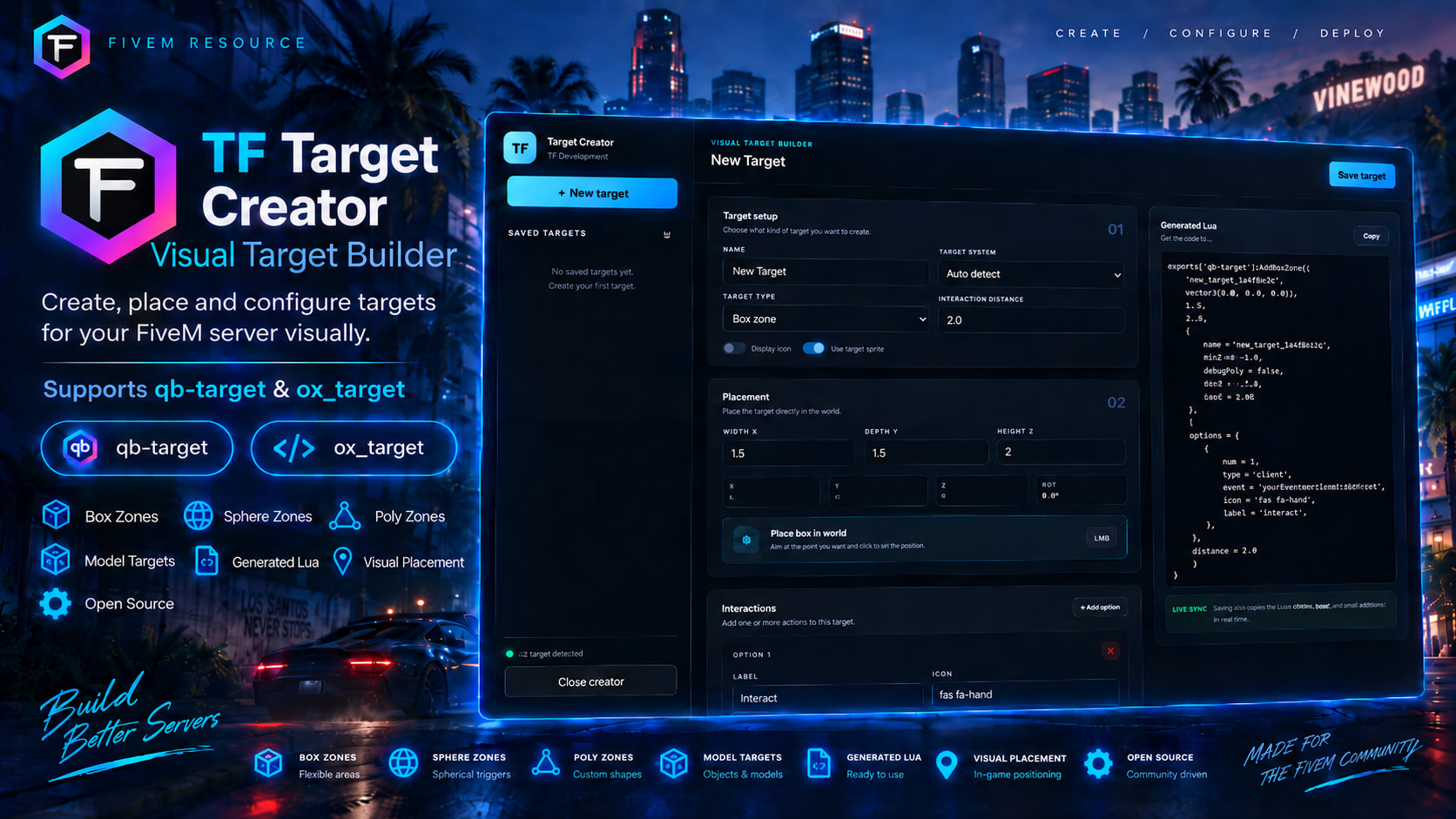
Create, place and configure targets directly in-game with a clean visual editor.
TF Target Creator is a free and open-source developer tool designed to make target creation faster, easier and more visual.
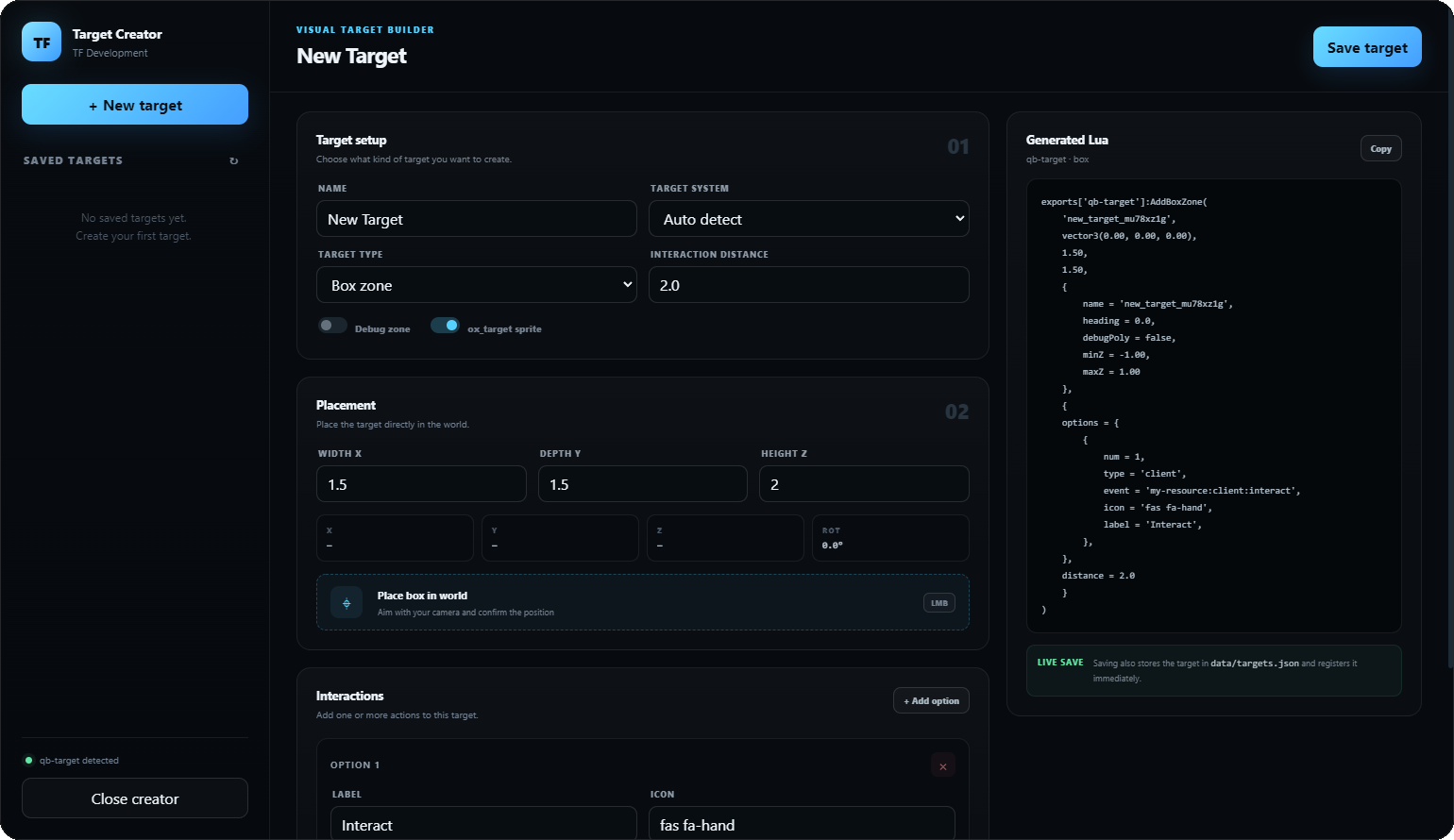
Instead of manually changing coordinates, restarting resources and testing zones repeatedly, you can build your targets directly in-game and generate ready-to-use Lua code.
Preview
Features
Visual Target Creator
Create your targets directly in-game instead of manually editing coordinates.
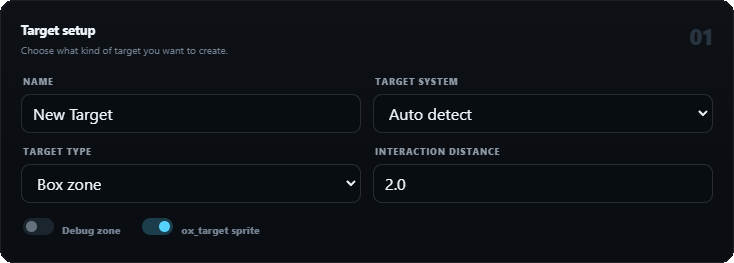
Multiple Target Types
Supports:
- Box Zones
- Sphere / Circle Zones
- Polygon Zones
- Model Targets
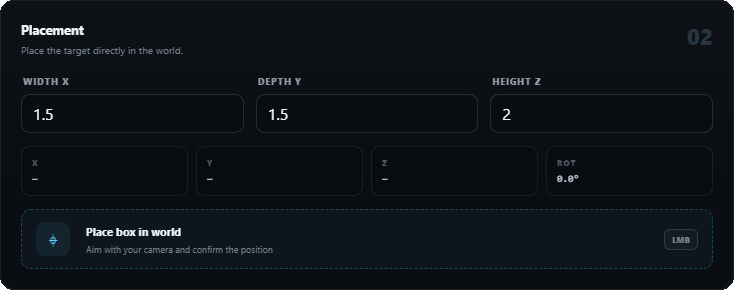
Visual Placement
Place zones directly in the world using your camera.
For box zones you can also rotate the target before confirming the position.
Polygon Creator
Create custom-shaped target areas by placing multiple points in-game.
Model Picker
Aim at an entity and automatically capture its model hash.
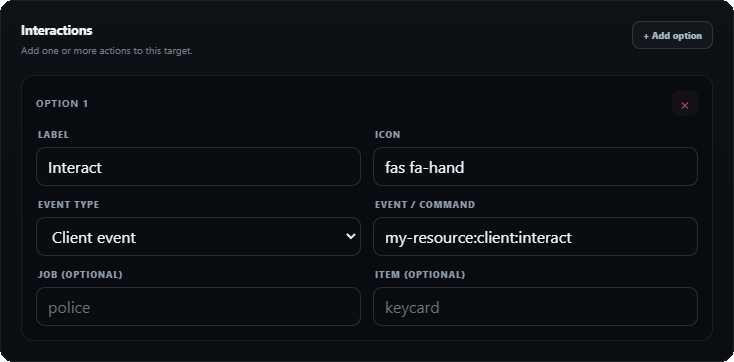
Multiple Interactions
Add multiple actions to the same target.
Each interaction can include:
- Label
- Icon
- Client Event
- Server Event
- Command
- Job Requirement
- Item Requirement
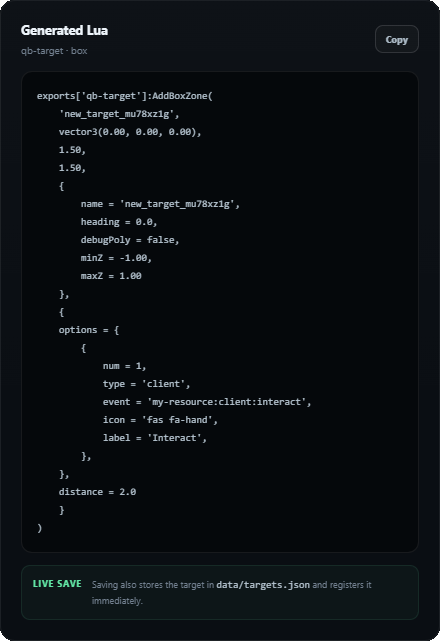
Generated Lua
Generate ready-to-use code for:
ox_targetqb-target
The generated code can be copied directly into your resource.
Saved Targets
Created targets can be stored and managed directly through the creator.
Targets are saved in:
data/targets.json
Live Registration
Saved targets can automatically be registered when the resource starts.
Auto Detection
The creator can automatically detect whether ox_target or qb-target is running.
Optional ACE Permissions
You can restrict access to the creator using ACE permissions.
Framework Compatibility
TF Target Creator is framework standalone.
It does not require:
- QBCore
- Qbox
- ESX
- any custom framework
The creator itself works independently from your framework.
Dependencies
You need one supported target resource:
ox_target
or
qb-target
The resource does not require both.
Installation
- Download the resource
- Add
tf-targetcreatorto your resources folder - Ensure your target resource first
- Ensure TF Target Creator after it
ox_target
ensure ox_target
ensure tf-targetcreator
qb-target
ensure qb-target
ensure tf-targetcreator
Then use:
/targetcreator
Permissions
By default, access can be configured in config.lua.
To use ACE permissions:
Config.RequireAce = true
Then add:
add_ace group.admin tf.targetcreator allow
Supported Systems
| System | Supported |
|---|---|
| ox_target |  |
| qb-target | |
| QBCore | |
| Qbox | |
| ESX | |
| Standalone | |
| Custom Frameworks | |
Framework support refers to the creator itself being framework-independent.
Why use TF Target Creator?
Creating target zones manually usually means:
- Finding coordinates
- Editing Lua
- Restarting the resource
- Testing the zone
- Adjusting the size
- Restarting again
- Repeating until it looks right
TF Target Creator removes most of that workflow.
Create the target visually, configure the interaction and copy the generated code.
Resource Information
Price: Free
Source: Open Source
Framework: Standalone
Target Systems: ox_target / qb-target
Creator: TF Development
Links
Download:
https://tf-development.store/product.php?id=7681054
Discord:
https://discord.com/invite/F9GskyxbBk
Store:
https://tf-development.store
If you find any bugs or have suggestions for future target-system support, feel free to leave a reply or open a report.
Made by TF Development.
| Code is accessible | Yes |
| Subscription-based | No |
| Lines (approximately) | 2000 |
| Requirements | qb-target or ox_target |
| Support | Discord |
