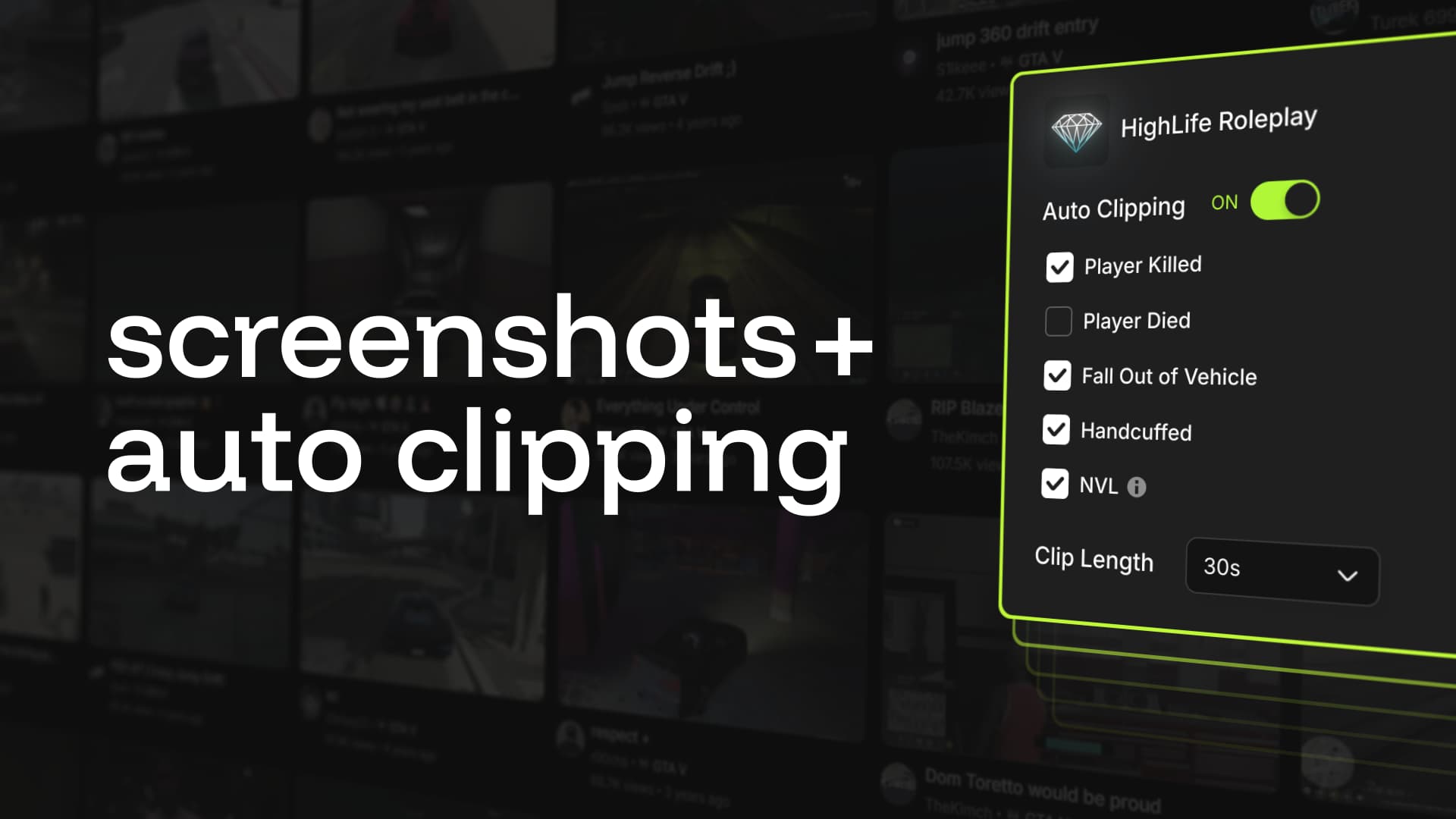
Help your players take lagless screenshots and create automatic clips. This FiveM server resource integrates with the Medal desktop client to capture server-specific gameplay clips and screenshots without lag. It supports automatic capture based on in-game events, configurable via an in-game menu.
This resource acts as a 1-to-1 replacement for screenshot-basic, allowing users to leverage Medal to handle in-game screenshots without causing the stutter common with the old resource. (If a player does not have Medal installed, they can still screenshot using the old NUI-based method as usual).
Features:
- Configurable auto-clipping events
- Automatic clips generated on event trigger
- Auto-clipping event creation export
- Supports nearly all frameworks
- Client screenshot exports (server & client)
- Client screenshot upload exports
- This acts as a drop-in replacement for
screenshot-basic
- This acts as a drop-in replacement for
Event creation export
Set up any custom auto-clipping events in seconds:
--//=-- Register a custom event; when `my:custom:event` is triggered, a clip request is sent
exports['medal']:registerSignal('my:custom:event', {
    id = 'my_custom_event',
    title = 'My Custom Event',
    desc = 'Triggers on my custom event',
    tags = { 'custom' }
})
Supported Frameworks
- ESX, QB, QBX, OX, ND, TMC
More about Medal
12 million GTA V players are already using Medal to share server-specific clips and screenshots from Arena, RSM, GLife, and thousands of other FiveM servers. Medal allows players to easily upload, edit, tag, and share clips instantly.
Download
| Code is accessible | Yes |
| Subscription-based | No |
| Lines (approximately) | 8,504 |
| Requirements | None |
| Support | Yes |