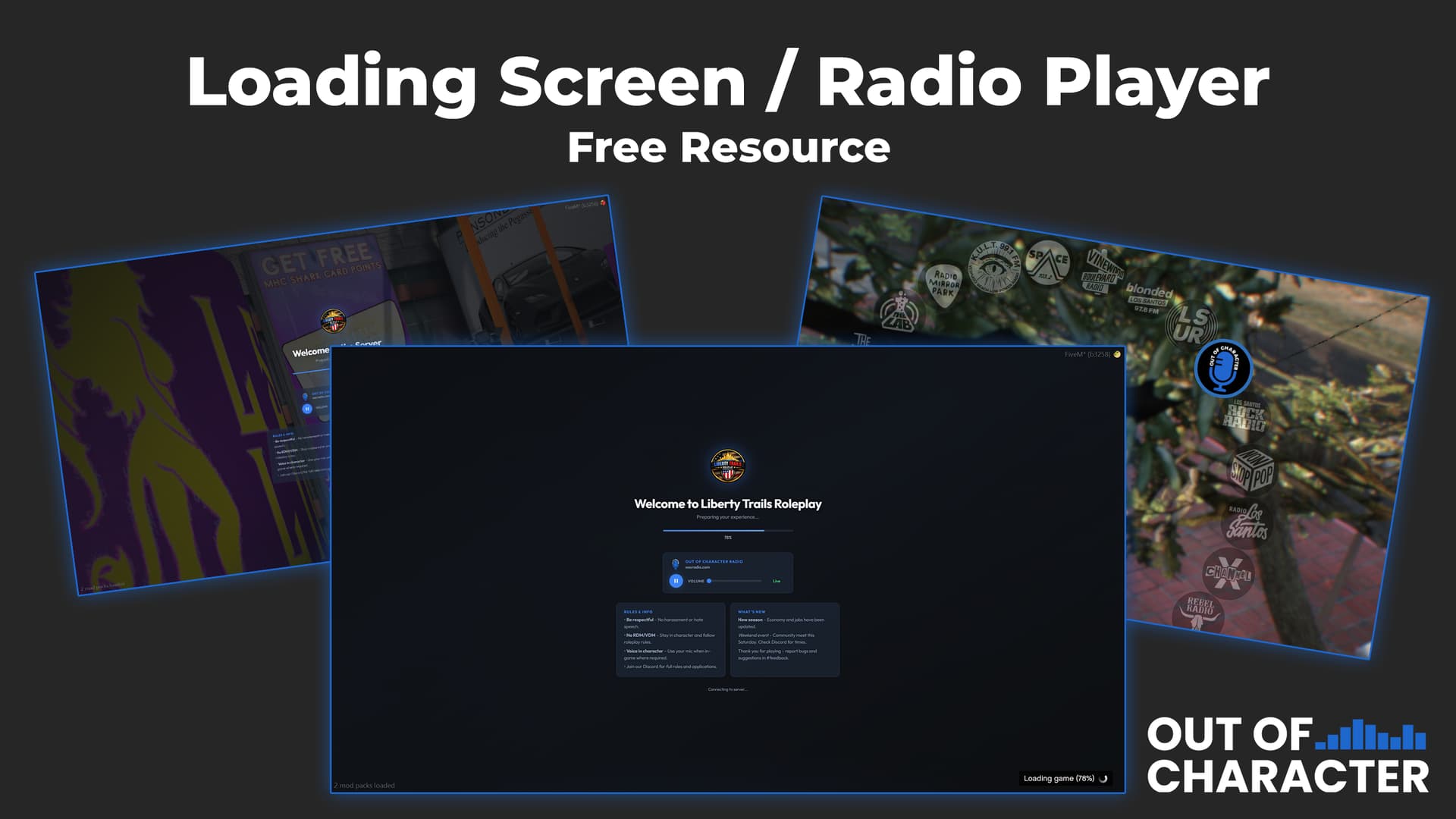
 Out of Character Radio – In-Game Radio & Loading Screen
Out of Character Radio adds a fully integrated in-game radio station and a custom loading screen for your FiveM server.
Designed to be lightweight, simple to configure, and easy to brand for your community.
 Features
 In-Game Radio
- Custom radio station replacement
- Presenter-controlled live broadcast system
- Player interaction commands when a presenter is live:
/requestsong <message>/shoutout <message>
 Loading Screen
- Clean modern layout
- Config-driven content (no editing HTML needed)
- Markdown support for rules/news panels
- Optional branding images
- Custom cursor enabled
 Configuration
All editable content is inside:
config.json
You can change:
- Community/server name
- Welcome message
- Rules & info panel
- Latest news panel
Markdown is supported for formatting.
 Installation
- Download the release
- Place the resource in your server
resourcesfolder - Add to your
server.cfg:
ensure OOCRadioLoader
- Edit
config.jsonto match your community
Done 
 Optional Branding
You can add your own images inside:
assets/
Supported files:
logo.png
background.png
 Folder Structure
radio/
├── fxmanifest.lua
├── config.json
├── server.lua
├── client.js
├── data.js
├── index.html
├── loadscreen.html
├── loadscreen.css
├── loadscreen.js
├── assets/
└── stream/
 Credits
- Radio system: Hellslicer
- Loading screen & integration: Out of Character Radio
 Download
 Support
If you use this resource on your server, feel free to share screenshots - always cool to see it in the wild 