Overview
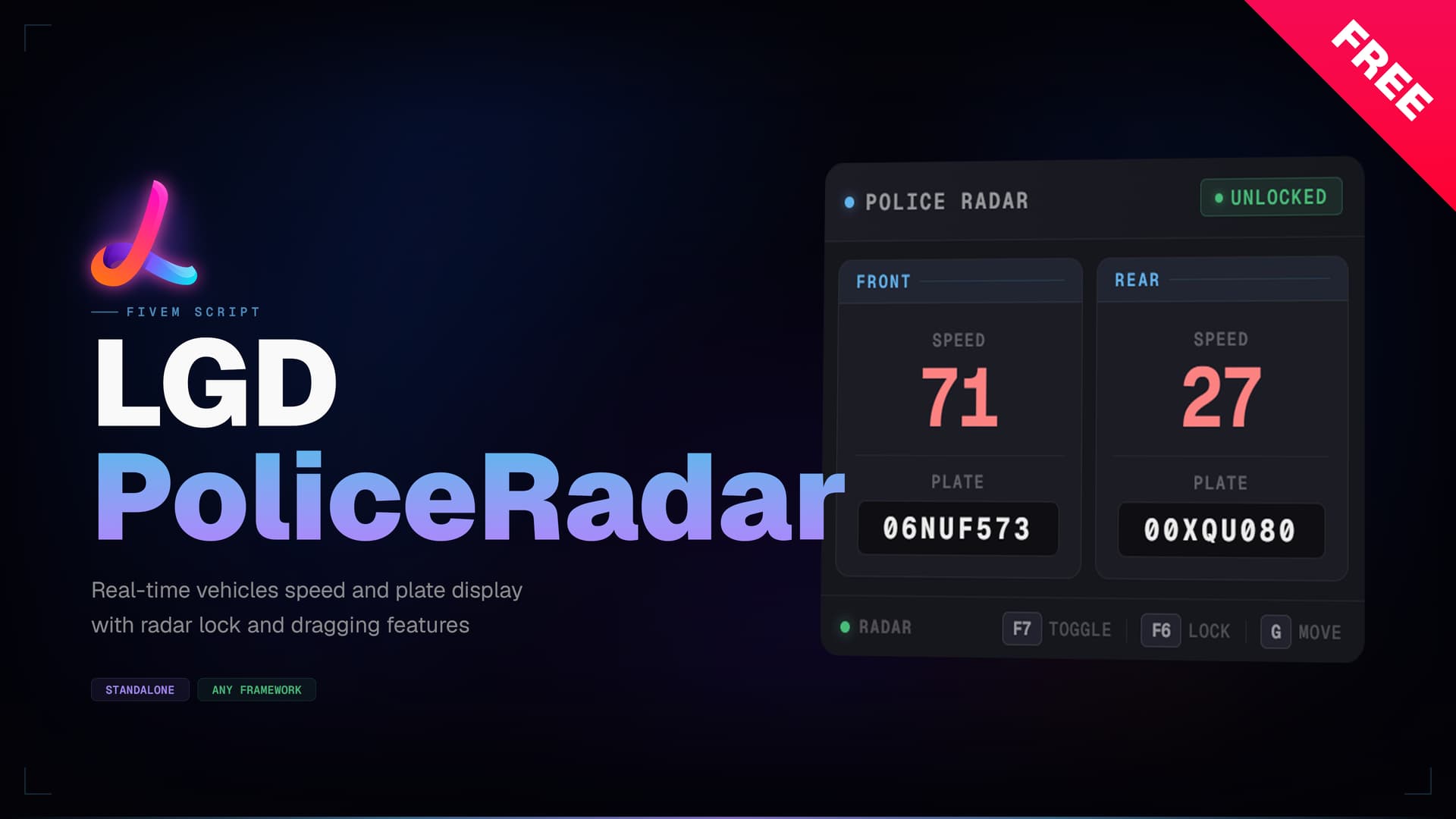
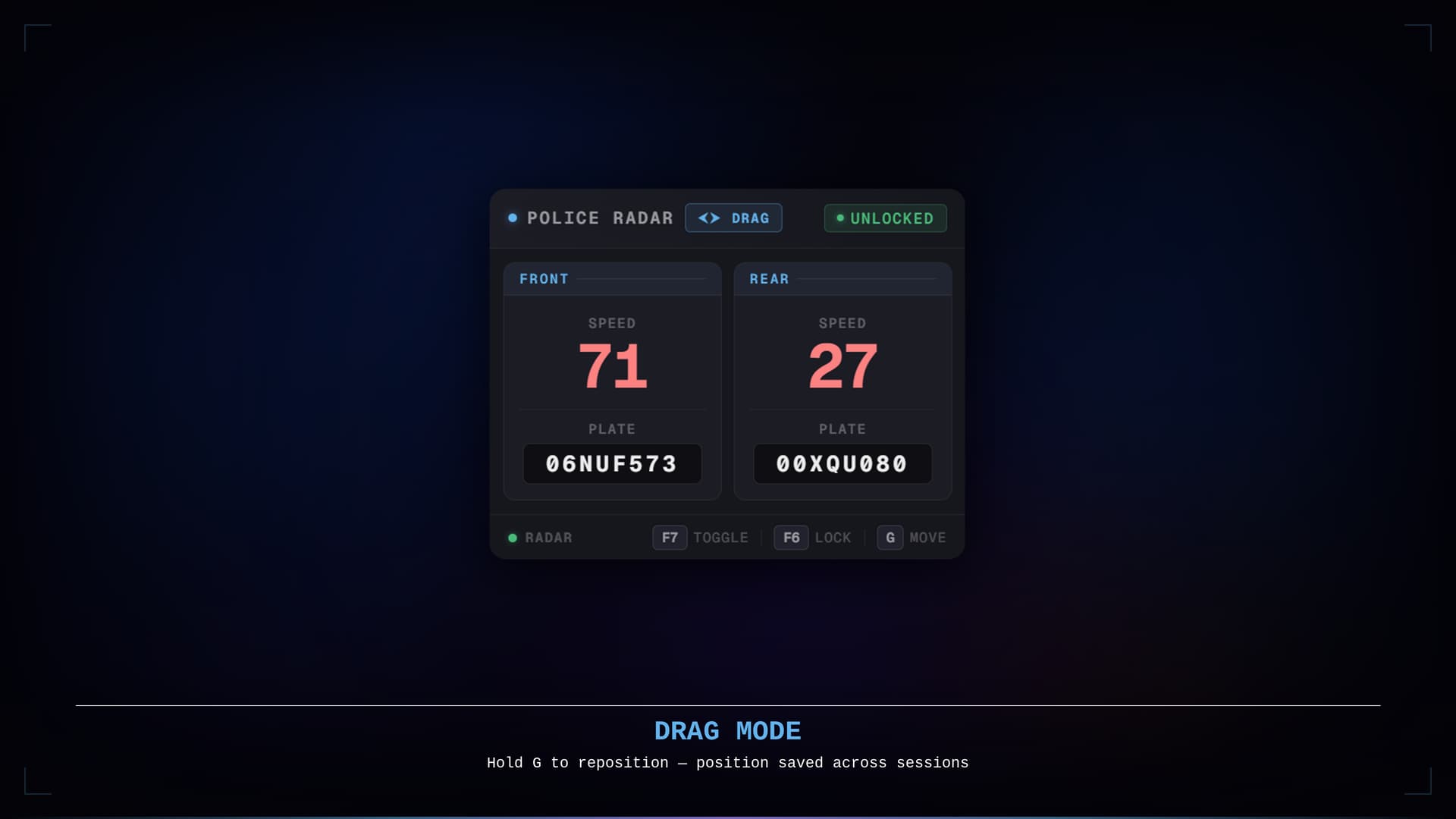
LGD PoliceRadar is an always-on radar HUD that displays the speed and plate of vehicles ahead and behind you — directly on screen, no menu required. The panel activates automatically whenever an emergency vehicle is entered and fades out on exit, keeping the experience entirely hands-off.
The panel is fully draggable and remembers its position between sessions. A minimum speed threshold can be set with /radarspeed — the radar locks itself the instant any detected vehicle meets it, freezing the reading for review without any manual input.
Preview
Features
-
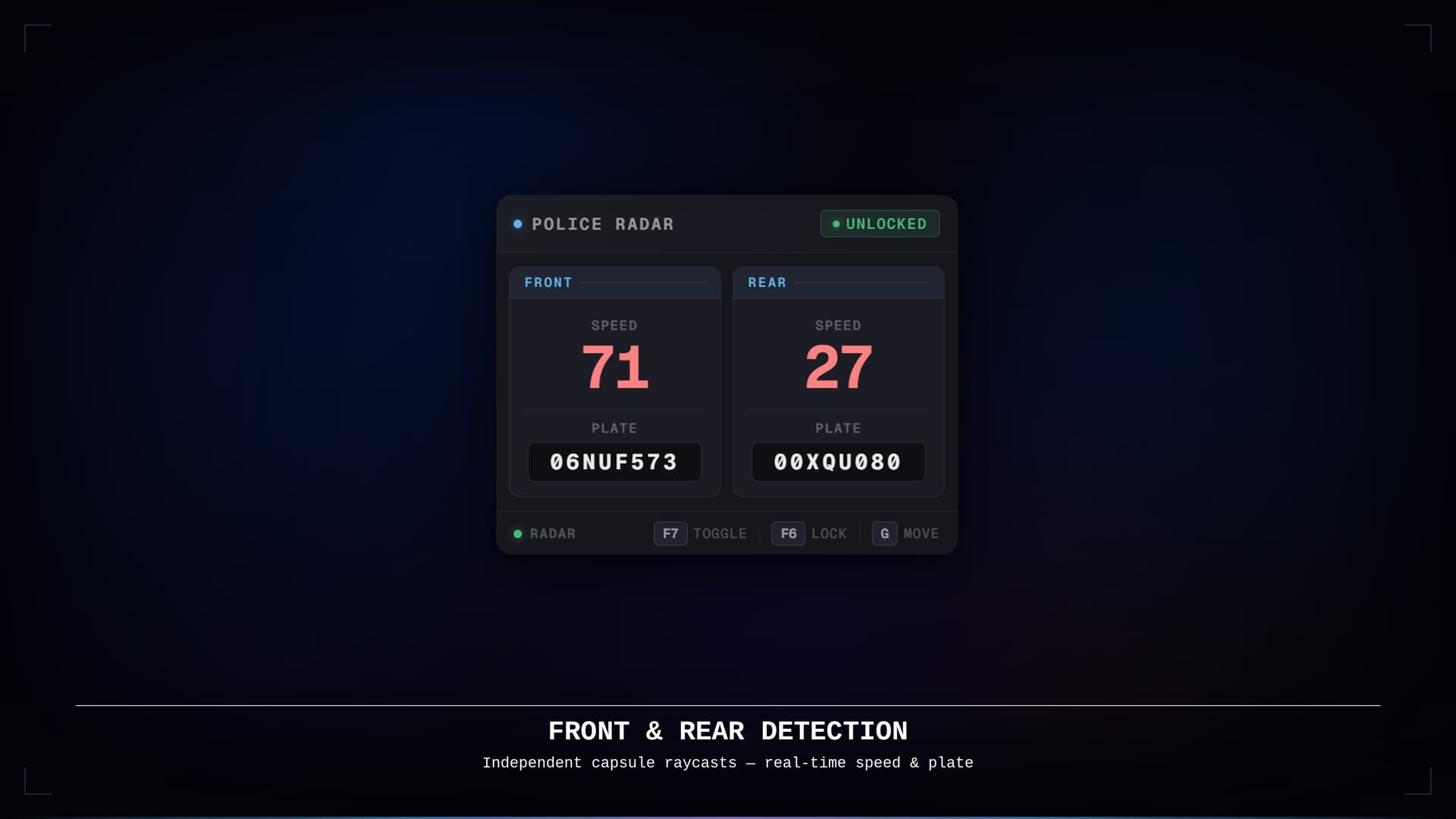
 Always-visible HUD — front and rear speed readings plus license plates are displayed at a glance with no menu to open
 -
 Framework agnostic — works on QBCore, QBX, ESX, standalone, and any other framework with zero configuration
 -
 Configurable notifications — choose between
 ox_lib,QBCore, or a fully custom provider; the notification bridge lives in the unencryptedframework/client.luaso it can be swapped without touching any encrypted file -
 Front & rear detection — independent capsule raycasts cover both directions simultaneously
 -
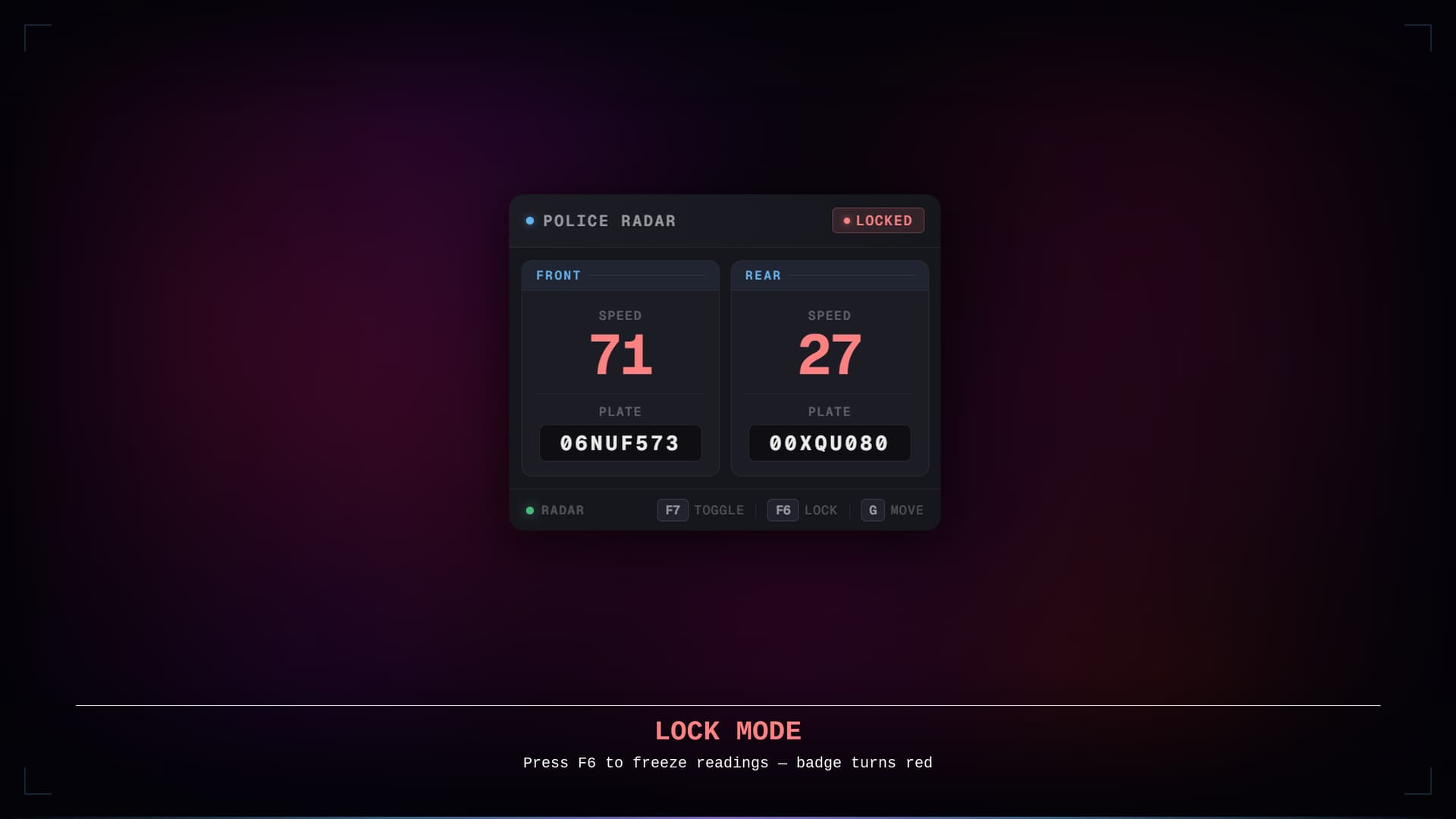
 Lock mode — freeze the current readings with a keybind to record a speed; the badge switches to red to indicate locked state
 -
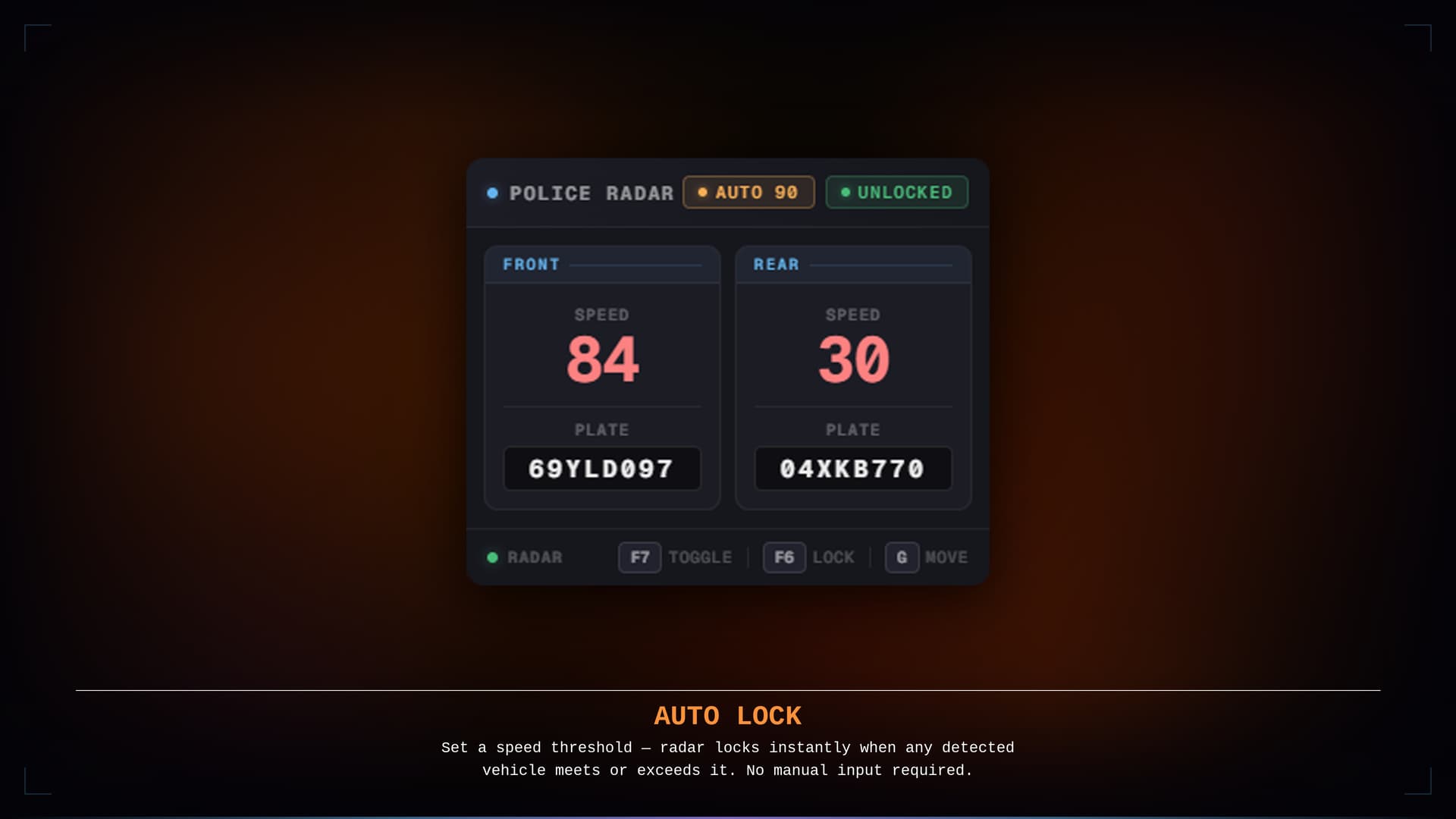
 Auto-lock / speed clocking — set a minimum speed threshold with
 /radarspeed [speed]; the radar locks itself the instant any detected vehicle meets or exceeds it -
 Smooth fade transitions — the panel fades in when entering an emergency vehicle and fades out when leaving
 -
 Draggable panel — hold a configurable key to enable the cursor and drag the radar anywhere on screen; position is saved across sessions
 -
 Rebindable keybinds — all three keybinds (toggle, lock, drag) are registered through
 ox_liband can be rebound in GTA V’s Key Bindings menu -
 KMH and MPH support — speed unit is switched from the config with a single line
 -
 Optimised — 0.00ms idle, 0.01ms in-vehicle with panel visible; scan loop runs only while inside an emergency vehicle.
 -
 Support — Lifetime updates, 7-day-a-week personalized support via Discord.
Claim your copy
Available on Tebex for FREE:

Configuration
Everything is controlled from a single shared/config.lua file:
-- 'ox_lib', 'qbcore', or 'custom' (add your call in framework/client.lua)

Config.Notification = 'ox_lib'

-- 'KMH' or 'MPH'

Config.SpeedType = 'KMH'

-- Whether the radar is on by default when entering a vehicle

Config.DefaultShowingRadar = true

-- How often the radar scans (ms) — lower is more accurate, higher resmon

Config.RadarUpdateInterval = 200

Config.ToggleKey = 'F7' -- Show / hide the radar

Config.LockKey = 'F6' -- Lock / unlock speed readings

Config.DragKey = 'G' -- Hold to drag the panel
radarspeed — Auto-Lock Speed Threshold
Sets a minimum clocking speed. The radar locks itself automatically the instant a detected vehicle meets or exceeds the threshold — no need to manually hit the lock key.
/radarspeed [speed]
| Command | Effect |
|---|---|
/radarspeed 120 |
Auto-lock when any vehicle hits 120+ (unit matches Config.SpeedType) |
/radarspeed 0 |
Disable auto-lock |
/radarspeed |
Display the current threshold |
An amber AUTO 120 badge appears in the radar header next to the lock state indicator while a threshold is active. The threshold persists across reconnects.
Dependencies
| Dependency | Required |
|---|---|
| ox_lib | Always |
No framework dependency. No other requirements.
Installation
-
Drop
lgd-policeradarinto your resources folder -
Add
ensure lgd-policeradarto yourserver.cfgafterox_lib -
Open
shared/config.luaand set your preferred notification system, speed unit, and keybinds -
Restart the server
Performance
Tested with resmon. The scan loop runs only while the player is inside an emergency vehicle; no threads are active at any other time.
| Client | Server | |
|---|---|---|
| Idle (on foot / civilian vehicle) | ~0.00 ms | — |
| In emergency vehicle, panel visible | ~0.01 ms | — |
| In emergency vehicle, panel hidden | ~0.00 ms | — |
Support
For questions, bug reports or suggestions, join our Discord:
A €20 store credit giveaway is currently running on the Discord server — join and check the giveaway channel for details.
Other LGD Scripts
| Script | Description |
|---|---|
 LGD RadioList LGD RadioList |
Radio channel member list HUD with pma-voice integration and job sorting |
| Code is accessible | No |
| Subscription-based | No |
| Lines (approximately) | ~700 |
| Requirements & dependencies | ox_lib |
| Support | Yes |