 KS-Progressbar – Modern React-Based UI
KS-Progressbar is a completely free, high-quality UI component designed to replace standard progress bars. Built with React, it offers silky smooth animations, a modern aesthetic, and complete customization freedom.
Whether you are crafting items, healing, or repairing a vehicle, make the wait look good with a 3D-styled, movable progress interface.
 Video Showcase
 Key Features
 React Powered
Built using modern web technologies (React) to ensure the smoothest animations and zero lag. The resource is provided as an optimized compiled build.
 Fully Customizable
Want it blue? Red? You have full control.
You can change the colors of every element directly in the config or dynamically via game.
 Drag & Drop / 3D Perspective
- Movable: Players can move the progress bar container anywhere on the screen.
- 3D Effect: Adjustable perspective angles give the UI a unique depth, making it stand out from flat, 2D interfaces.
 Optimized Performance
We know every frame counts. KS-Progressbar runs at 0.00ms on idle.

 Screenshots
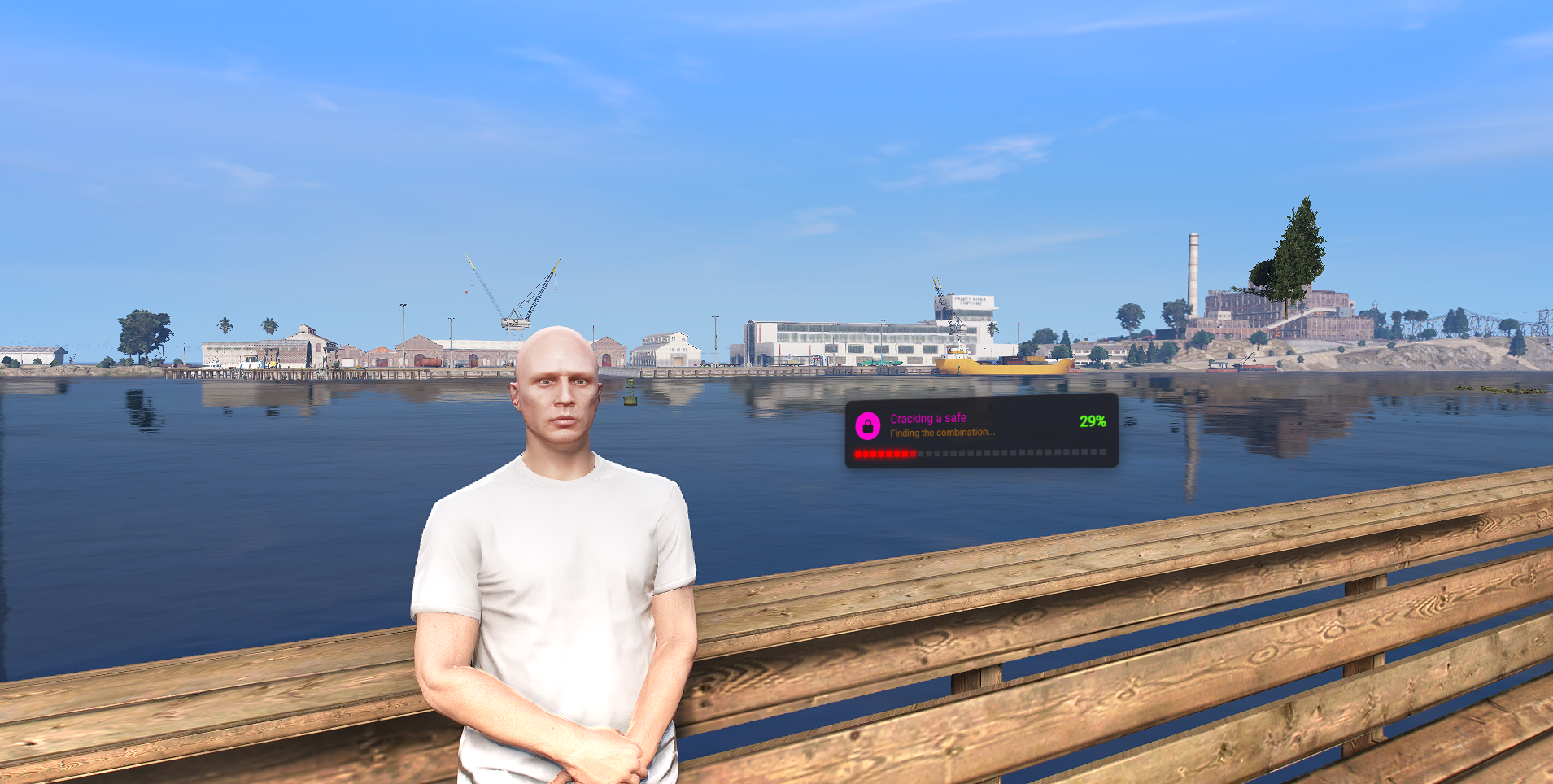
In-Game Look
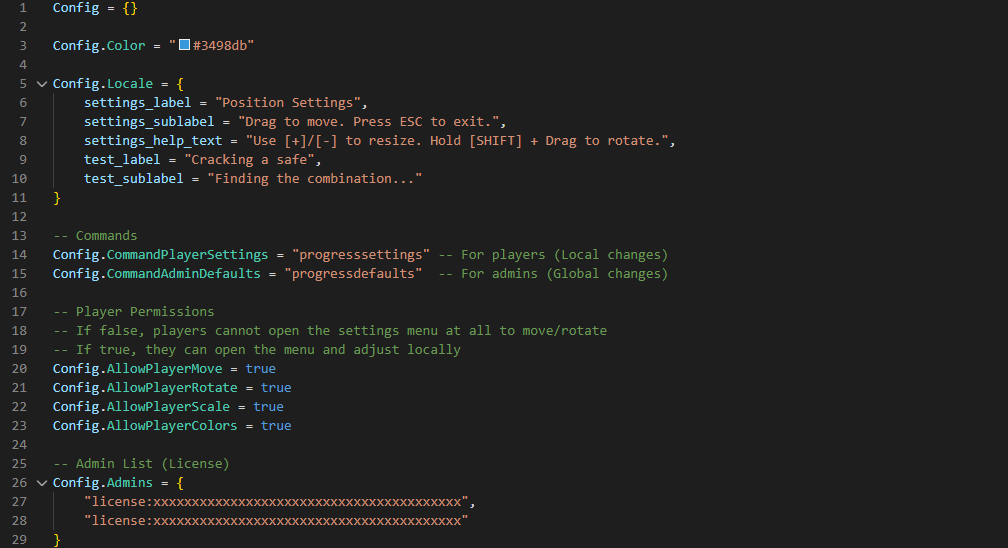
Open Configuration
Even though the core is a compiled React build, the configuration is fully open for you to edit.
 Documentation
Installation is straightforward, but we have included a full guide on how to use the exports and configure the styles.
 Read the Documentation
 Download
This resource is FREE. You can grab it from our store (Tebex) to get the asset key.
Get it for FREE on Tebex
 Resource Information
| Field | Value |
|---|---|
| Code Accessible | No (React Build) |
| Subscription | No |
| Lines (approx) | ~300 |
| Configurable | Yes (Config is Open) |
| Requirements | None (Standalone) |
| Support | Yes |