Preview
Khali Blackbars
Khali Western Blackbars – Cinematic Western Experience
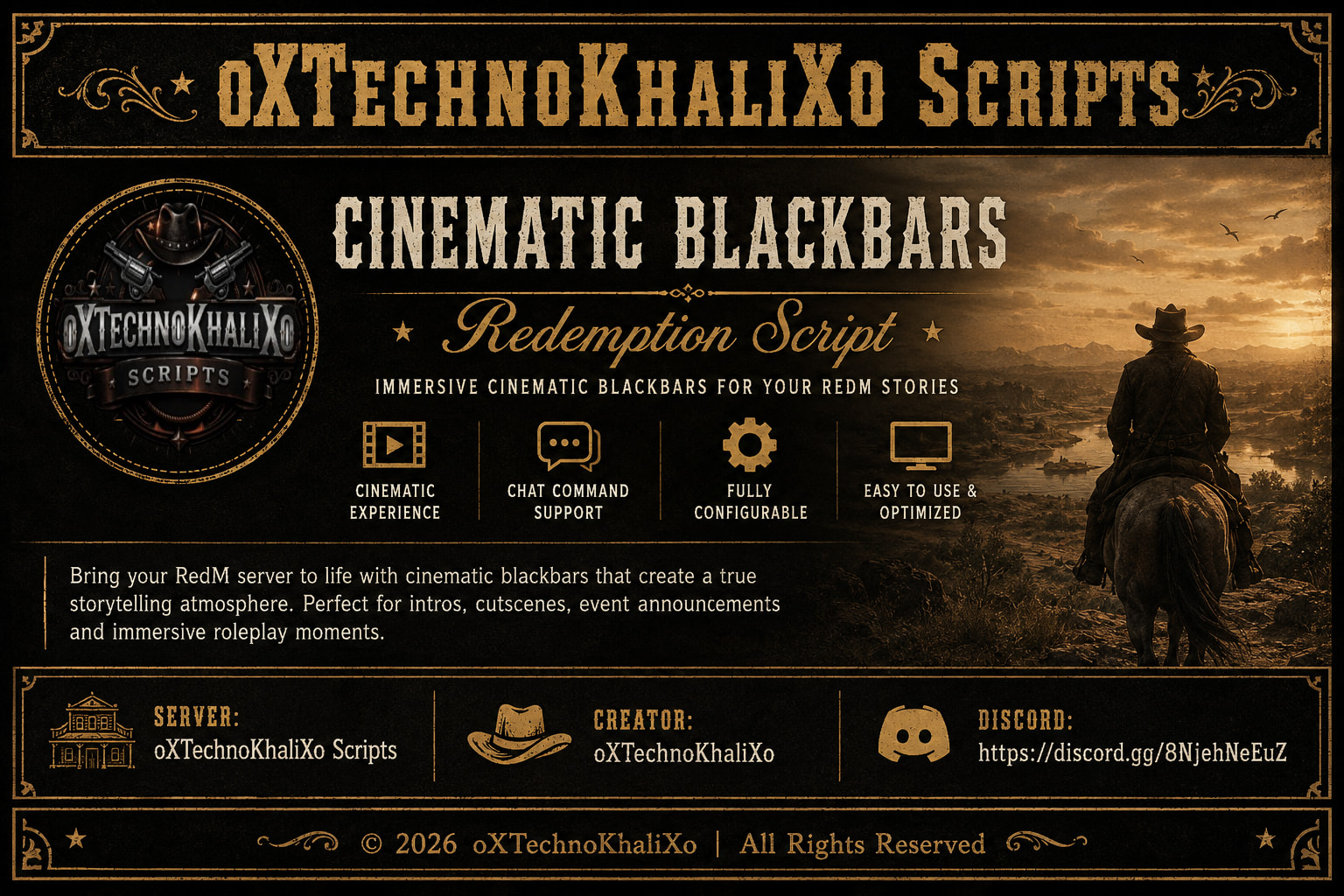
Create immersive cinematic moments on your RedM server with Cinematic Blackbars by oXTechnoKhaliXo Scripts.
This lightweight and fully configurable script adds elegant movie-style blackbars to the player’s screen, making it perfect for story intros, roleplay scenes, server events, cutscenes, announcements, and other immersive experiences.
The script is easy to use through commands or server events, allowing administrators and developers to display custom titles and subtitles with smooth fade-in and fade-out animations.
Features
-
 Authentic cinematic blackbars
 -
 Smooth fade-in and fade-out animations
 -
 Fully customizable title and subtitle
 -
 Lightweight and optimized
 -
 Native RedM support
 -
 Command-based usage
 -
 Trigger via client or server events
 -
 Multi-language ready (English & German included)
 -
 Easy configuration
 -
 Escrow compatible with editable configuration
 -
Configuration
The script allows you to customize:
-
Default title
-
Default subtitle
-
Command name
-
Disable command
-
Chat suggestions
-
Language
-
Titles and subtitles
-
Event integration
Perfect For
-
Storytelling
-
Roleplay introductions
-
Server announcements
-
Character introductions
-
Mission briefings
-
Cutscenes
-
Events
-
Cinematic recordings
-
Community videos
Requirements
-
RedM
-
FXServer (Cerulean)
-
No additional dependencies
Why Choose Cinematic Blackbars?
Bring your RedM server to life with a professional cinematic presentation. Whether you’re introducing a new chapter, starting an event, or creating immersive roleplay scenes, this script provides a clean and elegant movie-style experience with minimal performance impact.
Designed for performance, simplicity, and maximum immersion.
Created by oXTechnoKhaliXo Scripts
-
| Code is accessible | config.lua |
| Subscription-based | No |
| Lines (approximately) | 377 |
| Requirements | Vorp Core |
| Support | Yes |