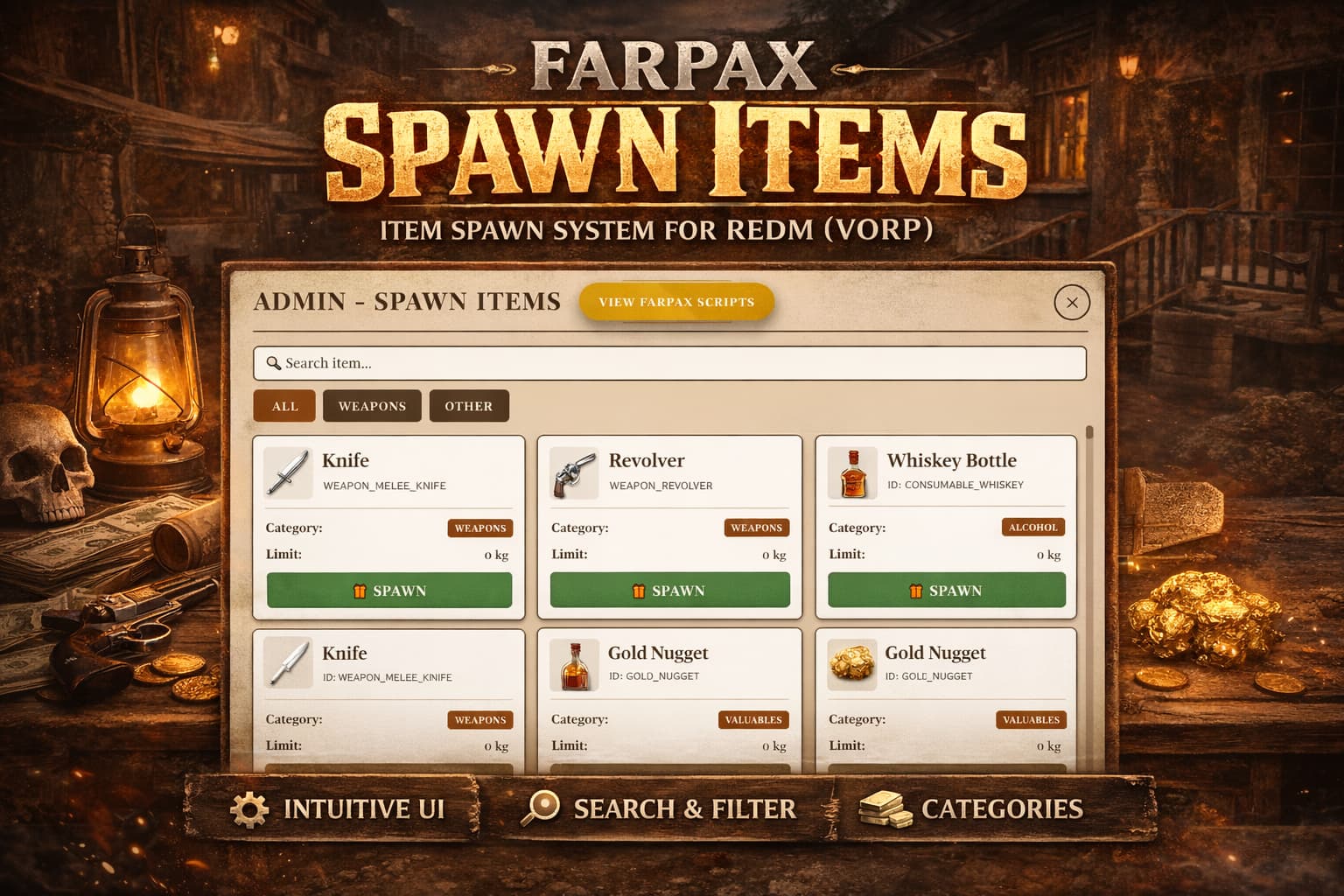
 Farpax Spawn Items – Item Spawn System for RedM (VORP)
 Overview
Farpax Spawn Items is a free and intuitive item spawn system designed for RedM servers using VORP Core.
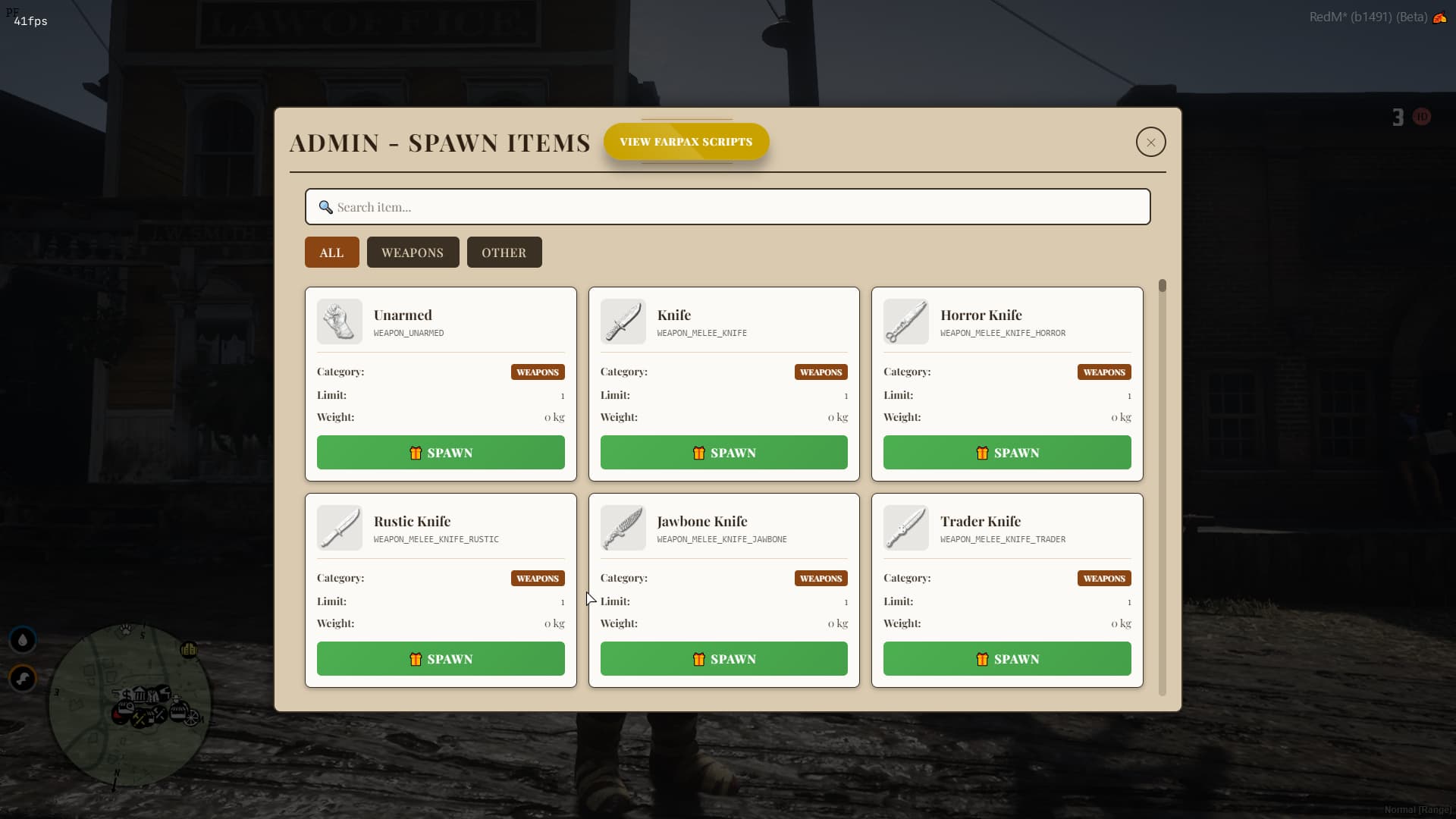
It provides admins with a clean, organized interface to quickly search, filter, and spawn any item directly into the inventory, improving testing, moderation, and server management workflows.
This resource is free to use, distributed with CFX Escrow protection to ensure integrity and safe distribution.
It has the option to configure webhooks on Discord.
FREE SCRIPT:
TEBEX [FREE] Farpax Spawn Items – Item Spawn System for RedM (VORP)
TEBEX SHOP:https://farpa-tools.tebex.io/category/2984404
 Key Features
 Core Functionality
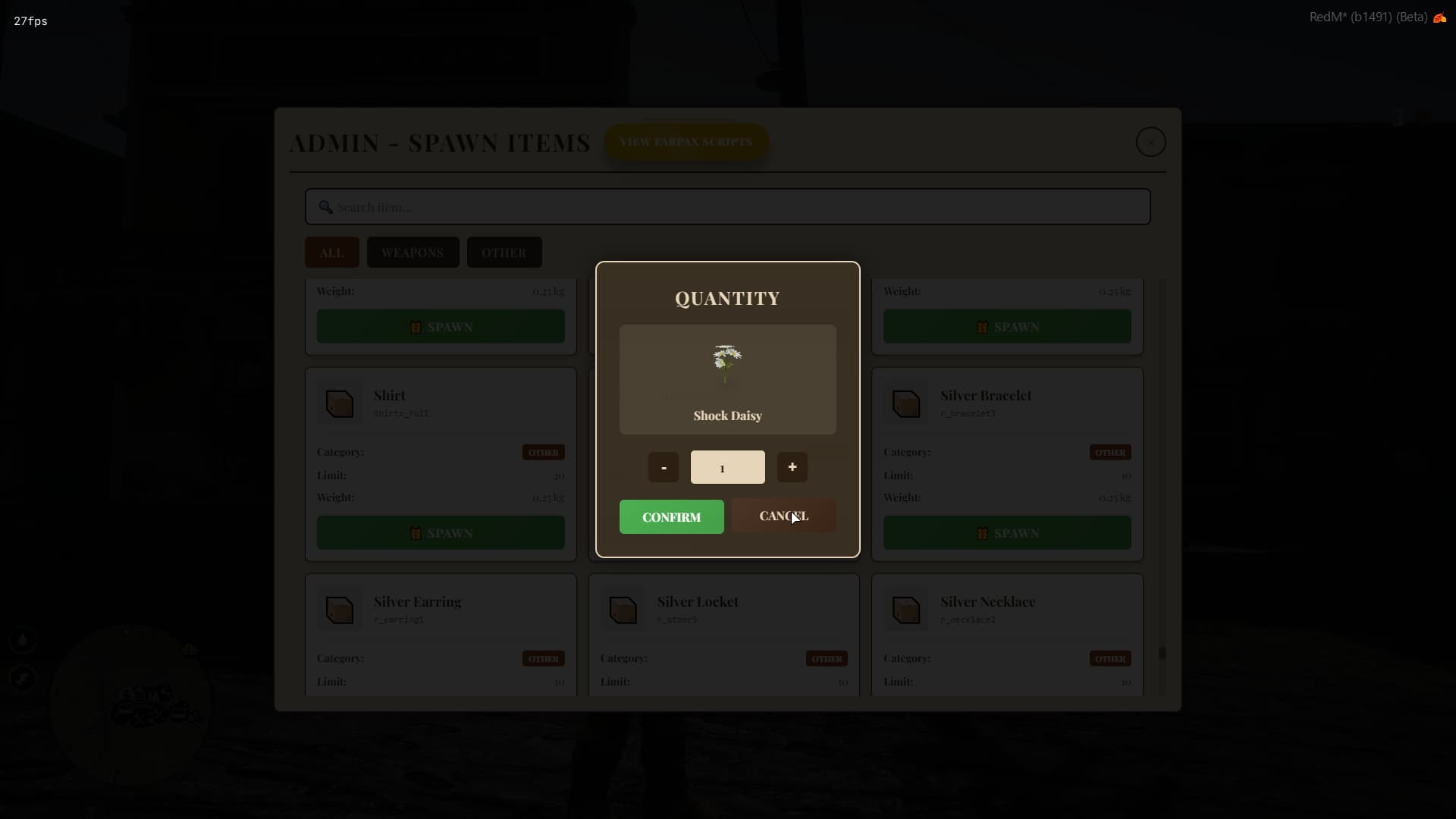
 Item Spawn System – Spawn any registered item directly to inventory
- Fast Search System – Search items by name or ID
- Category Filters – Weapons, items, valuables, and more
- Limit & Weight Display – Visual information for each item
- One-Click Spawn – Simple and fast item spawning
- Admin Only Access – Permission-based usage
 User Interface
- Clean & Modern UI – Inspired by RedM aesthetic
- Card-Based Layout – Easy visualization of items
- Responsive Design – Works smoothly on different resolutions
- Item Icons Support – Automatic item image display
- Smooth Navigation – Scroll, filter and search without lag
 Admin Features
- Admin Spawn Panel
- Item Search & Filter
- Category Tabs
- Safe Permission Checks
- Framework-Friendly Design
Designed to help admins during:
*Server testing
- Event preparation
- Debugging inventories
- RP moderation
 Framework Compatibility
- VORP Core
- VORP Inventory
- RedM Servers
 -----------------------VIDEO-----------------------
[FREE] Farpax Spawn Items - Item spawn system for RedM [Vorp] ON YOUTUBE CHANNEL
(https://youtu.be/iZkOLgIh1L8)
-----------------------IMAGES-----------------------
 Installation
- Download and extract the resource
- Add to your
server.cfg:
ensure farpax_spawn_items_en
- Configure permissions
- Restart your server
 Requirements
- VORP Core (Latest)
- VORP Inventory
- RedM Server
 Price
Price
- FREE
 Protected by CFX Escrow
 Source code not accessible
 Config files available (if applicable)
License & Distribution
- Free resources
- Escrow protected via CFX
- Redistribution not allowed
- Reselling not allowed
- Source access not included
 Bug Reports & Suggestions
If you find a bug or want to suggest improvements:
- Discord support
- Forum thread
- Direct message
 Contact Information
 Community: Farpax Tools
 Discord: farpax
 Website: deepia.com.br