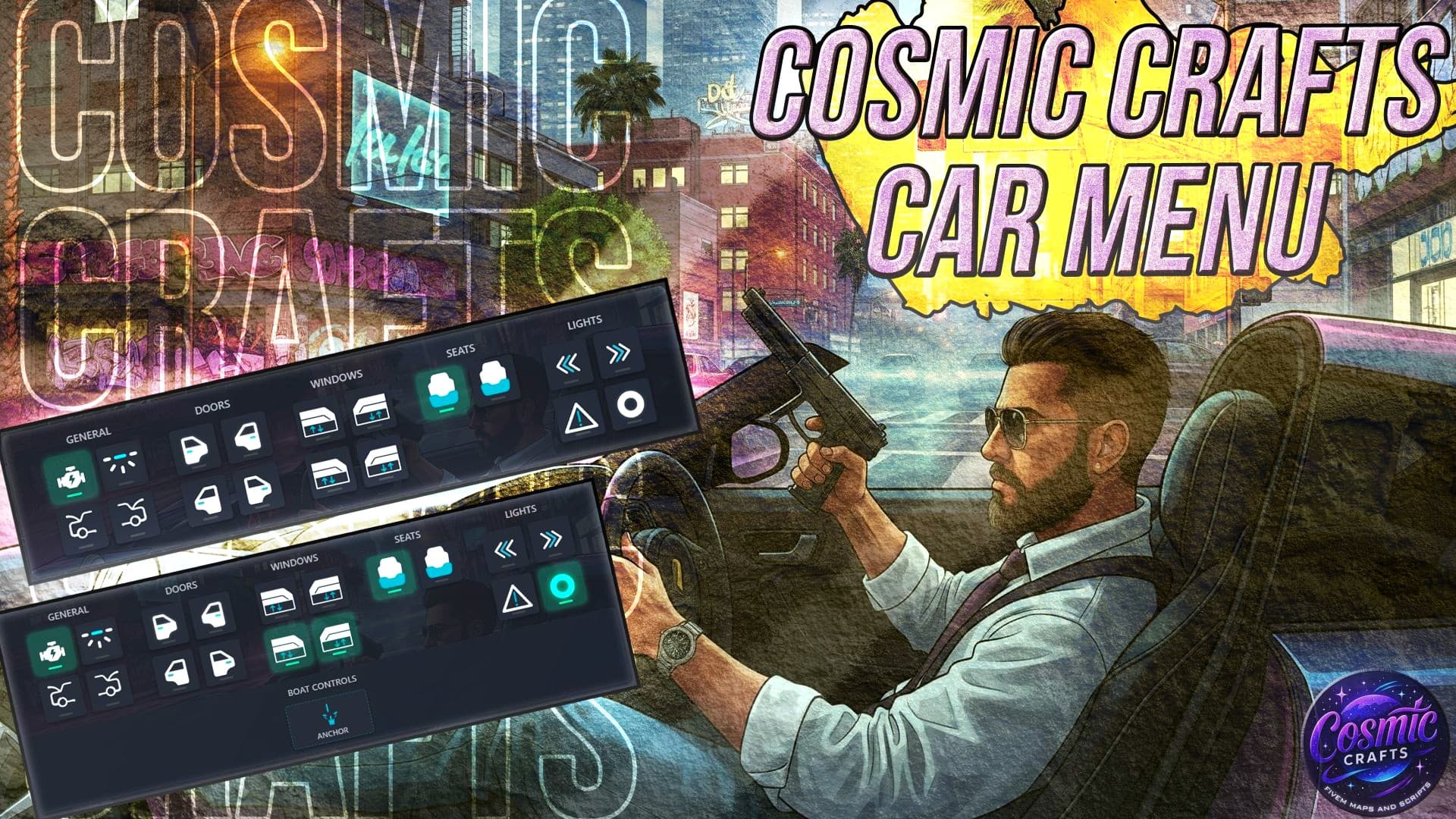
 Car Menu v1 – Discontinued
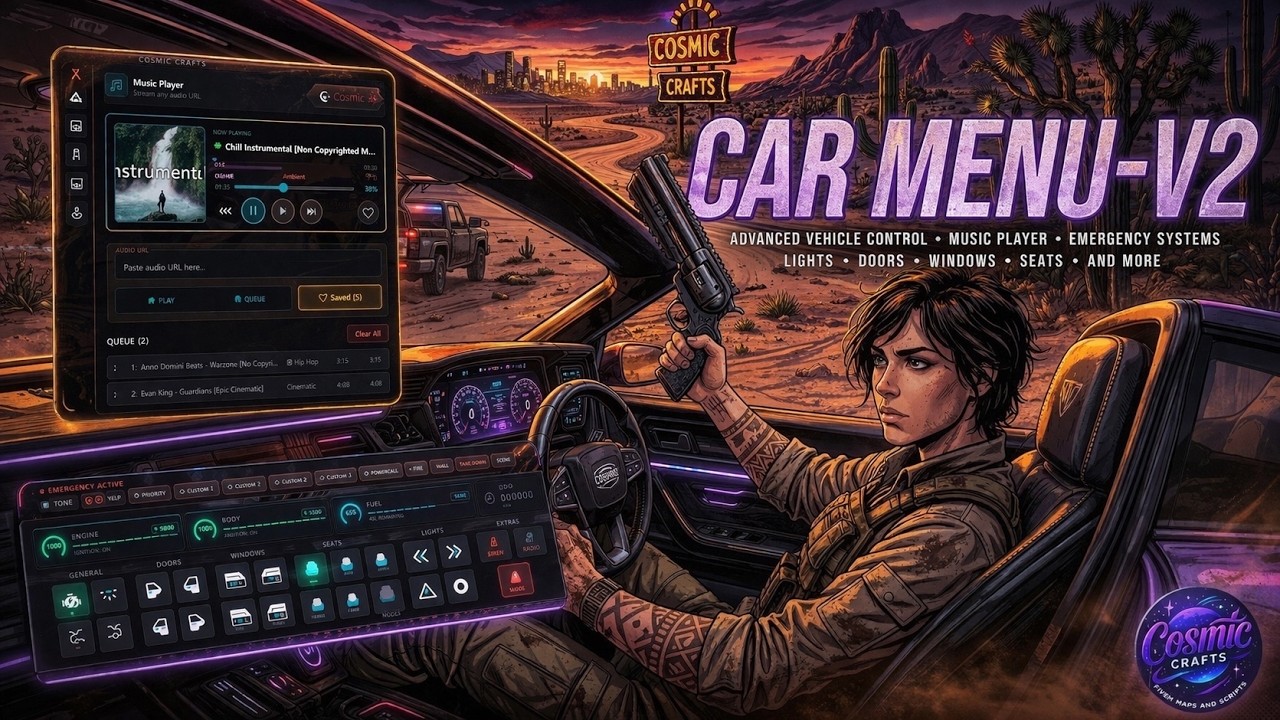
 Car menu V2 - with new features
Hello everyone 
Thank you for all the support on Car Menu v1 over the past year.
It’s been great seeing so many servers use it and share feedback 
 v1 Status
Car Menu v1 has been officially discontinued and is no longer available.
 Downloads removed
- No further updates or maintenance
- No active support
Development has now fully moved forward.
 [Paid] Car Menu v2
We’ve rebuilt the system into a much more advanced and optimized version, based on everything learned from v1.
Key improvements include:
 Rewritten and optimized core system
 Modern UI and smoother interactions
 Advanced vehicle key & permission systems
 Integrated music / radio features
 Improved emergency systems
 Better performance and flexibility
Car Menu v2 expands significantly beyond what v1 offered and is designed for more advanced RP use cases.
Note: check carmenu v2 post for more details
 More Information
Cfx post - [Paid] Car Menu v2
 Showcase:
 Documentation:
 Official Page (Cosmic Crafts):
https://cosmiccrafts.tebex.io/package/carmenuv2
Thank You
Car Menu v1 was just the beginning.
Everything in v2 is built from community feedback and real server use cases.
We truly appreciate your support 
Stay tuned for the official Cfx release 
Cosmic Crafts - Car Menu - (Discontinued)
A comprehensive, zero-dependency vehicle interaction menu for FiveM servers.
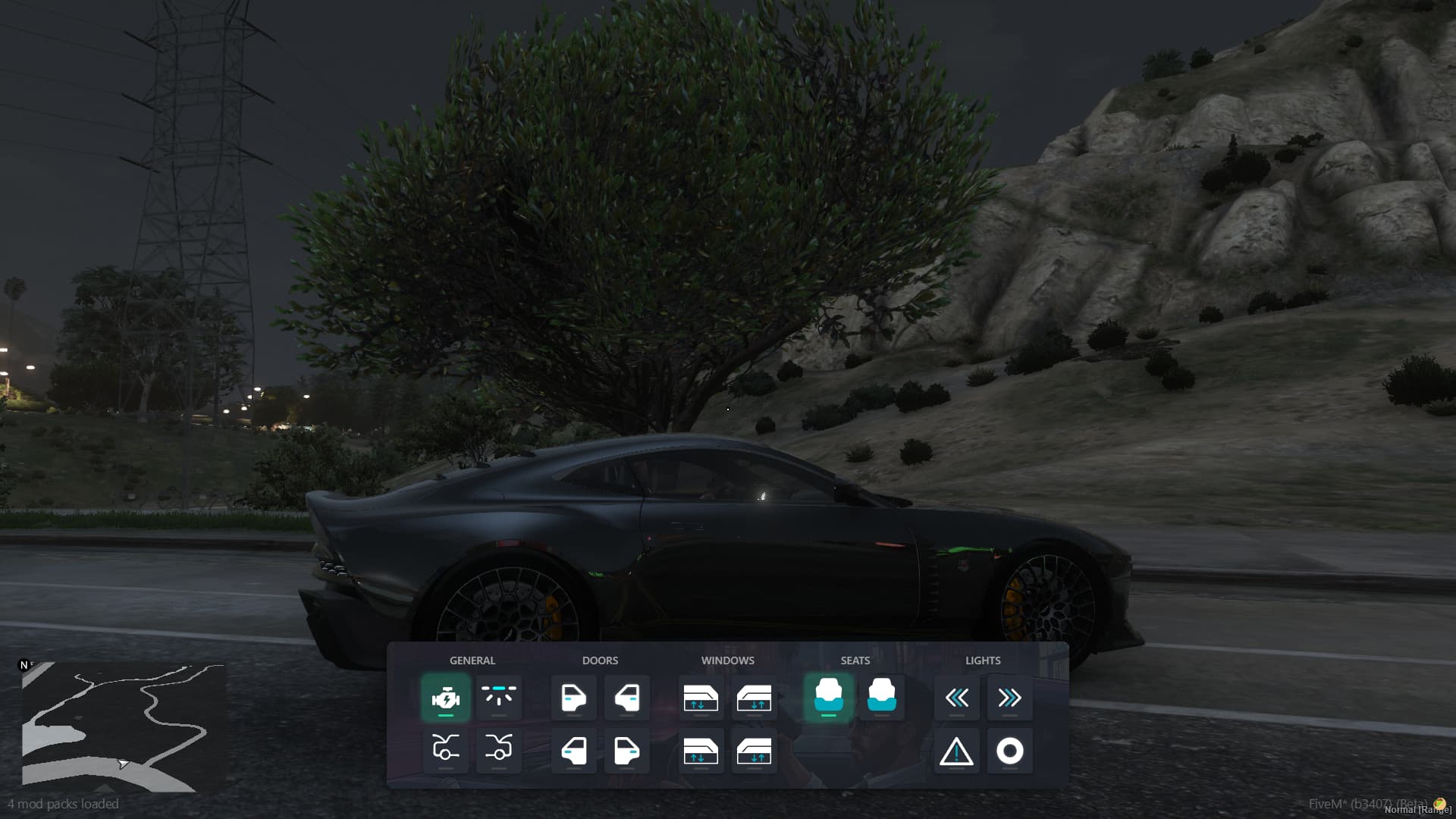
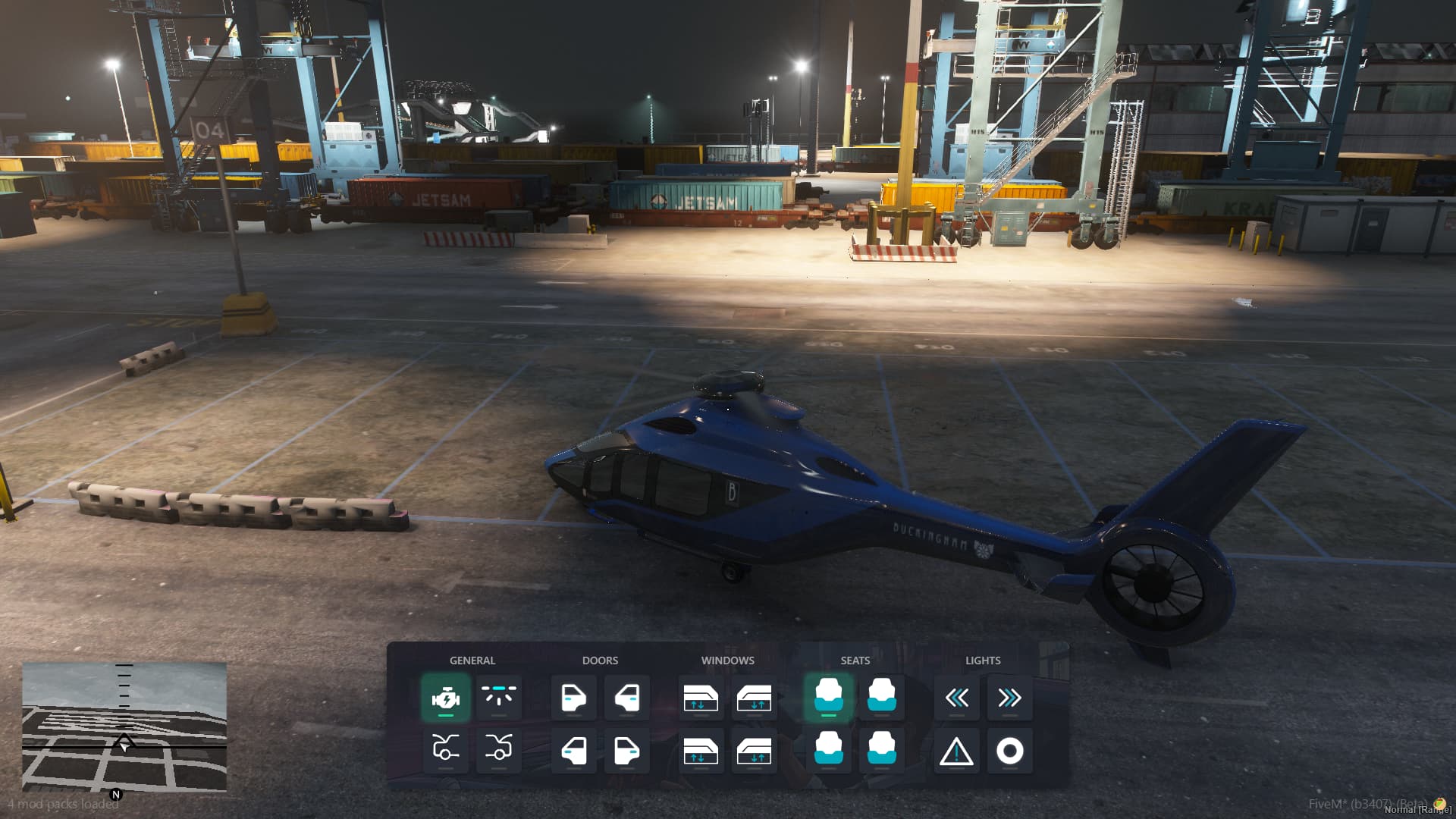
This script provides an intuitive interface for controlling various vehicle features including doors, windows, lights, indicators, engine, and more - all accessible to both drivers and passengers with configurable permissions
Compatible with major frameworks (ESX/QBCore/Qbox) or standalone.
 Features:
Vehicle Controls:
- Doors & Windows: Control individual doors and windows
- Lights: Interior lights, parking lights, hazard lights, and indicators
- Engine: Start/stop vehicle engine
- Neon: Toggle neon lights on/off
- Special Features: Hood and trunk controls
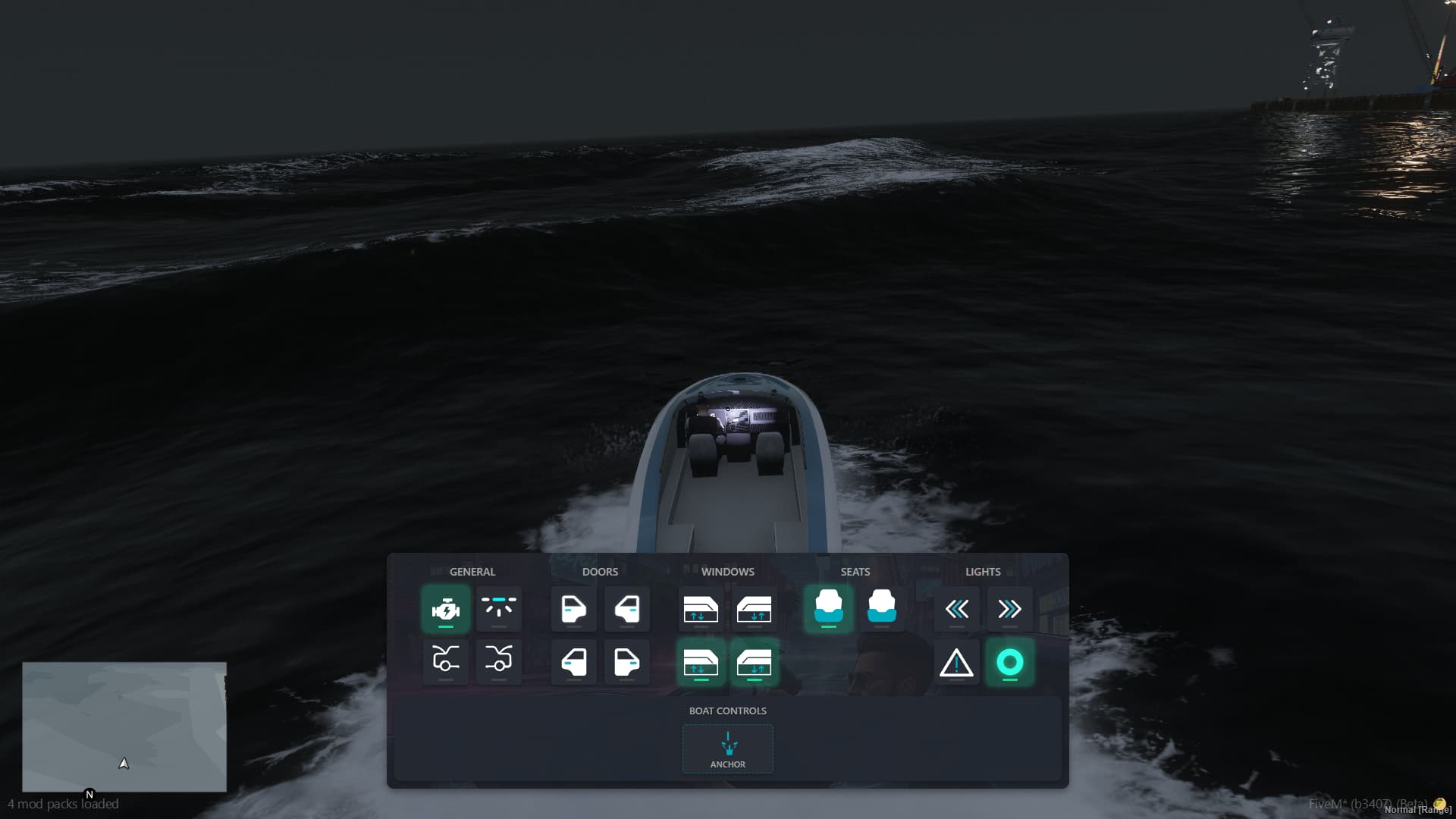
 Boat Support
- Anchor System: Drop and raise boat anchors
- Position Tracking: Copy boat coordinates for navigation
- Water Detection: Smart anchoring with depth validation
 Passenger Mode
- Configurable Permissions: Set what passengers can control
- Special Vehicle Support: Custom permissions for specific vehicle types
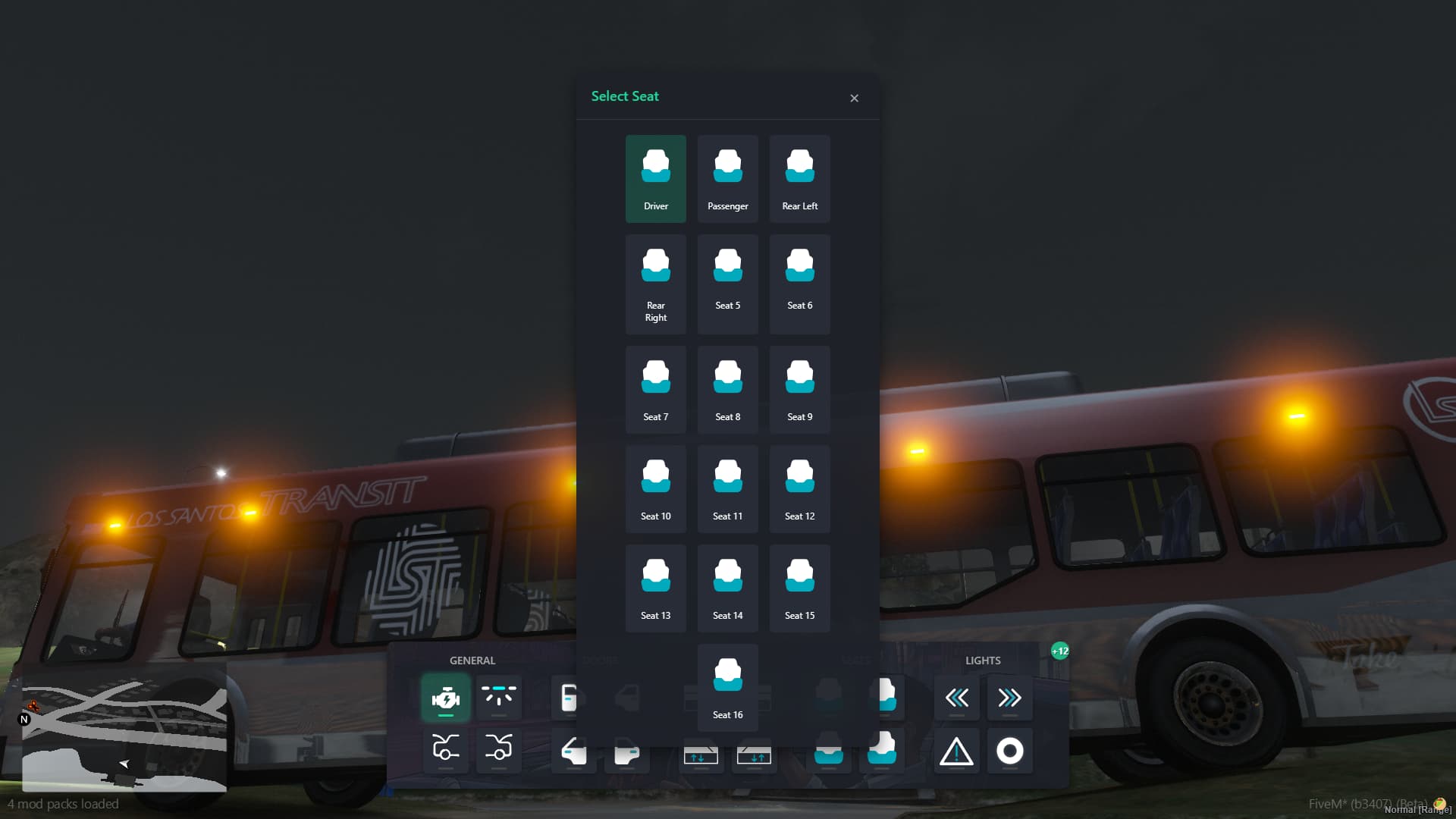
- Seat Management: Switch between seats with permission checks
 User Experience
- Keyboard Shortcuts: Z key to toggle menu, Escape to close
- Responsive UI: Clean, intuitive interface
- Permission Feedback: Clear notifications for access control
Framework Support:
- ESX Legacy: Full integration with ESX framework
- QBCore: Compatible with QBCore framework
- Standalone: Zero-dependency mode for any server
- ox_lib: Optional integration for enhanced notifications and keybinds
 Installation:
- Download & Install:
Navigate to your resources folder
- Configure Framework:
Edit config.lua to set your preferred framework:
  Config.Framework = {
  UseFramework = 'esx', -- Options: 'esx', 'qbcore', 'standalone', 'none'
  UseOxLib = true, -- Set to false if not using ox_lib}
- Server Configuration:
Add to your server.cfg:
ensure cosmic_carmenu
- Dependencies (Optional):
If using ox_lib integration:
ensure ox_lib
 Configuration (
config.lua)
Config.Framework = {
UseFramework = 'esx', -- Choose your framework
UseOxLib = true, -- Enable ox_lib features
}

Passenger Permissions-

Config.PassengerMode = {

    NotifyOnDenied = true,    -- Show access denied messages

     Permissions = {

        Doors = true,          -- Control doors

        Windows = true,        -- Control windows

        InteriorLights = true, -- Control interior lights

        Engine = false,        -- Control engine (driver only)

        Indicators = true,     -- Control indicators

        Hazards = true,        -- Control hazard lights

        ParkingLights = true,  -- Control parking lights

        LicensePlate = false,  -- Access license plate

        SeatSwitching = true,  -- Switch seats

        Neon = false,          -- Control neon lights

    }

}


Special Vehicle Permissions-

Config.PassengerMode.SpecialVehicles = {

    ['police'] = {

        Doors = true,

        Windows = true,

        Engine = true,         -- Police can control engine

        Indicators = true,

        Hazards = true,

    },

    ['ambulance'] = {

        Doors = true,

        Windows = true,

        Engine = true,         -- EMS can control engine

        Indicators = true,

        Hazards = true,

    }

}
 Usage:
Basic Controls-
- Z Key: Toggle vehicle menu
- Escape: Close menu
Menu Features-
- Seat Selection: Click seat icons to switch positions
- Door Control: Toggle individual doors open/closed
- Window Control: Roll windows up/down
- Light Control: Interior, parking, hazard, and indicator lights
- Engine Control: Start/stop vehicle (driver only)
- Special Controls: Hood, trunk, neon lights
Boat Features-
- Anchor Button: Drop/raise boat anchor
- Position Copy: Copy coordinates for navigation
- Speed Check: Automatic speed validation for anchoring
Commands:
/carmenu - Open vehicle menu
/fixcarmenu - Fix stuck menu state
Keybinds:
| Z | Toggle vehicle menu
| Escape | Close menu
 Preview
 Buy
Buy
Buy Here:  Cosmic Crafts Tebex
Social:
Tebex: https://cosmiccrafts.tebex.io/
Discord: Cosmic Crafts store
| Code is accessible | No / partially accessible |
| Subscription-based | No |
| Lines (approximately) | 3000 |
| Requirements | ESX/QBcore/Qbox/standalone |
| Support | Yes |

 We recommend joining our Discord channel and publishing it there, where the community can discuss, provide input, and vote on it. Because this is a free resource, we often schedule updates and reworks based on the bulk of customer feedback. Your feedback will greatly help us decide on future enhancements.