D.A.R.T
Direct Automotive Reciver & Transmitter
D.A.R.T is a resource for FiveM that provides driver assistance and vehicle tracking functionality for emergency vehicles. It allows players to mark and track nearby vehicles, enhancing their ability to respond to emergencies effectively. The resource includes server-side and client-side scripts, along with a configuration file to customize various options.
Features
- Track nearby vehicles from an emergency vehicle
- Marked vehicle location updates in real-time on the map
- Cooldown system to prevent spamming the tracking feature
- Customizable blip settings
Roadmap
Here’s a roadmap of the planned features and improvements for D.A.R.T:
-
Implement basic vehicle tracking functionality
-
Add cooldown system to prevent spamming
-
Customize blip settings
-
Add additional configurable options for more customization
-
Implement a command to toggle tracking on/off
-
Add particle effect to indicate marked vehicles
-
Implement sound effects for tracking events
-
Create a job bridge for integration with job systems (e.g., ESX, vRP)
-
Add support for marking multiple vehicles simultaneously
-
Bug fixes and optimizations
Installation
- Download the latest release of D.A.R.T.
- Extract the contents of the ZIP file into your FiveM server resources folder.
- Add
start dartto your server.cfg file.
Configuration
You can customize the behavior of D.A.R.T by modifying the options in the config.lua file. Here are the configurable options:
You can customize the behavior of D.A.R.T by modifying the options in the config.lua file. Here are the configurable options:
TrackingDuration: The duration (in seconds) for which a vehicle is tracked.CooldownDuration: The duration (in seconds) of the cooldown period between tracking attempts.BlipSprite: The sprite ID of the blip displayed on the map for marked vehicles.BlipColor: The color ID of the blip displayed on the map for marked vehicles.BlipDisplay: The display mode of the blip on the map for marked vehicles.UseCommand: Set to true to use the command, false to use the keybindCommandName: Command name to fire the dartKeybind: Keybind to fire the dart
Usage
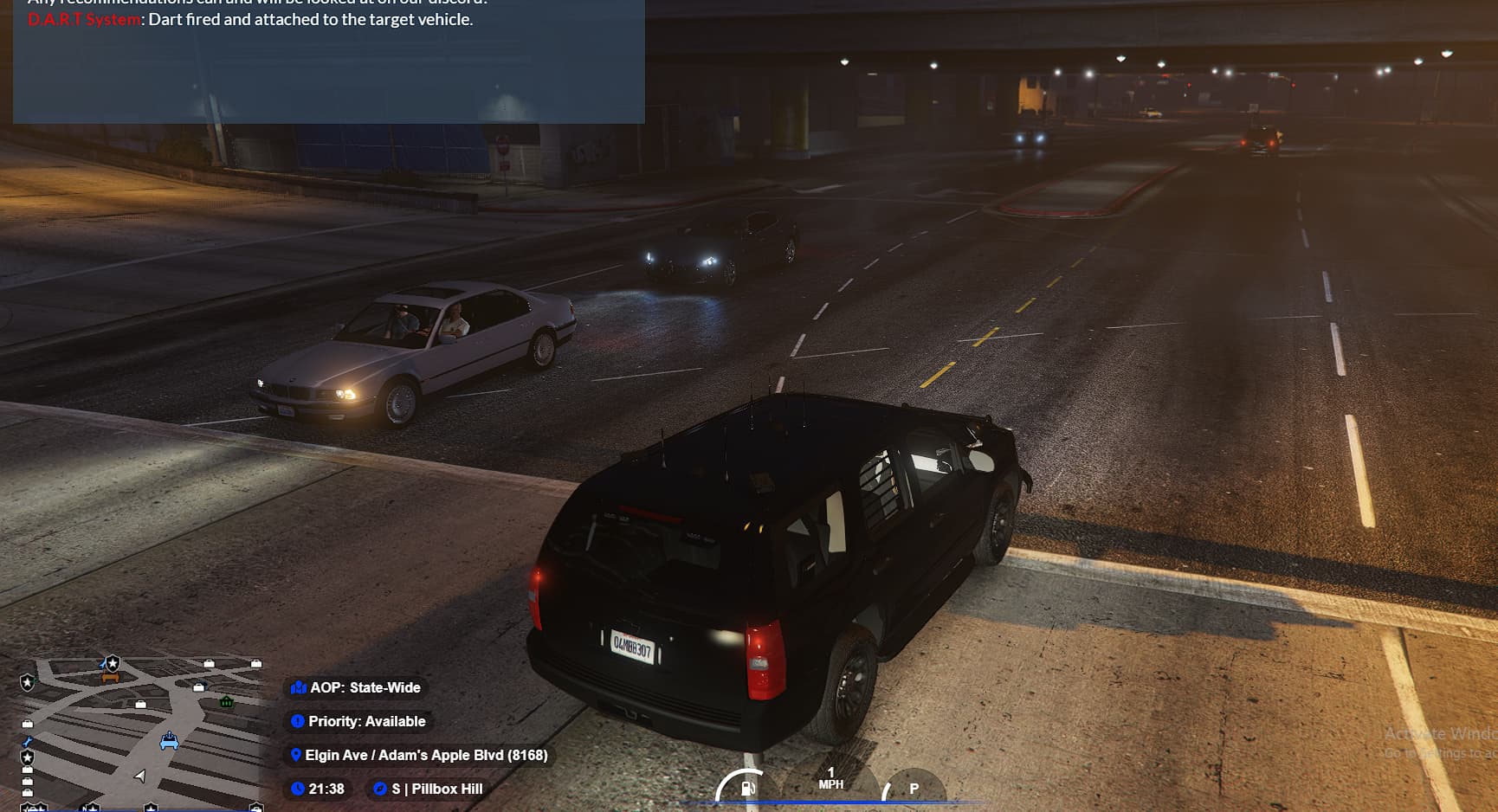
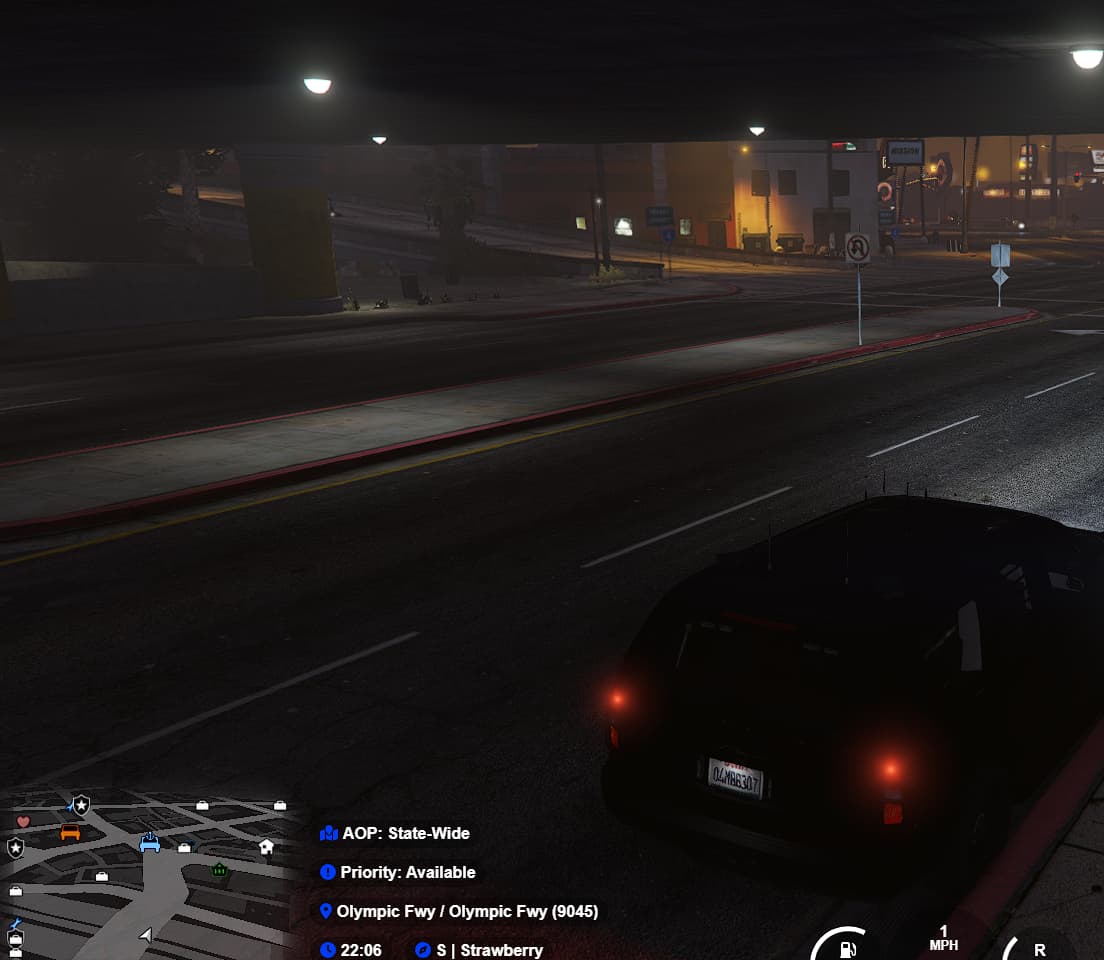
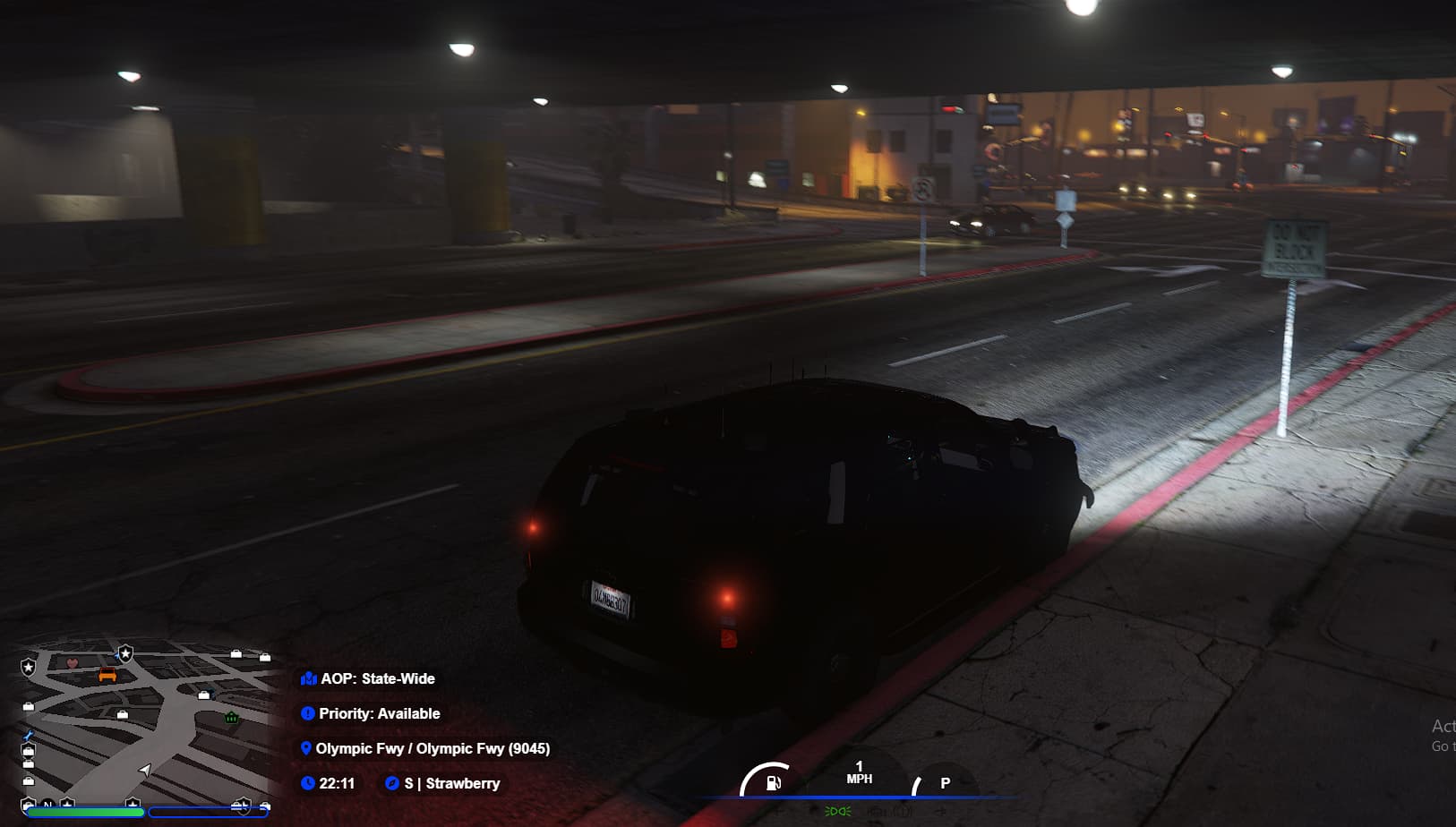
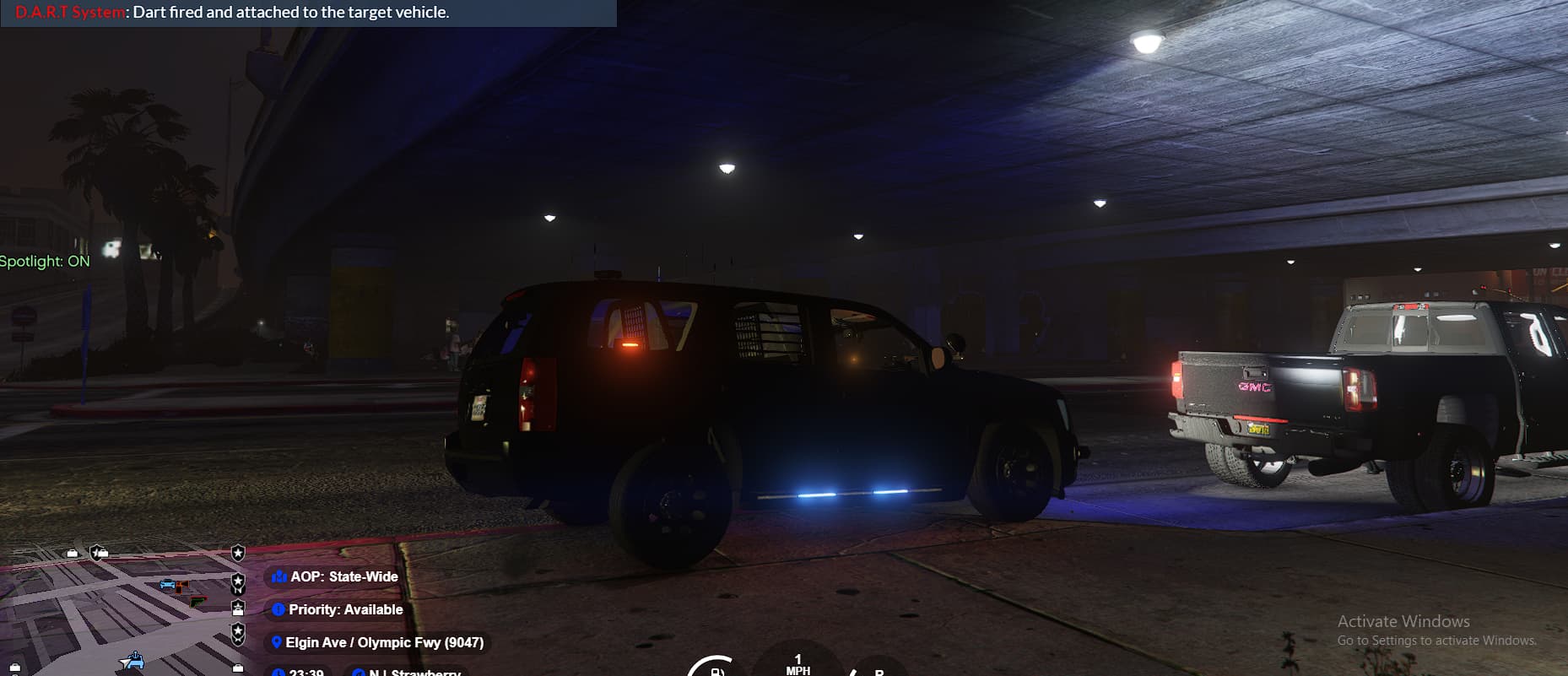
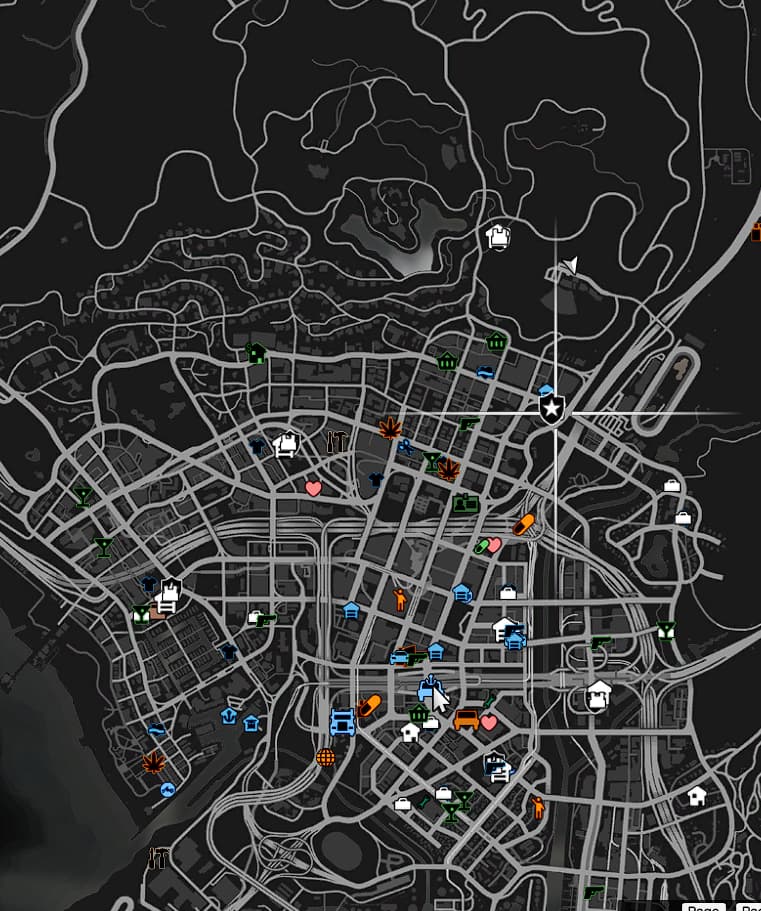
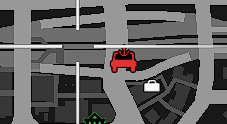
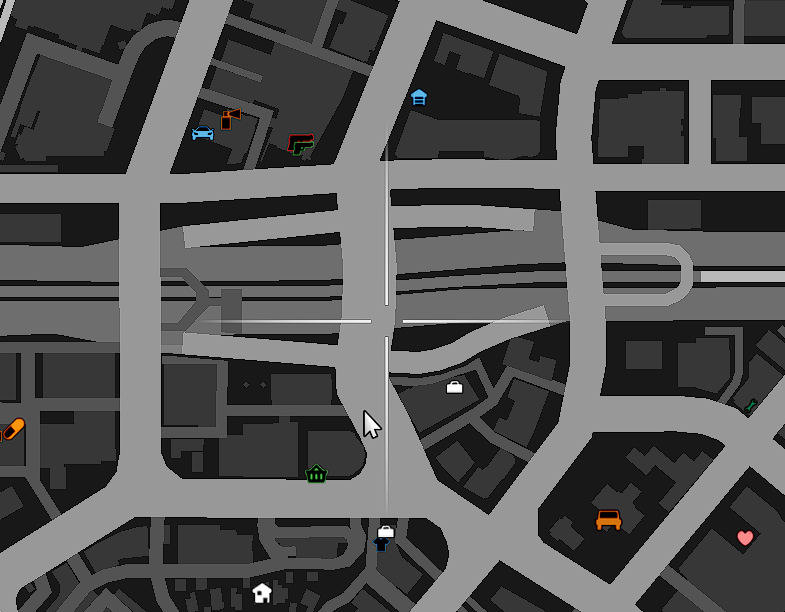
To start tracking a nearby vehicle, enter an emergency vehicle and use the /firedart command. The nearest vehicle will be marked with a blip on the map, indicating its location. The blip will be visible to all players on the server. There is a cooldown period between each tracking attempt to prevent spamming.
License
D.A.R.T is licensed under the MIT License. See the LICENSE file for more details.
Download
Examples

| Code is accessible | Yes |
| Subscription-based | No |
| Lines (approximately) | 40ish |
| Requirements | N/A |
| Support | Yes |