
Most icon packs are either a few hundred images pulled from different sources, or a paid set. Both have the same problem: the icons never match each other. One is a photo on white, the next is a flat vector, the third sits at a different scale and floats in its slot.
So I built a set where that does not happen. 232 items, one render style throughout, transparent backgrounds, and every icon put through the same normalisation pass afterwards.
It is CC0. Use them, edit them, ship them on a paid server, redistribute them. No credit needed.
Download
Take the whole set or just the categories you need, both are on the release page.
| Download | Contents |
|---|---|
| Full pack | All 232 icons, 22.2 MB |
| Per category | 14 separate zips, 0.8 to 2.6 MB each |
If you only need three icons you do not have to download an archive at all. They sit unpacked in the repo under png-256/, so you can grab the files directly.
Install
qb-inventory:
cp png-256/*.png resources/[qb]/qb-inventory/html/images/
ox_inventory:
cp png-256/*.png resources/[ox]/ox_inventory/web/images/
Filenames follow the qb-core shared/items.lua naming, so a lot of items already line up with what your server has. For custom items, point the image field at the matching file.
What is in it
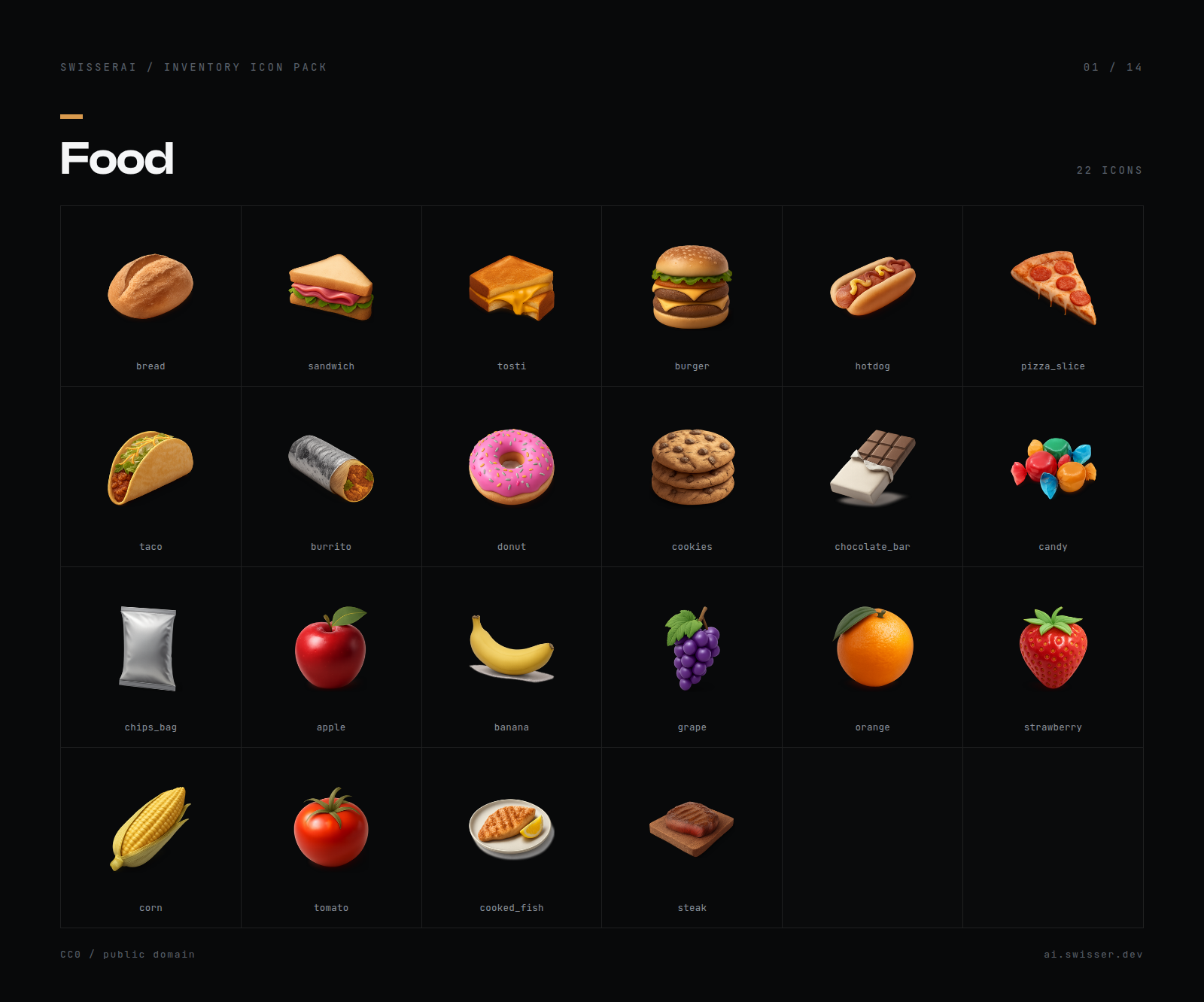
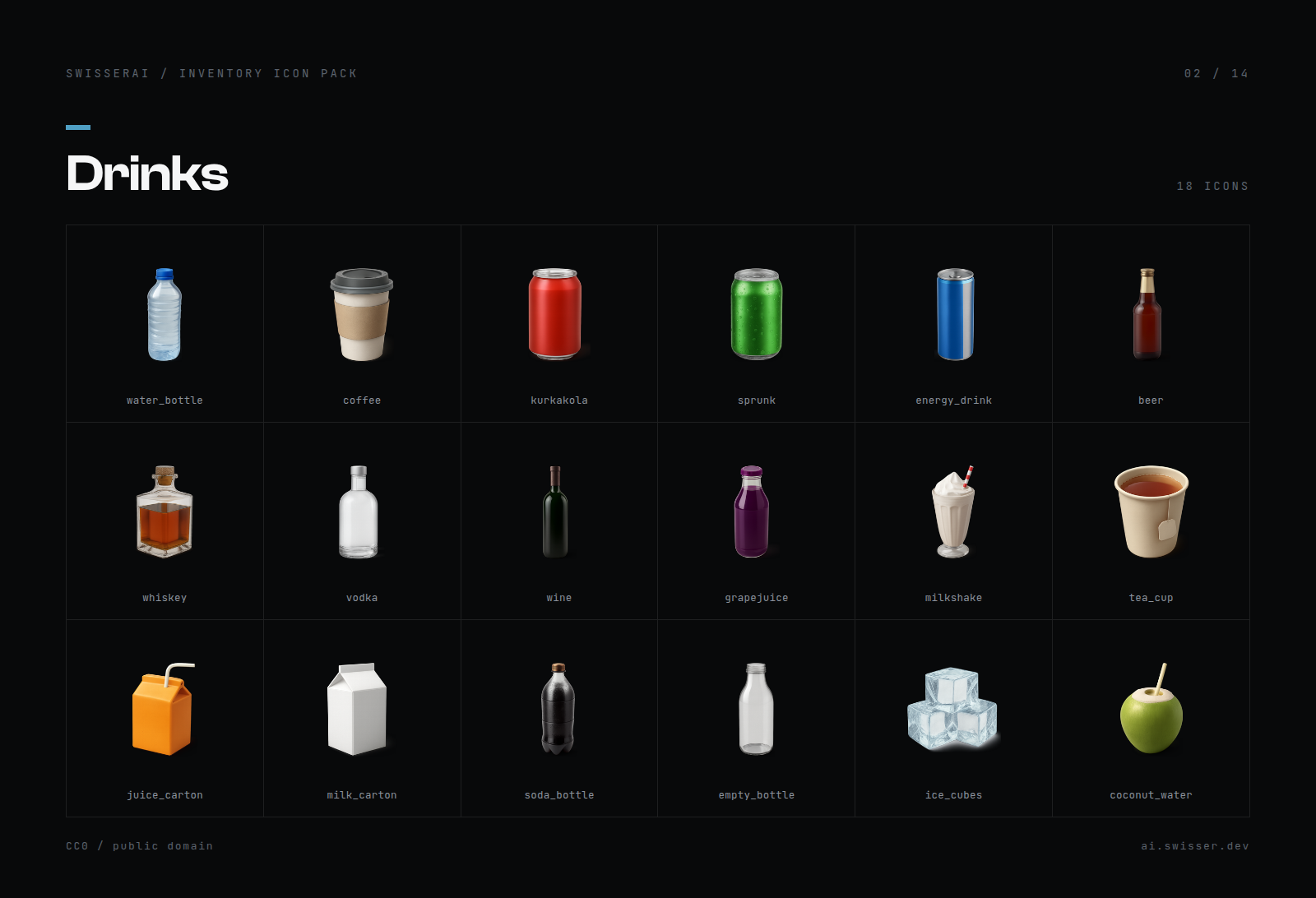
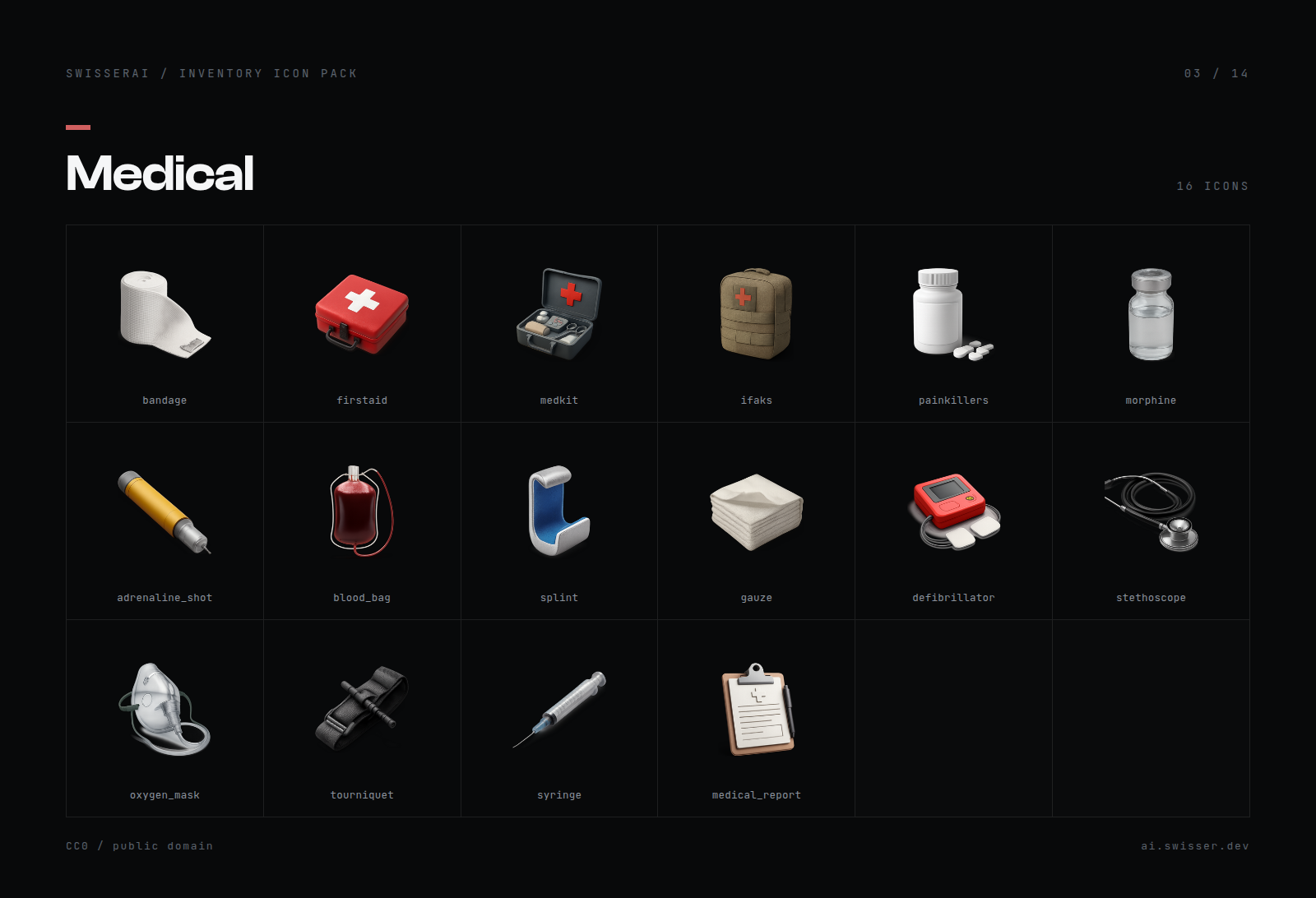
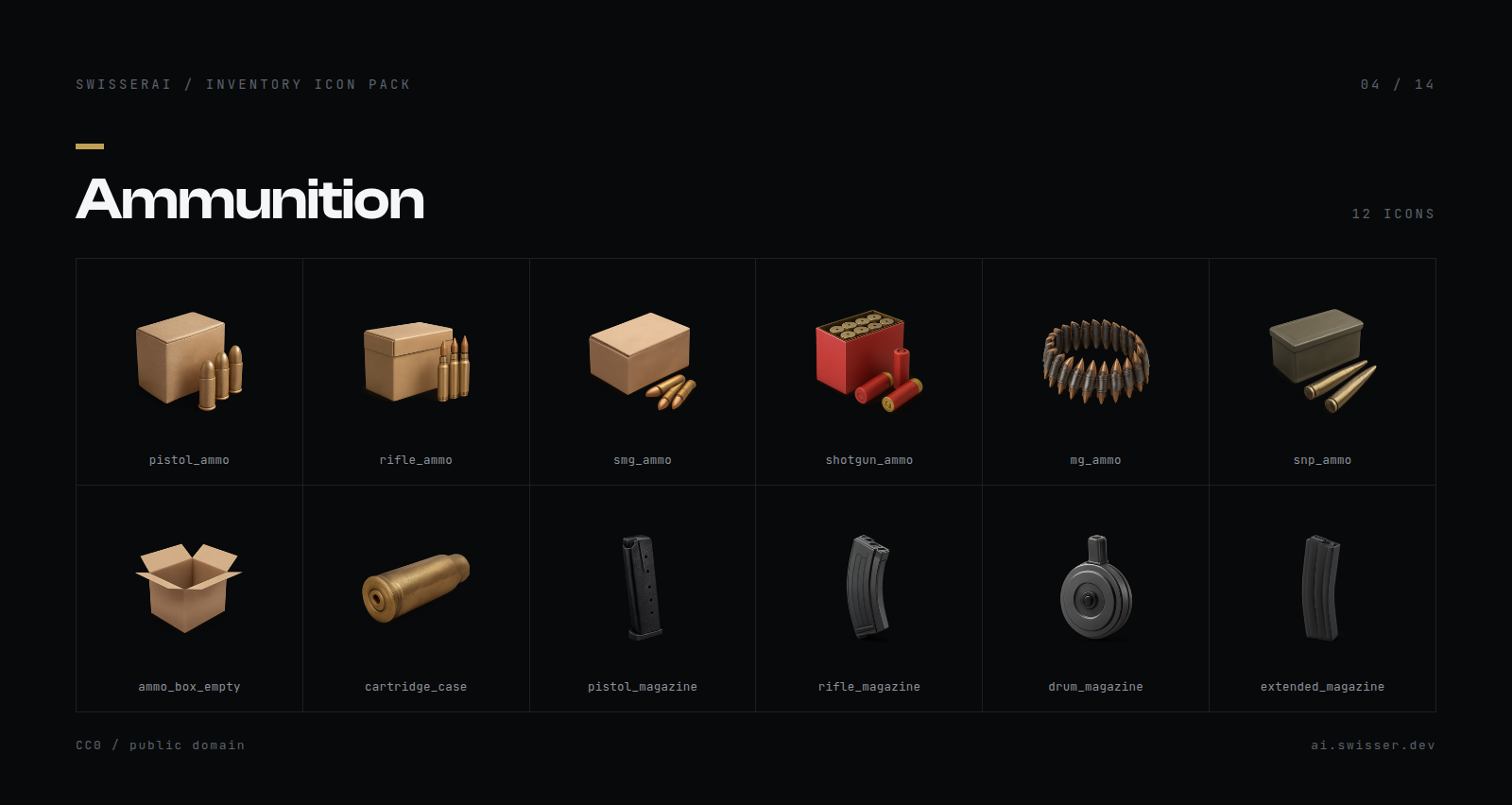
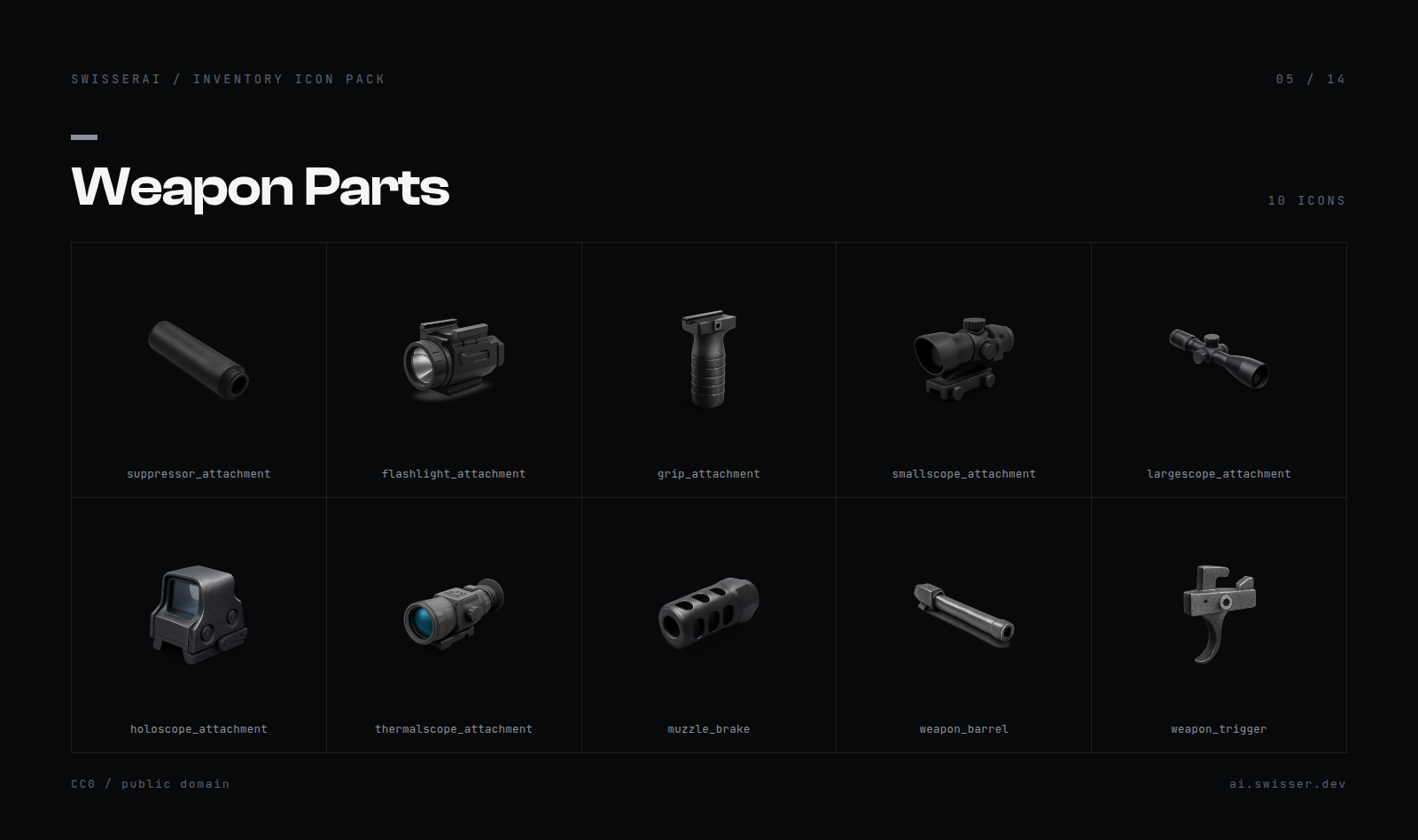
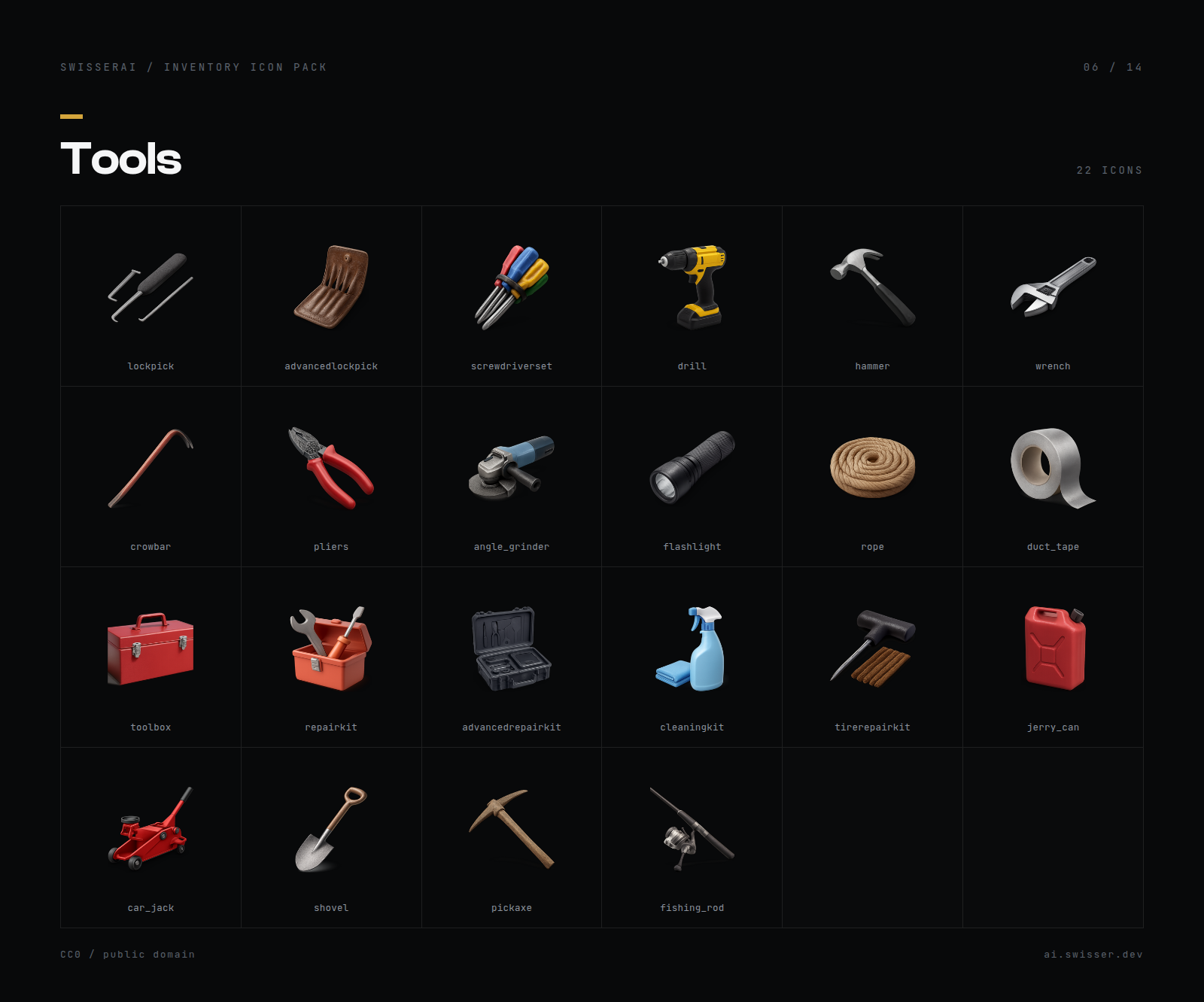
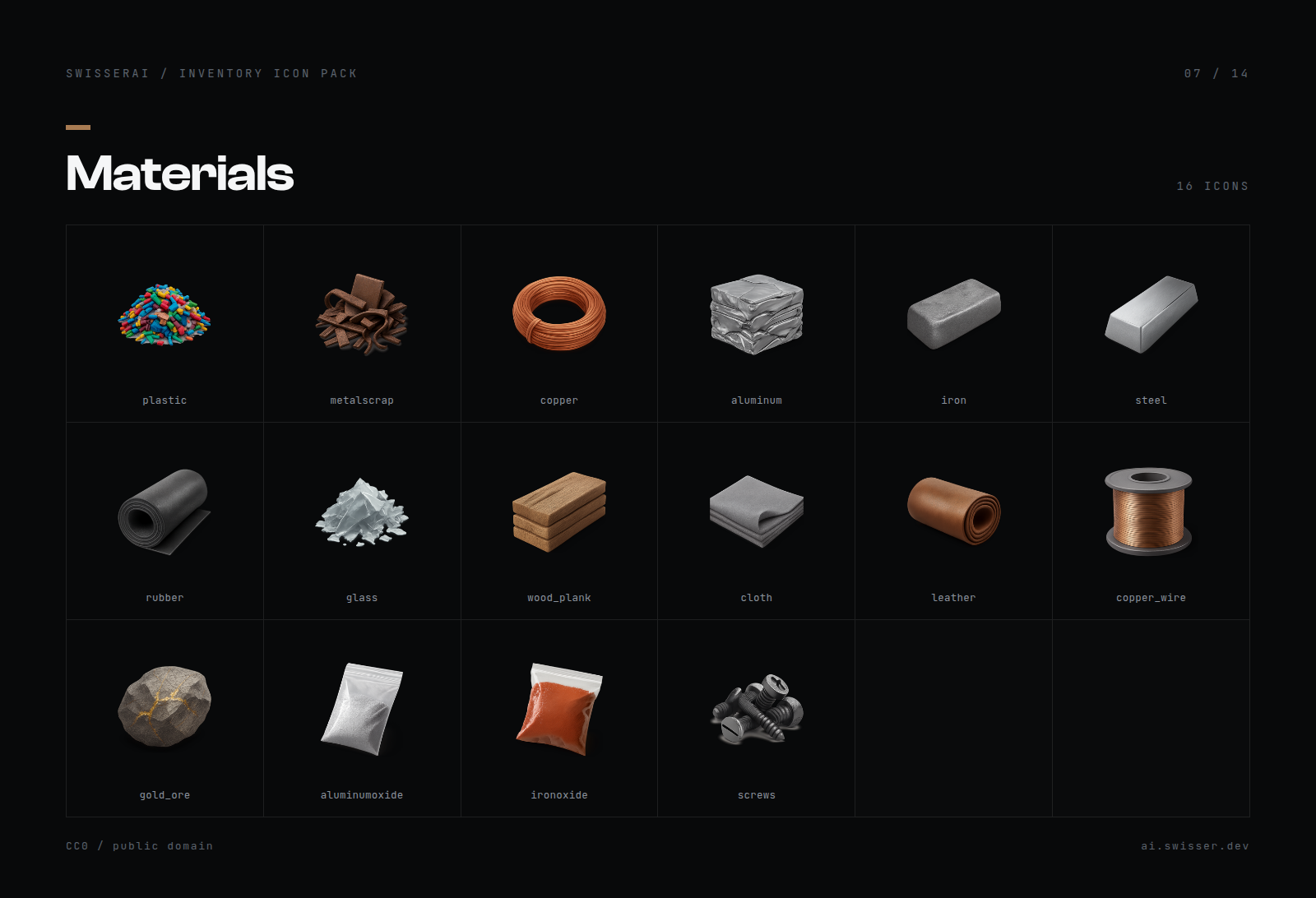
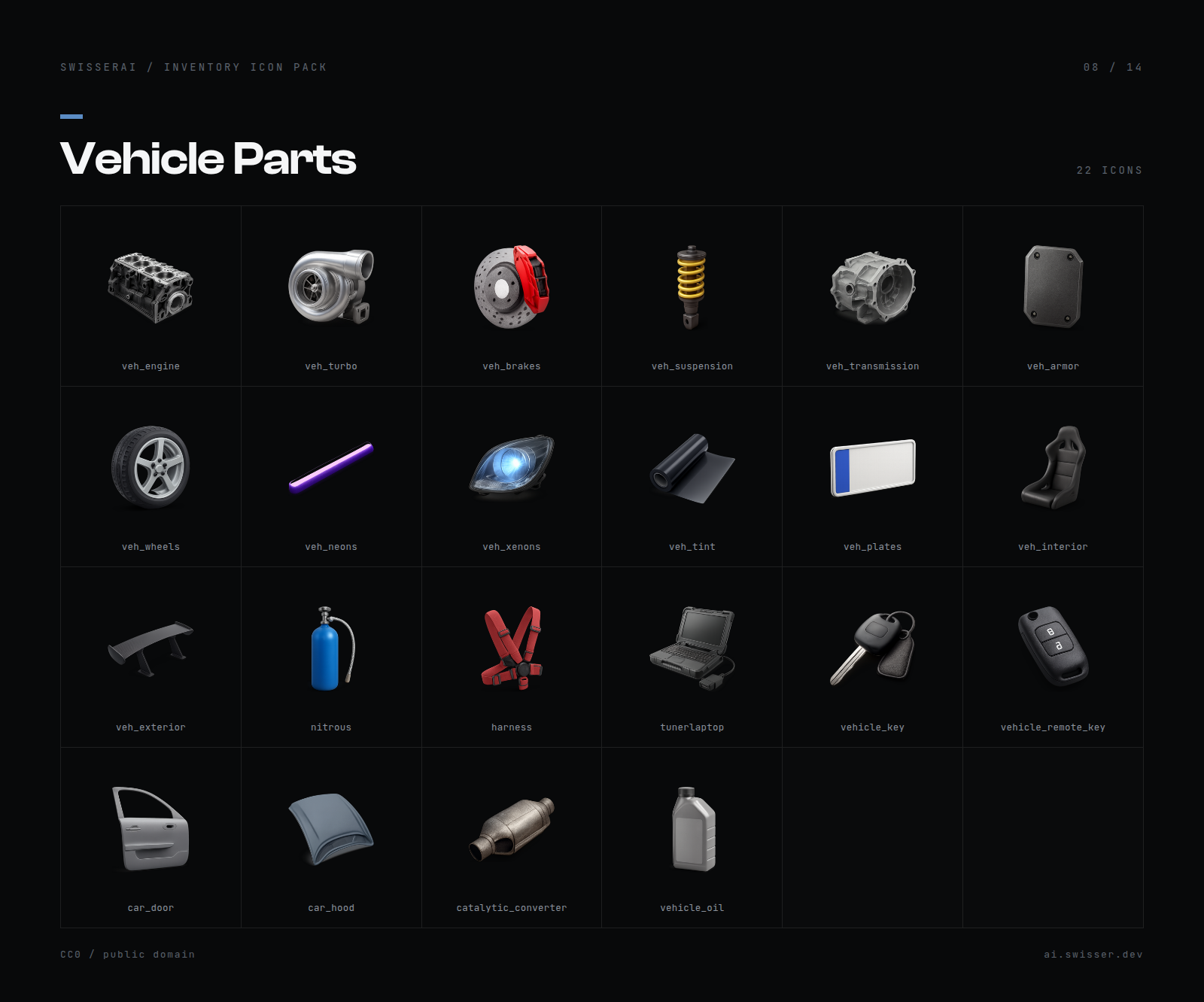
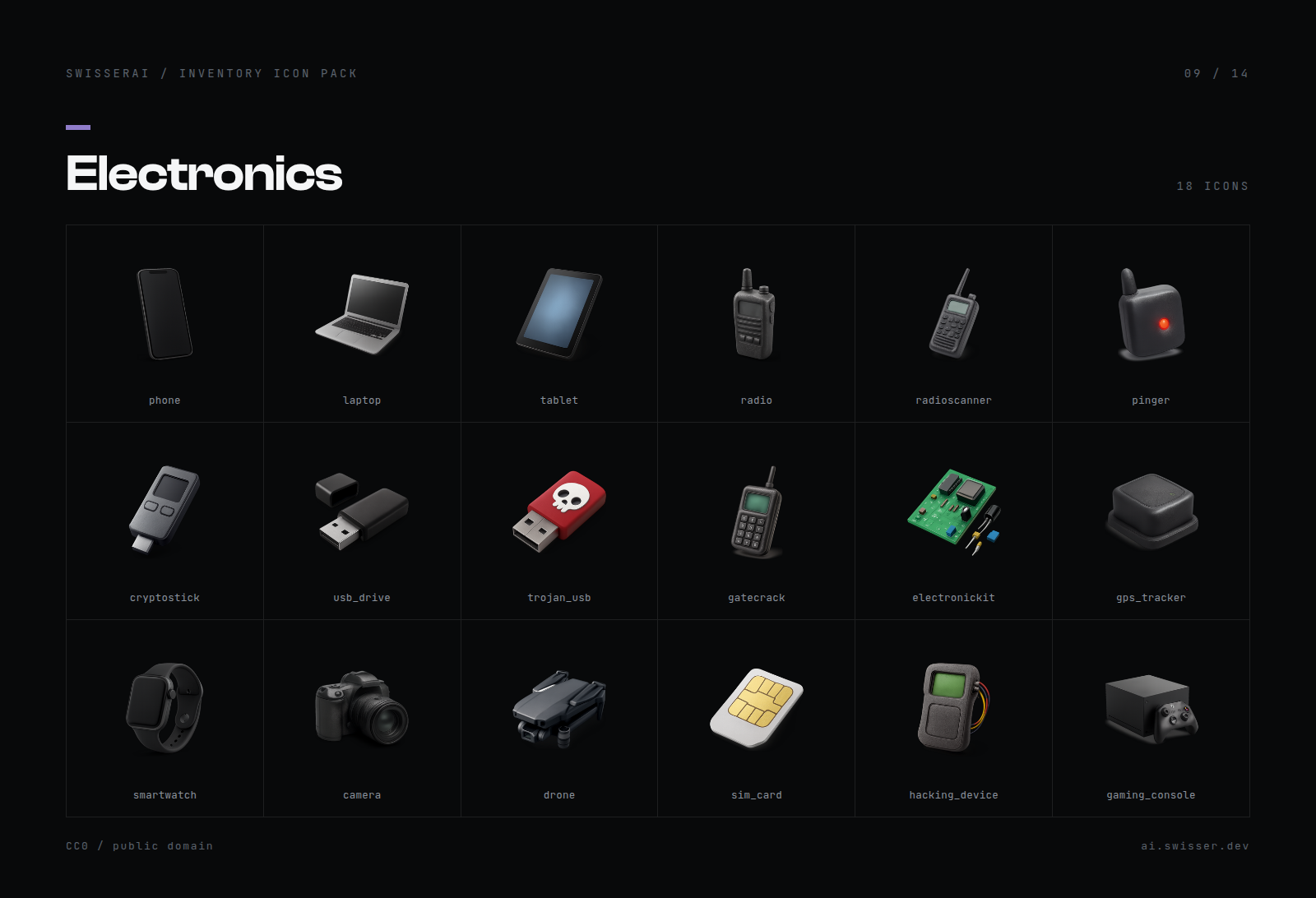
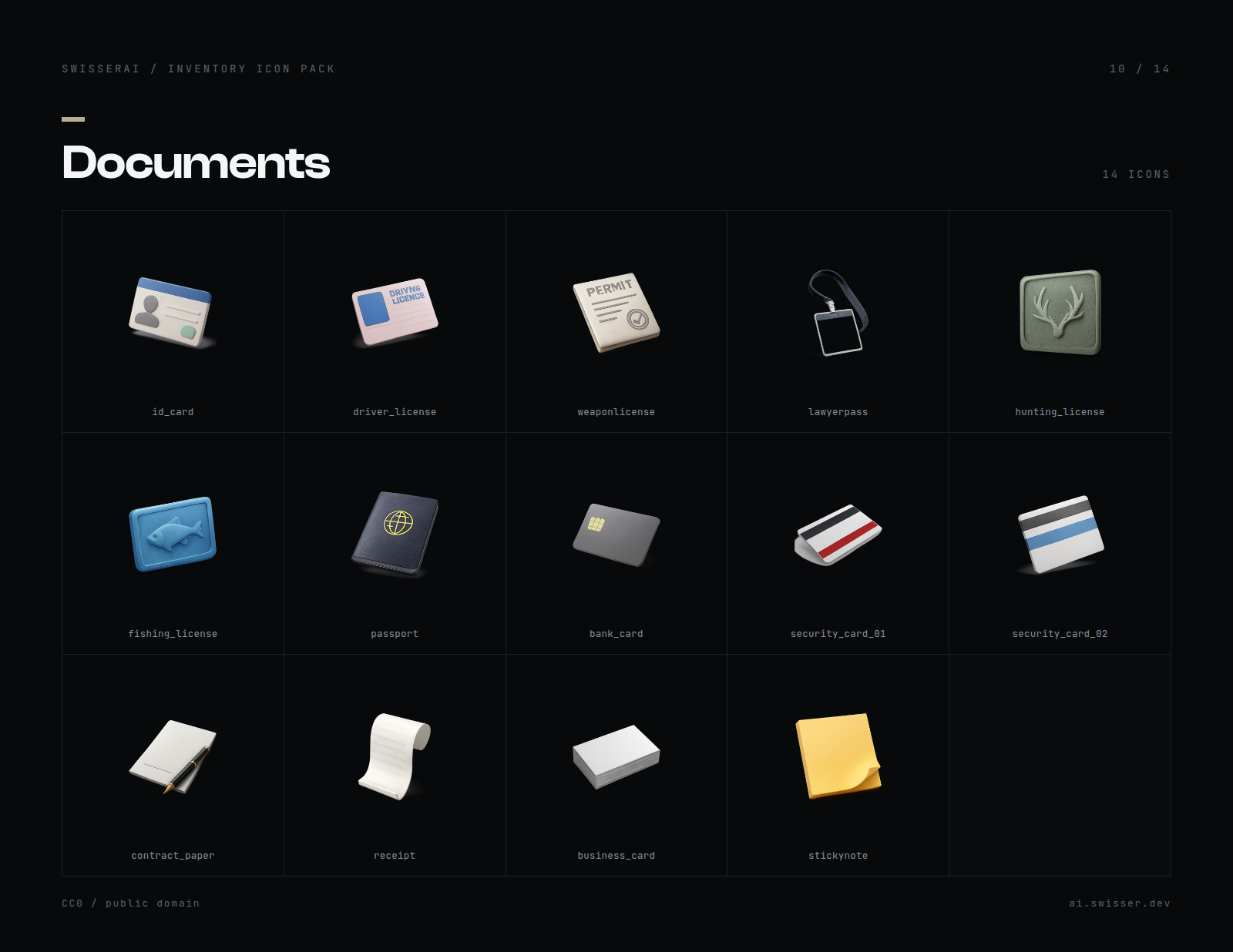
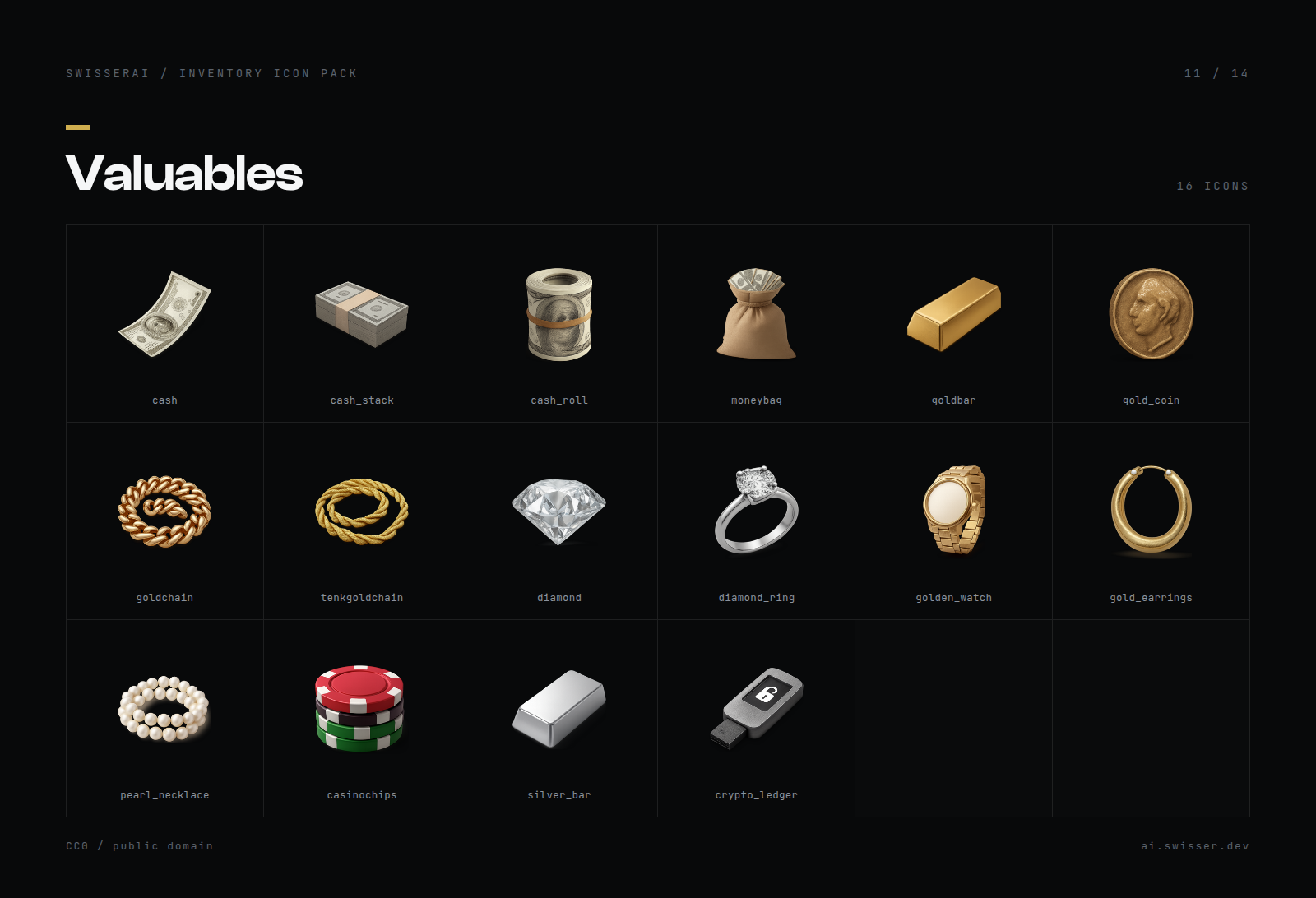
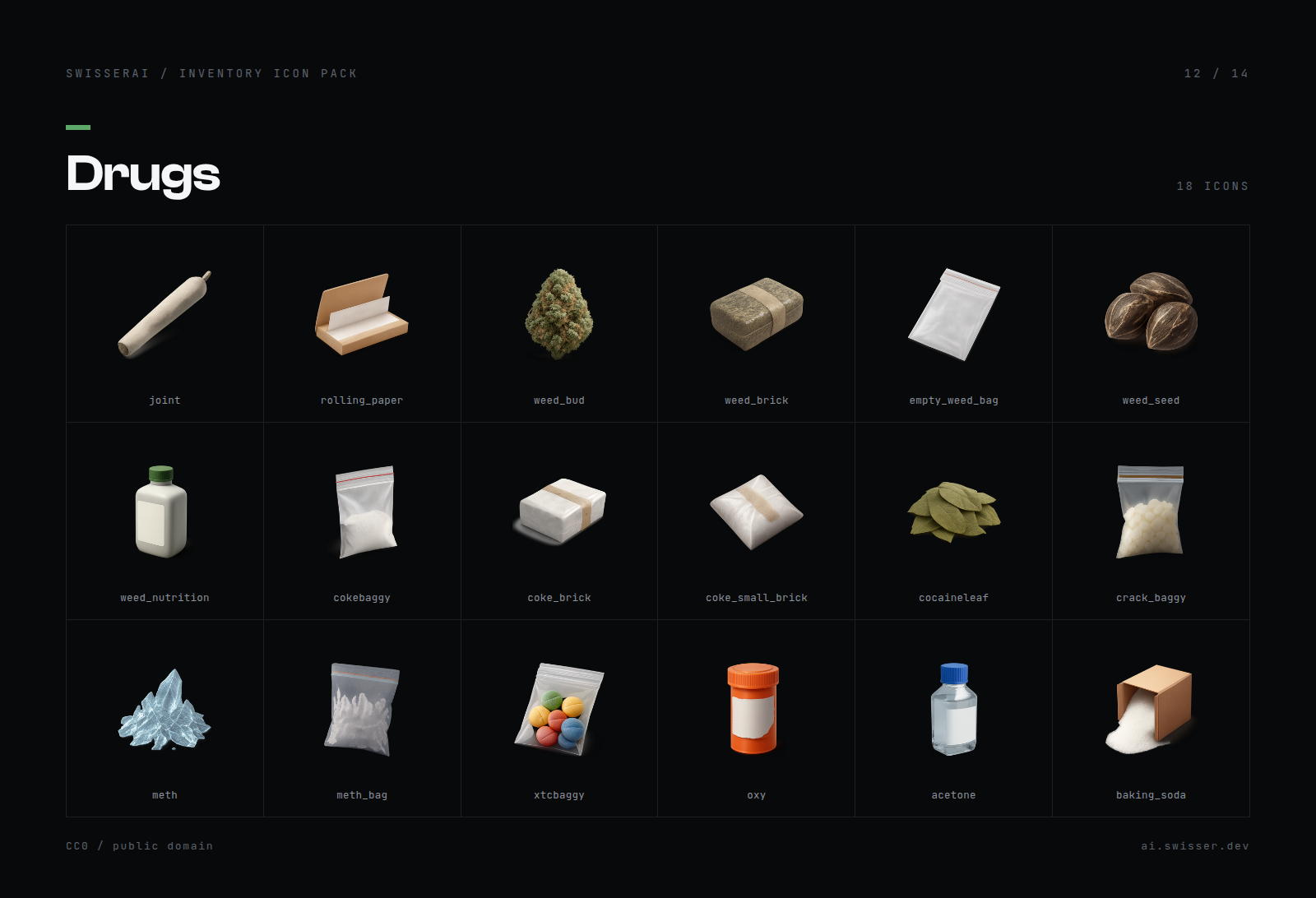
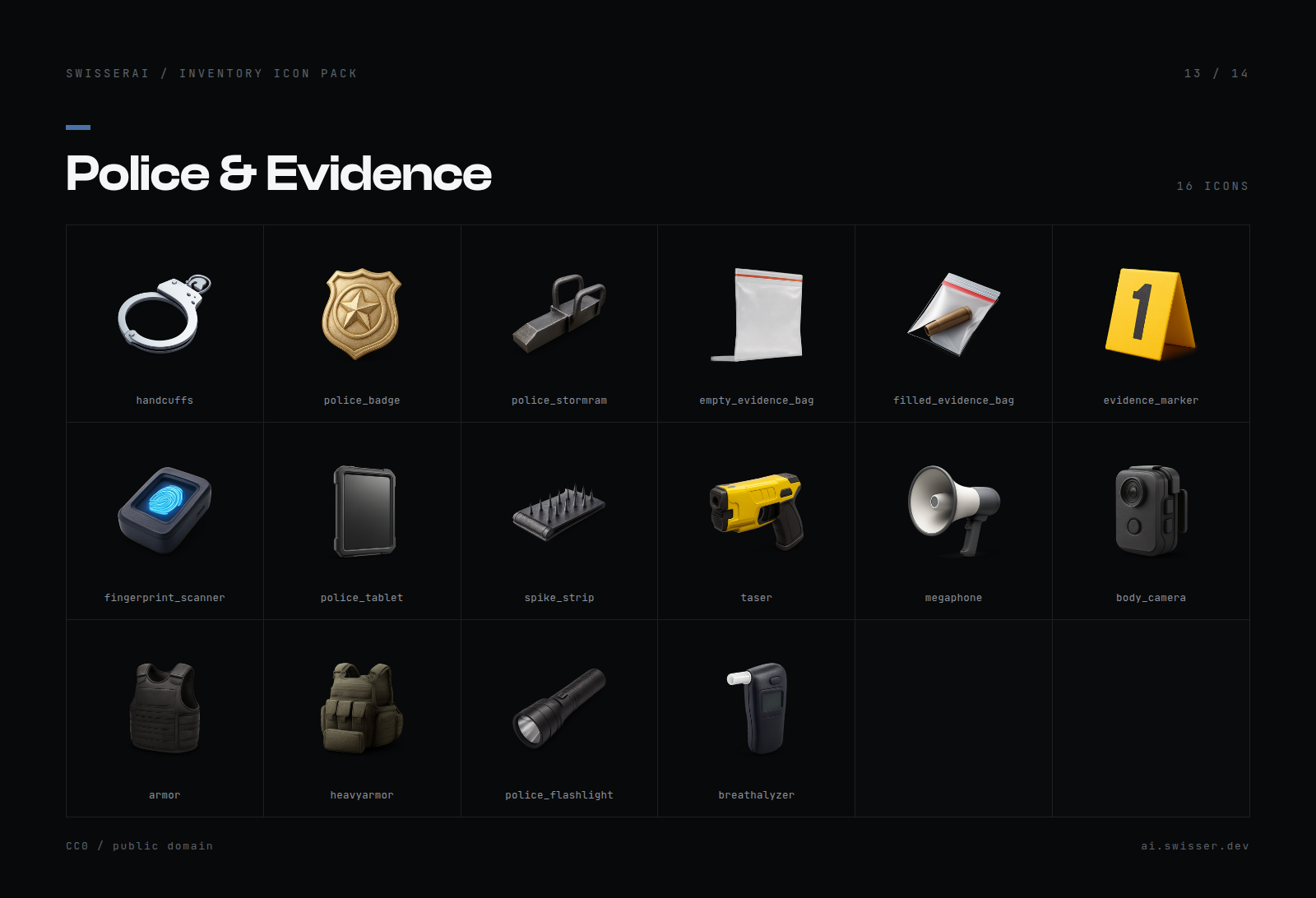
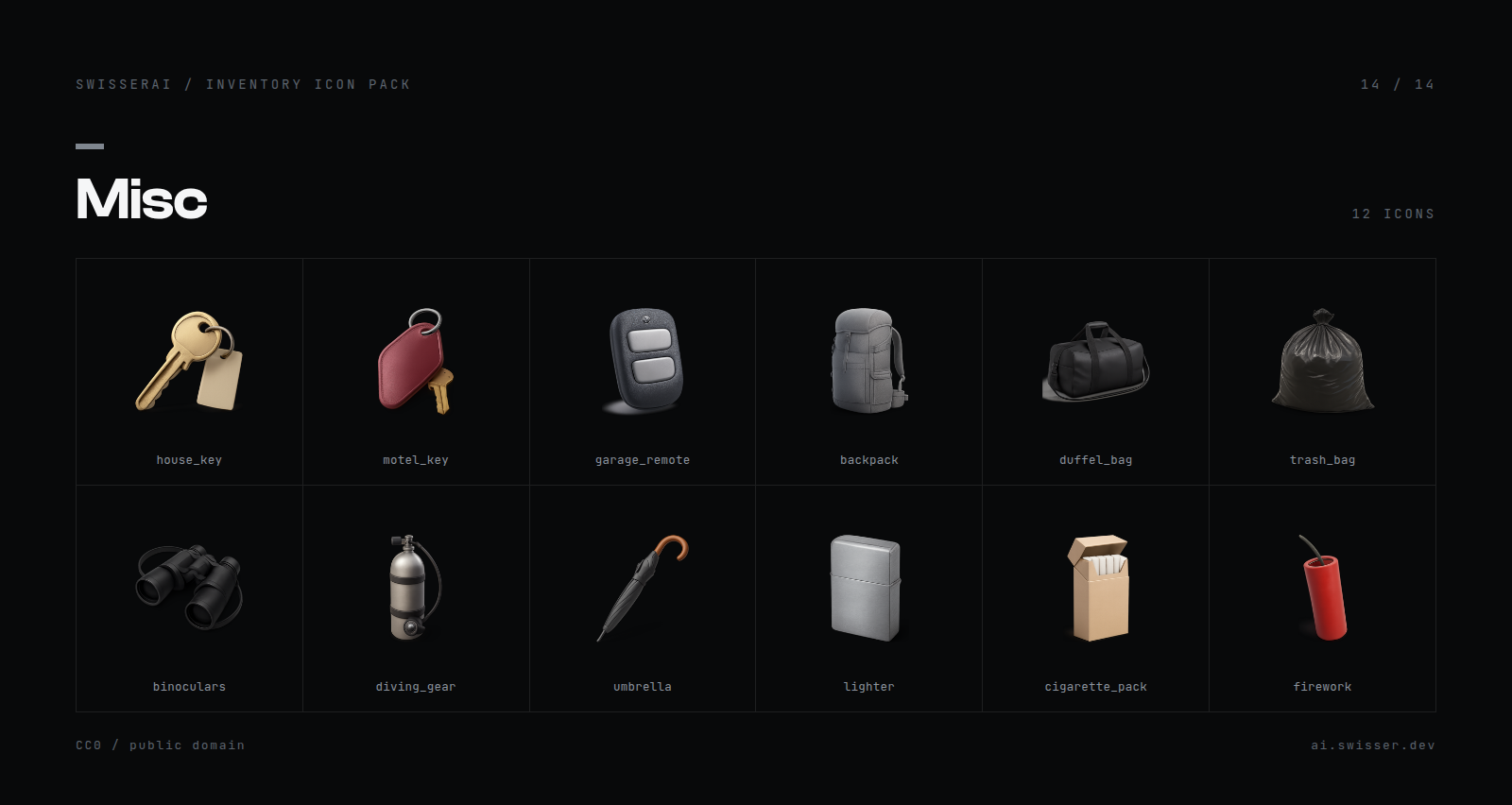
Every filename is printed under its icon in the sheets below, and listed in items.json.
Food (22)
Drinks (18)
Medical (16)
Ammunition (12)
Weapon Parts (10)
Tools (22)
Materials (16)
Vehicle Parts (22)
Electronics (18)
Documents (14)
Valuables (16)
Drugs (18)
Police and Evidence (16)
Misc (12)
Why they sit properly in a slot
This is the part that took the actual work. Rendering an icon is easy. Getting 232 of them to sit the same way is not, and prompting alone will not do it. You end up with one icon filling its frame, the next one tiny in the middle, a third one cropped at the edge.
So every image goes through a fixed pass after it is rendered. The alpha channel is measured for a tight bounding box, with the drop shadow deliberately ignored so a long shadow does not shrink the object. That box is then scaled to a fixed fill ratio and centred on a square canvas. Same numbers for all 232 icons.
The result is that a pistol magazine and a burger carry the same visual weight in a 100x100 slot, which is the entire point of an icon set.
No real branding
Anything that would normally reference a real brand uses a generic or GTA lore equivalent instead. A plain red can rather than a named cola, no named firearms anywhere, watches and jewellery without a maker. Nothing in here is a de-badged real product.
Formats and file sizes
| Folder | Format | Average per icon | Total |
|---|---|---|---|
png-256/ |
256x256 PNG, transparent | 62 KB | 14.0 MB |
webp-256/ |
256x256 WebP | 14.9 KB | 3.4 MB |
webp-100/ |
100x100 WebP | 3.6 KB | 0.8 MB |
If you care about what your players download, use webp-100. The complete set is under a megabyte at game native size.
License
CC0 1.0 Universal, public domain.
The icons are AI generated and then normalised through the pass described above. Saying so up front, since people ask.
| Assets are accessible | Yes |
| Subscription-based | No |
| Polygons (model and LOD) | N/A, 2D assets |
| Texture size and amount | 256x256 and 100x100, 232 icons in 3 formats |
| Requirements & dependencies | None |
| Support | Yes, via GitHub issues |