What is the issue you’re having?
FiveM’s user interface isnt able to show
What have you tried already to fix the issue?
-deleting GTA5 in steam folder and uninstall it in steam
-reinstalling FiveM
-deleting every anti virus in my pc
-disabling windows virus protection
-deleting cashe files in FiveM to refresh the files
-Disabling overlays (steam, discord, xbox game bar)
-Everything on [Solution] Forcing FiveM/RedM to use your discrete GPU | Infinite Loading Fix
-Reinstalling GPU driver after uninstalling it completely with DDU
-“DisableNvAFR=true” script in citizen.ini
-asked GPT, it says the problem is caused by FiveM attempting to render its UI window at a 0x0 resolution and position (0,0)
-tried everything it says again (Force it to change the resoultion with citizen.ini, and target in properties)
Error screenshot(s)
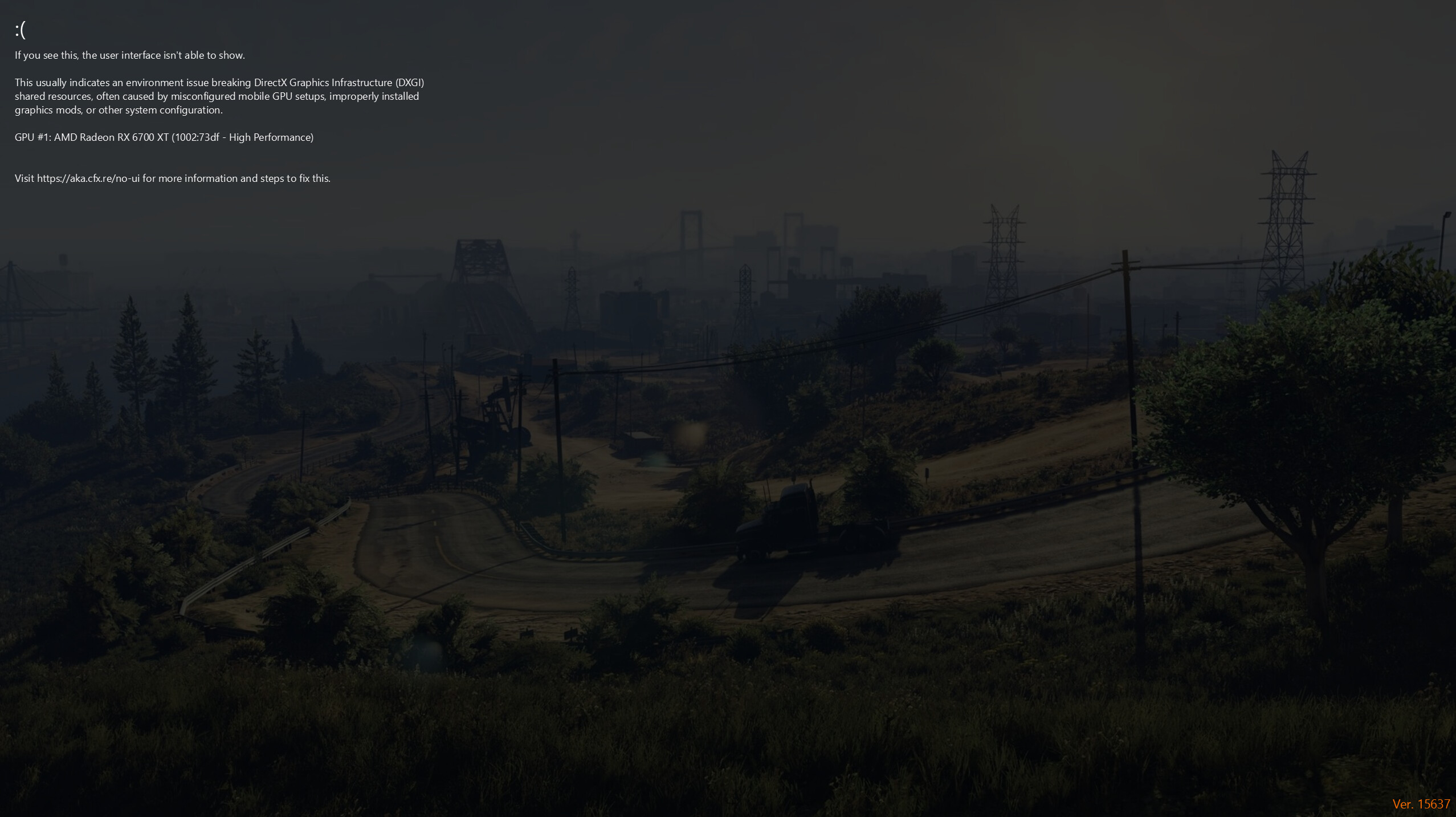
Windows version
Windows 11 26100.4061
System specifications
CPU: AMD Ryzen 5 5600X 6-Core Processor
RAM: 16GB
GPU: AMD radeon 6700XT
Antivirus software
None
Log files
CitizenFX_log_2025-06-07T114138.log (72 KB)
CitizenFX_log_2025-06-07T115849.log (72 KB)
CitizenFX_log_2025-06-07T114243.log (72.3 KB)
CitizenFX_log_2025-06-07T121425.log (72 KB)
CitizenFX_log_2025-06-07T113852.log (72 KB)
Additional comments
No files under ‘crashes’ folder, is this because ive never played a game after reinstall?
