Fivem Won't Start After new GTA Update

IF YOU DO NOT FILL THIS OUT, YOUR TOPIC WILL BE UNLISTED AND CLOSED

To receive support, please fill out the following template, and remove this top text.


Environment questions

**GTA V version:**1.69 / Bottom Dollar Bounties
**Up to date:**Yes
**Legit or Pirate copy:**Legit
**Purchased where - Steam/Rockstar Launcher/Epic:**Steam
**Windows version:**11
**Did you try to delete content_index.xml and try again?**yes
**System specifications:**Intel Core i5-13400F + RTX 3050 OEM
**CitizenFX crash zip file (‘Save information’ on a crash):**it’s not a “crash”
logs/CitizenFX_log files:
CitizenFX_log_2024-06-26T193004.log (43.1 KB)
.dmp files/report IDs:

If you can’t start the game at all

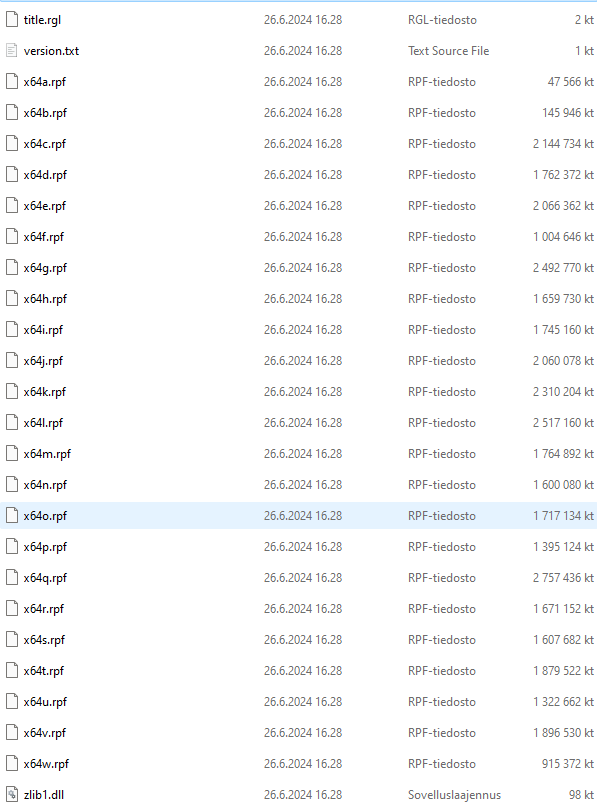
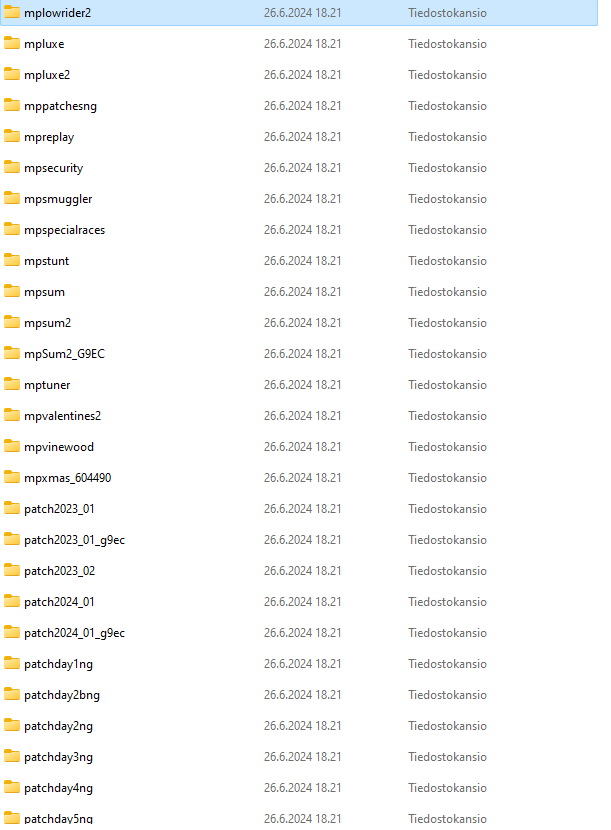
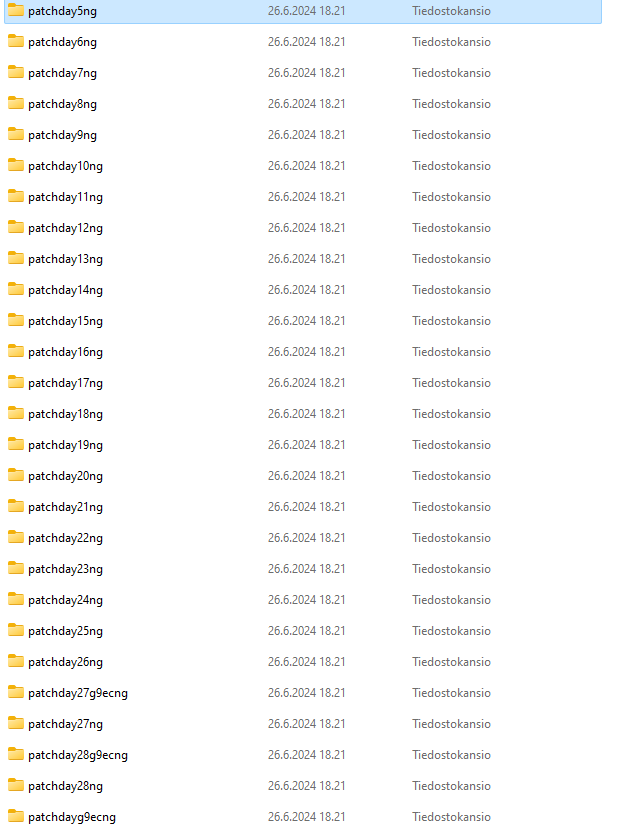
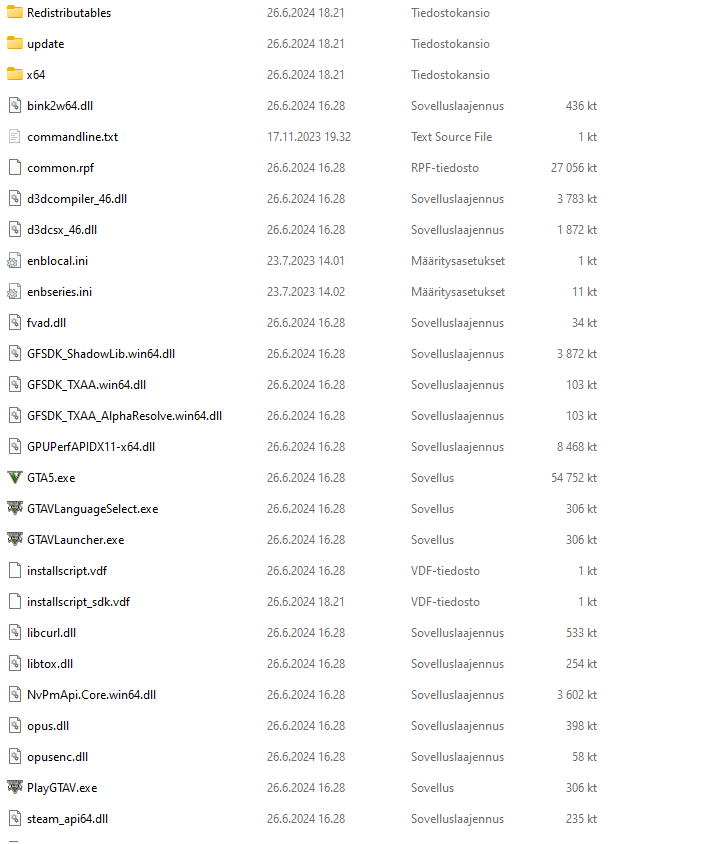
GTA V folder screenshot:


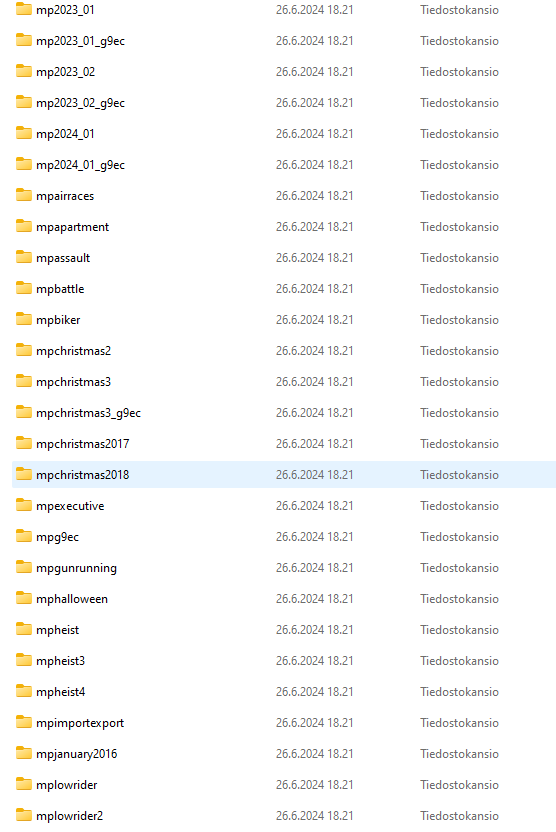
GTA V/update/x64/dlcpacks screenshot:

**Filepath to FiveM folder:**C:\Users\arese\AppData\Local\FiveM\FiveM.app
FiveM client folder screenshot:
**Which antivirus/firewall software are you using?**F Secure
**Did you try to disable/uninstall your Anti-virus?**No

Important parts

**What is the issue you’re having?**Fivem won’t start after the new update

**What are you trying to do?**Open and play Fivem

**What have you tried already to fix the issue?**Updating the game, reinstalling Fivem, reinstalling GTA V.

Error screenshot (if any):

**What did you do to get this issue?**Yesterday I tried to open Fivem, but the update just dropped and I didn’t know about it, so i reistalled Fivem and it won’t start now

What server did you get this issue on? Be specific and name some, ‘all of them’ by itself isn’t useful!


Additional comments

  • I’ve tried to fix this problem since yesterday (25.6.2024)

Hello, this is a friendly reminder because this is your first time creating a topic (or it has been a while since your last topic) in this category.

Please note that most of the support is provided by the Cfx.re community on a voluntary basis. We ask you to be patient; there is no guarantee we have a solution to your problem(s). To avoid unnecessary/duplicate topics, please browse the forums before creating a topic.

To improve your chances of your issue(s) being solved, please provide as much information as possible about the issue(s) you are having. Also —whenever possible— please use the template given to you when creating a topic.

Thanks for keeping these forums tidy!
:mascot:

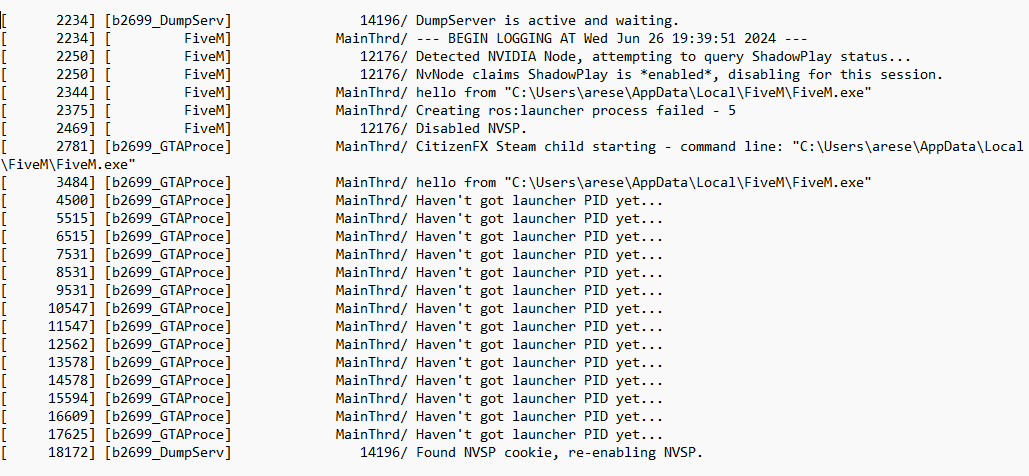
Can you share a picture that show the error?


Is this the “error” you looking for? Because it doesn’t give any, It just doesn’t open it. However it shows fivem game subprocess in task manager

Have you tried to force close the subprocess? Or delete the “data” folder? Try also delete CitizenFX folder in %appdata%

Yes i’ve tried those too, but without success…

Try to reinstall FiveM:

  • delete FiveM folder in %localappdata%/FiveM
  • delete an hide folder named “citizenfx” in %localappdata% with “hide elements” option active
  • delete CitizenFX folder in %appdata%
  • delete FiveM process from Manage App Windows

Didn’t work either. I literally have no idea whats going on.

mine is having the same problem

i got it to the point where i have toi double launch it but now it is giving me cant find component cache storage file (components.json) error

i have done everything above still does not work

same. i go to join a server and it cut out and says reliable server command overflow

This topic was automatically closed 30 days after the last reply. New replies are no longer allowed.