IF YOU DO NOT FILL THIS OUT, YOUR TOPIC WILL BE UNLISTED AND CLOSED
To receive support, please fill out the following template, and remove this top text.
Environment questions
GTA V version:
1.0.0.37
Up to date:
Pretty sure
Legit or Pirate copy:
Legit
Purchased where - Steam/Rockstar Launcher/Epic:
Steam
Windows version:
Windows 10
Did you try to delete content_index.xml and try again?
Yes
System specifications:
i5 9400f 2.90 GHz
16GB Ram
Gtx 1660
CitizenFX crash zip file (‘Save information’ on a crash):
CfxCrashDump_2021_08_08_02_38_37.zip (1.3 MB)
logs/CitizenFX_log files:
CitizenFX_log_2021-08-08T022158.log (64.5 KB)
CitizenFX_log_2021-08-08T020050.log (464.5 KB)
CitizenFX_log_2021-08-08T020916.log (45.0 KB)
CitizenFX_log_2021-08-08T022000.log (41.4 KB)
CitizenFX_log_2021-08-08T022032.log (43.5 KB)
Pretty sure they’re all the same but just incase
.dmp files/report IDs:
1d230be5-4d69-451c-a3eb-53322cc1e77b.dmp (7.4 MB)
8d2106fe-de3a-452f-9074-1e85292b388c.dmp (7.4 MB)
If you can’t start the game at all
GTA V folder screenshot:

GTA V/update/x64/dlcpacks screenshot:
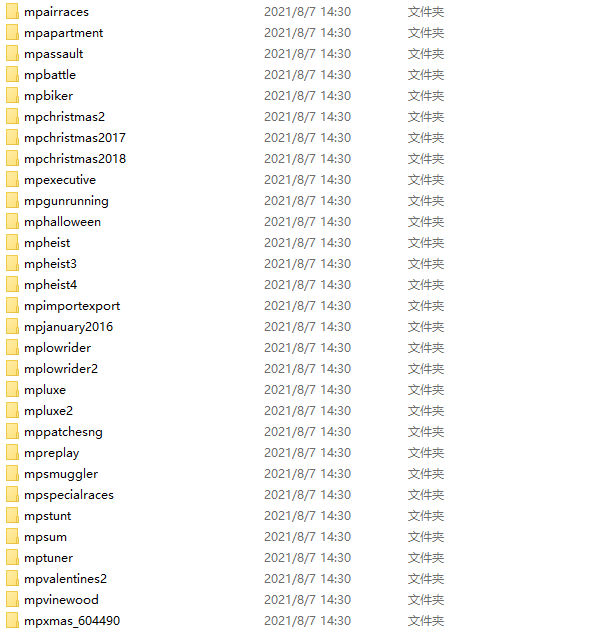

Filepath to FiveM folder:
D:\Steam\steamapps\common
(Same path to my GTAV folder)
FiveM client folder screenshot:
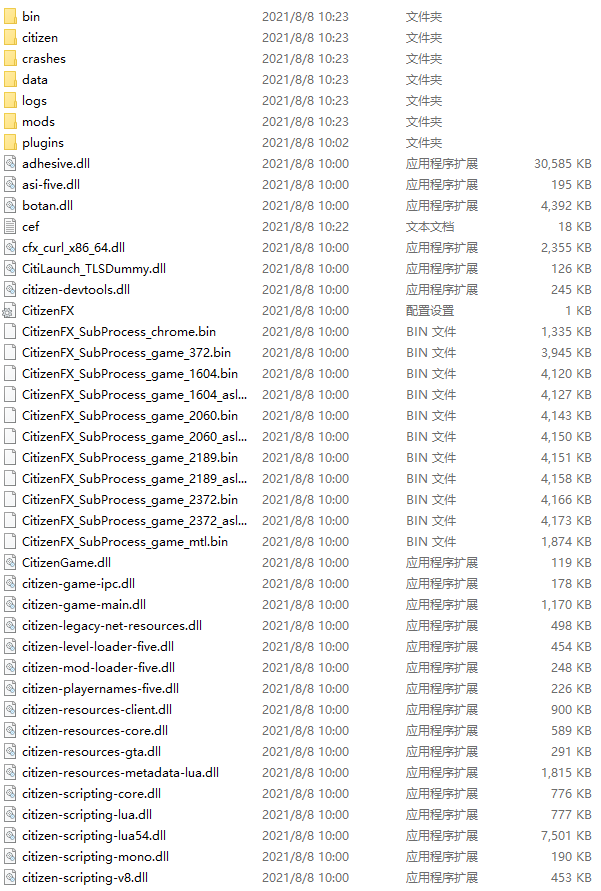
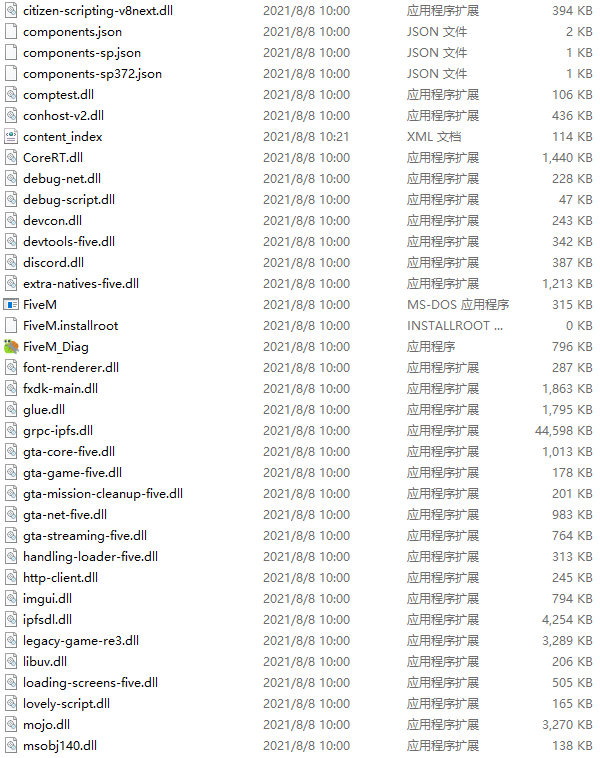
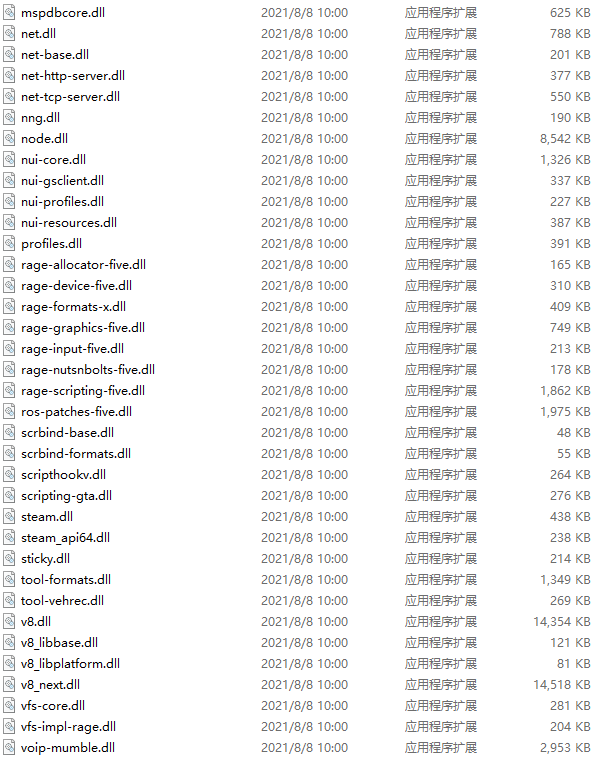
Which antivirus/firewall software are you using?
Windows Firewall
Did you try to disable/uninstall your Anti-virus?
Yes
Important parts
What is the issue you’re having?
When I try to join any server, it prompts me to restart my FiveM (Idk why)
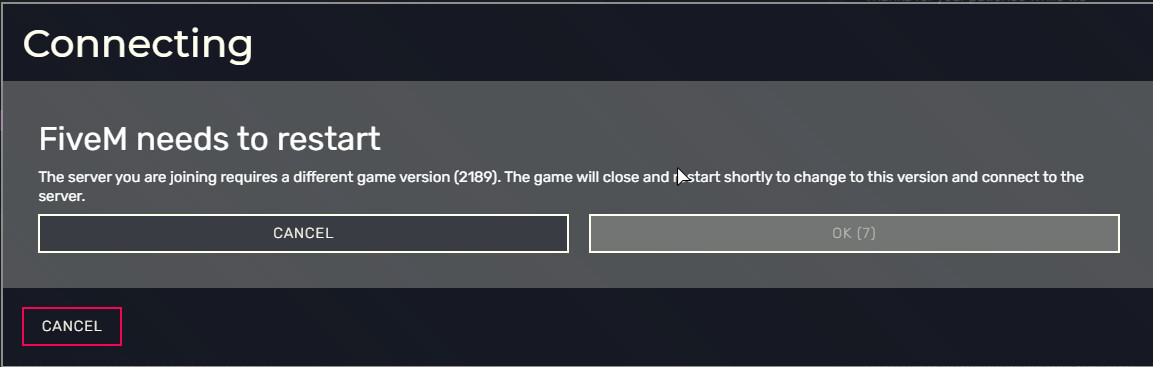
When I press ok and wait for it to restart it just crashes
What are you trying to do?
Joining RP server
What have you tried already to fix the issue?
Uninstall GTA and FiveM multiple times
Error screenshot (if any):
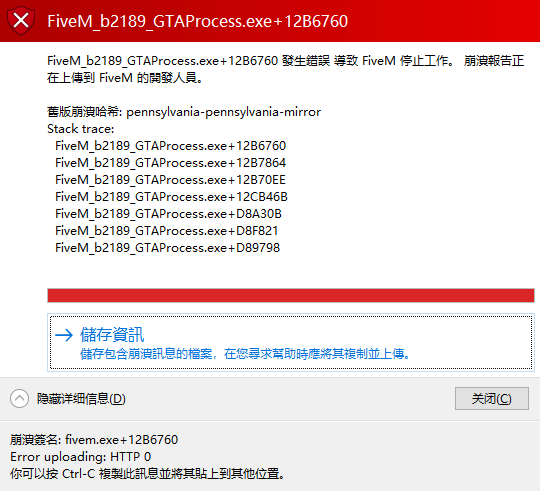
What did you do to get this issue?
Restart FiveM? No idea tbh
What server did you get this issue on? Be specific and name some, ‘all of them’ by itself isn’t useful!
I tried multiple servers they all wouldn’t work, but the one I want to play on is called: 洛圣都角色扮演 2016-2021 (connect 61.153.107.82)