FiveM using 100% CPU when refresh rate is set to more than 60HZ

Environment questions

GTA V version: Latest Steam
Up to date: Yes
Legit or Pirate copy: Legit
Purchased where - Steam/Rockstar Launcher/Epic: Steam
Windows version: Latest as of 24th of May 202119042.985 20H2
Did you try to delete content_index.xml and try again? Yes, no bueno
System specifications: 7700K OC at 5.0Ghz, 2070S, 16gb RAM @3000Mhz
CitizenFX crash zip file (‘Save information’ on a crash): No crashes
logs/CitizenFX_log files: No logs needed for this, I already checked.
.dmp files/report IDs: Nada

If you can’t start the game at all

GTA V folder screenshot:

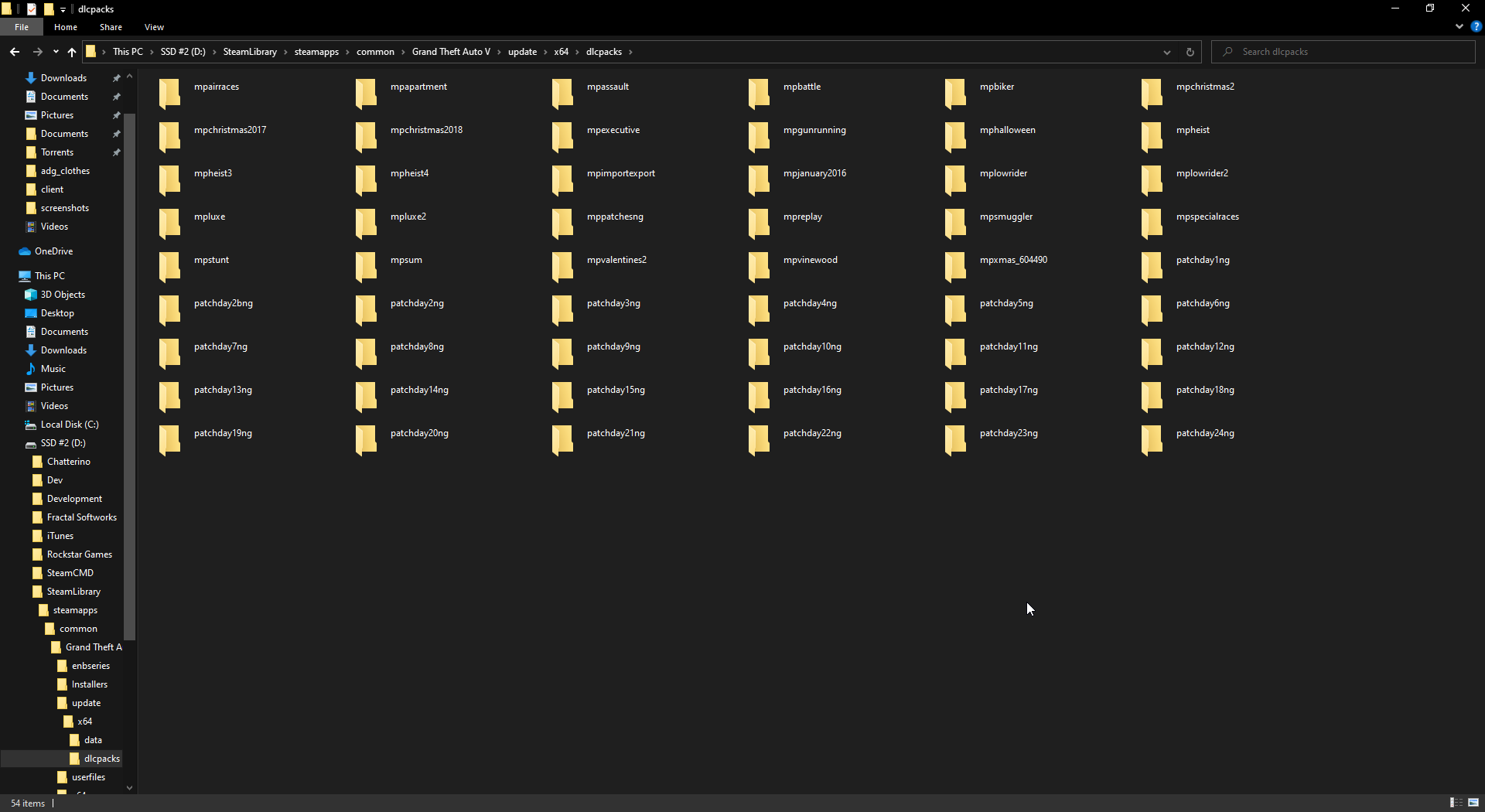
GTA V/update/x64/dlcpacks screenshot:
Filepath to FiveM folder:
%localappdata%\FiveM

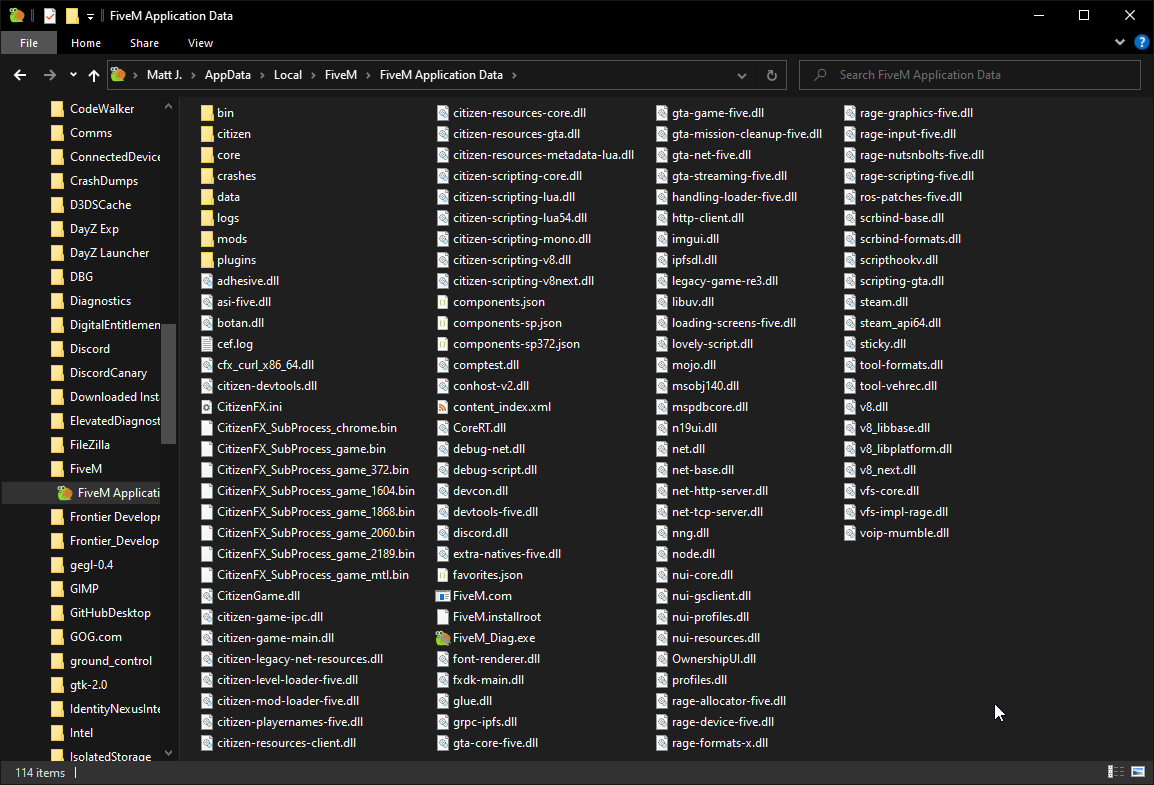
FiveM client folder screenshot:
Which antivirus/firewall software are you using?
Windows Defender

Did you try to disable/uninstall your Anti-virus?
Not useful for this problem.

Important parts

What is the issue you’re having?
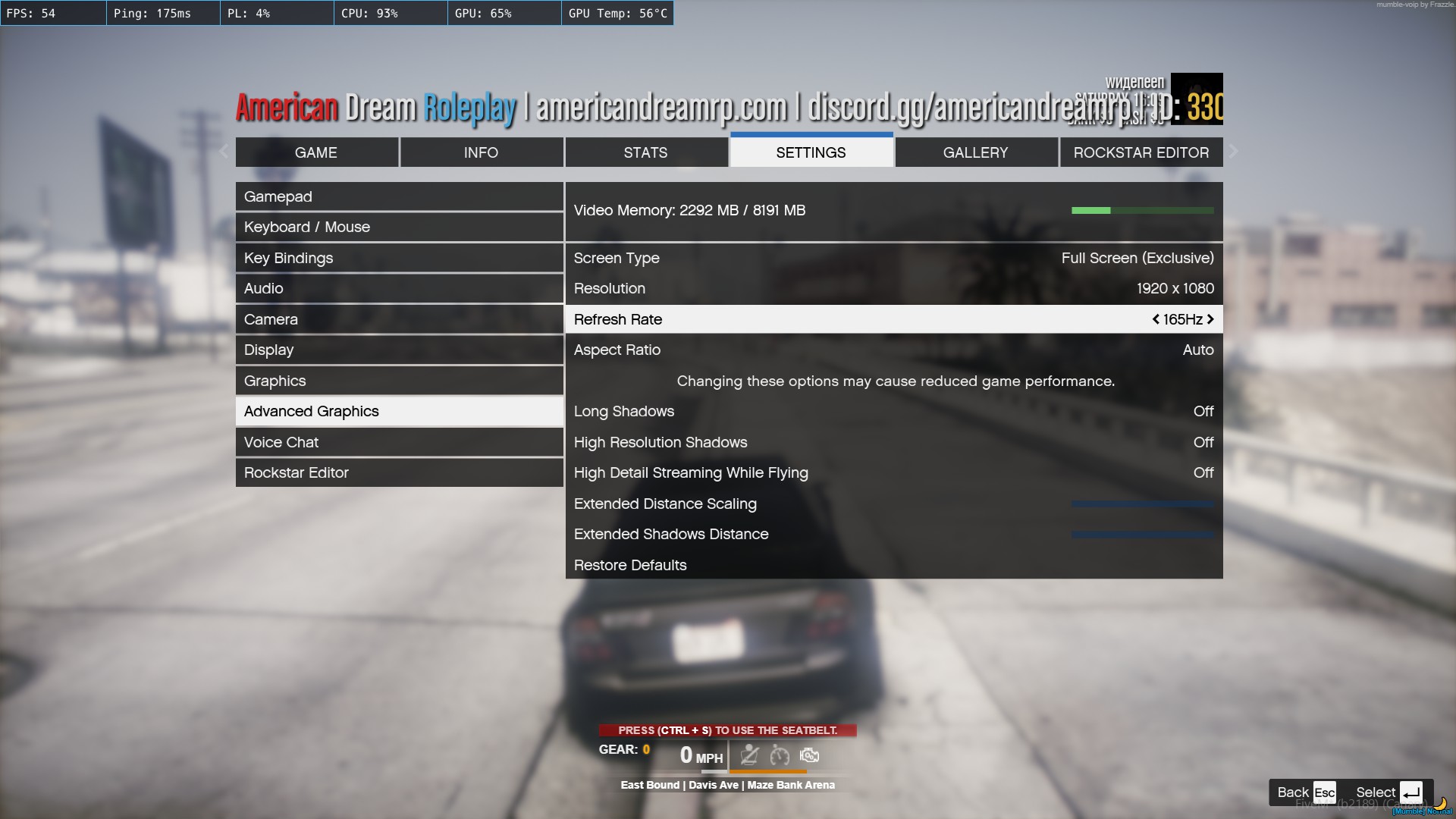
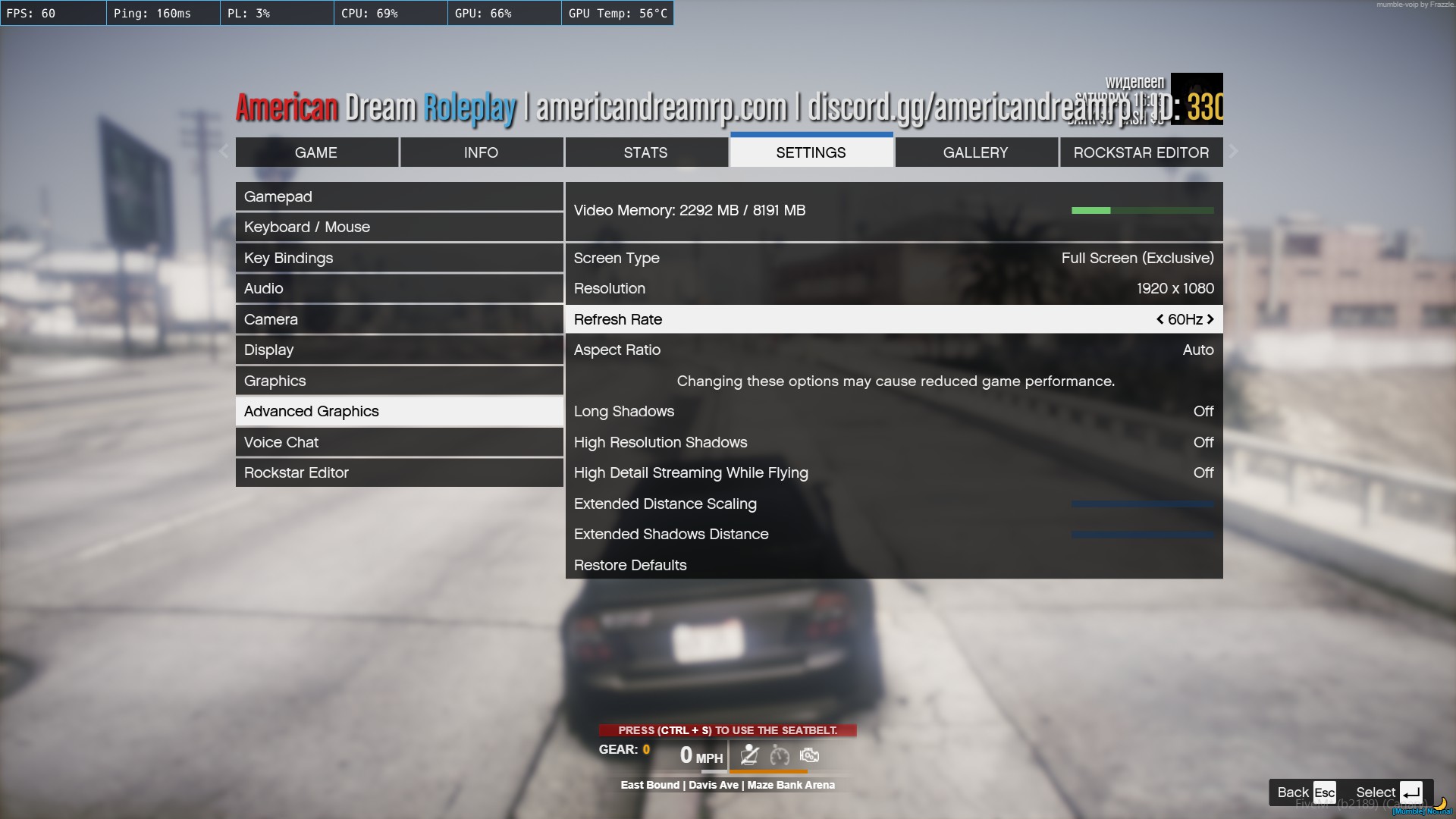
When you change your refresh rate in advanced settings, the game will start using 90-100% CPU.
165HZ
60HZ
What are you trying to do?
Play the game

What have you tried already to fix the issue?
I’ve had issues with my fps shitting the bed for months now, I reinstalled everything completely and am using default GTA V settings and I’m finally getting more than 15 FPS lol.
Once I set up everything, I changed the refresh rate to 165Hz, which matches my monitor. As soon as I did that CPU usage skyrocketed.

Error screenshot (if any):
~

What did you do to get this issue?
Started happening on its own about 3 months ago.

What server did you get this issue on? Be specific and name some, ‘all of them’ by itself isn’t useful!
ADG, as seen in screenshots. Not a server issue as other players are doing fine.


Please if this is a known issue let me know, I didn’t know refresh rate impacts CPU usage?

Hello, this is a friendly reminder because this is your first time creating a topic (or it has been a while since your last topic) in this category.

Please note that most of the support is provided by the Cfx.re community on a voluntary basis. We ask you to be patient; there is no guarantee we have a solution to your problem(s). To avoid unnecessary/duplicate topics, please browse the forums before creating a topic.

To improve your chances of your issue(s) being solved, please provide as much information as possible about the issue(s) you are having. Also —whenever possible— please use the template given to you when creating a topic.

Thanks for keeping these forums tidy!
:mascot:

Can you record and upload a .etl trace each of both scenarios (60 Hz lock and 165 Hz) while connected to the server?

1 Like

Hello and thanks for the fast answer.

The tool you have provided is god sent as it has pointed out that the issue was not completely due to FiveM but rather in the LOGITECH G HUB application, it was using over 40% of CPU when FiveM is open, which lead me to testing it with other games and behold… Logitechs software is the issue!


After some intensive google searching, I’ve found others with this exact issue in GTA V combined with the Logitech G Hub.

If anyone with Logitech gear stumbles upon this thread in the future, here are the sources of my “breakthroughs”.

Reddit comment which pointed me to appdata folder, do not reinstall GHUB after this!

Workaround posted on reddit, tried this and it effectively drops the CPU usage from 40% to less than 10%.

Another helpful workaround which will disable your OBS macros if you have them set up on your LTech keyboard or mouse.


After completely removing the Logitech G Hub application, I’ve suddenly experienced a massive boost in FPS in every game I have installed.

These are the final results I’ve been seeing in-game after completely disabling and removing the Logitech G Hub app.

44% - 61% 60hz
55% - 70% 165hz

This is a huge improvement over the 100% it was using earlier, I would still like to understand why the usage jumps when the refresh rate is changed without the Logitech app open.

The .etl files for both instances (60 and 165hz) are attached to this post, these were ran after the Logitech app was closed.


Thank you again for your help and time, sorry if I have wasted any of your time to this report as it is not completely caused by FiveM.

2021-05-24_08-46-33_165hz.etl (78.9 MB)
2021-05-24_08-47-36_60hz.etl (78.6 MB)

I assume you are hitting higher FPS now with the proper refresh rate, correct?


In general I guess it’d make sense to disable GTA’s Logitech LED integration for FiveM for everyone as I believe all it did was some wanted level stuff + SP missions, especially as it’s leading to a lot of slowdown that apparently gets worse the faster the game runs.

2 Likes

You are correct, I’m getting excellent frames @165Hz now.


This is my thought exactly, first I thought it’s related to the RGB because the Logitech app will try to look for some player statuses within GTA V (health, wanted status, etc…) but when FiveM opens, it goes all black, aka the RGBs turn off as soon as I launch FiveM.


The logitech app has been safely removed from my PC, I’ll try to search around Reddit or other forums and try to find a stable version of the app release. Either way my RGBs and macros are set up already, so the need for the app is obsolete (I don’t use it for OBS macros either).

1 Like

This topic was automatically closed 30 days after the last reply. New replies are no longer allowed.