FiveM gets stuck on first install at only 24%. Have tried everything online with no luck
GTA V version? Build 1868 Online1.50
Up to date? Yes
Legit or Pirate copy? Legit
Steam/CD/Social Club? Steam
Windows version? Windows 10 Pro x64
Did you try to delete caches.xml and try again? Yes
Error screenshot (if any)
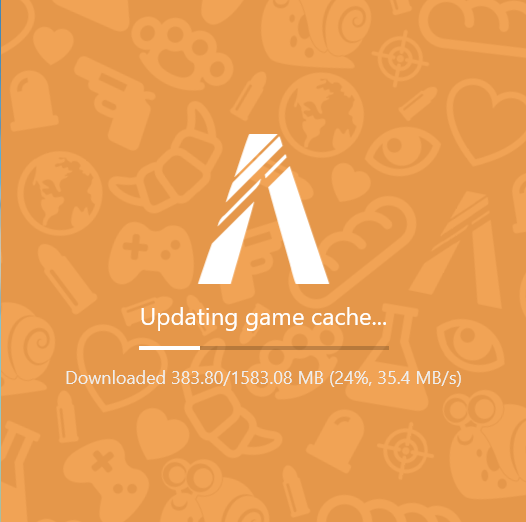
System specifications Intel Core i9-9900K CPU @3.60Ghz
Ram 32.0 GB - Windows 10 Pro - Gigabyte GeForce RTX 2080 SUPER Windforce OC
What did you do to get this issue? First time install. Trying to download
What server did you get this issue on? N/A Never got past updating cache
CitizenFX crash zip file Don’t know where these files are located
CitizenFX.log file
.dmp files/report IDs
If an issue with starting:
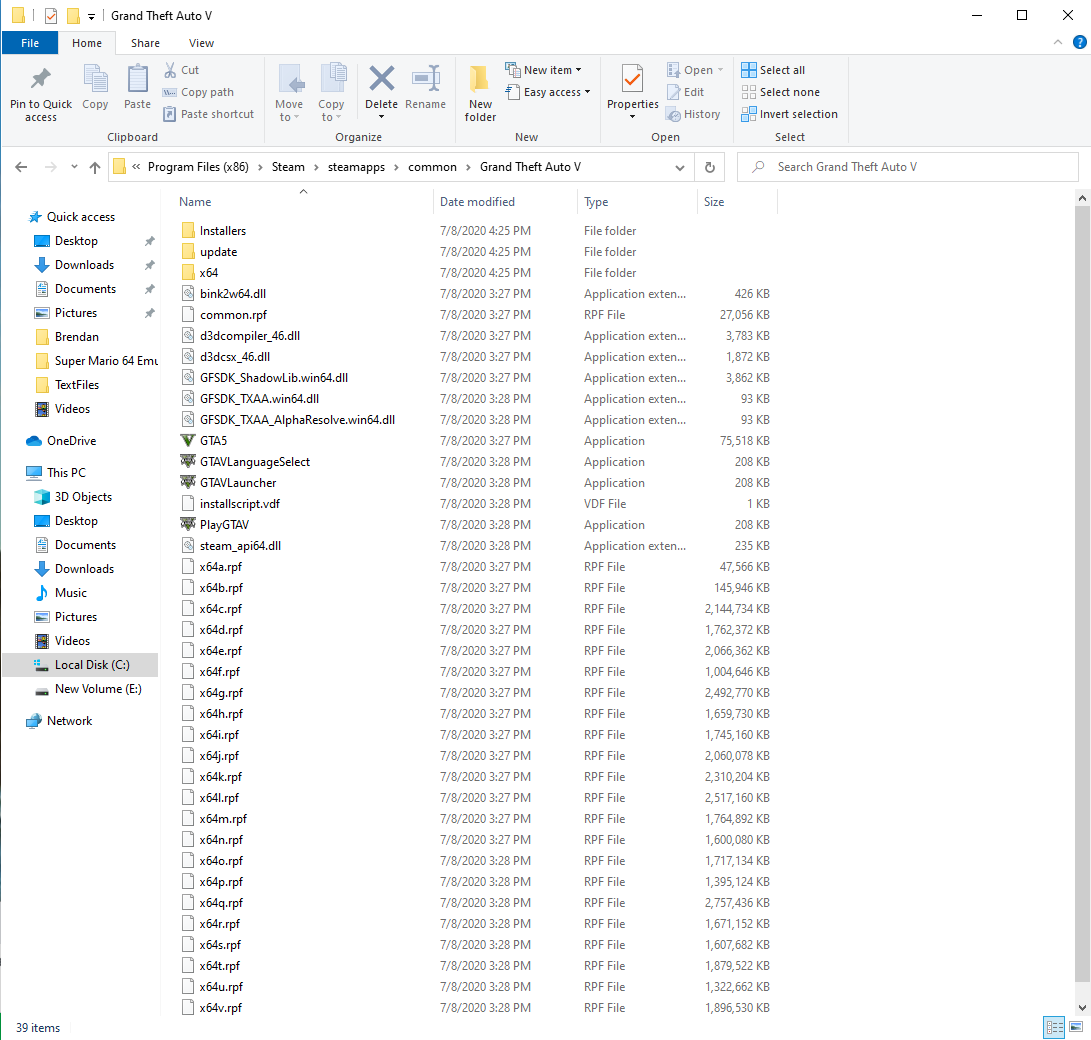
GTA V folder screenshot
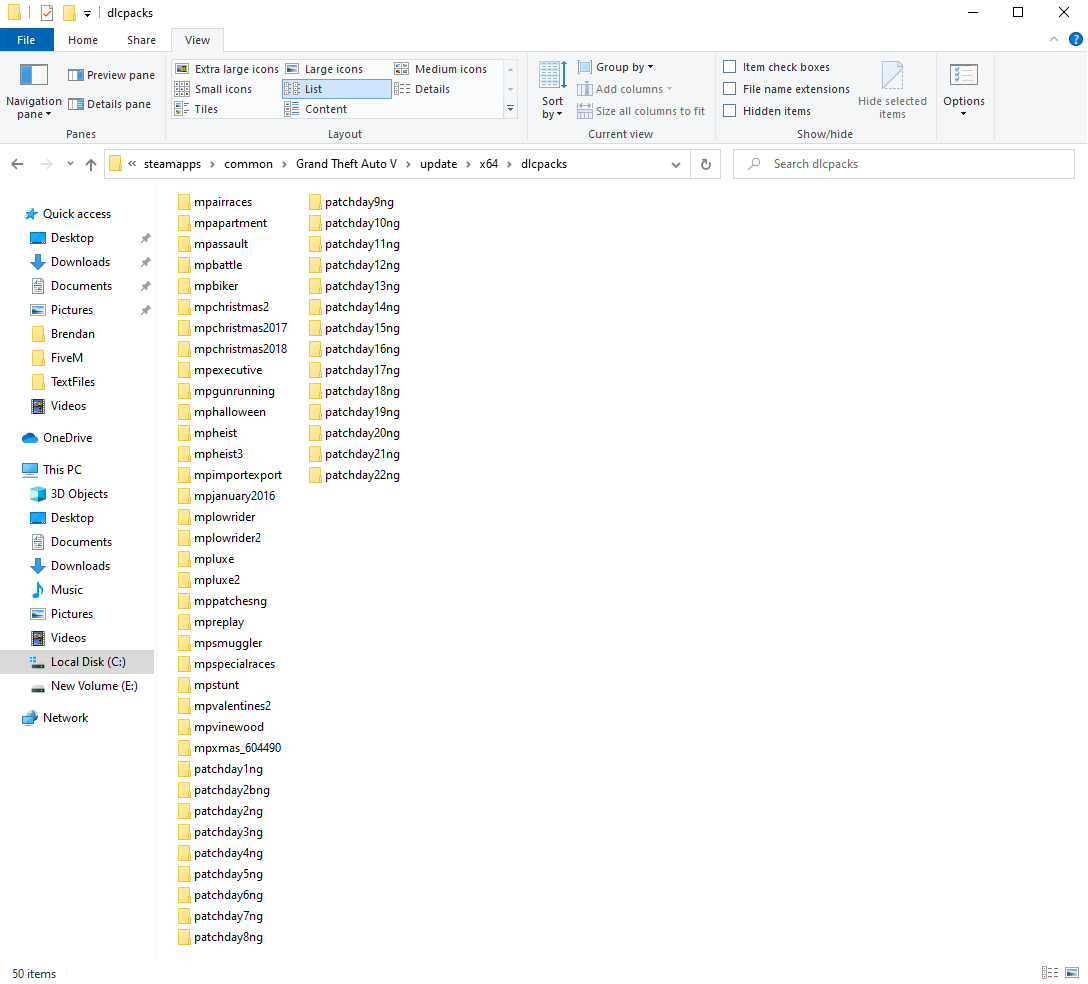
GTA V/update/x64/dlcpacks screenshot
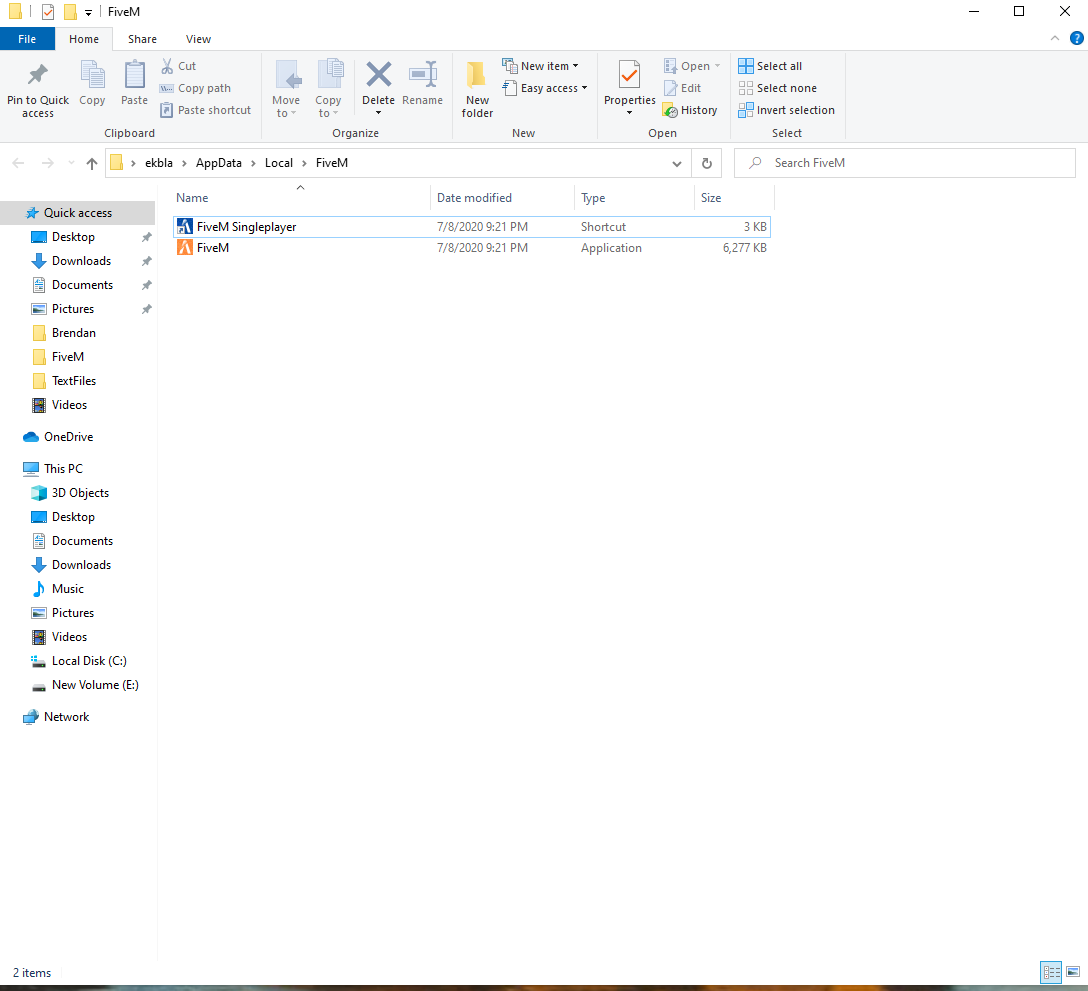
Filepath to FiveM folder Appdata/local/FiveM
FiveM client folder screenshot
Which antivirus/firewall software are you using? Norton
Did you try to disable/uninstall your Anti-virus? Completely purged from system. Tried to install FiveM again with no luck. Yes
Also add what you already tried so far.
Have watched every single Youtube video on how to fix the problem and nothing has worked
