IF YOU DO NOT FILL THIS OUT, YOUR TOPIC WILL BE UNLISTED AND CLOSED
To receive support, please fill out the following template, and remove this top text.
Environment questions
GTA V version: Up to date: yes Legit or Pirate copy: legit Purchased where - Steam/Rockstar Launcher/Epic: RL
**Windows version:**10 Did you try to delete content_index.xml and try again? no
**System specifications:**i9-10900x 3.7ghz 16GB Ram 3060TI CitizenFX crash zip file (‘Save information’ on a crash):
GTA V folder screenshot: GTA V/update/x64/dlcpacks screenshot: Filepath to FiveM folder: FiveM client folder screenshot: Which antivirus/firewall software are you using? MalwareBytes Did you try to disable/uninstall your Anti-virus? Yes
Important parts
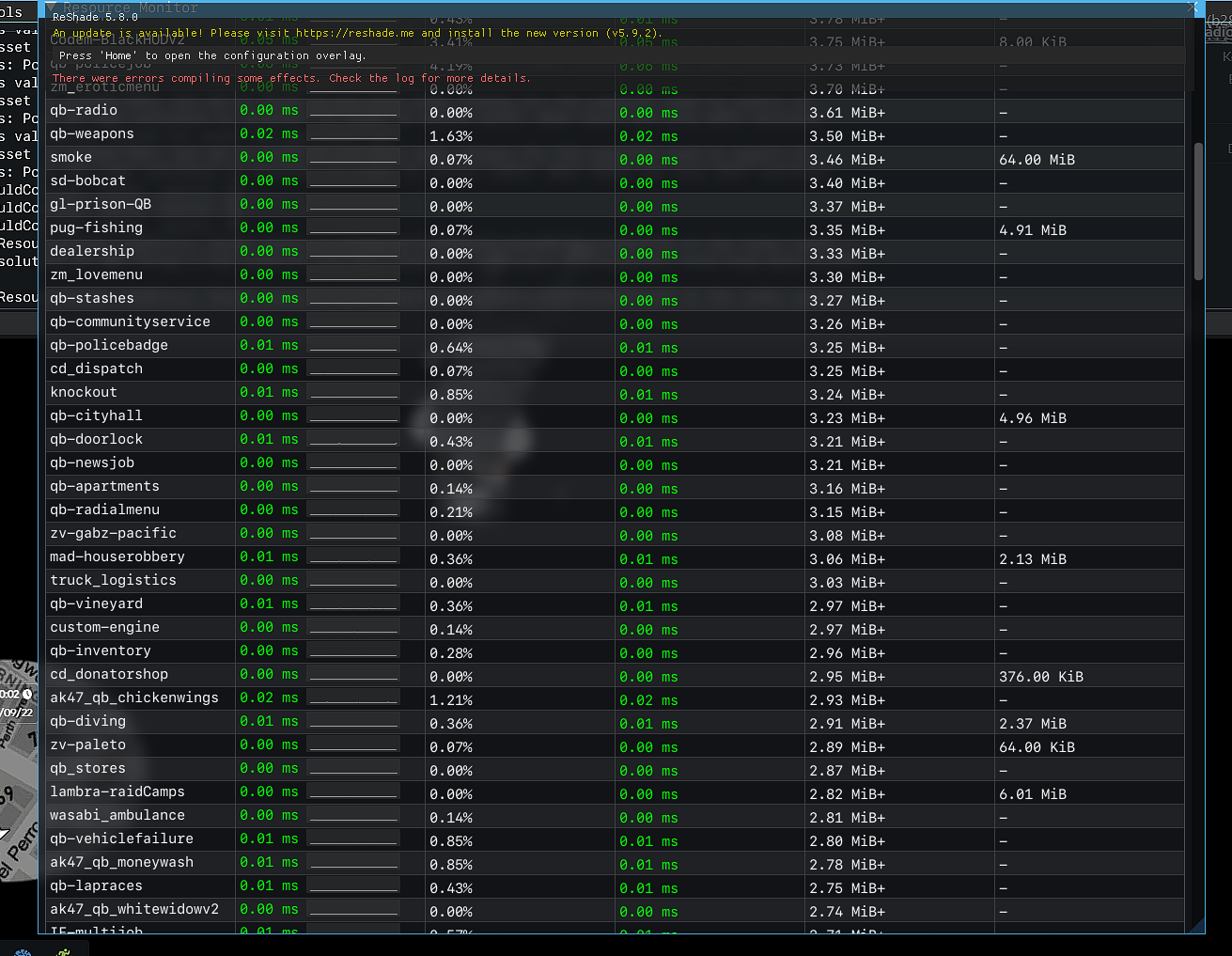
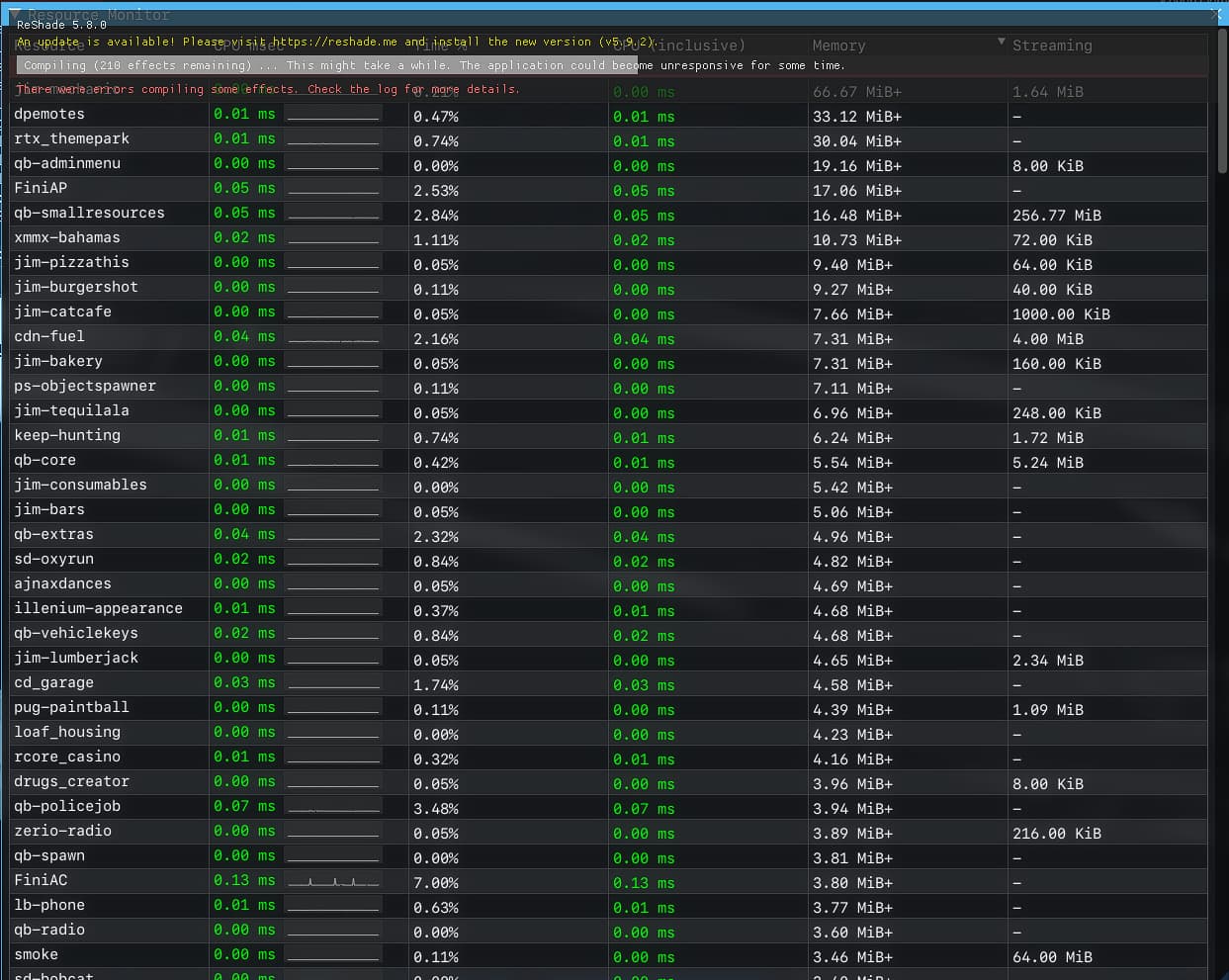
What is the issue you’re having? Stutters
What are you trying to do? Fix Ram Usage
What have you tried already to fix the issue? Fresh install of fivem and GTA.exe, Cleared all caches, and did multiple windows optimazation tweaks to improve overall performance
Error screenshot (if any): no
What did you do to get this issue? Nothing on my own end.
What server did you get this issue on? Be specific and name some, ‘all of them’ by itself isn’t useful!
Day&NightRP
Hello, this is a friendly reminder because this is your first time creating a topic (or it has been a while since your last topic) in this category.
Please note that most of the support is provided by the Cfx.re community on a voluntary basis. We ask you to be patient; there is no guarantee we have a solution to your problem(s). To avoid unnecessary/duplicate topics, please browse the forums before creating a topic.
To improve your chances of your issue(s) being solved, please provide as much information as possible about the issue(s) you are having. Also —whenever possible— please use the template given to you when creating a topic.
I am experiencing stutters as well, however for me these also happen in GTA itself.
I fixed the issue by enabling Vsync (60Hz for my monitor) in my case. As soon as I hit like 120 fps or more, these stutters will start randomly while the Steam fps counter still shows 120+ fps but it feels like playing with 10fps for a few seconds.
I never had that issue with my previous cpu where I only hit like 100 fps max.
Maybe vsync helps for your stutters. Though if your ram is getting maxed out, that would explain these stutters as well and then you can disregard my message