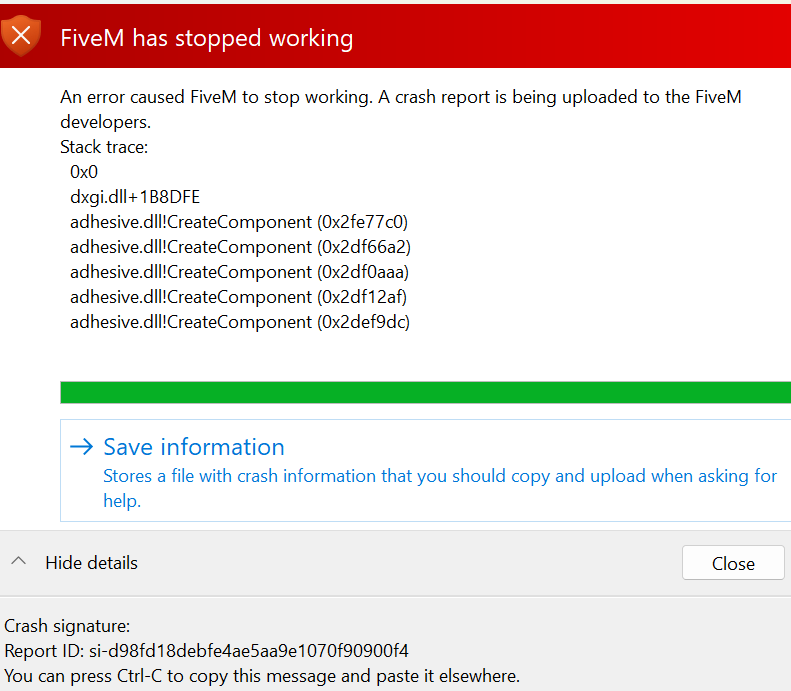
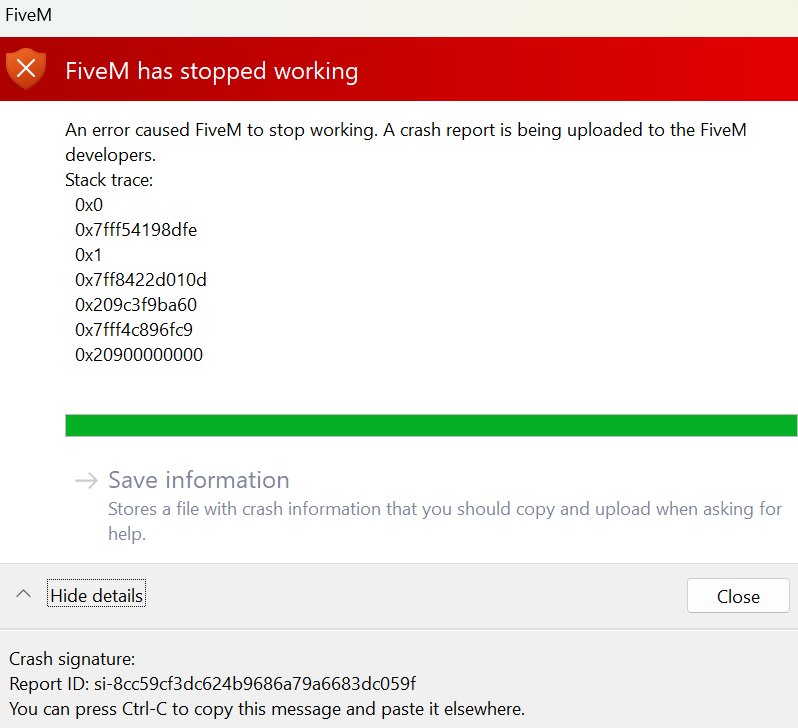
I reinstalled fivem and gta 5 and now I have a stack trace error that won’t go away. It started as an adhesive stack trace, and now it’s just a stack trace error.
What have you tried already to fix the issue?
Verifying files, setting mode to production instead of Canary, playing in release, beta, and unstable, redownloading drivers, removing reshade.
Hello, this is a friendly reminder because this is your first time creating a topic (or it has been a while since your last topic) in this category.
Please note that most of the support is provided by the Cfx.re community on a voluntary basis. We ask you to be patient; there is no guarantee we have a solution to your problem(s). To avoid unnecessary/duplicate topics, please browse the forums before creating a topic.
To improve your chances of your issue(s) being solved, please provide as much information as possible about the issue(s) you are having. Also —whenever possible— please use the template given to you when creating a topic.
Hi! I recommend trying to update your graphics card drivers and then testing again. Do you have any overlays that might be causing a conflict? Additionally, try running the dxdiag command in the Command Prompt to check if there are any issues with your DirectX installation. I hope this helps!
Got anything in mods or plugins (Press Win + R and copy paste) - %localappdata%\FiveM Application Data\ press FiveM application data and check those 2 folders.
Note that some graphic mods can replace your citizen folder. So I would delete it and verify my game files.