GTA V version?
Current version.
Up to date?
Yes
Legit or Pirate copy?
Legit
Steam/CD/Social Club?
Steam: Eddy7689
Social Club: Eddy07689
Windows version?
Windows 10
Did you try to delete caches.xml and try again?
Yes multiple times
Error screenshot (if any)
No errors.
System specifications
AMD FX 4300
AMD Radeon R7 360
What did you do to get this issue?
Opened fiveM, it opens with a black screen and shows up in task manager.
It hangs for like 2 seconds, and then closes, and all processes end in task manager.
What server did you get this issue on?
No servers, I can’t get into fiveM at all.
CitizenFX crash zip file
There is no crash, so I have no file to upload.
CitizenFX.log file
CitizenFX_log_2020-03-17T180944.log (5.9 KB)
.dmp files/report IDs
None
If an issue with starting:
GTA V folder screenshot
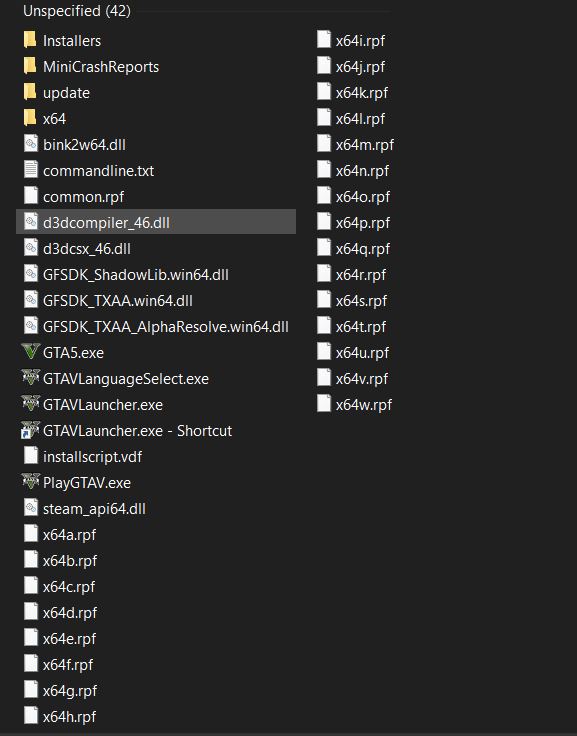
GTA V/update/x64/dlcpacks screenshot
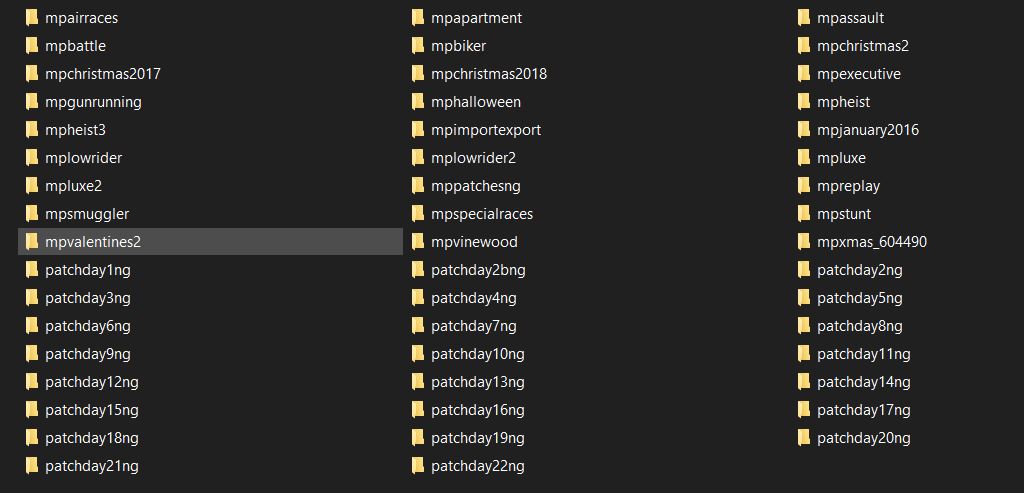
Filepath to FiveM folder
C:\Users\eddy\AppData\Local
FiveM client folder screenshot
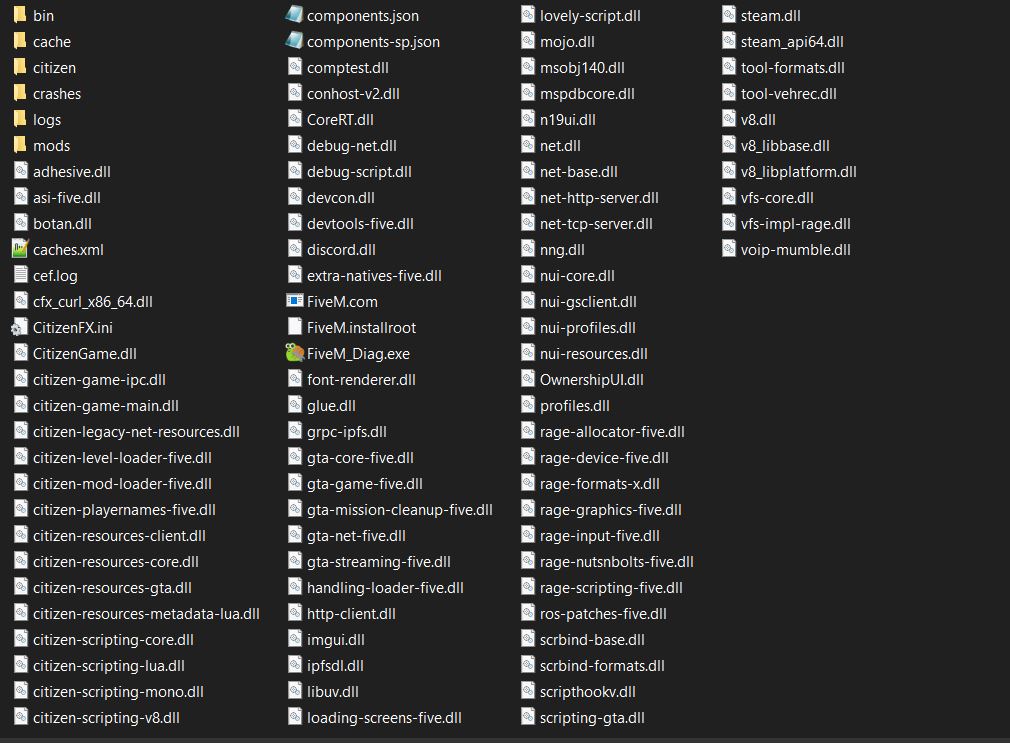
Which antivirus/firewall software are you using?
None as they are disabled.
Did you try to disable/uninstall your Anti-virus?
Yes.
Also add what you already tried so far.
I have tried everything that usually fixes FiveM issues including:
Cleared my cache.
Deleted caches.xml.
Enabled and disabled my antivirus and firewall.
Reinstalled FiveM.
Reinstalled GTA 5.
I’ve had multiple people who play FiveM try and help me and they are all stumped as to what is causing this issue.