Fivem not working for me

What is the issue you’re having?

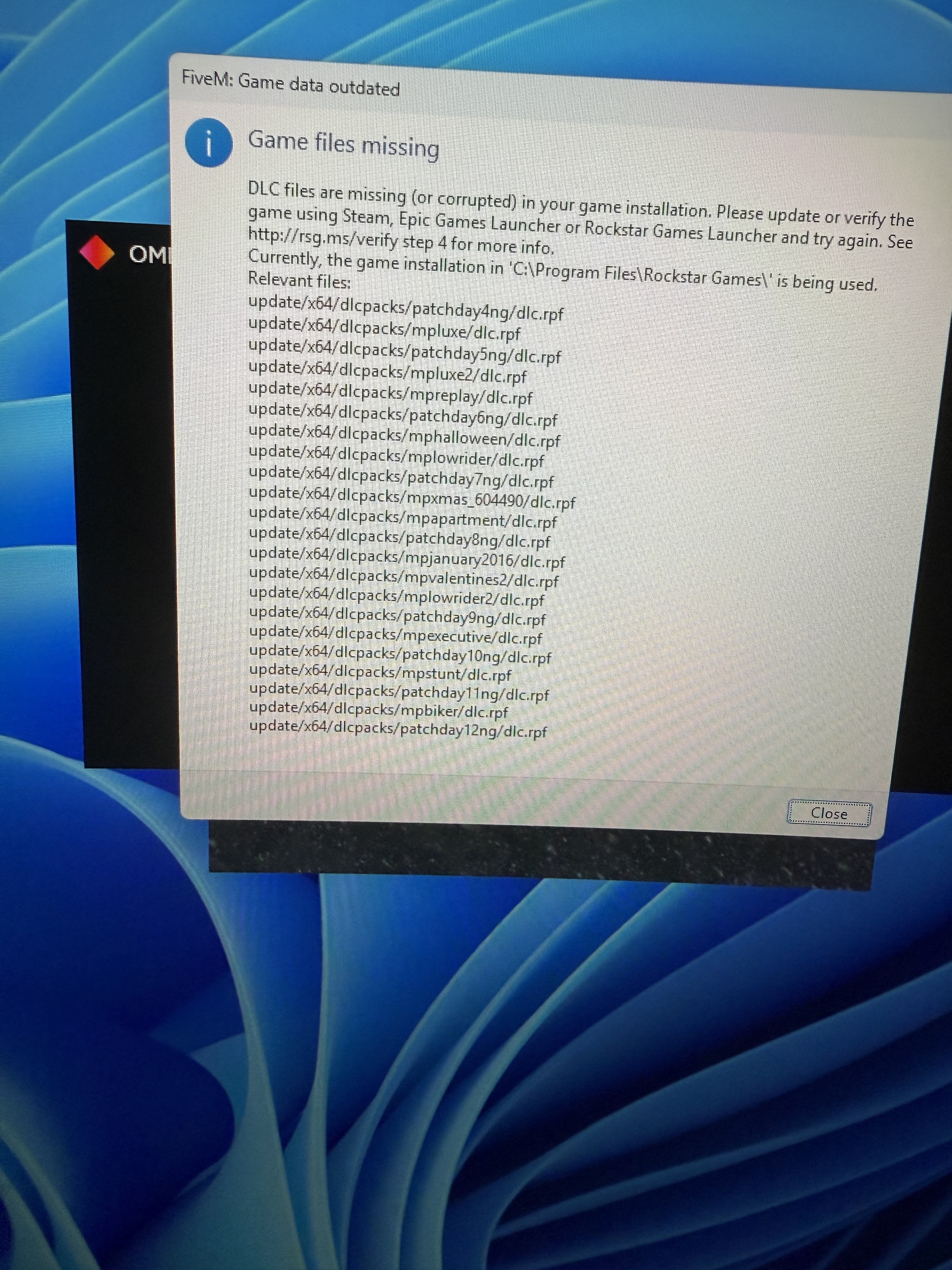
Game files missing

What have you tried already to fix the issue?

Yes I have even spoken to a Microsoft worker who also tried to help. I was told there is an issue with the app. My pc is compatible

What server did you get this issue on?

Fivem

Error screenshot(s)

Windows version

Windows 11 home 64- bit

System specifications

Windows 11 home 64-bit

Amd ryzen 5 5600G with Radeon graphics

16384mb RAM

Antivirus software

Norton and McGee

Hello, this is a friendly reminder because this is your first time creating a topic (or it has been a while since your last topic) in this category.

Please note that most of the support is provided by the Cfx.re community on a voluntary basis. We ask you to be patient; there is no guarantee we have a solution to your problem(s). To avoid unnecessary/duplicate topics, please browse the forums before creating a topic.

To improve your chances of your issue(s) being solved, please provide as much information as possible about the issue(s) you are having. Also —whenever possible— please use the template given to you when creating a topic.

Thanks for keeping these forums tidy!
:mascot:

Hello,

Is the GTAV directory correct? if Yes, go the directed path C:\Program Files\Rockstar Games And check for the \update\x64\dlcpacks files.

If no double check that you have directed FiveM to the GTAV folder that contains GTAV.exe

The most common cause is that your antivirus software is removing the files, make sure to exclude both GTAV and FiveM directories from your AV software, then verify files again and try loading GTAV itself (without FiveM) at least once to see if everything is present. Best load into an Online session.

I’m not the OP nor use Rockstar Launcher for my GTA. But wouldn’t the directory be that of C:\Program Files\Rockstar Games\GTAV ?

That’s the default, doesn’t at all mean the OP has it there too

1 Like

This topic was automatically closed 30 days after the last reply. New replies are no longer allowed.