Environment questions
GTA V version:Latest Steam Version
Up to date: Yes
Legit or Pirate copy: Legit
**Purchased where - Steam/Rockstar Launcher/Epic: Steam **
Windows version: 21H19(OS build 19043.1151)
Did you try to delete content_index.xml and try again? Yes
System specifications:
Processor
AMD Ryzen 5 5600X 6-Core Processor
Video Card
NVIDIA GeForce RTX 2080 Ti
RAM
64 GB
Operating System
Windows 10
**CitizenFX crash zip file (‘Save information’ on a crash):
CfxCrashDump_2021_08_13_09_50_52.zip (278.9 KB)
**
logs/CitizenFX_log files:See above zip
.dmp files/report IDs:See above zip
If you can’t start the game at all
**GTA V folder screenshot:
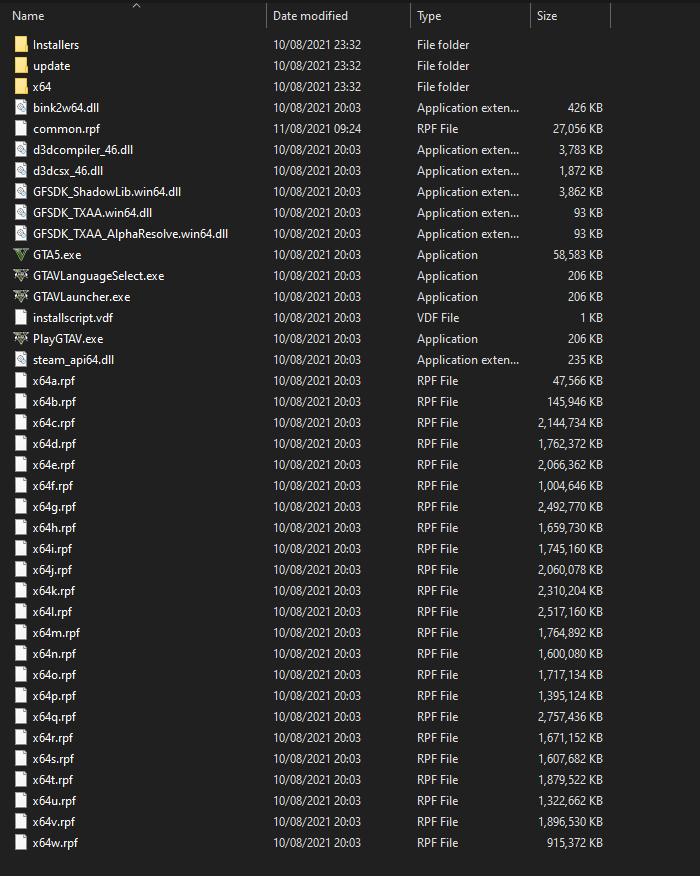
**
**GTA V/update/x64/dlcpacks screenshot:
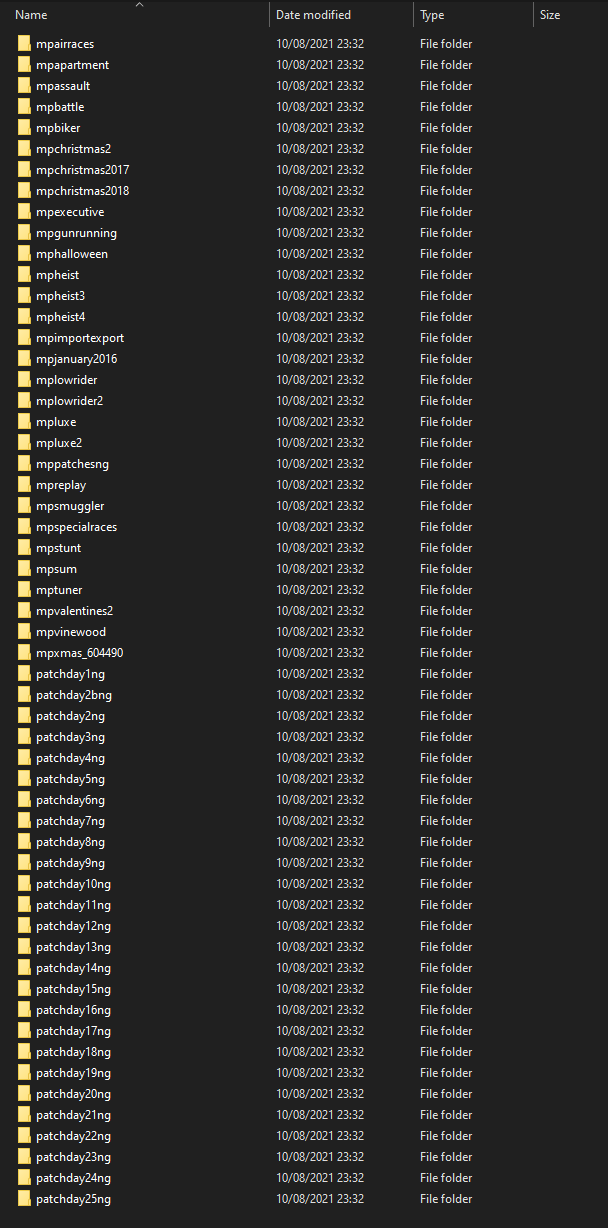
**
Filepath to FiveM folder: C:\FiveM
**FiveM client folder screenshot:
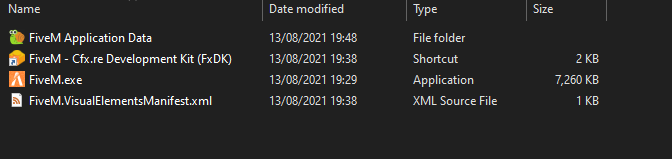
**
**Which antivirus/firewall software are you using?
None, windows defender disabled **
Did you try to disable/uninstall your Anti-virus? See above
Important parts
What is the issue you’re having?
During launch client is crashing, see a quick rockstar pop up and a few seconds later fiveM will crash during this point
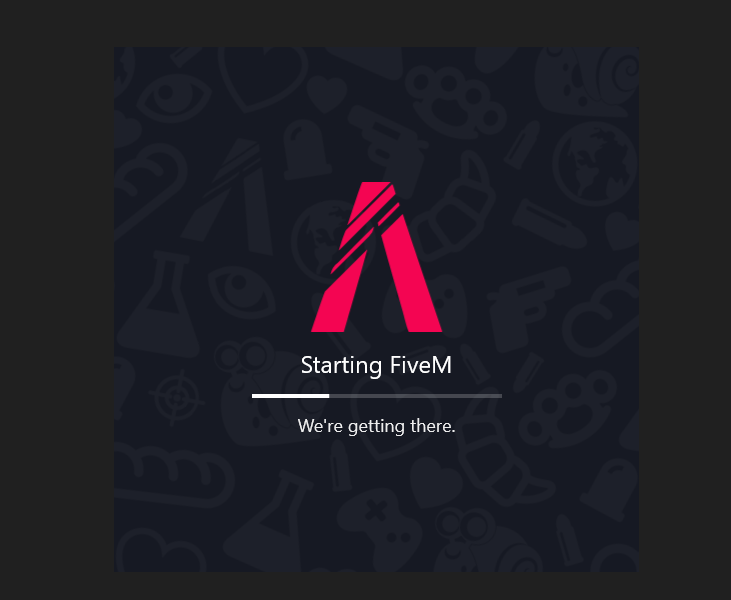
What are you trying to do?
Just launch fiveM
What have you tried already to fix the issue?
Yes tried to just reinstall and see if there were any secondary requirements missing but couldn’t see anything missing
Error screenshot (if any):
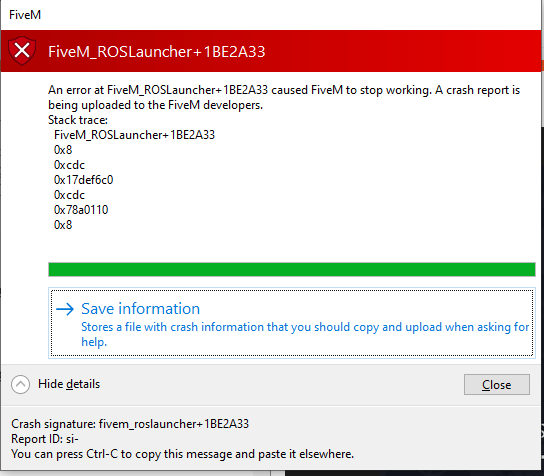
What did you do to get this issue?
just launch fiveM
What server did you get this issue on? Be specific and name some, ‘all of them’ by itself isn’t useful!
N/A
Additional comments
During first launch i get asked about copying/downloading files which seems to work fine that when it tries to load it crashes.
