IF YOU DO NOT FILL THIS OUT, YOUR TOPIC WILL BE UNLISTED AND CLOSED
To receive support, please fill out the following template, and remove this top text.
Environment questions
GTA V version: latest
Up to date: yes
Legit or Pirate copy: Legit
Purchased where - Steam/Rockstar Launcher/Epic: Epic
Windows version: windows 10 last update
Did you try to delete content_index.xml and try again? yes
System specifications: GPU: 2060 CPU: i7 8700k RAM: 16gb
CitizenFX crash zip file (‘Save information’ on a crash):
dbd14302-c4ea-4209-9313-d7d21522e10d.dmp (284.0 KB)
logs/CitizenFX_log files:
CitizenFX_log_2022-04-09T212833.log (17.1 KB)
.dmp files/report IDs:
If you can’t start the game at all
GTA V folder screenshot:
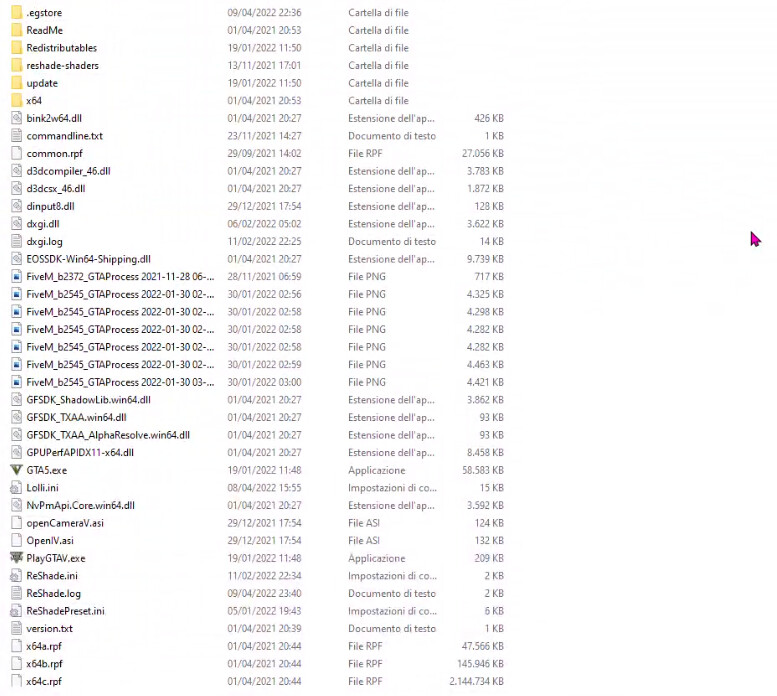
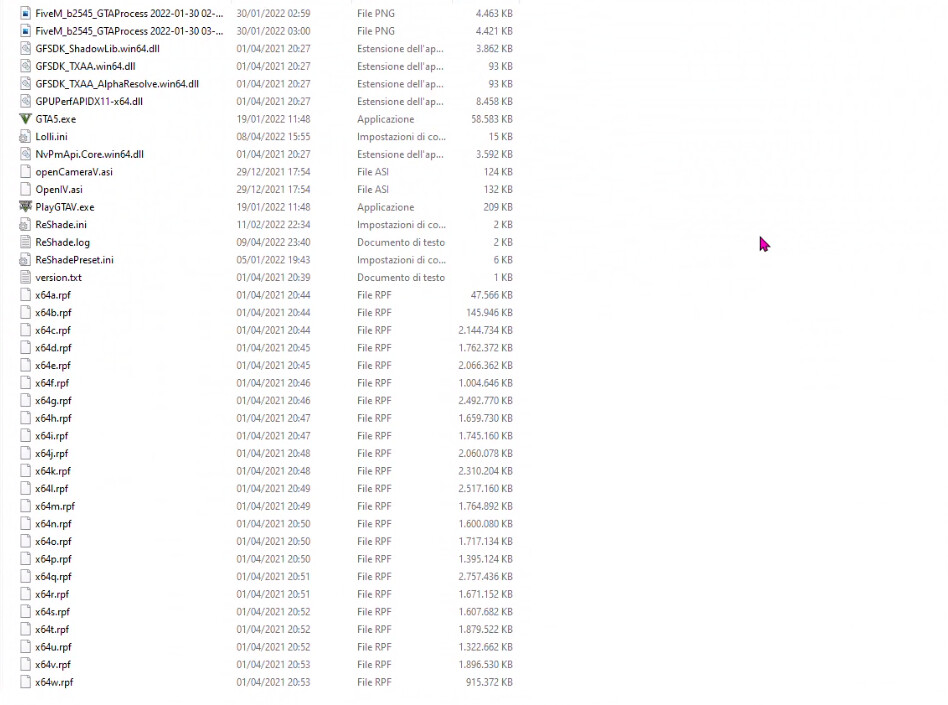
GTA V/update/x64/dlcpacks screenshot:
Filepath to FiveM folder: user/Appdata/Local/FiveM
FiveM client folder screenshot:
Which antivirus/firewall software are you using? Birdefender
Did you try to disable/uninstall your Anti-virus? Yes
Important parts
What is the issue you’re having?
When i try to open fivem it freeze itself on “analyzing game data”, and after a while it close itself without any error. It happened already once but after a pc restart it worked.
What are you trying to do?
Just trying to open FiveM
What have you tried already to fix the issue?
Yes, i tried to delate caches, disable my antivirus, reinstall fivem, update my graphic drivers and verify my game’s file
Error screenshot (if any): //
What did you do to get this issue? I just launch fivem
What server did you get this issue on? Be specific and name some, ‘all of them’ by itself isn’t useful!
Any, at fivem’s launch
