GTA V version? Build 4827007
Up to date? Yes installed it today 4/15/2020
Legit or Pirate copy? Legit
Steam/CD/Social Club? Steam Version
Windows version? Window’s 10
Did you try to delete caches.xml and try again? I deleted the entire game and FiveM and reinstalled both.
Error screenshot (if any) No error message just not starting properly.
System specifications i7 16GB memory NAVIDIA GeForce 1070
What did you do to get this issue? I had an issue with a client side file corruption so I deleted FiveM and reinstalled it, that’s when I started having the issue of it not starting in full screen and trying to install in downloads folder.
What server did you get this issue on? HIGHRP
CitizenFX crash zip file unavailable
CitizenFX.log file unavailable
.dmp files/report IDs unavailable
If an issue with starting:
GTA V folder screenshot
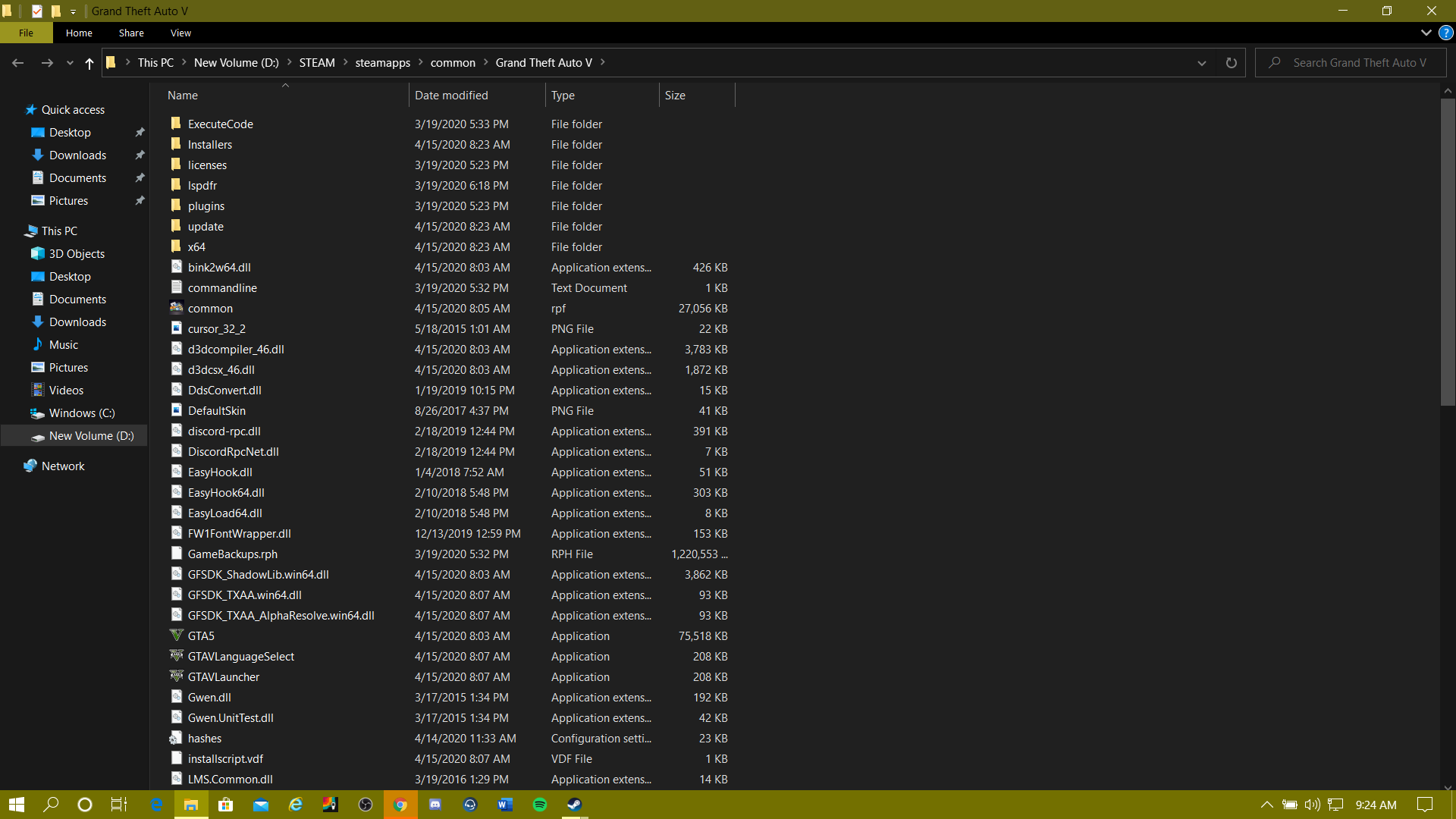
GTA V/update/x64/dlcpacks screenshot No DLCs installed never needed them.
Filepath to FiveM folder FiveM currently not installed.
FiveM client folder screenshot FiveM currently not installed.
Which antivirus/firewall software are you using? Avira Antivirus and Window’s Defender, both have ran fine with FiveM up to this point.
Did you try to disable/uninstall your Anti-virus? No
Also add what you already tried so far. I deleted programs both GTAV and FiveM and reinstalled them, still FiveM is trying to install in the Downloads folder. I have never had this issue before. I created a FiveM folder in the Local folder in appdata and tried to run FiveM that way and it still installs wrong and won’t open to full 1920x1080 resolution, instead it wants to open at 800x800.
