GTA V version?
Up to date? yes
Legit or Pirate copy? Legit
Steam/CD/Social Club? Steam
Windows version? 10
Did you try to delete caches.xml and try again?
**Error screenshot (if any)
System specifications
What did you do to get this issue?
What server did you get this issue on?
CitizenFX.log file
.dmp files/report IDs
If an issue with starting:
GTA V folder screenshot
GTA V/update/x64/dlcpacks screenshot
Filepath to FiveM folder
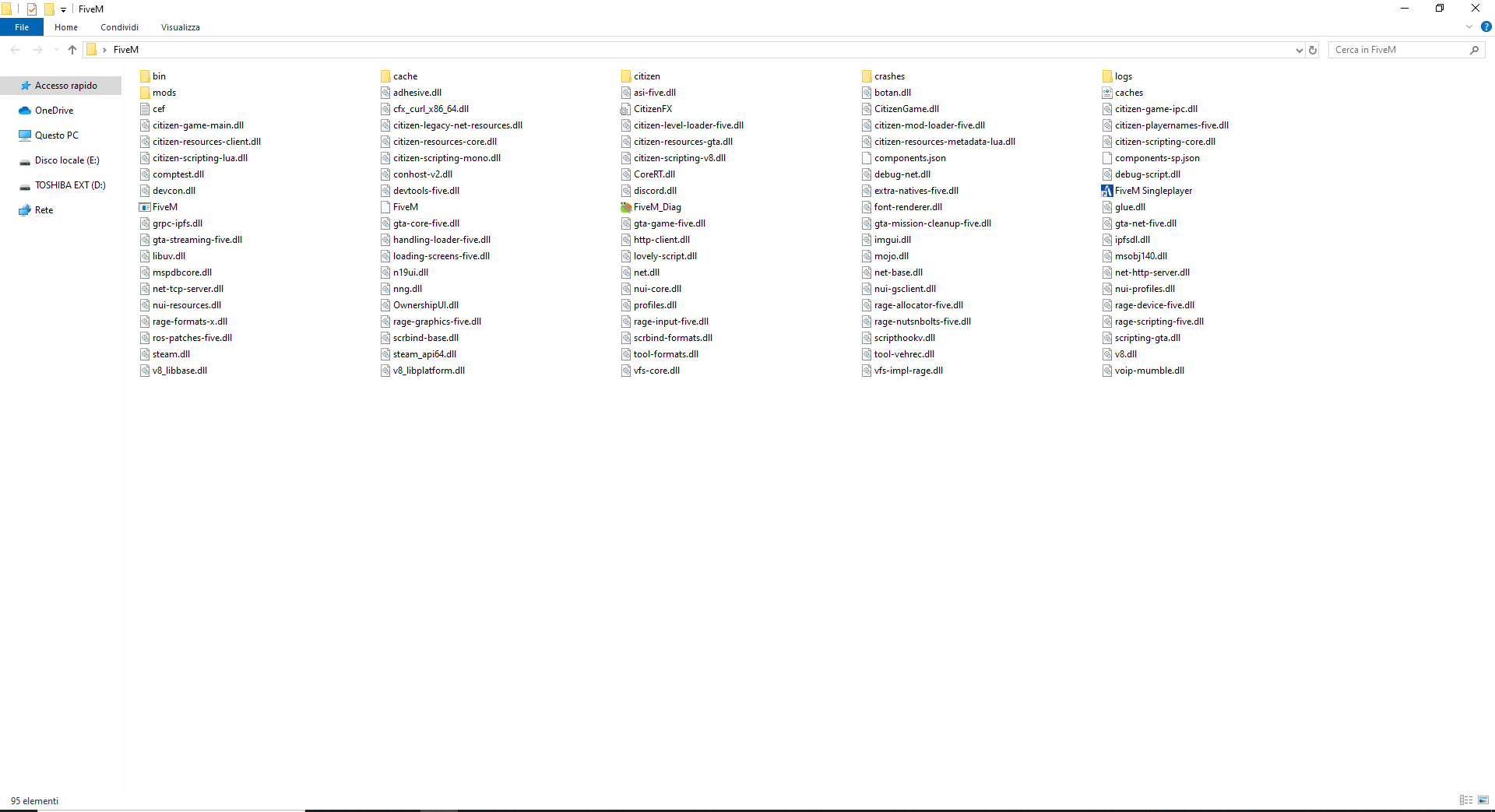
FiveM client folder screenshot
Which antivirus/firewall software are you using?
Did you try to disable/uninstall your Anti-virus?
Also add what you already tried so far.This text will be hidden
I reinstalled FiveM because I had lag problems. When I first installed it in the folder there were: FiveM, FiveM Singleplayer and FiveM Application Data. This time it downloaded all the files in the same folder. It’s right?
The first image is the first download,the second one is the second download
