To receive support, please fill out the following template, and remove this top text.
GTA V version? 1.0.1868.1
Up to date? Yes
Legit or Pirate copy? Legit
Steam/CD/Social Club? Steam
Windows version? 10
Did you try to delete caches.xml and try again? Yes
Error screenshot (if any)
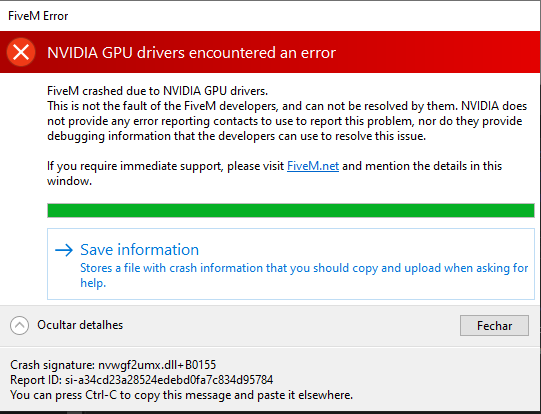
System specifications
-Intel Core i7 870
- 8GB RAM
- Motherboard Gigabyte H55M-S2HP
- NVidia 9800GT
What did you do to get this issue?
IDK, that’s happened suddently, happened suddenly, I was able to play normally a few days ago, but started to show this error
What server did you get this issue on?
No server, when i open FIVEM that happens
CitizenFX crash zip file
CfxCrashDump_2020_06_20_18_17_08.zip (1.2 MB)
CitizenFX.log file
CitizenFX_log_2020-06-20T181401.log (31.4 KB)
.dmp files/report IDs
0a1ff74c-e87c-4be4-a186-154af22ad1dd.dmp (6.5 MB)
Report ID: si-a34cd23a28524edebd0fa7c834d95784
If an issue with starting:
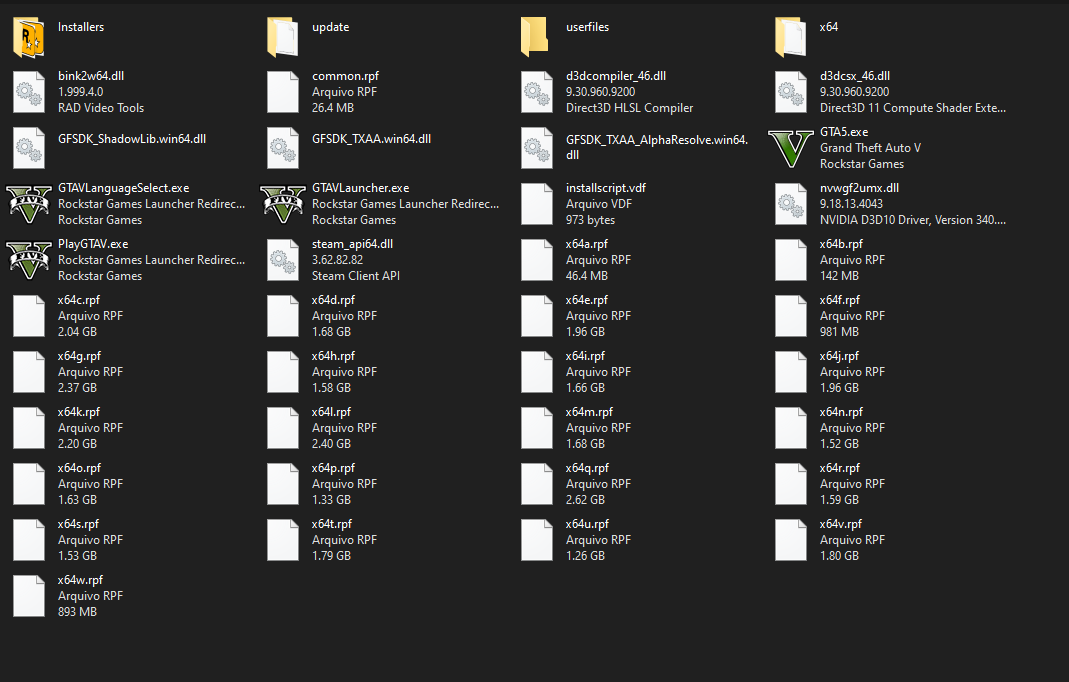
GTA V folder screenshot
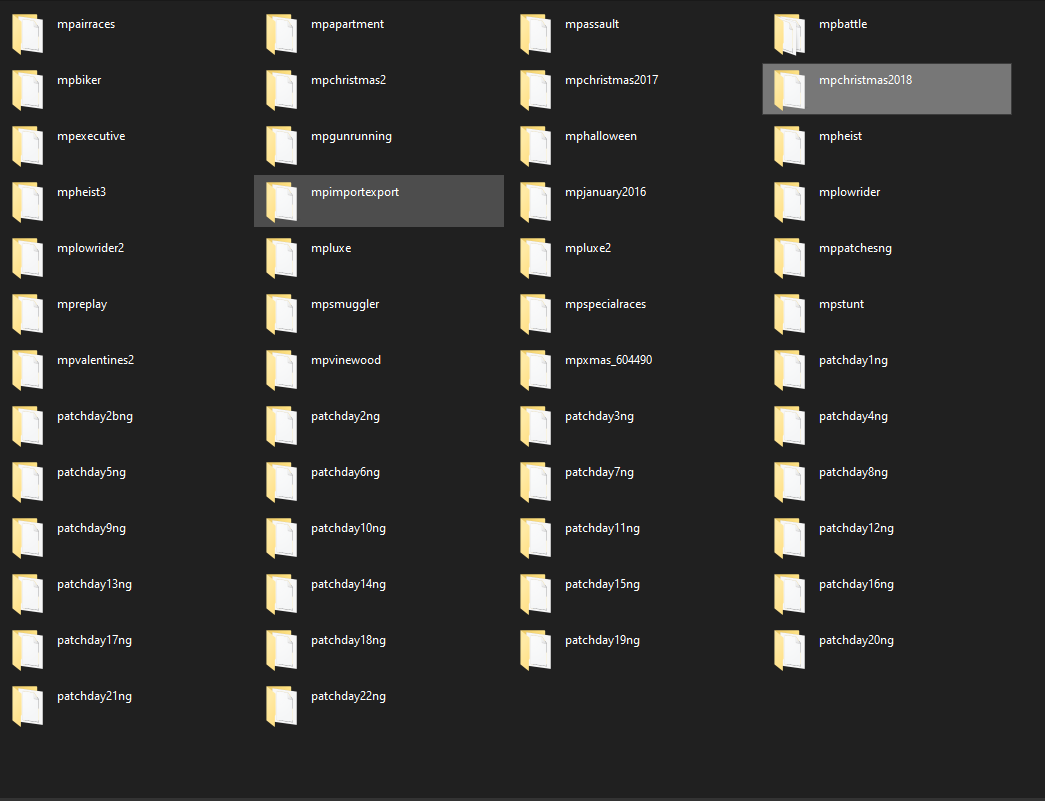
GTA V/update/x64/dlcpacks screenshot
Filepath to FiveM folder
This PC/Desktop/FIVEM/FiveM Application Data
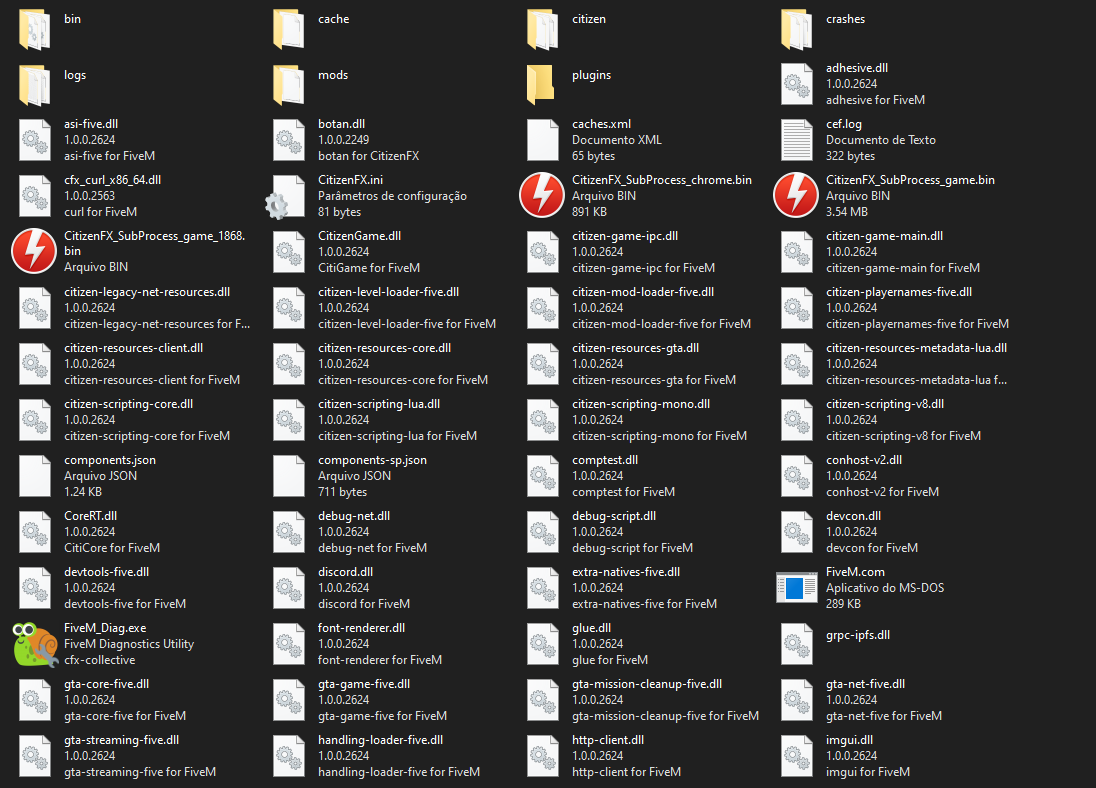
FiveM client folder screenshot
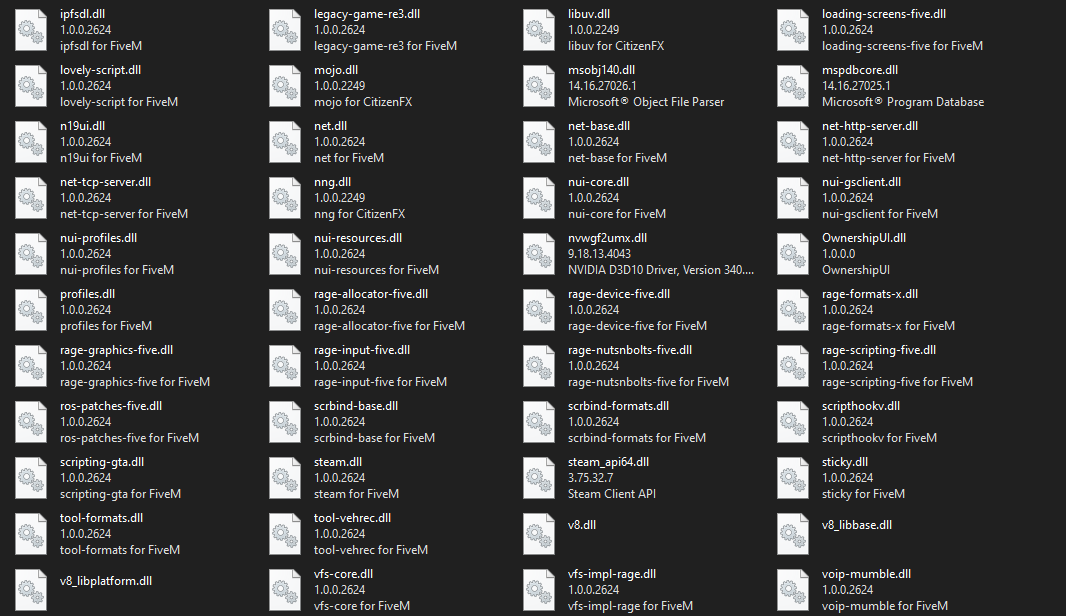
Which antivirus/firewall software are you using?
Windows Defender (Disabled)
Did you try to disable/uninstall your Anti-virus?
Yes, i did
Also add what you already tried so far.
Update Drivers;
Reinstall Drivers;
Reinstall FiveM;
Regedit GTA V files edited;
Installed the DLL which is cited in the crash report
