Hello, this is a friendly reminder because this is your first time creating a topic (or it has been a while since your last topic) in this category.
Please note that most of the support is provided by the Cfx.re community on a voluntary basis. We ask you to be patient; there is no guarantee we have a solution to your problem(s). To avoid unnecessary/duplicate topics, please browse the forums before creating a topic.
To improve your chances of your issue(s) being solved, please provide as much information as possible about the issue(s) you are having. Also —whenever possible— please use the template given to you when creating a topic.
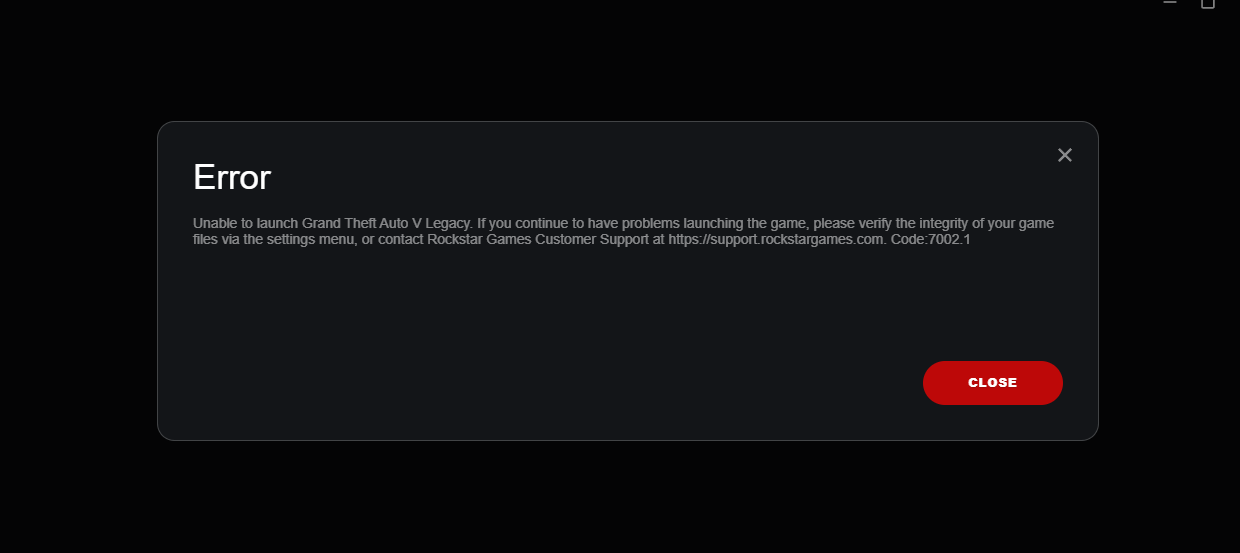
When you get error 7002.1 this typically indicates that FiveM is unable to correctly identify or connect to the GTA V (Legacy) installation. The most typical reasons are
A corrupted FiveM cache
a modified GTA folder that is not functioning properly
a desynced Rockstar Launcher update
BattlEye anti-cheat enabled (which occasionally causes this problem).
Try this:
Close the Rockstar Launcher, GTA V, and FiveM completely.
Make sure GTA V works by launching a single-player game (if single-player does not work then revalidating and or reinstalling GTA 5 will be your best bet)
Delete the FiveM cache, which is typically found at %localAppData%\FiveM\FiveM.app\data.
If GTA V works but the problem persists, try reinstalling FiveM by deleting the FiveM AppData folder you also may want to try removing all mods from your GTA 5 folder.
Make sure BattleEye Anti-Cheat is disabled (it occasionally flags FiveM.)