GTA V version?
Latest
Up to date?
Yes
Legit or Pirate copy?
Legit (Steam)
Steam/CD/Social Club?
Steam
Windows version?
Windows 10 1909 (18363) x64
Did you try to delete caches.xml and try again?
Yes
Error screenshot (if any)
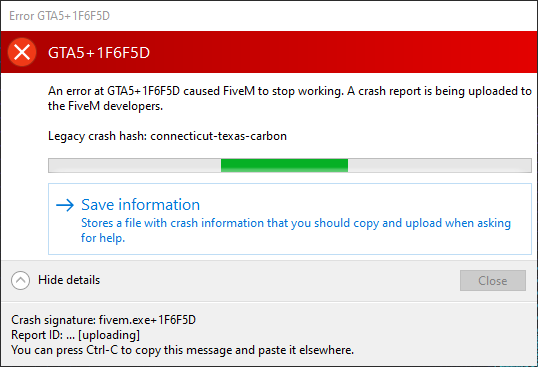
System specifications
- AMD Ryzen 7 3700X
- ASUS ROG STRIX GTX 1070 8GB
- Corsair Vengeance DDR4-3200MHz (2x8GB)
- ASUS ROG STRIX B450-F Gaming
What did you do to get this issue?
Launch FiveM and load the “Servers” tab
What server did you get this issue on?
N/A
CitizenFX crash zip file
https://i.sgtbrdstk.xyz/FTP/CfxCrashDump_2020_05_16_12_43_53.zip
CitizenFX.log file
https://i.sgtbrdstk.xyz/FTP/CitizenFX_log_2020-05-16T123755.log
.dmp files/report IDs
https://i.sgtbrdstk.xyz/FTP/003ee773-d8da-4969-aef5-de481fe915b5.dmp
If an issue with starting:
GTA V folder screenshot
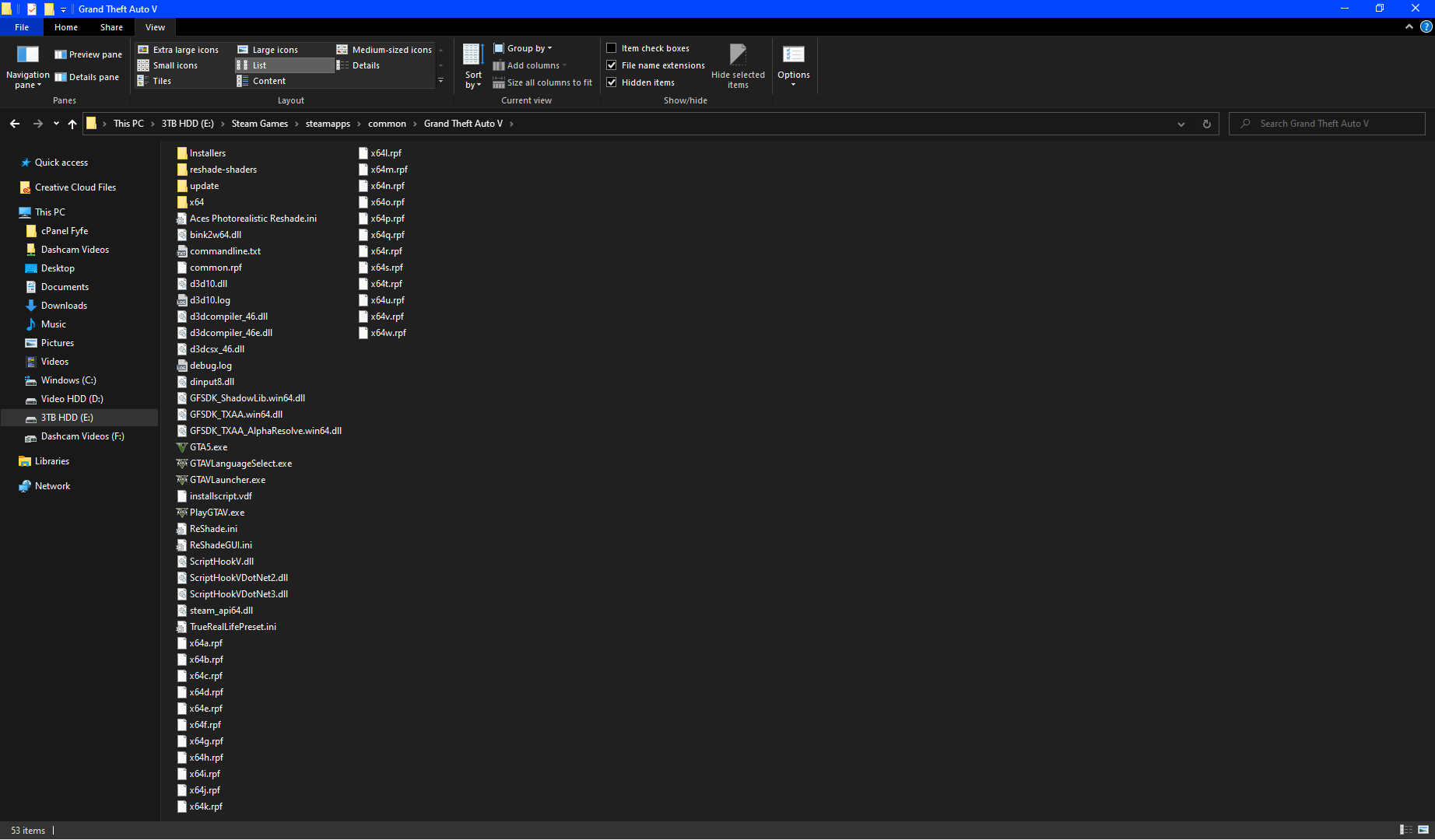
GTA V/update/x64/dlcpacks screenshot

Filepath to FiveM folder
C:\Users\supac\AppData\Local\FiveM
FiveM client folder screenshot
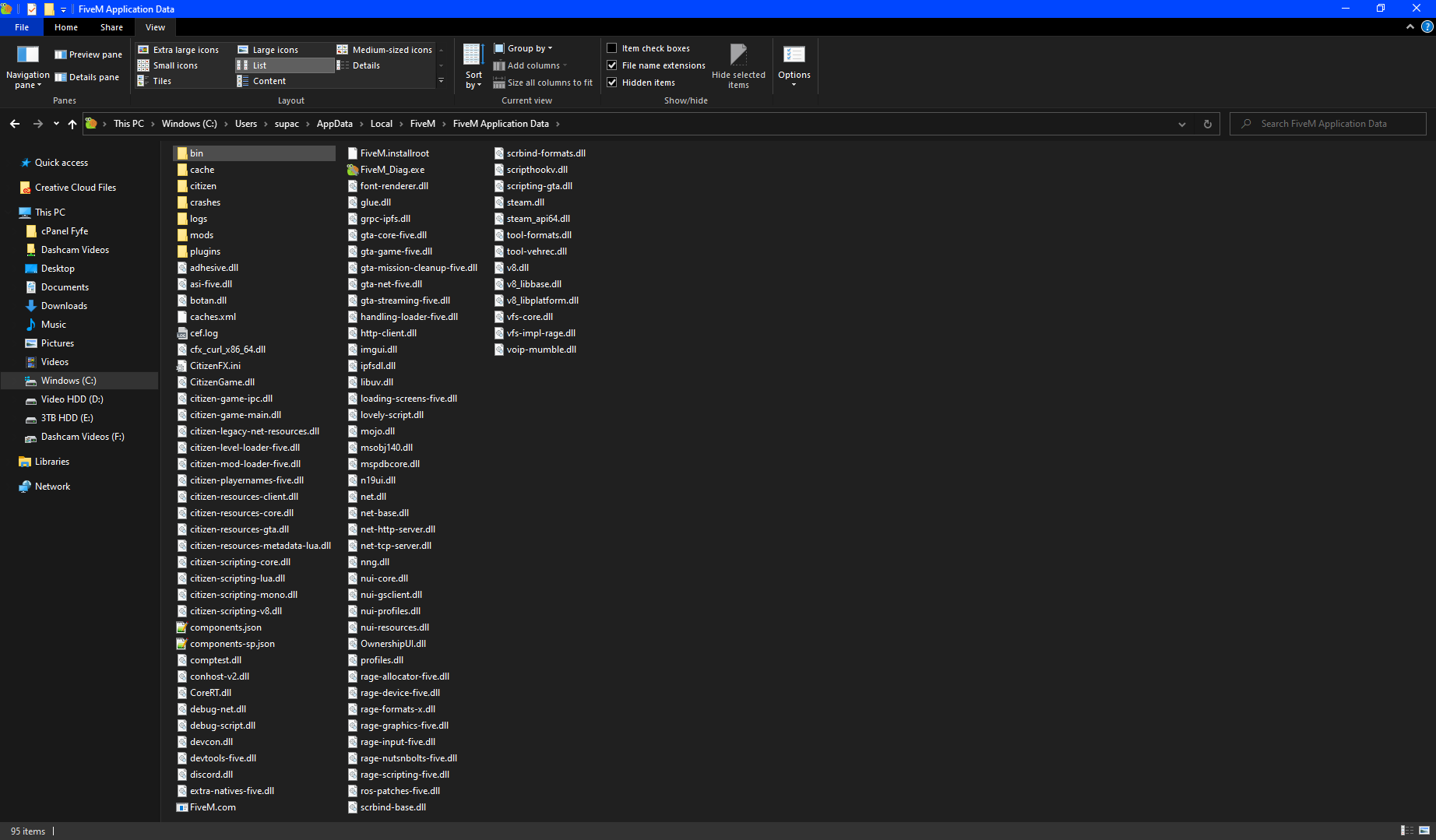
Which antivirus/firewall software are you using?
Windows Defender + Firewall
Did you try to disable/uninstall your Anti-virus?
Yes, no change in behaviour
I have also tried reinstall GTA V via steam, verifying game integrity, reinstalling FiveM (including clean install) and changed GTA V install location. It’s only just recently happening.
