To receive support, please fill out the following template, and remove this top text.
GTA V version? 1.46
Up to date? Yes
Legit or Pirate copy? Legit Copy
Steam/CD/Social Club? Steam
Windows version? Windows 10 Home 1803
Did you try to delete caches.xml and try again? Yes
Error screenshot (if any) No Error Message
System specifications Intel Core i7-7700, 16GB RAM, GTX 1070
What did you do to get this issue? Run FiveM.exe
What server did you get this issue on? N/A
CitizenFX.log file CitizenFX.log (3.8 KB)
.dmp files/report IDs No Dump Files
If an issue with starting:
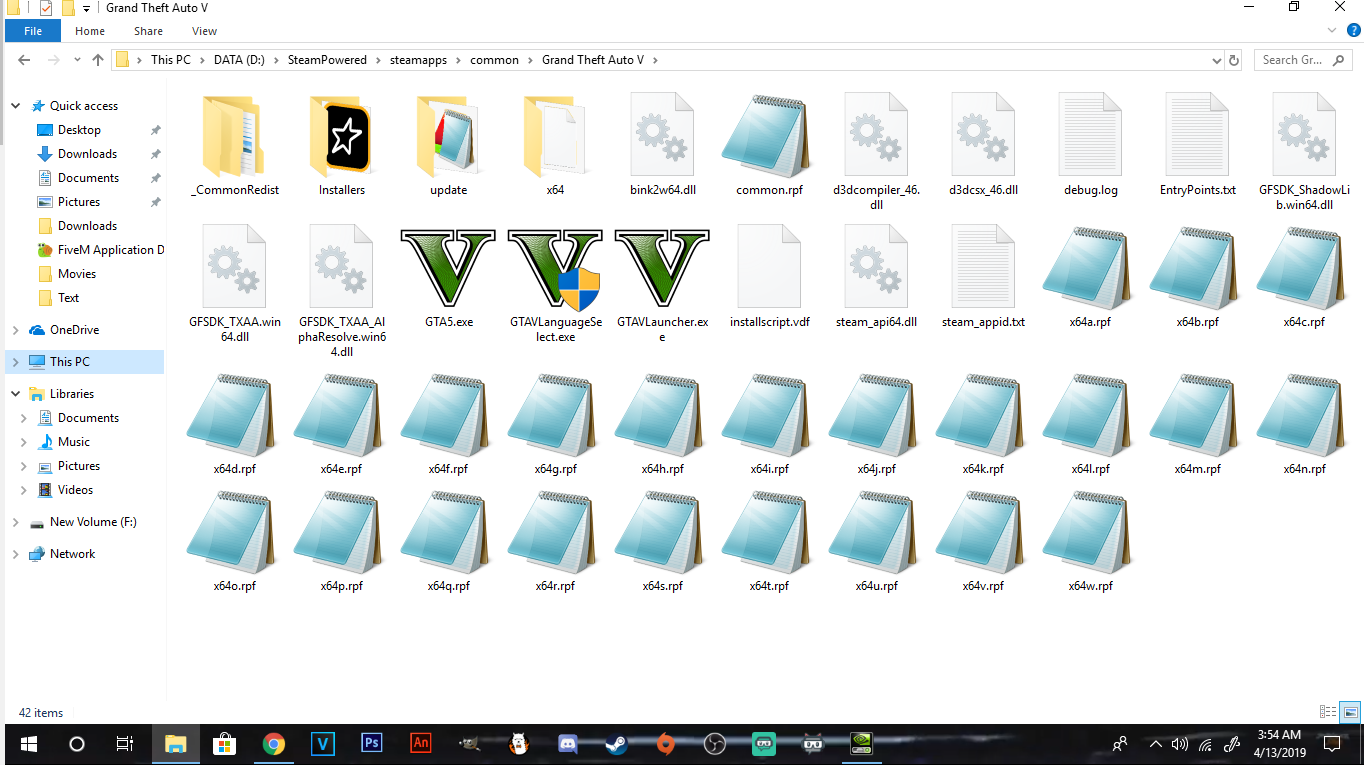
GTA V folder screenshot
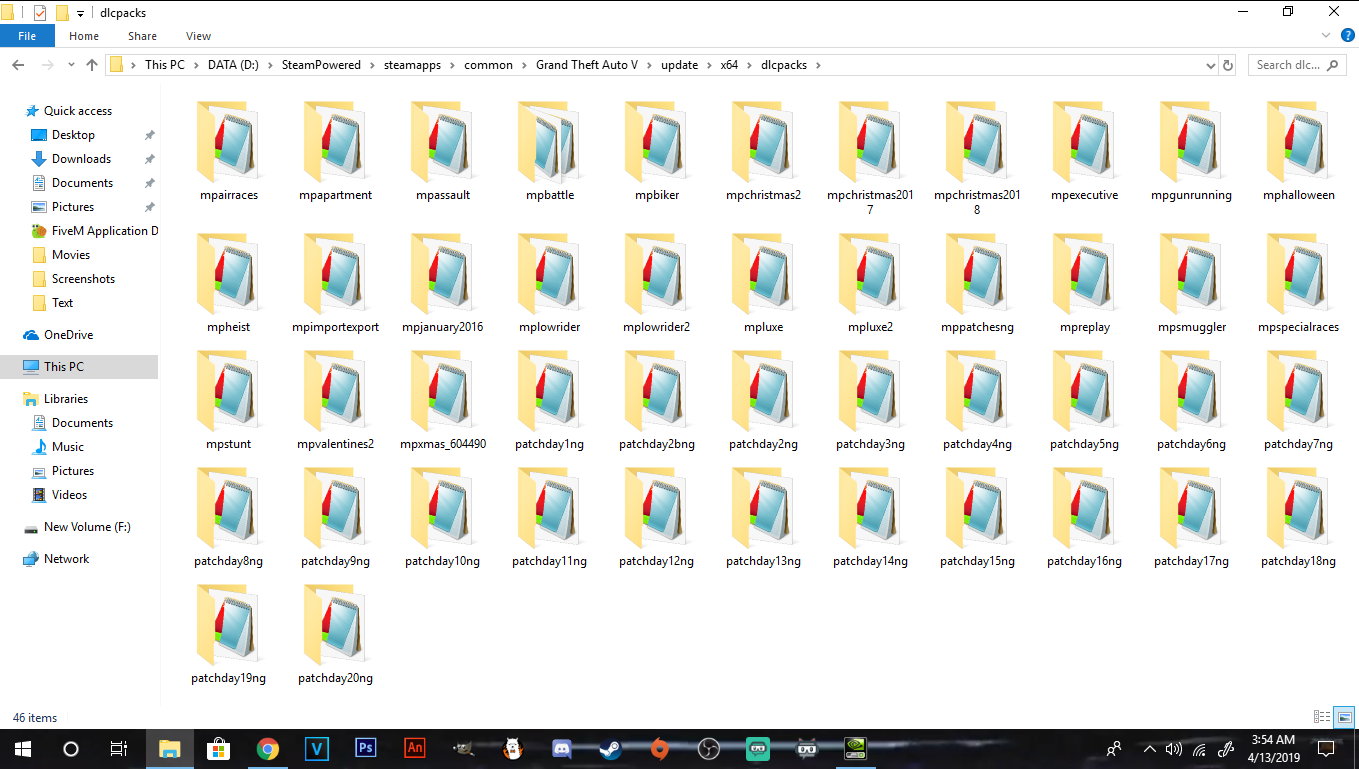
GTA V/update/x64/dlcpacks screenshot
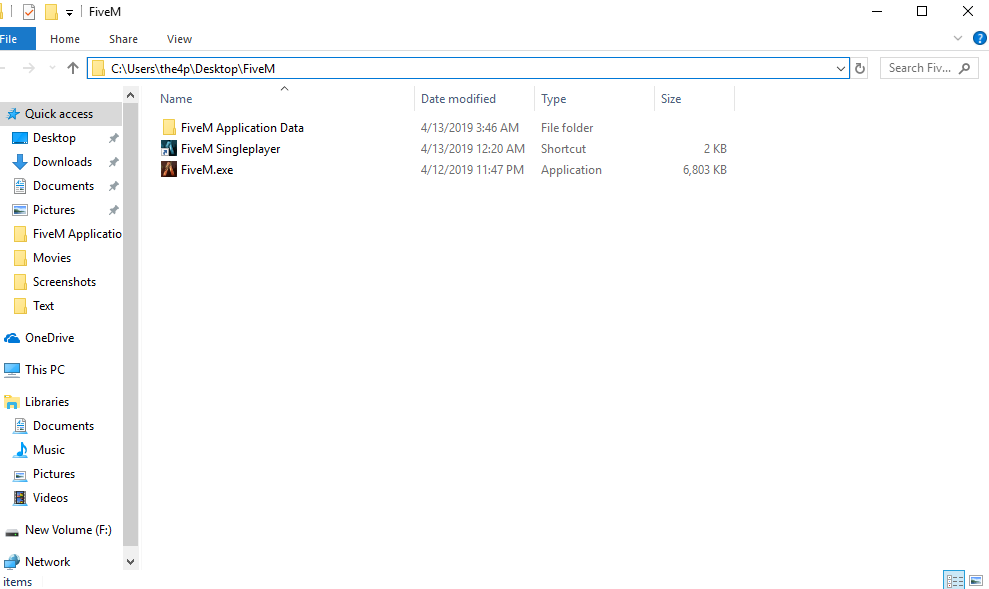
Filepath to FiveM folder
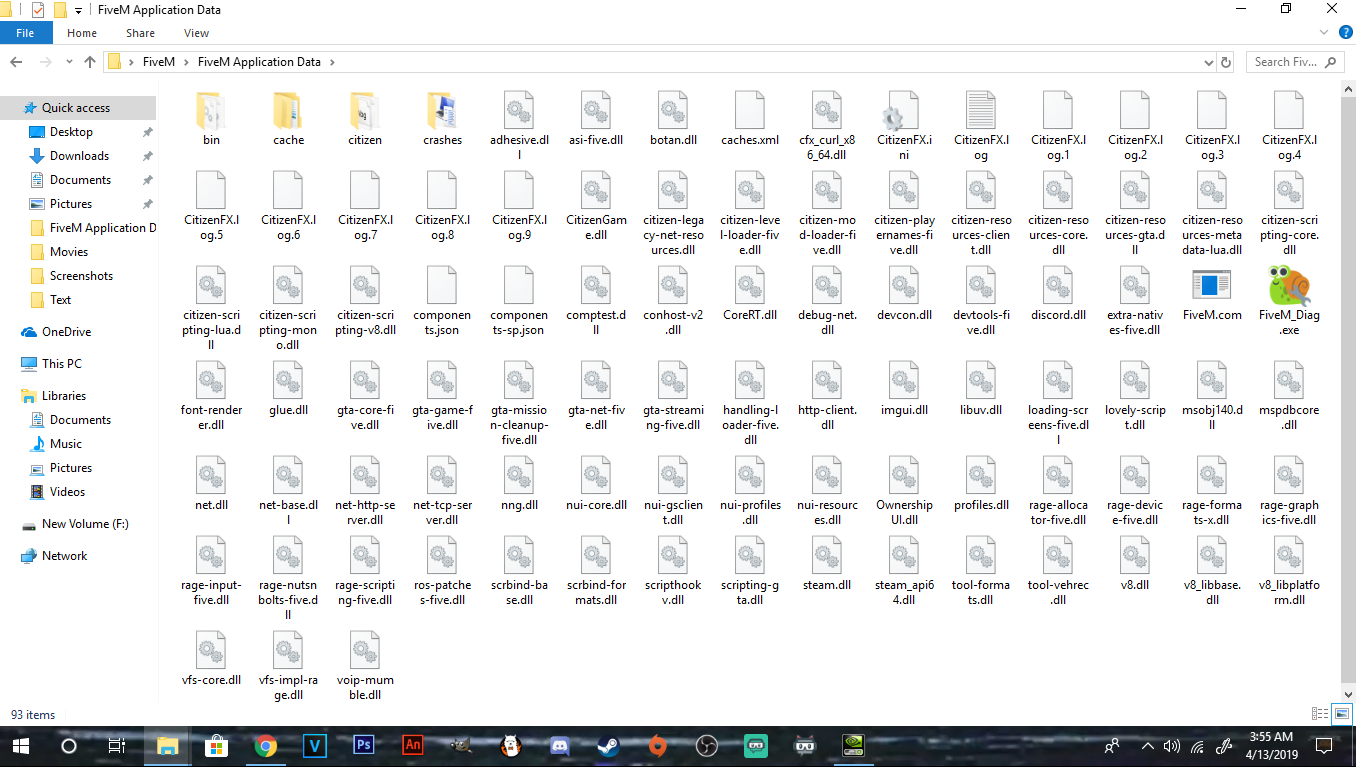
FiveM client folder screenshot
Did you try to disable/uninstall your Anti-virus? Yes
Also add what you already tried so far.
I have tried uninstalling and reinstalling FiveM, verifying the game files, disabling my antivirus and firewall, disabling my integrated graphics processor, updating my GPU drivers, running in compatibility mode, and running through debugging program
