Environment questions
GTA V version: v1.0.2699.0
Up to date: Yes
Legit or Pirate copy: Legit
Purchased where - Steam/Rockstar Launcher/Epic: Steam
Windows version: Windows 11 Pro - 21H2
Did you try to delete content_index.xml and try again? Yes.
System specifications:
Intel Core i7 9700K @ 3.60GHz - CPU
32.0GB Dual-Channel Unknown @ 1329MHz - RAM
Dell Inc. 0Y2K8N (U3E1) - MB
8192MB ATI Radeon RX 570 Series - GPU
CitizenFX crash zip file (‘Save information’ on a crash):
Not Available, game does not start.
logs/CitizenFX_log files:
CitizenFX_log_2022-10-04T145948.log (11.6 KB)
.dmp files/report IDs:
N/A
If you can’t start the game at all
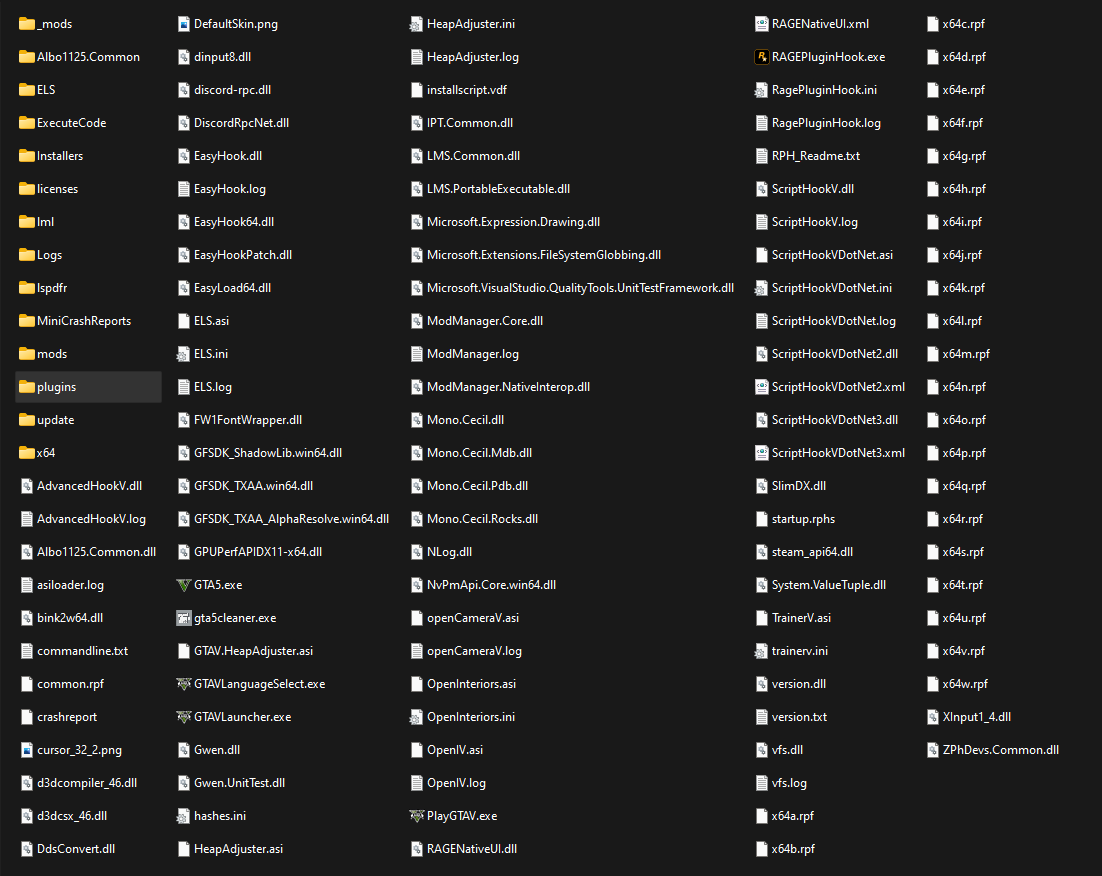
GTA V folder screenshot:
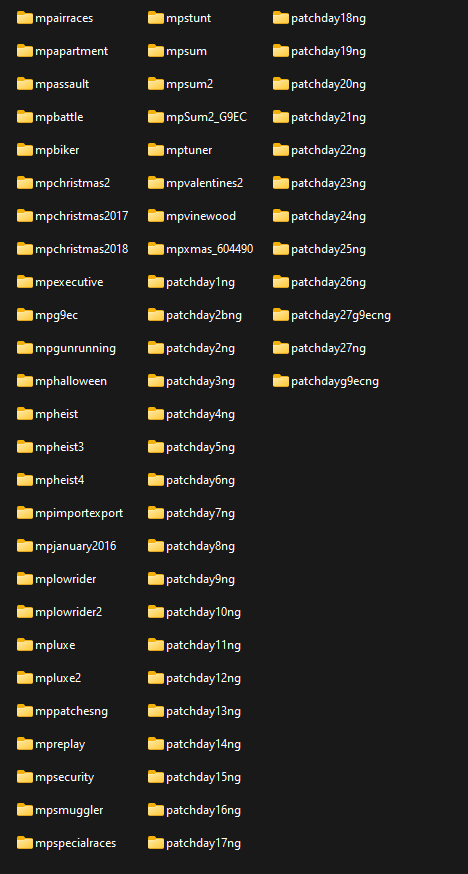
GTA V/update/x64/dlcpacks screenshot:
Filepath to FiveM folder:
C:\Users\localadmin\Documents\fivem
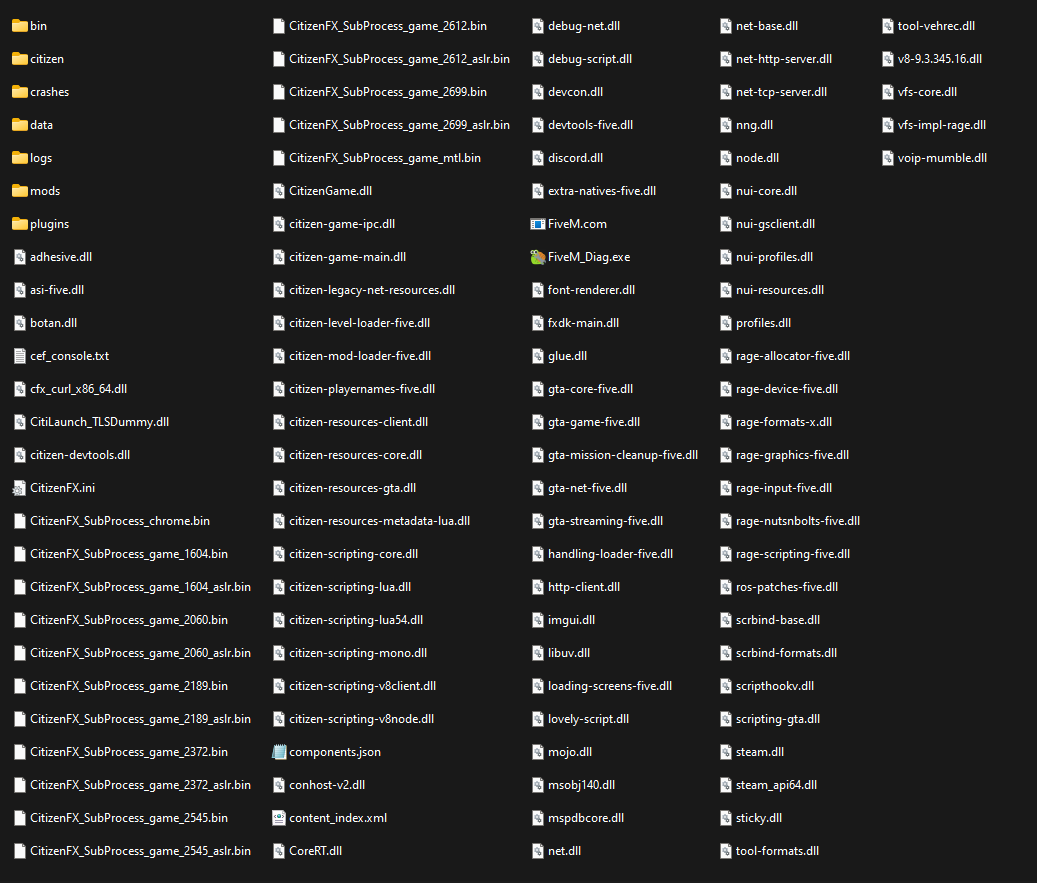
FiveM client folder screenshot:
Which antivirus/firewall software are you using?
Windows Defender, Malwarebytes.
Did you try to disable/uninstall your Anti-virus?
Yes, multiple times for both.
Important parts
What is the issue you’re having?
When launching FiveM, it simply crashes about 15 seconds into loading, with no crash interface and just terminates itself, it does this every time. I originally believed the issue was with the rockstar launcher, however a reinstall of that proved that wasn’t the case, as Singleplayer and RPH work just fine.
What are you trying to do?
Load my FiveM Client to the main screen.
What have you tried already to fix the issue?
Disabling anti-virus;
Reinstalling Rockstar Launcher;
Reinstalling FiveM;
Removing my mods folder temporarily;
Error screenshot (if any):
N/A
What did you do to get this issue?
Nothing, it just happened one day, was working fine a few days ago, now this is happening.
What server did you get this issue on? Be specific and name some, ‘all of them’ by itself isn’t useful!
No specific server, client issue.
